

Jenkins CI/CD Automation Server for DevOps and Software Development
Jenkins is an open-source automation server that enables continuous integration and continuous delivery by automating software build, test, and deployment processes.
- Best for
- Continuous Integration
- Key capability
- Pipeline as Code
Save Jenkins, follow its updates and vote on it — everything stays in your account.
Sign in or create a free account
What is Jenkins?
Jenkins is an open-source automation server widely used for continuous integration and continuous delivery (CI/CD) in software development. It enables developers to automate the building, testing, and deployment of applications, improving software quality and accelerating release cycles. Jenkins supports a vast ecosystem of plugins that integrate with many development, testing, and deployment technologies.
Key features of Jenkins
Jenkins offers automated build and test execution, pipeline as code, extensive plugin support, distributed builds across multiple machines, and real-time monitoring of build status. Its flexibility allows teams to customize workflows to fit diverse project requirements.
Pipeline as Code
Define complex build and deployment workflows using code (Jenkinsfile) for versioning and reuse.
Extensive Plugin Ecosystem
Thousands of plugins enable integration with tools like Git, Docker, Kubernetes, Slack, and more.
Distributed Builds
Run builds across multiple machines to speed up execution and scale workloads.
Real-time Build Monitoring
Track build progress and results through a web-based dashboard with notifications.
Open Source and Extensible
Free to use and customize, supported by a large community of contributors.
Pros and cons of Jenkins
Pros
- Highly customizable with thousands of plugins
- Strong community support and documentation
- Supports complex build pipelines and workflows
- Open source and free to use
- Scalable with distributed build capabilities
Cons
- Steep learning curve for beginners
- UI can feel outdated compared to modern tools
- Requires maintenance and updates by users
Key use cases for Jenkins
Continuous Integration
Automate the building and testing of code every time a team member commits changes to version control.
Continuous Delivery and Deployment
Streamline the release process by automating deployment pipelines to deliver software updates rapidly and reliably.
DevOps Automation
Integrate with various tools and services to automate infrastructure provisioning, testing, and monitoring.
Build Pipeline Visualization
Visualize complex build pipelines and workflows to monitor progress and identify bottlenecks.
Plugin Ecosystem Extension
Extend Jenkins functionality with thousands of community and official plugins for diverse development needs.
How Jenkins works
- 1
Install Jenkins
Set up Jenkins on a server or local machine using available installation packages or Docker images.
- 2
Configure Jobs and Pipelines
Define build jobs or pipelines using the Jenkins UI or Jenkinsfile to specify build, test, and deployment steps.
- 3
Integrate with Version Control
Connect Jenkins to source code repositories like Git to trigger builds automatically on code changes.
- 4
Run Builds and Tests
Jenkins executes the configured jobs, running automated tests and reporting results.
- 5
Deploy Applications
Automate deployment to staging or production environments as part of the pipeline.
Who is using Jenkins
Jenkins pricing
Open Source
$0
Free to use with community support.
CloudBees Jenkins Platform
Custom pricing
Enterprise-grade Jenkins with additional features and professional support.
Plans and prices are as published by the vendor and can change. Check the official site before you buy. Open the pricing page (opens in a new tab)
Frequently asked questions about Jenkins
Yes, Jenkins is an open-source tool available for free. Enterprise support is available through CloudBees.
Jenkins supports any language that can be built and tested via scripts or command line, including Java, Python, JavaScript, and more.
Yes, Jenkins has plugins and native support to integrate with Docker containers and Kubernetes clusters.
Yes, Jenkins allows defining build pipelines as code using Jenkinsfile, enabling version control and automation.
This tool is designed to help users accomplish its core tasks more efficiently. It is typically used by individuals or teams looking to improve productivity and workflow.
It depends on your specific needs and how you plan to use the tool. The official website and documentation are the best sources for the latest details.
Some tools offer a free plan or trial with limited features. Availability can vary, so confirm on the official website.
It depends on your specific needs and how you plan to use the tool. The official website and documentation are the best sources for the latest details.
Conclusion
Build, test and deployment steps in Jenkins are defined either in the web UI or as code in a Jenkinsfile, which allows versioning and reuse. When connected to repositories like Git, it triggers builds automatically on code changes, runs the automated tests and reports results, and can deploy to staging or production environments as part of the pipeline. Jenkins itself is installed on a server or local machine from installation packages or Docker images, and a web-based dashboard with notifications tracks build progress and results. Builds can also run across multiple machines to speed up execution and scale workloads.
Plugins extend its reach: thousands of them enable integration with tools like Docker, Kubernetes and Slack. Any language that can be built and tested via scripts or the command line is supported, including Java, Python and JavaScript. Its users include software development teams, DevOps engineers and QA automation engineers.
The server itself is free with community support, and CloudBees offers an enterprise-grade platform with professional support at custom pricing. Users are responsible for maintenance and updates, and the UI can feel outdated compared to modern tools.
Sources
Sign in to review this tool.
Sign In to ReviewNo reviews yet
Be the first to share how this tool worked for you.
Ask about pricing, limits, or how it compares — or answer someone else.
Sign In to AskNo questions yet
Have a question about using or paying for this tool? Be the first to ask.
Featured on TiorAI



Alternative Tools
Explore similar AI tools that might fit your needs

CircleCI
CircleCI is a cloud-based continuous integration and deployment platform that automates software build, test, and deployment workflows to accelerate development and improve code quality.

Travis CI
Travis CI is a cloud-based continuous integration platform that automates software build, test, and deployment workflows by integrating with GitHub and Bitbucket repositories.
More AI Developer Tools tools
Other tools in the same category, for when this one is not quite the fit.

Appwrite
Appwrite is an open-source backend-as-a-service platform that provides developers with APIs and SDKs to manage authentication, databases, storage, and serverless functions, enabling faster app development without managing backend infrastructure.

Mockoon
Mockoon is a desktop and web-based API mocking tool that allows developers and testers to create and run mock REST APIs locally, enabling frontend development and testing without relying on real backend services.

Docusaurus
Docusaurus is an open source static site generator built with React that helps developers create, version, and maintain documentation websites easily.

Vespa
Vespa is an open-source platform designed for real-time search, recommendation, and data processing, enabling developers to build scalable, low-latency applications integrating machine-learned models.

Stoplight
Stoplight is an API design and development platform that provides visual editing, interactive documentation, mocking, and governance tools to help teams build and manage APIs efficiently.

Insomnia
Insomnia is a desktop API client that helps developers design, debug, and test REST, GraphQL, and gRPC APIs with features like environment management and team collaboration.
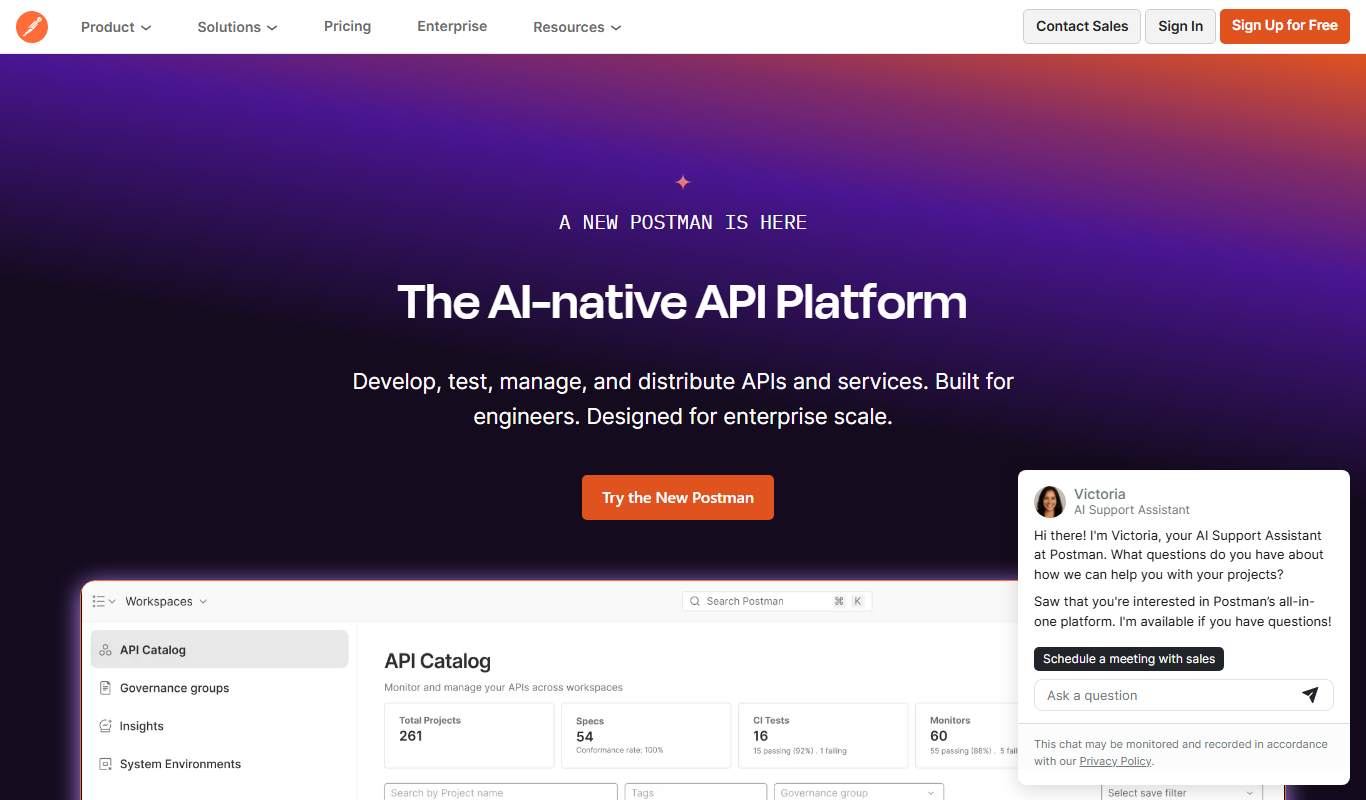
Postman
Postman is a comprehensive API platform that helps developers design, test, automate, document, and monitor APIs efficiently with collaboration tools.

Strapi
Strapi is an open-source headless CMS that allows developers to create customizable APIs and manage content through an intuitive admin panel, supporting REST and GraphQL APIs for multi-platform content delivery.