

Axiom AI Automation Platform for No-Code Web Data Extraction and Workflows
Axiom is a no-code automation platform that allows users to build custom web scraping bots and automate workflows without programming, supporting scheduling, API integration, and data export.
- Best for
- Web Data Extraction
- Key capability
- No-Code Visual Automation Builder
Save Axiom, follow its updates and vote on it — everything stays in your account.
Sign in or create a free account
What is Axiom?
Axiom is a no-code automation platform designed to help users build custom web data extraction bots and automated workflows without programming. It enables businesses and individuals to scrape data from websites, automate repetitive web tasks, and integrate data into their workflows seamlessly. Users can visually design automation sequences that mimic human interactions on the web, such as clicking, typing, and navigating pages.
Key features of Axiom
Axiom offers a visual editor for building web automation bots, supports scheduling and triggers for workflows, provides API access for integration, and includes data export options to CSV, Google Sheets, or databases. It also features error handling, conditional logic, and multi-step automation capabilities.
No-Code Visual Automation Builder
Design complex web automation workflows without writing code using an intuitive drag-and-drop interface.
Web Data Extraction
Scrape data from any website by simulating user interactions like clicks, form fills, and navigation.
Scheduling and Triggers
Automate workflows on a schedule or trigger them based on events to keep data fresh.
API Access
Integrate Axiom automations with other applications and services programmatically.
Data Export Options
Export scraped data to CSV files, Google Sheets, or connect to databases for further processing.
Pros and cons of Axiom
Pros
- User-friendly no-code interface for building automations
- Supports complex multi-step workflows with conditional logic
- Flexible data export and integration options
- Scheduling and trigger capabilities for automation
- Handles authenticated sessions and dynamic websites
Cons
- Pricing may be high for small users with heavy usage
- Limited language support (English only)
- No dedicated mobile app; web platform only
Key use cases for Axiom
Web Data Extraction
Extract structured data from websites without coding by building custom web scrapers.
Automated Workflows
Create automated workflows that interact with web apps to perform repetitive tasks.
Lead Generation
Gather leads and contact information from online directories and social media platforms.
Market Research
Collect competitive pricing, product details, and market trends from multiple sources.
Data Integration
Connect extracted data to spreadsheets, databases, or other tools via API or integrations.
How Axiom works
- 1
Sign Up
Create an account on Axiom’s platform to access the automation builder.
- 2
Build Automation
Use the visual editor to design web scraping bots or workflow automations by recording or configuring steps.
- 3
Test and Schedule
Run tests to validate your automation and set schedules or triggers for recurring execution.
- 4
Export and Integrate
Export extracted data or connect via API to integrate with other tools and systems.
Who is using Axiom
Axiom pricing
Free trial
Free, 2 hours of runtime
All new accounts get 2 free hours of runtime, no credit card required.
Starter
$15/month
5 hours monthly runtime, 1 bot at a time in the cloud with a 1 hour single-run limit, unlimited desktop concurrency, 2FA/TOTP support, no-code and code tools, email and community support.
Pro
$50/month
30 hours monthly runtime, 1 cloud bot at a time with a 2 hour single-run limit, daily cloud schedules, Zapier and Make integrations, webhooks and API, run recording.
Pro Max
$150/month
100 hours monthly runtime, 2 bots concurrently in the cloud with a 3 hour single-run limit, hourly cloud schedules, dedicated Slack channel and email support.
Ultimate
$250/month
250 hours monthly runtime and up to 20 bots running concurrently, manually, via API or on a schedule.
Plans and prices are as published by the vendor and can change. Check the official site before you buy. Open the pricing page (opens in a new tab)
Frequently asked questions about Axiom
No, Axiom is designed as a no-code platform allowing users to build automations visually.
Yes, Axiom supports automations that include logging into websites to access protected data.
Yes, Axiom provides API access for triggering automations and retrieving data.
You can export data to CSV, Google Sheets, or connect to databases and other tools via API.
This tool is designed to help users accomplish its core tasks more efficiently. It is typically used by individuals or teams looking to improve productivity and workflow.
It depends on your specific needs and how you plan to use the tool. The official website and documentation are the best sources for the latest details.
Yes, it can help with that use case depending on how you configure it and what features are available. You’ll get the best results with clear inputs and a defined goal.
Data handling and security practices vary by provider. Review the official privacy policy to understand how your data is stored and used.
Conclusion
Three ways in are offered: a no-code Chrome extension where steps are placed by hand or assembled by AI from a description, code through the Chrome, Step and Orchestrate APIs, and Claude via a skill and an MCP server. Bots then run in Axiom’s cloud with scheduling, concurrency and proxies, or on the user’s own machine through a desktop app with no concurrency limits. Jobs range from scrapers to complex multi-step workflows, with integrations for Zapier, Make, n8n, Google Sheets and ChatGPT.
All new accounts get 2 free hours of runtime with no credit card required. Paid plans are sold by monthly runtime hours, and cloud concurrency and the single-run time limit grow with each tier. Webhooks, API access and Zapier and Make integrations start with the Pro plan rather than Starter.
Sources
Sign in to review this tool.
Sign In to ReviewNo reviews yet
Be the first to share how this tool worked for you.
Ask about pricing, limits, or how it compares — or answer someone else.
Sign In to AskNo questions yet
Have a question about using or paying for this tool? Be the first to ask.
Featured on TiorAI



Alternative Tools
Explore similar AI tools that might fit your needs

UiPath
UiPath is a robotic process automation platform that enables businesses to automate repetitive tasks and complex workflows using a visual drag-and-drop interface and AI integration.
More AI API tools
Other tools in the same category, for when this one is not quite the fit.

CommandAI
CommandAI is an AI-powered command line tool installed from npm that turns plain-language requests into terminal scripts, shows the plan before running them, and can also query databases and chat with an AI.

Vanna AI
Vanna is an open source SQL agent that answers natural language questions about your data with AI-powered SQL generation, self-hosted or in the cloud.

hiroscope.ai
Hiroscope.ai is an AI-powered platform that analyzes video interviews to provide behavioral and sentiment insights, helping recruiters make data-driven hiring decisions.

RFxAI
RFxAI is a GCC procurement intelligence platform with free tender search, AI-powered RFP writing and bid scoring for Qatar, Saudi Arabia, UAE and the wider GCC.
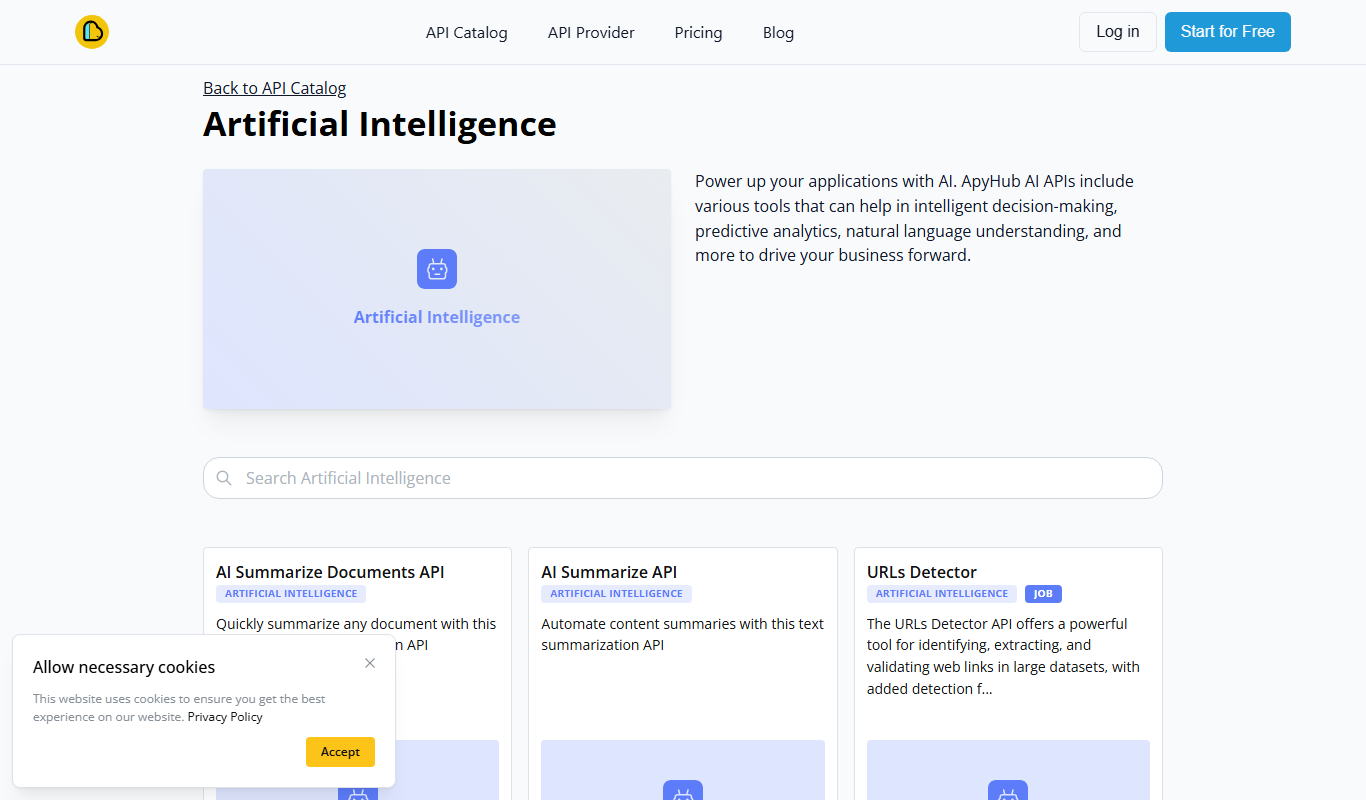
ApyHub AI APIs
ApyHub offers certified, production-ready APIs for developers and agents in one catalog, with one subscription, one bill and MCP access, plus a free tier.

AISOAP – AI SOAP Notes
AISOAP is an AI medical scribe that records and transcribes patient consultations and generates customized SOAP notes for clinicians.

Rosebud – AI Journal for Personal Growth
Rosebud is an AI-driven journaling app that provides personalized prompts and insights to help users practice mindfulness, track emotional progress, and foster personal growth.

Background Removal
Background Removal by API4.AI is an AI-driven API service that automatically removes backgrounds from images, enabling easy integration into apps and websites for clean, transparent image outputs.