

UiPath Robotic Process Automation Platform for Business Workflow Automation
UiPath is a robotic process automation platform that enables businesses to automate repetitive tasks and complex workflows using a visual drag-and-drop interface and AI integration.
- Best for
- Automating Repetitive Tasks
- Key capability
- Visual Workflow Designer
Save UiPath, follow its updates and vote on it — everything stays in your account.
Sign in or create a free account
What is UiPath?
UiPath is a leading robotic process automation (RPA) platform that helps organizations automate repetitive digital tasks and complex workflows. It combines a visual workflow designer with AI capabilities to enable both technical and non-technical users to create software robots that mimic human actions across various applications and systems.
Key features of UiPath
UiPath’s main features include a drag-and-drop workflow builder, extensive pre-built automation activities, AI integration for intelligent automation, centralized robot management, and analytics dashboards for monitoring automation performance.
Visual Workflow Designer
Intuitive drag-and-drop interface for building automation workflows without coding.
Robotic Process Automation Bots
Software robots that perform repetitive tasks across multiple applications reliably and at scale.
AI and ML Integration
Supports integration with AI models for document understanding, natural language processing, and decision automation.
Orchestrator for Centralized Control
Manage, schedule, and monitor all automation robots from a single web-based dashboard.
Extensive Activity Library
Pre-built activities and connectors for common applications like Excel, SAP, Salesforce, and more.
Pros and cons of UiPath
Pros
- User-friendly visual workflow designer
- Strong AI and machine learning integration
- Scalable for enterprise deployments
- Extensive pre-built activity library
- Robust centralized management and monitoring
Cons
- Enterprise pricing can be expensive for small businesses
- Steep learning curve for advanced automation scenarios
- Requires infrastructure setup for on-premises deployments
Key use cases for UiPath
Automating Repetitive Tasks
UiPath enables businesses to automate routine and repetitive tasks such as data entry, invoice processing, and report generation, freeing up human workers for higher-value activities.
Business Process Automation
Organizations can design, deploy, and manage end-to-end automated workflows that integrate multiple systems and applications to streamline complex business processes.
No-Code/Low-Code Automation Development
UiPath provides a visual drag-and-drop interface allowing users with minimal coding experience to build automation workflows quickly and efficiently.
AI and Machine Learning Integration
The platform supports integration with AI models for intelligent document processing, natural language understanding, and decision-making within automated workflows.
Enterprise-Grade Automation Management
UiPath offers centralized control, monitoring, and analytics for managing large-scale automation deployments across an enterprise.
How UiPath works
- 1
Design Automation Workflow
Users create automation sequences using UiPath Studio’s visual drag-and-drop interface without needing extensive programming skills.
- 2
Deploy Robots
Once workflows are designed, they are deployed to UiPath Robots which execute the tasks on user machines or virtual environments.
- 3
Manage and Monitor
UiPath Orchestrator provides centralized management to schedule, monitor, and control robot activities across the organization.
- 4
Analyze Performance
Built-in analytics tools help track automation efficiency, identify bottlenecks, and optimize workflows continuously.
Who is using UiPath
UiPath pricing
Community
Free forever
Build, explore and automate free: build and orchestrate workflows with UiPath Maestro, build code-first or low-code with UiPath Studio or UiPath SDKs, and get help from the UiPath Community Forum.
Basic
Starting at $25 per month
Essential team automations with business-grade support: basic personal automations, limited scale (users and robots), hosting in the European region, 99.9% service uptime and UiPath Bronze Support.
Standard
Contact sales for pricing
Everything in Basic plus enterprise automations including agents, document classification and extraction at scale, orchestration of agents, robots and people, enhanced governance, your own identity provider, no limits to scale and cloud or on-premise hosting; 60-day free trial.
Enterprise
Contact sales for pricing
Everything in Standard plus self-healing UI automation, live process monitoring and simulation, robot infrastructure optimization, your own AI model, encryption keys, credential vaults and CI/CD pipeline, and multi-region or on-premise hosting.
Plans and prices are as published by the vendor and can change. Check the official site before you buy. Open the pricing page (opens in a new tab)
Frequently asked questions about UiPath
UiPath is used to automate repetitive digital tasks and complex workflows across various business applications.
No, UiPath offers a visual drag-and-drop interface that allows users with minimal coding experience to build automation workflows.
Yes, the Community plan is free forever.
Yes, UiPath supports integration with AI and machine learning models for intelligent automation.
Some tools offer a free plan or trial with limited features. Availability can vary, so confirm on the official website.
It depends on your specific needs and how you plan to use the tool. The official website and documentation are the best sources for the latest details.
Integration support depends on the tool and its available connectors or API. Check the official documentation or integrations page to confirm what is supported.
Conclusion
Automations are designed in UiPath Studio, low-code or code-first, and then deployed to software robots that run tasks on user machines or in virtual environments. Orchestrator schedules, monitors and controls those robots from a central web-based dashboard. The platform now combines AI agents with robots and API workflows, and its document processing classifies and extracts data from documents and communications.
Business analysts, process managers and automation developers build on it, while large enterprises rely on it for automation at scale. A Community plan stays free forever, and the paid Basic plan covers essential team automations with limited numbers of users and robots. Standard and Enterprise are priced through sales and lift those scale limits, and Standard can be tried with a 60-day free trial.
Sources
Sign in to review this tool.
Sign In to ReviewNo reviews yet
Be the first to share how this tool worked for you.
Ask about pricing, limits, or how it compares — or answer someone else.
Sign In to AskNo questions yet
Have a question about using or paying for this tool? Be the first to ask.
Featured on TiorAI



Alternative Tools
Explore similar AI tools that might fit your needs
Automation Anywhere
Automation Anywhere is a comprehensive RPA platform that uses AI and machine learning to automate business processes, enabling organizations to improve efficiency and reduce operational costs.

Blue Prism
Blue Prism is an enterprise-grade Robotic Process Automation platform that enables organizations to automate repetitive tasks using software robots, improving efficiency and compliance.
More AI Workflow tools
Other tools in the same category, for when this one is not quite the fit.

ProProctor
ProProctor is the remote proctoring platform from Prometric for secure exams taken from anywhere, with automated AI or live proctoring options.
金数据标准版
Jinshuju is an AI data platform for collecting and managing work data through forms, tables, surveys, payments, bookings and exams, with team collaboration and AI Agent features.
FutureVault
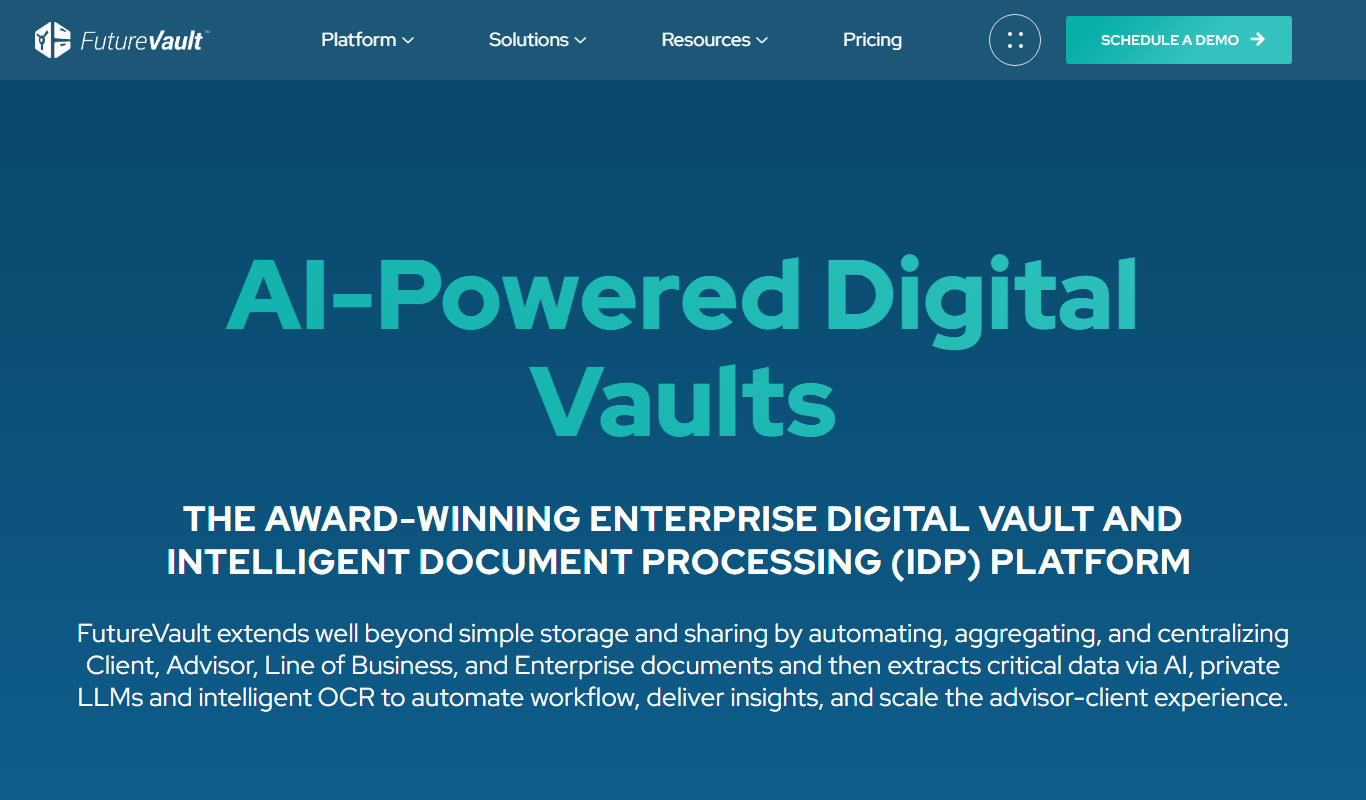
FutureVault provides AI-Powered Digital Vaults and Intelligent Document Processing for BFSI Enterprises, their advisors and their clients.

Graviti
Graviti is a data management platform designed to help AI teams manage, annotate, and version datasets efficiently, supporting collaboration and integration with AI workflows.

StrongArm Technologies PPE AI
StrongArm Technologies offers the SafeWork Sensor, a wearable device that provides real-time haptic feedback and collects movement data, and SafeWork Training, a personalized safety training program.
PresentPal
Present Pal is a presentation support app that helps students overcome anxiety, stay organised and speak with confidence, available through the DSA.

Matcha
Matcha is an AI-native job search platform: seekers get jobs matched to their fit, and employers hire pre-ranked talent.

Notedex
NoteDex is a cross-platform note taking system for creating and organizing index cards with text, handwriting and images, with a visual Canvas for ideas.