

From my experience with FutureVault, I found it excels at providing a highly secure and organized digital vault for managing sensitive documents. The platform’s encryption and collaboration features make it particularly well-suited for individuals and financial professionals who need to share and protect important records. However, the lack of publicly available pricing and limited language support may be a consideration for some users. Overall, if you require a centralized, secure solution for document and financial management, FutureVault delivers reliable and user-friendly functionality.
Secure Digital Vault for Document Management and Financial Organization
FutureVault is a secure digital vault platform designed to help individuals and professionals organize, store, and share important documents with encryption and collaboration tools.
- Best for
- Personal Document Organization
- Key capability
- Secure Document Storage
Your actions
Save FutureVault, follow its updates and vote on it — everything stays in your account.
Sign in or create a free account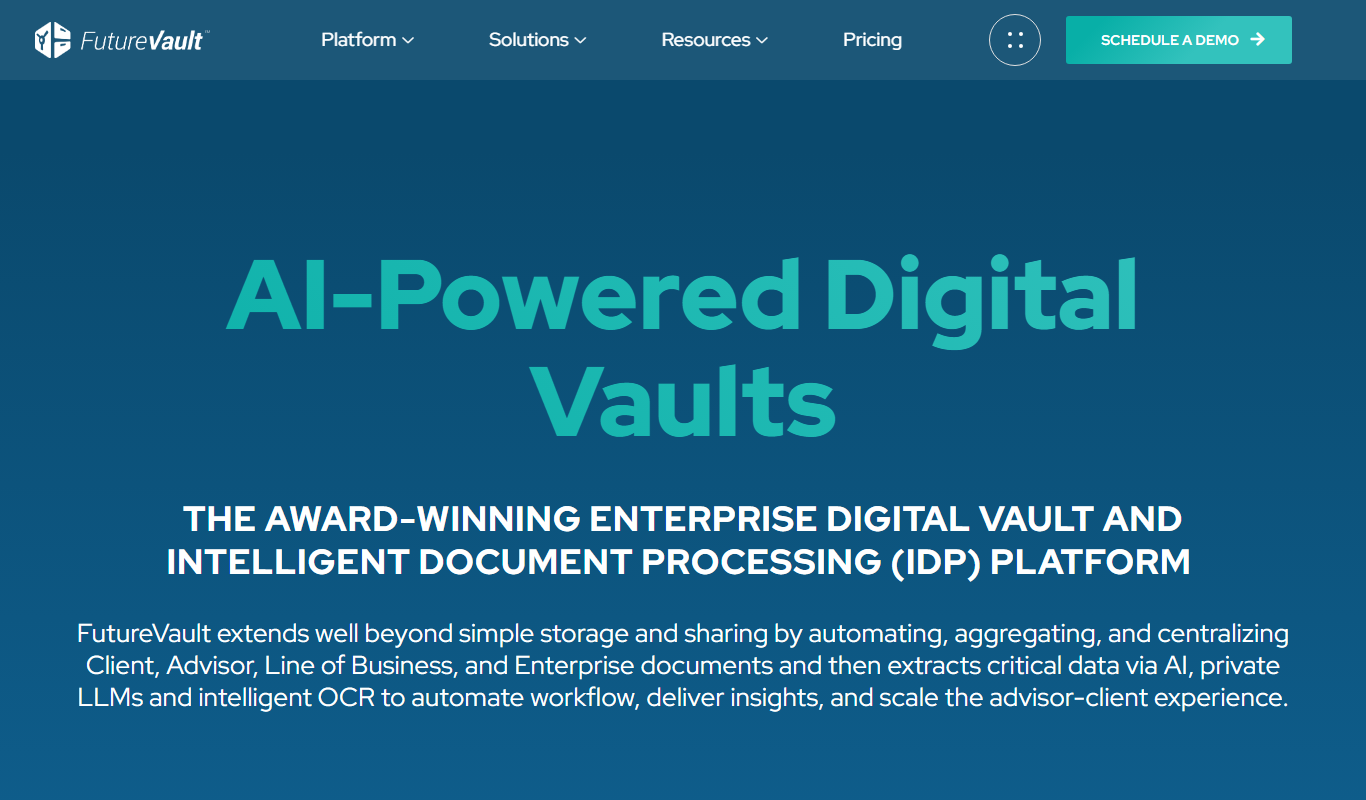
What is FutureVault?
FutureVault is a secure digital vault platform designed to help individuals, families, and professionals organize, store, and manage important documents and financial information in one centralized location. It acts as a digital filing cabinet with advanced security features, enabling users to maintain control over their sensitive data while facilitating collaboration with trusted advisors.
Key features of FutureVault
FutureVault offers secure document storage, organization tools, encrypted sharing capabilities, and integration options with financial advisors and institutions. It provides a user-friendly interface for managing a wide range of personal and business documents with robust privacy controls.
Secure Document Storage
Encrypted storage ensures that all documents are protected against unauthorized access.
Centralized Digital Vault
A single platform to store and manage all important personal and business documents.
Encrypted Sharing
Share sensitive documents safely with trusted parties using secure encryption protocols.
Collaboration Tools
Invite advisors or family members to access and manage documents collaboratively.
Mobile and Web Access
Access your vault anytime from desktop or mobile devices with dedicated apps.
Pros and cons of FutureVault
Pros
- Highly secure document storage with encryption
- User-friendly interface for easy organization
- Supports collaboration with advisors and family
- Accessible via web and mobile apps
- Centralizes all important documents in one place
Cons
- Pricing is custom and not publicly listed
- Limited language support (English only)
- No free tier available for casual users
Key use cases for FutureVault
Personal Document Organization
Users can securely store and organize personal documents such as wills, insurance policies, and financial statements in a centralized digital vault.
Financial Advisor Client Management
Financial advisors can use FutureVault to collaborate with clients by securely sharing documents and managing financial information efficiently.
Estate Planning
FutureVault facilitates estate planning by providing a secure repository for legal documents and enabling easy access for authorized parties.
Business Document Storage
Small businesses can use the platform to store and organize important business documents, contracts, and compliance records securely.
Secure Document Sharing
Users can safely share sensitive documents with trusted parties through encrypted channels within the platform.
How FutureVault works
- 1
Create an Account
Sign up on the FutureVault platform via web or mobile app to start building your digital vault.
- 2
Upload Documents
Easily upload and categorize documents such as legal papers, financial statements, and personal records.
- 3
Organize and Tag
Use folders, tags, and metadata to organize your documents for quick retrieval.
- 4
Share Securely
Share documents with authorized individuals or advisors through encrypted channels.
- 5
Collaborate and Manage
Collaborate with financial advisors or family members by granting controlled access to your vault.
Who is using FutureVault
Individuals seeking secure document management
Financial advisors and wealth managers
Estate planners and legal professionals
Small business owners
Families organizing important records
FutureVault pricing
Personal Plan
Custom pricing
Tailored for individual users to securely store and manage personal documents.
Advisor Plan
Custom pricing
Designed for financial advisors to manage client documents and collaborate securely.
Plans and prices are as published by the vendor and can change. Check the official site before you buy. Open the pricing page (opens in a new tab)
Frequently asked questions about FutureVault
Yes, FutureVault uses advanced encryption and security protocols to protect all stored documents.
Absolutely, the platform allows secure sharing and collaboration with advisors and trusted parties.
You can store a wide range of documents including legal, financial, insurance, and personal records.
Yes, FutureVault offers both iOS and Android apps for convenient access on the go.
Data handling and security practices vary by provider. Review the official privacy policy to understand how your data is stored and used.
Yes, it can help with that use case depending on how you configure it and what features are available. You’ll get the best results with clear inputs and a defined goal.
Yes, it can help with that use case depending on how you configure it and what features are available. You’ll get the best results with clear inputs and a defined goal.
Sign in to review this tool.
Sign In to ReviewNo reviews yet
Be the first to share how this tool worked for you.
Ask about pricing, limits, or how it compares — or answer someone else.
Sign In to AskNo questions yet
Have a question about using or paying for this tool? Be the first to ask.
Featured on TiorAI



Alternative Tools
Explore similar AI tools that might fit your needs

Free Trial
DocuSign
DocuSign is a cloud-based electronic signature platform that enables secure, legally binding digital signing and management of documents, streamlining workflows and ensuring compliance.

Free
Evernote
Evernote is a cross-platform note-taking app that helps users capture, organize, and collaborate on notes, tasks, and projects with multi-format support and powerful search.
More AI Workflow tools
Other tools in the same category, for when this one is not quite the fit.

One-time purchase
ChefTec
ChefTec is a foodservice software solution that helps restaurants and caterers manage inventory, recipes, menus, purchasing, and food costing to improve profitability and operational efficiency.

Custom Pricing
BlueCart
BlueCart is a cloud-based procurement and ordering platform designed to streamline wholesale ordering and inventory management for restaurants and suppliers, improving communication and operational efficiency.
Freemium
ClassIn
ClassIn is a virtual classroom platform where exams run as a feature through In-Class Test and Test Bank.
Custom Pricing
Fluxx Grant Management
Fluxx Grant Management is a cloud-based platform that helps foundations and nonprofits manage the entire grant lifecycle, including application processing, collaboration, compliance tracking, and reporting.
Free Trial
Jell
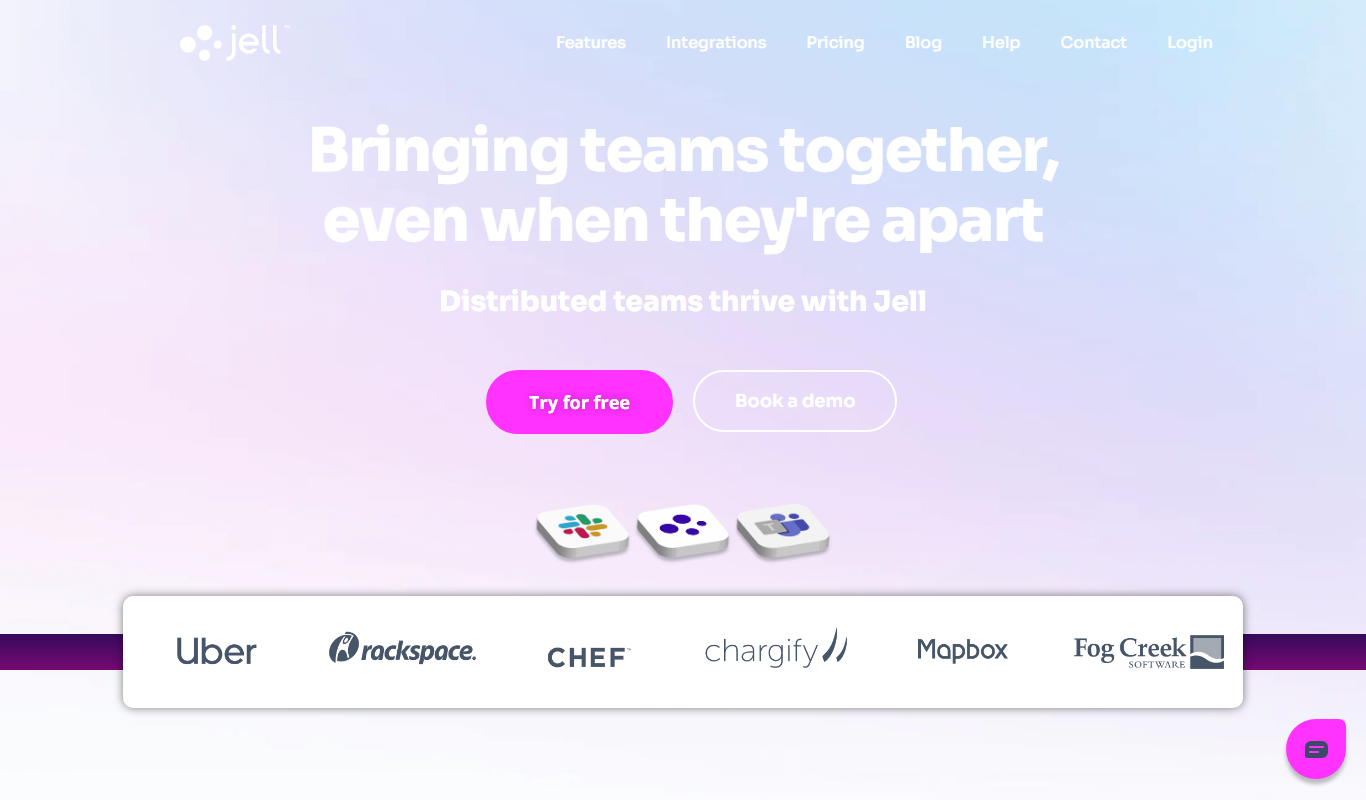
Jell is a team collaboration and project management tool that helps teams run daily standups, track OKRs, and improve alignment, especially for remote and agile teams.
Subscription
Secureframe
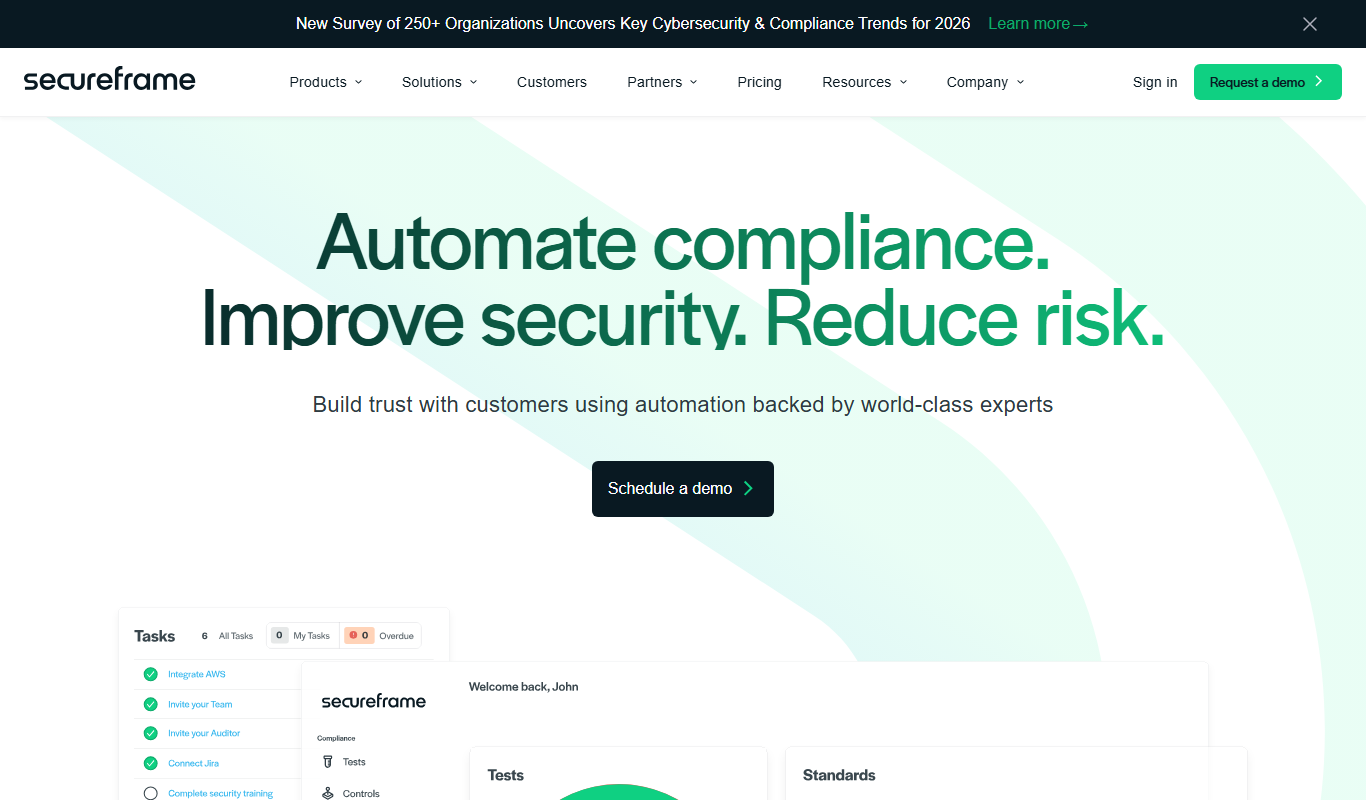
Secureframe is a compliance automation platform that helps businesses achieve and maintain cybersecurity certifications like SOC 2 and ISO 27001 by automating evidence collection, risk assessments, and audit preparation.

Subscription
Vanta
Vanta is a compliance automation platform that helps businesses automate security monitoring, evidence collection, and audit preparation for standards like SOC 2, ISO 27001, HIPAA, and GDPR.

Free
TenantCloud
TenantCloud is a cloud-based property management software that helps landlords and property managers handle rental listings, tenant screening, rent payments, maintenance requests, and financial reporting efficiently.