

From my experience with PresentPal, I found it excels at providing seamless remote slide control combined with insightful audience analytics. Using the platform, I appreciated how it made managing presentations smoother, especially in hybrid or virtual settings where engaging the audience can be challenging. However, the tool currently supports only English and lacks a dedicated mobile app, which could limit flexibility for some users. Overall, if you need to deliver professional presentations with interactive features and data-driven insights, PresentPal offers a solid, user-friendly solution.
PresentPal Presentation Software with AI-Powered Slide Control and Analytics
PresentPal is a presentation tool that enables remote slide control, interactive audience engagement, and detailed analytics to improve presentation delivery.
- Best for
- Professional Presentations
- Key capability
- Real-Time Slide Control
Your actions
Save PresentPal, follow its updates and vote on it — everything stays in your account.
Sign in or create a free accountWhat is PresentPal?
PresentPal is a presentation software designed to enhance the delivery and management of slide decks. It integrates with popular presentation platforms to provide advanced slide control, audience engagement analytics, and interactive features that help presenters connect with their audience more effectively.
Key features of PresentPal
PresentPal offers real-time slide navigation, audience engagement tracking, interactive Q&A, and detailed analytics to improve presentation effectiveness and audience interaction.
Real-Time Slide Control
Navigate and control your slides remotely with ease during live presentations.
Audience Engagement Analytics
Track how your audience interacts with your presentation to gain actionable insights.
Interactive Q&A and Polls
Incorporate live questions and polls to boost audience participation.
Seamless Integration
Works with popular presentation tools like PowerPoint and Google Slides.
Pros and cons of PresentPal
Pros
- Easy remote slide control
- Detailed audience analytics
- Interactive engagement features
- Integrates with popular presentation tools
Cons
- Limited language support (English only)
- No mobile app currently available
Key use cases for PresentPal
Professional Presentations
Create and deliver engaging presentations with real-time slide control and audience insights.
Remote and Hybrid Meetings
Manage presentations remotely with interactive features and monitor audience engagement.
Sales and Marketing Pitches
Use analytics to understand audience reactions and tailor pitches effectively.
Training and Workshops
Enhance training sessions with interactive slide navigation and feedback tracking.
How PresentPal works
- 1
Connect Your Presentation
Import or link your existing slide deck from platforms like PowerPoint or Google Slides.
- 2
Control Slides Remotely
Use PresentPal’s interface to navigate slides smoothly during your presentation.
- 3
Engage Your Audience
Enable interactive features such as live polls and Q&A to involve your audience.
- 4
Analyze Engagement
Review detailed analytics on audience attention and interaction post-presentation.
Who is using PresentPal
Business professionals
Sales and marketing teams
Educators and trainers
Remote workers and presenters
PresentPal pricing
Free Trial
$0 for 14 days
Access core features to evaluate PresentPal with limited usage.
Professional
$15/month
Full access to all features including analytics and interactive tools.
Enterprise
Custom pricing
Tailored solutions with advanced support and integrations for large teams.
Plans and prices are as published by the vendor and can change. Check the official site before you buy. Open the pricing page (opens in a new tab)
Frequently asked questions about PresentPal
Yes, PresentPal seamlessly integrates with PowerPoint to control and enhance your presentations.
Absolutely, PresentPal is designed to support remote and hybrid presentation scenarios.
PresentPal offers a free trial for 14 days to test its core features.
It provides detailed audience engagement metrics including attention tracking and interaction data.
It depends on your specific needs and how you plan to use the tool. The official website and documentation are the best sources for the latest details.
This tool is designed to help users accomplish its core tasks more efficiently. It is typically used by individuals or teams looking to improve productivity and workflow.
Sign in to review this tool.
Sign In to ReviewNo reviews yet
Be the first to share how this tool worked for you.
Ask about pricing, limits, or how it compares — or answer someone else.
Sign In to AskNo questions yet
Have a question about using or paying for this tool? Be the first to ask.
Featured on TiorAI



Alternative Tools
Explore similar AI tools that might fit your needs
Free
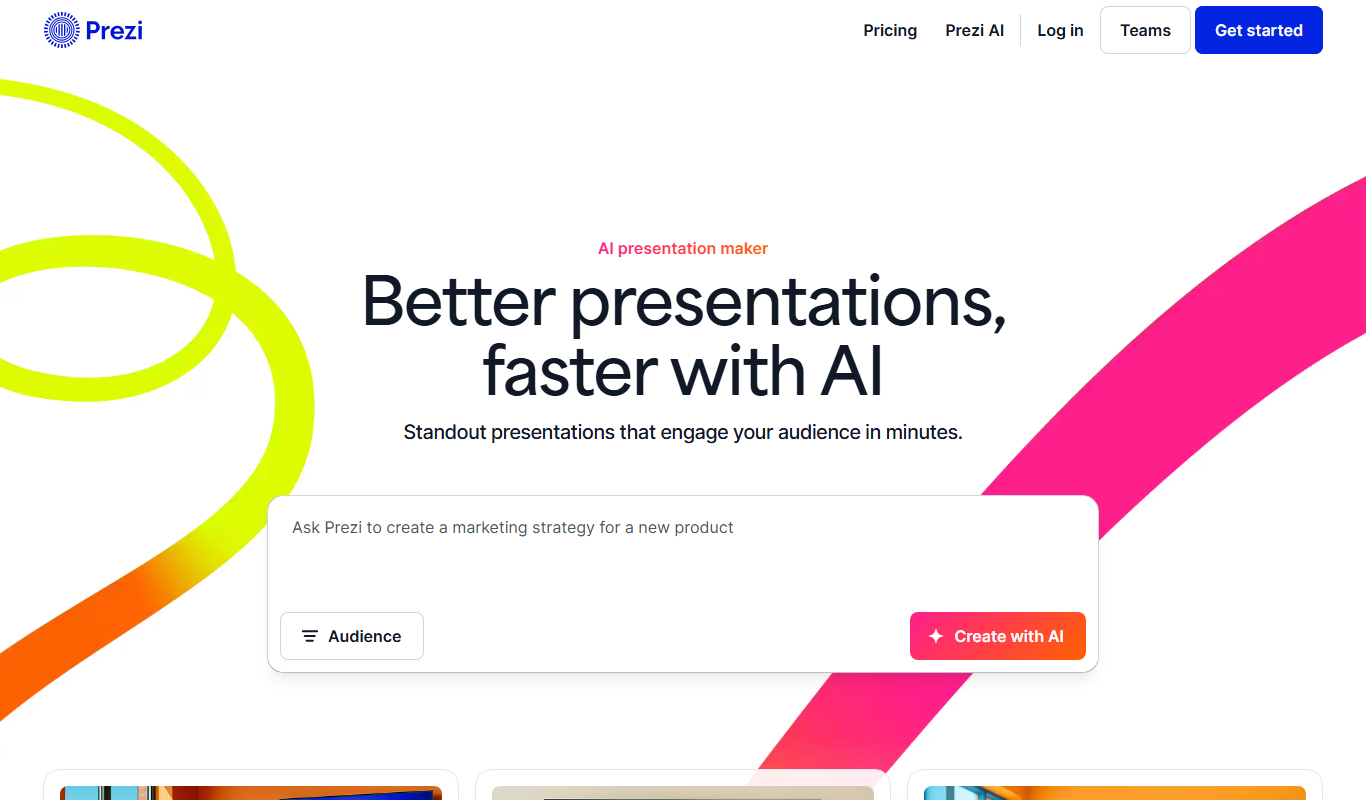
Prezi
Prezi is a cloud-based presentation tool that uses a zoomable canvas to create engaging, non-linear presentations with real-time collaboration and multimedia support.
More AI Workflow tools
Other tools in the same category, for when this one is not quite the fit.

Pay Per Return
Intuit ProConnect
Intuit ProConnect is a cloud-based tax software designed for professional accountants and tax firms to prepare, review, and electronically file federal and state tax returns efficiently.

Custom Pricing
LogicManager
LogicManager is a cloud-based governance, risk, and compliance software platform designed to help organizations identify, assess, and mitigate risks while ensuring regulatory compliance through audit, policy, and incident management tools.
Free Trial
Clinked
Clinked is a secure client portal platform that enables businesses to collaborate with clients and teams through file sharing, task management, messaging, and workflow automation in a branded environment.

Freemium
Unacademy
Unacademy is an Indian online education platform providing live classes, recorded lectures, and test series for competitive exams and skill development.

Enterprise
ScriptRunner
ScriptRunner is an automation platform that centralizes management, security, and execution of PowerShell scripts to streamline IT workflows and enable self-service automation.

Custom Pricing
RELEX Solutions
RELEX Solutions is an AI-powered supply chain management platform that helps retailers and wholesalers optimize demand forecasting, inventory, and workforce planning to improve efficiency and reduce costs.
Paid
Things 3
Things 3 is a premium task management app designed exclusively for Apple devices, offering intuitive task creation, project organization, and seamless iCloud syncing to boost productivity.

Free Trial
Ziflow
Ziflow is an online proofing software that helps creative teams review, annotate, and approve digital assets efficiently through automated workflows and real-time collaboration.