

Things 3 Task Manager App for Mac, iPhone & iPad Productivity
Things 3 is a premium task management app designed exclusively for Apple devices, offering intuitive task creation, project organization, and seamless iCloud syncing to boost productivity.
- Best for
- Personal Task Management
- Key capability
- Intuitive Task Creation
Save Things 3, follow its updates and vote on it — everything stays in your account.
Sign in or create a free accountWhat is Things 3?
Things 3 is a task management application designed for Apple devices, including Mac, iPhone, iPad, and Apple Watch. It helps users organize their to-dos, projects, and goals with a clean, intuitive interface that emphasizes simplicity and efficiency. The app supports features like reminders, checklists, tags, and calendar integration to streamline personal and professional productivity.
Key features of Things 3
Things 3 offers powerful task organization tools such as projects and areas for grouping tasks, natural language input for quick task creation, deadlines and reminders, tags for categorization, and seamless syncing across Apple devices via iCloud. Its design focuses on minimalism while providing robust functionality for managing complex workflows.
Intuitive Task Creation
Add tasks quickly with natural language input and smart suggestions.
Projects and Areas
Organize tasks into projects for specific goals and areas for broader categories.
Tags and Filtering
Use tags to label tasks and filter views to focus on specific contexts.
Calendar Integration
View your tasks alongside calendar events for better scheduling.
iCloud Sync
Keep your data synchronized seamlessly across all Apple devices.
Pros and cons of Things 3
Pros
- Clean, user-friendly interface focused on simplicity
- Powerful task organization with projects, areas, and tags
- Seamless iCloud syncing across Apple devices
- Natural language input for quick task creation
- Robust calendar integration for scheduling
Cons
- No support for non-Apple platforms
- Lacks native team collaboration features
- Relatively high one-time purchase price
Key use cases for Things 3
Personal Task Management
Organize daily tasks, set reminders, and track progress for personal productivity.
Project Planning
Break down projects into manageable tasks with deadlines and checklists.
Work Collaboration
Share tasks and projects with colleagues to coordinate work efficiently.
Goal Setting
Set and monitor long-term goals with structured task lists and progress tracking.
Time Management
Schedule tasks with calendar integration and prioritize work to optimize time.
How Things 3 works
- 1
Download and Install
Get Things 3 from the Mac App Store or iOS App Store and install it on your Apple devices.
- 2
Create Tasks and Projects
Add tasks using natural language input, organize them into projects or areas, and set deadlines or reminders.
- 3
Use Tags and Checklists
Apply tags to categorize tasks and add checklists for subtasks within a task.
- 4
Sync Across Devices
Enable iCloud syncing to keep your tasks updated on Mac, iPhone, iPad, and Apple Watch.
- 5
Review and Complete
Track your progress, mark tasks as done, and review upcoming deadlines to stay productive.
Who is using Things 3
Things 3 pricing
Mac Version
$49.99 one-time purchase
Full-featured Mac app with lifetime updates.
iPhone
$9.99 one-time purchase
iPhone app, includes Apple Watch.
iPad
$19.99 one-time purchase
Separate iPad version.
Vision Pro
$29.99 one-time purchase
Things task manager app for Apple Vision Pro.
Plans and prices are as published by the vendor and can change. Check the official site before you buy. Open the pricing page (opens in a new tab)
Frequently asked questions about Things 3
No, Things 3 is exclusively available for Apple devices including Mac, iPhone, iPad, and Apple Watch.
Yes, Things 3 uses iCloud to sync your tasks and projects seamlessly across all your Apple devices.
No, Things 3 is a paid app with a one-time purchase price for each platform.
Things 3 does not have built-in team collaboration features but tasks can be shared via other methods like email.
It depends on your specific needs and how you plan to use the tool. The official website and documentation are the best sources for the latest details.
It depends on your specific needs and how you plan to use the tool. The official website and documentation are the best sources for the latest details.
It depends on your specific needs and how you plan to use the tool. The official website and documentation are the best sources for the latest details.
Conclusion
Tasks are added with natural language input and then organized into projects for specific goals and areas for broader categories. Tags label tasks and filter views down to one context, while checklists and reminders sit inside individual to-dos. Tasks can also be viewed alongside calendar events for scheduling.
The app is built for Apple devices, covering Mac, iPhone, iPad and Apple Watch, and iCloud syncs tasks and projects between them. It is aimed at Apple device users, people seeking personal productivity tools, and freelancers and professionals managing projects. Buying works per platform as a one-time purchase: the Mac version costs $49.99 and the iPhone app, which includes Apple Watch, costs $9.99. The iPad version is a separate purchase at $19.99, and a Vision Pro version sells for $29.99.
Sources
Sign in to review this tool.
Sign In to ReviewNo reviews yet
Be the first to share how this tool worked for you.
Ask about pricing, limits, or how it compares — or answer someone else.
Sign In to AskNo questions yet
Have a question about using or paying for this tool? Be the first to ask.
Featured on TiorAI



Alternative Tools
Explore similar AI tools that might fit your needs

Todoist
Todoist is a cross-platform task management app designed to help users organize tasks, set priorities, collaborate on projects, and track productivity efficiently.
More AI Workflow tools
Other tools in the same category, for when this one is not quite the fit.

Ziflow
Ziflow is an online proofing software that helps creative teams review, annotate, and approve digital assets efficiently through automated workflows and real-time collaboration.
Filestage
Filestage is an online proofing platform that centralizes feedback and approvals for digital content, helping teams collaborate efficiently and reduce review cycles.

Trademetria
Trademetria is an AI-powered platform that provides detailed trading analytics, portfolio management, and risk assessment tools to help traders optimize their investment performance.
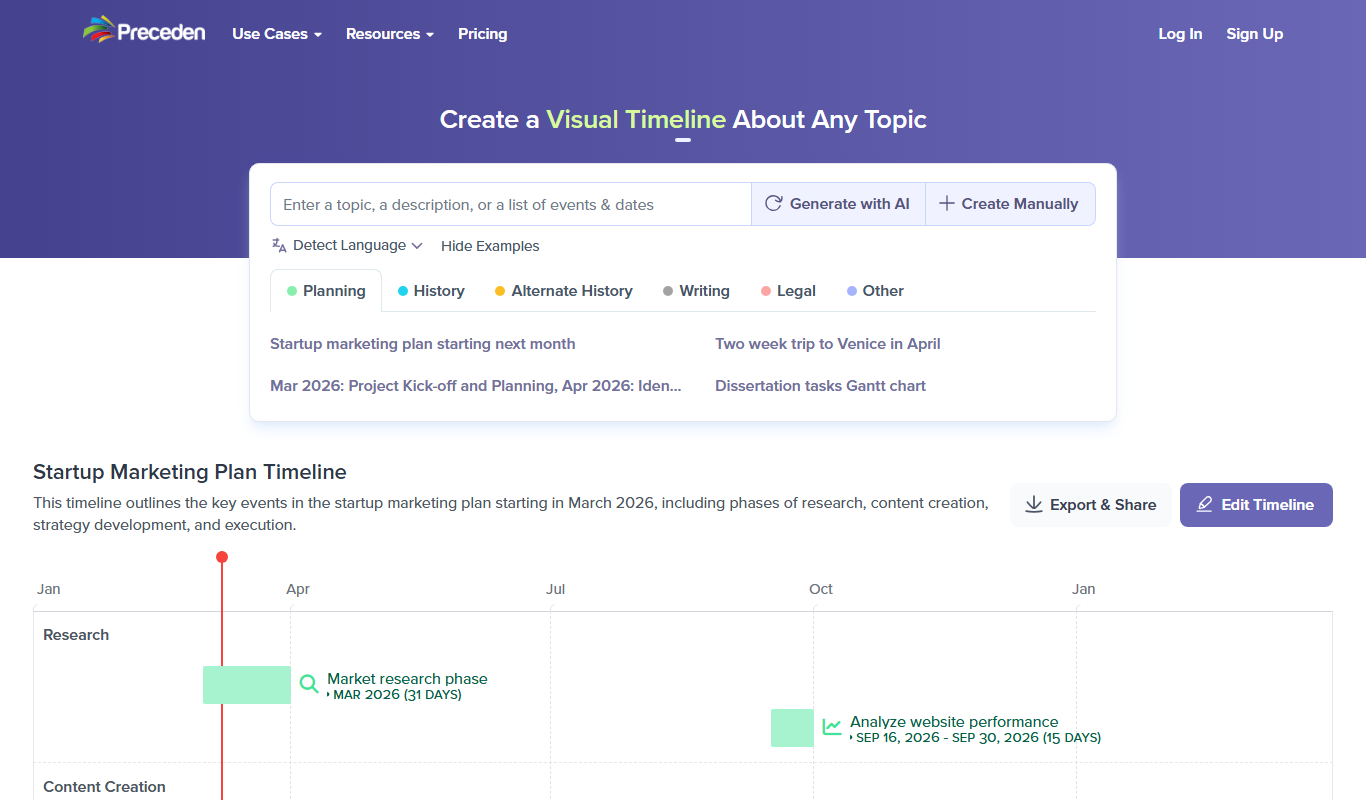
Preceden
Preceden is a web-based timeline maker that helps users create clear, multi-layered timelines for project planning, event scheduling, and roadmaps with export and sharing features.

UpKeep
UpKeep is a cloud-based maintenance management software that helps organizations manage work orders, assets, and preventive maintenance through a mobile-friendly platform.
Enablon
Enablon is a comprehensive EHS and sustainability software platform designed to help organizations manage environmental compliance, health and safety risks, and sustainability reporting through integrated workflows and real-time analytics.

Jellyfish
Jellyfish is an AI-powered project management platform designed to help engineering teams improve productivity, optimize resources, and gain actionable insights by integrating with existing development tools.

Bonusly
Bonusly is a platform that enables peer-to-peer employee recognition and rewards to improve workplace engagement and culture.