

Ziflow Online Proofing Software for Creative Review and Approval Workflow
Ziflow is an online proofing software that helps creative teams review, annotate, and approve digital assets efficiently through automated workflows and real-time collaboration.
- Best for
- Creative Content Review
- Key capability
- Real-Time Annotations
Save Ziflow, follow its updates and vote on it — everything stays in your account.
Sign in or create a free account
What is Ziflow?
Ziflow is a cloud-based online proofing software designed to simplify and accelerate the review and approval process for creative teams. It centralizes feedback on digital assets, allowing users to annotate, comment, and collaborate in real time. Ziflow supports a wide range of file types including images, videos, PDFs, and more, making it ideal for marketing, advertising, and creative production workflows.
Key features of Ziflow
Ziflow offers features such as real-time annotation tools, version control, automated workflow routing, integration with popular creative and project management platforms, and detailed audit trails. These capabilities help teams reduce review cycles, improve communication, and ensure faster approvals.
Real-Time Annotations
Draw, highlight, and comment directly on files to provide clear and precise feedback.
Version Control
Track changes across multiple versions of assets to maintain clarity and history.
Automated Review Workflows
Customize review paths with automated notifications and approval routing.
Integrations
Connect with tools like Adobe Creative Cloud, Slack, Jira, and others to streamline workflows.
Audit Trails and Reporting
Maintain detailed records of feedback, approvals, and changes for compliance and accountability.
Pros and cons of Ziflow
Pros
- Intuitive annotation tools for precise feedback
- Robust version control to manage asset iterations
- Automated workflows reduce manual coordination
- Integrates well with popular creative and project tools
- Detailed audit trails support compliance needs
Cons
- Pricing can be high for very small teams
- Limited language support (primarily English)
Key use cases for Ziflow
Creative Content Review
Streamline the review and approval process for creative assets such as images, videos, and documents by enabling real-time feedback and collaboration.
Marketing Campaign Approvals
Manage marketing materials review cycles efficiently to ensure timely approvals and consistent brand messaging.
Remote Team Collaboration
Facilitate seamless communication and feedback collection among distributed teams and external stakeholders.
Version Control and Asset Management
Track multiple versions of creative files and maintain organized asset libraries for easy access and audit trails.
Automated Workflow Management
Automate review assignments, reminders, and approval routing to reduce manual coordination and speed up project timelines.
How Ziflow works
- 1
Upload Assets
Users upload creative files to the Ziflow platform to initiate the review process.
- 2
Invite Reviewers
Stakeholders and team members are invited to review and provide feedback on the assets.
- 3
Annotate and Comment
Reviewers add annotations, comments, and markups directly on the files to communicate changes.
- 4
Automate Workflow
Set up automated routing and reminders to manage review cycles and approvals efficiently.
- 5
Approve or Request Changes
Final decisions are recorded, and approved assets are marked ready for production or distribution.
Who is using Ziflow
Ziflow pricing
Personal
$0 forever
Personal Free plan, free forever.
Standard
$199/month billed annually
Price is for the whole plan, not per user.
Business
Custom pricing
Advanced features, enhanced security, and dedicated support for larger organizations.
Pro
$329/month billed annually
Price is for the whole plan, not per user.
Plans and prices are as published by the vendor and can change. Check the official site before you buy. Open the pricing page (opens in a new tab)
Frequently asked questions about Ziflow
Ziflow supports a wide range of file types including images (JPEG, PNG), videos (MP4, MOV), PDFs, Microsoft Office files, and more.
Yes, Ziflow integrates with popular platforms such as Adobe Creative Cloud, Slack, Jira, and others to enhance your workflow.
Yes, Ziflow has a Personal Free plan that is free forever.
Ziflow automatically tracks and organizes multiple versions of your assets, making it easy to compare and manage changes.
It depends on your specific needs and how you plan to use the tool. The official website and documentation are the best sources for the latest details.
Integration support depends on the tool and its available connectors or API. Check the official documentation or integrations page to confirm what is supported.
Yes, it can help with that use case depending on how you configure it and what features are available. You’ll get the best results with clear inputs and a defined goal.
Conclusion
Review cycles start when creative files are uploaded and stakeholders are invited to add annotations, comments and markups directly on them. Automated routing and reminders then manage each review cycle through to approval. Version control and detailed audit trails record how assets changed along the way. Supported files include images, videos, PDFs and Microsoft Office files, and integrations reach Adobe Creative Cloud, Slack and Jira.
Its design targets creative agencies, marketing teams, video production companies and brand managers. A Personal plan is free forever, while Standard costs $199 per month and Pro $329 per month, both billed annually for the whole plan rather than per user.
Sources
Sign in to review this tool.
Sign In to ReviewNo reviews yet
Be the first to share how this tool worked for you.
Ask about pricing, limits, or how it compares — or answer someone else.
Sign In to AskNo questions yet
Have a question about using or paying for this tool? Be the first to ask.
Featured on TiorAI



Alternative Tools
Explore similar AI tools that might fit your needs
Filestage
Filestage is an online proofing platform that centralizes feedback and approvals for digital content, helping teams collaborate efficiently and reduce review cycles.
ProofHub
ProofHub is a comprehensive project management and team collaboration software that helps teams plan, track, and deliver projects efficiently with features like task management, Gantt charts, online proofing, and time tracking.
More AI Workflow tools
Other tools in the same category, for when this one is not quite the fit.
Things 3
Things 3 is a premium task management app designed exclusively for Apple devices, offering intuitive task creation, project organization, and seamless iCloud syncing to boost productivity.

Trademetria
Trademetria is an AI-powered platform that provides detailed trading analytics, portfolio management, and risk assessment tools to help traders optimize their investment performance.
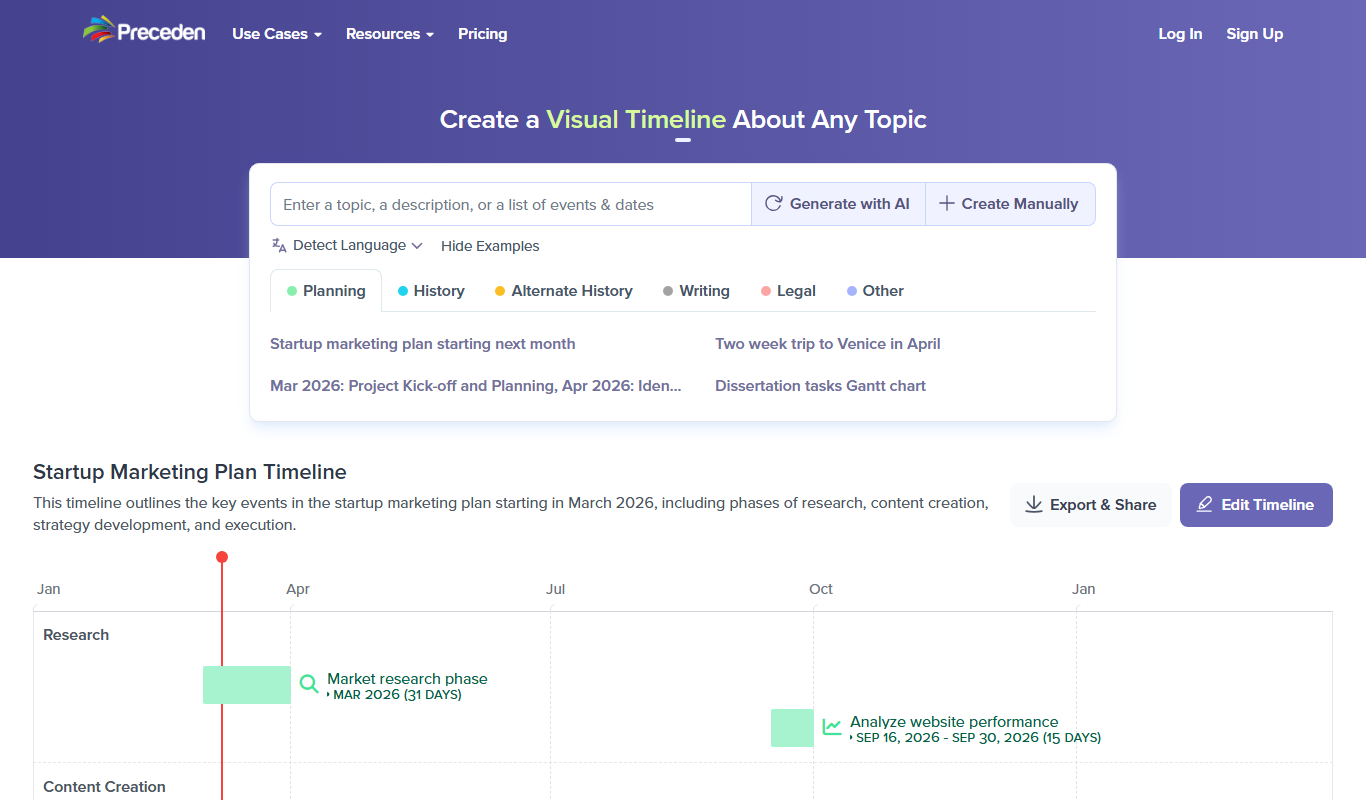
Preceden
Preceden is a web-based timeline maker that helps users create clear, multi-layered timelines for project planning, event scheduling, and roadmaps with export and sharing features.

UpKeep
UpKeep is a cloud-based maintenance management software that helps organizations manage work orders, assets, and preventive maintenance through a mobile-friendly platform.
Enablon
Enablon is a comprehensive EHS and sustainability software platform designed to help organizations manage environmental compliance, health and safety risks, and sustainability reporting through integrated workflows and real-time analytics.

Jellyfish
Jellyfish is an AI-powered project management platform designed to help engineering teams improve productivity, optimize resources, and gain actionable insights by integrating with existing development tools.

Bonusly
Bonusly is a platform that enables peer-to-peer employee recognition and rewards to improve workplace engagement and culture.
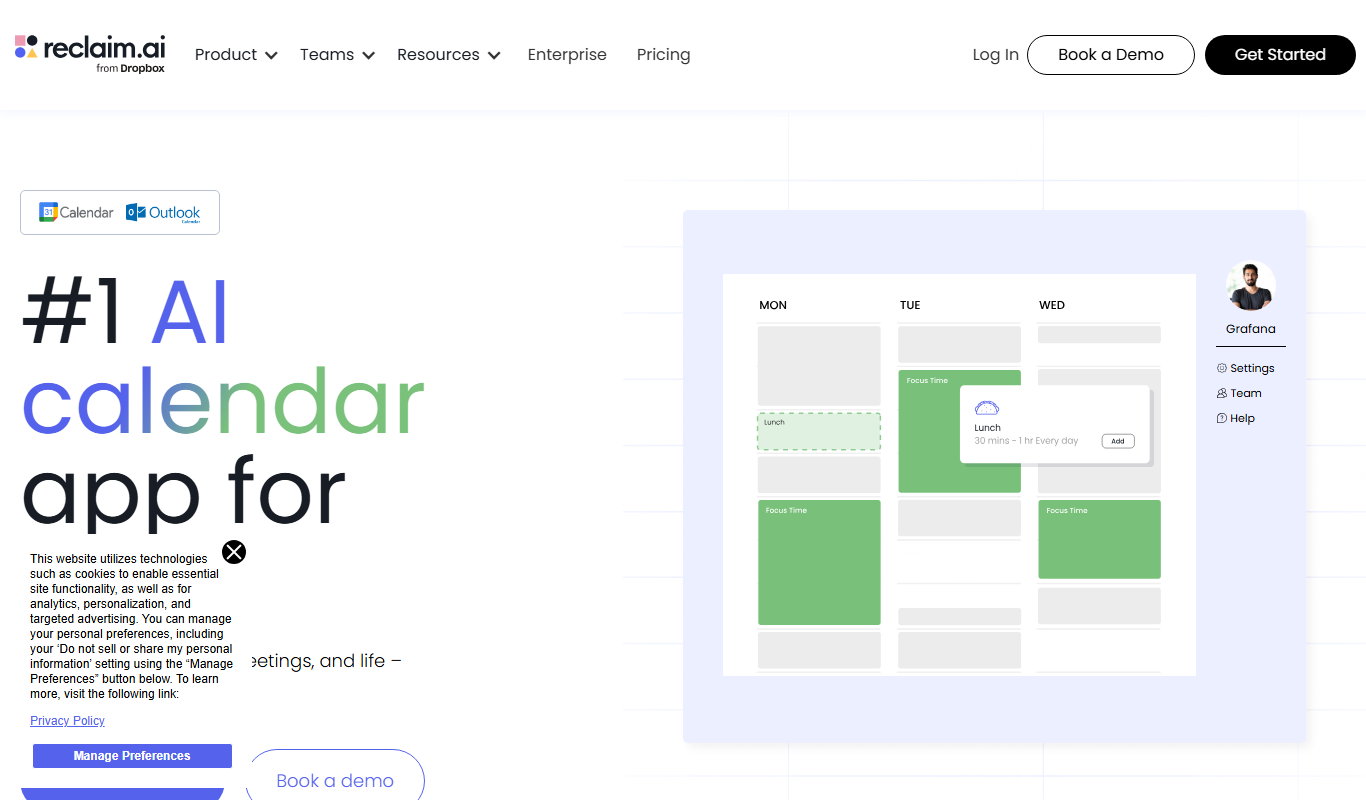
Reclaim.ai
Reclaim.ai is an AI-driven calendar assistant that automates scheduling meetings, blocking focus time, and resolving conflicts to optimize your daily productivity.