

Preceden Timeline Maker for Project Planning and Visual Scheduling
Preceden is a web-based timeline maker that helps users create clear, multi-layered timelines for project planning, event scheduling, and roadmaps with export and sharing features.
- Best for
- Project Planning
- Key capability
- Multi-layer Timelines
Save Preceden, follow its updates and vote on it — everything stays in your account.
Sign in or create a free account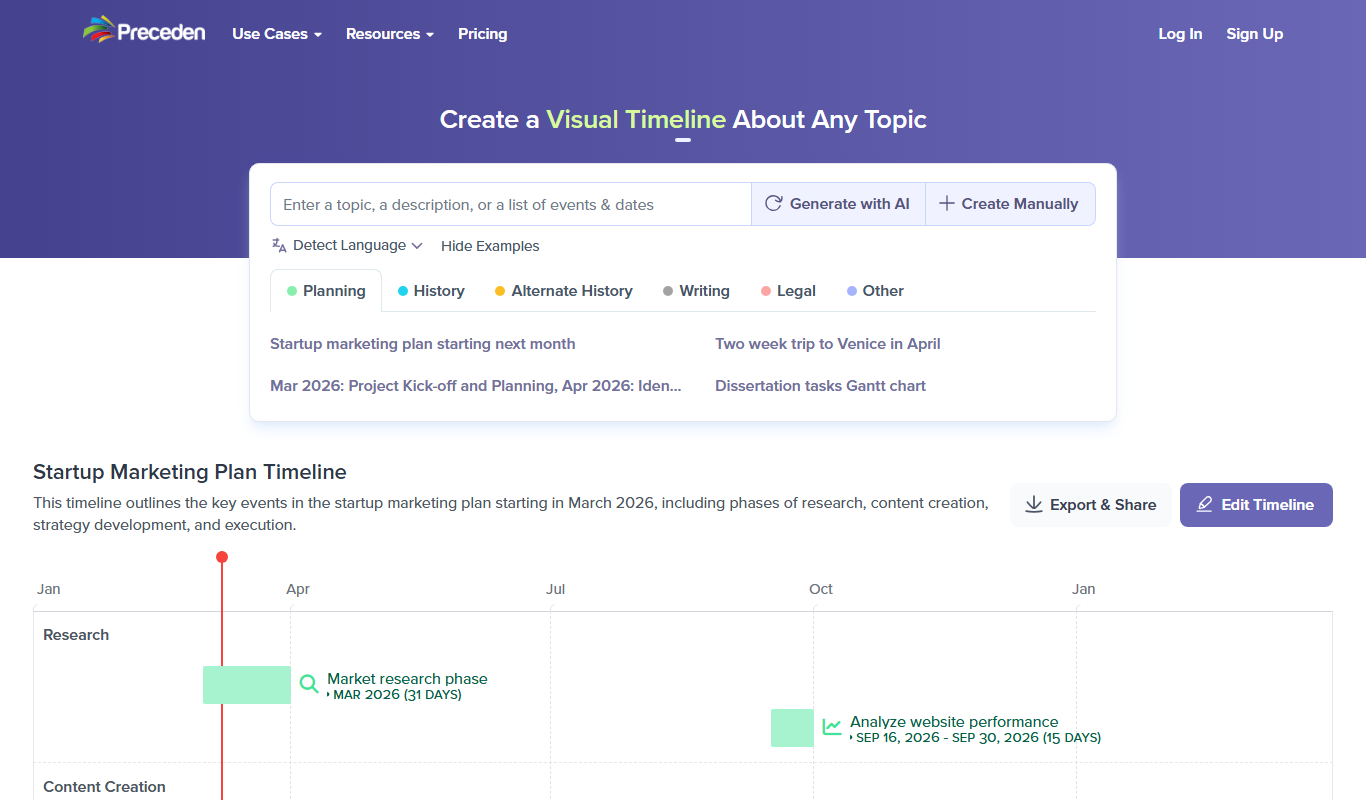
What is Preceden?
Preceden is a web-based timeline maker designed to help individuals and teams create clear, professional timelines for project planning, event scheduling, and roadmap visualization. It offers an intuitive interface to build multi-layered timelines that can be customized and shared easily.
Key features of Preceden
Preceden provides an easy-to-use timeline editor, multiple layers for organizing events, export options including PDF and image formats, and sharing capabilities to collaborate with others. It supports both simple and complex timelines with adjustable date ranges.
Multi-layer Timelines
Organize events into layers for better clarity and structure.
Flexible Date Ranges
Support for timelines spanning days to decades with adjustable scales.
Export Options
Export timelines as PDFs, PNGs, or embed them in presentations.
Collaboration and Sharing
Share timelines with team members via links for easy collaboration.
User-friendly Interface
Intuitive drag-and-drop editor suitable for beginners and professionals.
Manual or AI timelines
Timelines can be created manually or with AI.
Pros and cons of Preceden
Pros
- Easy to use with a clean interface
- Supports multi-layered timelines for complex projects
- Flexible date ranges from days to decades
- Good export and sharing options
Cons
- No mobile app available
- Lacks advanced project management integrations
Key use cases for Preceden
Project Planning
Create detailed timelines to plan and visualize project milestones and deadlines.
Roadmap Visualization
Develop clear roadmaps for product launches, marketing campaigns, or strategic initiatives.
Event Scheduling
Organize and display event schedules with start and end dates for easy tracking.
Historical Timelines
Build timelines to represent historical events or company histories for presentations.
Team Collaboration
Share timelines with team members to align on project progress and deadlines.
How Preceden works
- 1
Sign Up
Create a free account on Preceden’s website to start building timelines.
- 2
Create Timeline
Use the timeline editor to add events, set dates, and organize layers.
- 3
Customize
Adjust colors, labels, and time scales to fit your project needs.
- 4
Export or Share
Download your timeline as a PDF or image, or share it via a link with your team.
Who is using Preceden
Preceden pricing
Free
$0/month
Unlimited timelines, with a limit of 10 events per timeline.
Basic
$10/month billed annually or $25 monthly
Removes Preceden branding and adds spreadsheet import; collaboration, custom logo and custom domain are not included.
Pro
$16/month billed annually or $40 monthly
Includes spreadsheet import, collaboration with others, a custom logo and a custom domain.
Plans and prices are as published by the vendor and can change. Check the official site before you buy. Open the pricing page (opens in a new tab)
Frequently asked questions about Preceden
Yes, the Free plan allows unlimited timelines, with up to 10 events each.
You can export timelines as PDF or PNG image files.
Yes, you can share timelines with others via links for viewing and collaboration.
Yes, Preceden allows customization of colors, labels, and time scales.
It depends on your specific needs and how you plan to use the tool. The official website and documentation are the best sources for the latest details.
Some tools offer a free plan or trial with limited features. Availability can vary, so confirm on the official website.
Yes, it can help with that use case depending on how you configure it and what features are available. You’ll get the best results with clear inputs and a defined goal.
Yes, it can help with that use case depending on how you configure it and what features are available. You’ll get the best results with clear inputs and a defined goal.
Conclusion
Events and dates go into the timeline editor and are organized into layers, with adjustable scales spanning days to decades. Colors, labels and time scales are adjusted next, and the result is downloaded as a PDF or image or shared via a link with the team. Timelines can be created manually or with AI.
Project managers and marketing teams sit at the center of its audience, along with event planners, educators and historians. The Free plan allows unlimited timelines with up to 10 events each, Basic costs $10 per month billed annually or $25 monthly, and Pro costs $16 or $40.
Sources
Sign in to review this tool.
Sign In to ReviewNo reviews yet
Be the first to share how this tool worked for you.
Ask about pricing, limits, or how it compares — or answer someone else.
Sign In to AskNo questions yet
Have a question about using or paying for this tool? Be the first to ask.
Featured on TiorAI



Alternative Tools
Explore similar AI tools that might fit your needs

Tiki-Toki
Tiki-Toki is a web-based tool for creating interactive multimedia timelines used in education, marketing, and project visualization.
More AI Workflow tools
Other tools in the same category, for when this one is not quite the fit.

Trademetria
Trademetria is an AI-powered platform that provides detailed trading analytics, portfolio management, and risk assessment tools to help traders optimize their investment performance.

UpKeep
UpKeep is a cloud-based maintenance management software that helps organizations manage work orders, assets, and preventive maintenance through a mobile-friendly platform.
Enablon
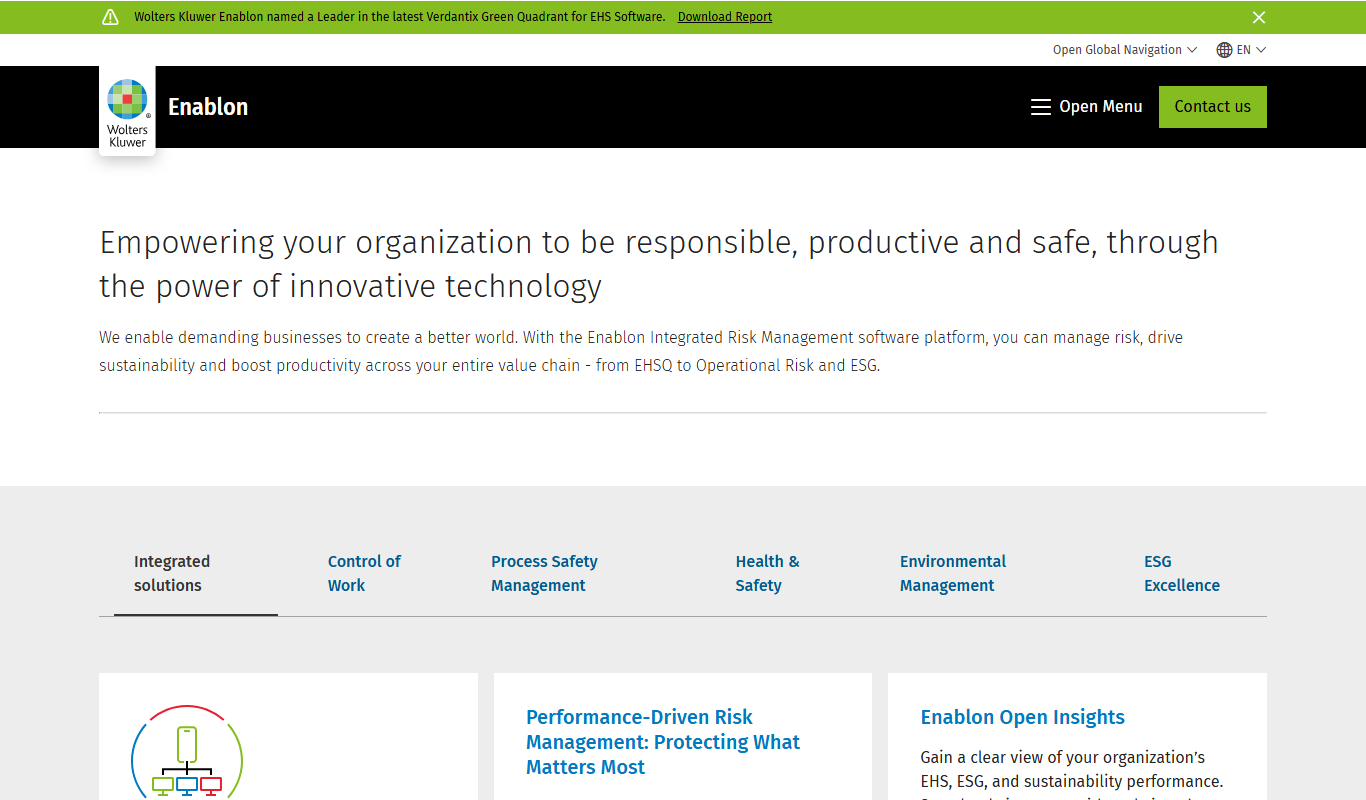
Enablon is a comprehensive EHS and sustainability software platform designed to help organizations manage environmental compliance, health and safety risks, and sustainability reporting through integrated workflows and real-time analytics.

Jellyfish
Jellyfish is an AI-powered project management platform designed to help engineering teams improve productivity, optimize resources, and gain actionable insights by integrating with existing development tools.

Bonusly
Bonusly is a platform that enables peer-to-peer employee recognition and rewards to improve workplace engagement and culture.
Reclaim.ai
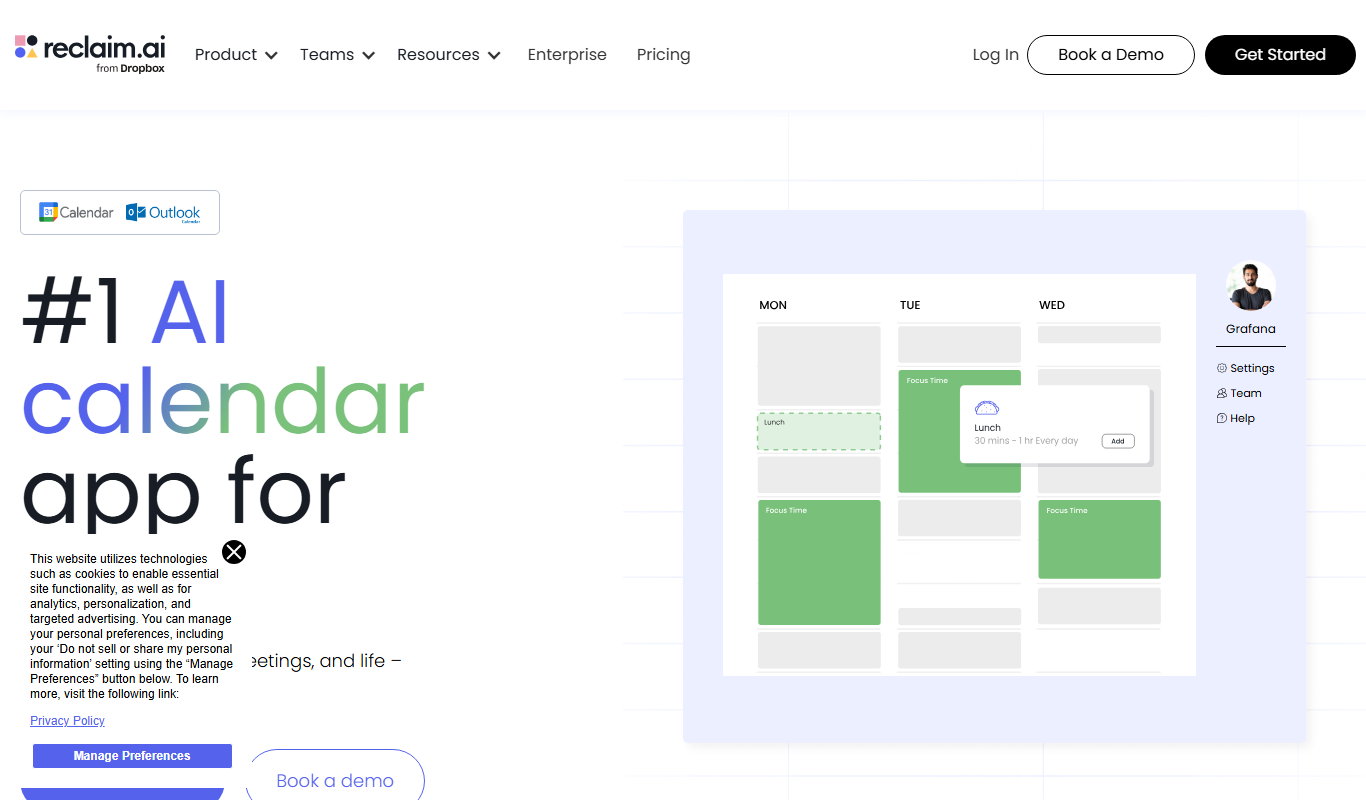
Reclaim.ai is an AI-driven calendar assistant that automates scheduling meetings, blocking focus time, and resolving conflicts to optimize your daily productivity.

Sunsama
Sunsama is a daily planner and task management software designed to help individuals and teams organize their workday using time blocking, integrations, and collaboration features.

Tango
Tango is a no-code workflow automation tool that records your on-screen actions to create step-by-step process documentation automatically, helping teams improve training and knowledge sharing.