

From my experience with Tiki-Toki, I found it excels at creating visually engaging and interactive timelines that combine text, images, and videos seamlessly. The intuitive interface makes it accessible even for beginners, while the 3D timeline view adds a unique dimension to presentations. It’s particularly well-suited for educators, marketers, and project managers who want to communicate chronological information clearly and attractively. However, the free plan limits the number of timelines and features, and collaboration tools require a paid subscription. Overall, if you need a versatile timeline maker for storytelling or project visualization, Tiki-Toki delivers reliable and polished results.
Interactive Timeline Maker for Storytelling and Project Visualization
Tiki-Toki is a web-based tool for creating interactive multimedia timelines used in education, marketing, and project visualization.
- Best for
- Educational Storytelling
- Key capability
- Multimedia Event Support
Your actions
Save Tiki-Toki, follow its updates and vote on it — everything stays in your account.
Sign in or create a free account
What is Tiki-Toki?
Tiki-Toki is a web-based interactive timeline software that allows users to create visually rich, multimedia timelines. It supports images, videos, and text to help users tell stories, present historical data, or manage projects with an engaging chronological interface.
Key features of Tiki-Toki
Tiki-Toki offers an intuitive timeline builder with multimedia support, 3D timeline views, collaborative features, and easy sharing options. Users can customize timelines with colors, fonts, and categories to suit various storytelling or project needs.
Multimedia Event Support
Add images, videos, and text to each timeline event for rich storytelling.
3D Timeline View
Display timelines in an interactive 3D format for enhanced visual appeal.
Collaboration Tools
Invite team members to contribute and edit timelines collaboratively.
Customizable Design
Personalize timelines with various fonts, colors, and category options.
Embed and Share
Easily embed timelines into websites or share them via direct links.
Pros and cons of Tiki-Toki
Pros
- User-friendly interface with drag-and-drop timeline creation
- Supports rich multimedia content for engaging timelines
- Offers 3D timeline visualization for unique presentations
- Flexible sharing options including embedding and direct links
Cons
- Limited free plan with restrictions on timelines and features
- No offline or desktop application available
- Collaboration features require higher-tier plans
Key use cases for Tiki-Toki
Educational Storytelling
Create engaging timelines to illustrate historical events, biographies, or scientific processes for classroom or online learning.
Project Management Visualization
Visualize project milestones, deadlines, and phases in a clear, interactive timeline format to improve team communication.
Marketing Campaign Planning
Design timelines to plan and showcase marketing campaigns, product launches, or social media schedules.
Content Creation and Blogging
Enhance blog posts or articles with interactive timelines to provide readers with a chronological context.
Event Planning
Organize event schedules and agendas visually to share with attendees or stakeholders.
How Tiki-Toki works
- 1
Sign Up
Create a free account on Tiki-Toki’s website to start building timelines.
- 2
Create Timeline
Use the timeline editor to add events, including text, images, and videos.
- 3
Customize
Adjust the timeline’s appearance with themes, colors, and categories.
- 4
Publish and Share
Publish your timeline online and share it via link or embed it on websites.
Who is using Tiki-Toki
Educators and students
Marketing professionals
Project managers
Content creators and bloggers
Event planners
Tiki-Toki pricing
Free
$0/month
Basic timeline creation with limited timelines and features.
Premium
$7.50/month
Unlimited timelines, advanced features, and priority support.
Business
$25/month
Team collaboration, multiple users, and enhanced customization.
Plans and prices are as published by the vendor and can change. Check the official site before you buy. Open the pricing page (opens in a new tab)
Frequently asked questions about Tiki-Toki
Yes, Tiki-Toki provides embed codes to easily add interactive timelines to your website.
The free plan limits the number of timelines, while paid plans offer unlimited timelines.
Yes, business plans include collaboration features for multiple users.
You can add images, YouTube and Vimeo videos, and text to timeline events.
It depends on your specific needs and how you plan to use the tool. The official website and documentation are the best sources for the latest details.
Yes, it can help with that use case depending on how you configure it and what features are available. You’ll get the best results with clear inputs and a defined goal.
Yes, it can help with that use case depending on how you configure it and what features are available. You’ll get the best results with clear inputs and a defined goal.
Sign in to review this tool.
Sign In to ReviewNo reviews yet
Be the first to share how this tool worked for you.
Ask about pricing, limits, or how it compares — or answer someone else.
Sign In to AskNo questions yet
Have a question about using or paying for this tool? Be the first to ask.
Featured on TiorAI



Alternative Tools
Explore similar AI tools that might fit your needs
Free
Preceden
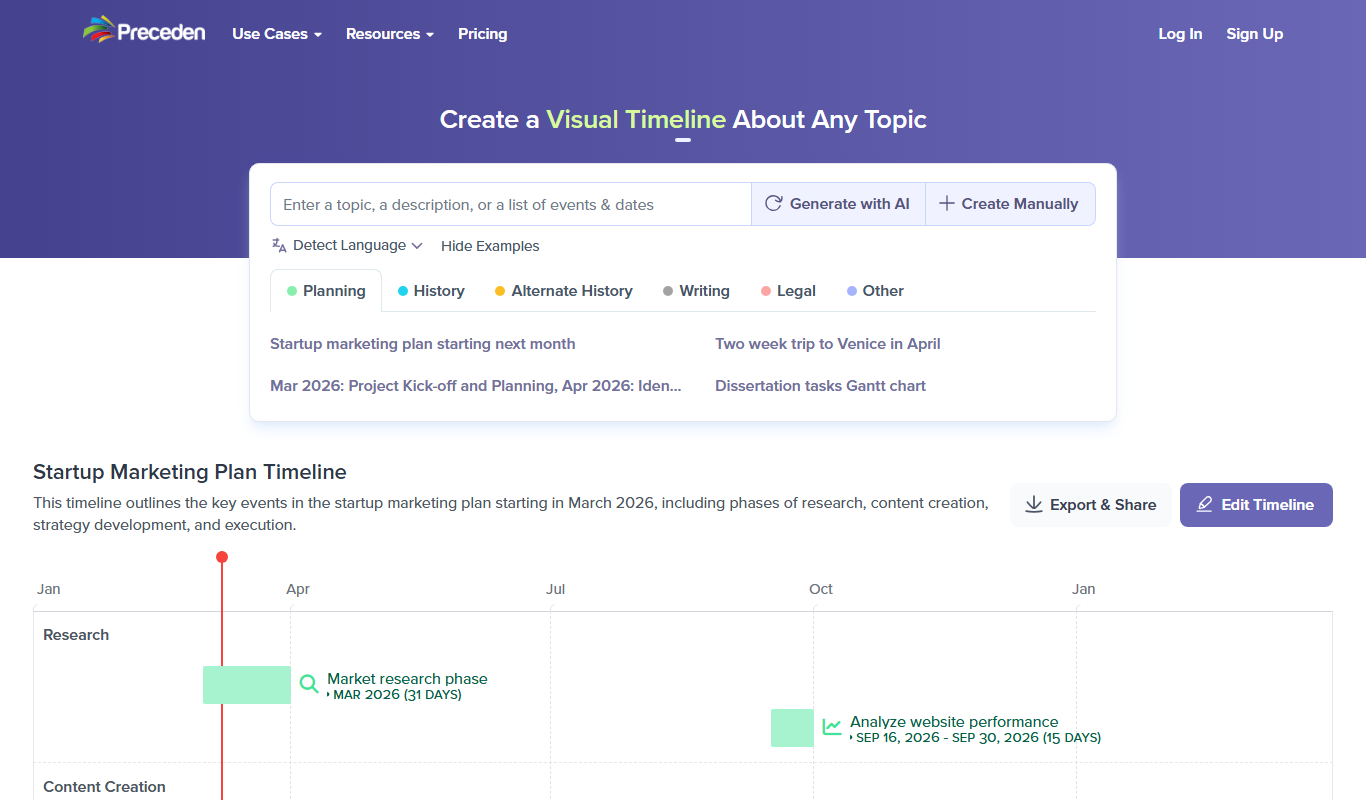
Preceden is a web-based timeline maker that helps users create clear, multi-layered timelines for project planning, event scheduling, and roadmaps with export and sharing features.
More Art & Creative Design tools
Other tools in the same category, for when this one is not quite the fit.

Free
Guess The Prompt!
Guess The Prompt! is a free online game where players guess AI-generated prompts based on images or clues, promoting creative thinking and fun.
Paid
Logomark AI
Logomark AI is a prompt-based logo creator that turns a text description into a pictorial, abstract or line mark logo exportable as PNG or SVG.

Subscription
Prompts Club
Prompts Club is an AI prompt and model marketplace where users find prompts and models like Midjourney, ChatGPT and Flux AI, generate AI photos and videos, or sell their own.

Freemium
YouMusic.AI
YouMusic.AI turns text prompts or your own lyrics into complete songs, with free credits for new users and commercial rights on paid plans.

Custom Pricing
berkshiregrey.com
Berkshire Grey provides AI-driven robotic automation systems designed to optimize warehouse and supply chain operations through intelligent picking, packing, and sorting.

Free
Semantic Scholar
Semantic Scholar is a free, AI-driven academic search engine developed by the Allen Institute for AI that helps users find, summarize, and analyze scientific research papers and citations.

Free
svgtrace.com
SVGTrace.com is an online tool that converts raster images such as PNG or JPG into scalable SVG vector graphics using image tracing algorithms, accessible directly from your browser without installation.

Free
EasyNoteAI
EasyNoteAI is an AI-driven tool that automates note taking and summarization, helping users quickly capture and organize information from meetings, lectures, and content.