

EasyNoteAI - AI-Powered Note Taking and Summarization Tool for Productivity
EasyNoteAI is an AI-driven tool that automates note taking and summarization, helping users quickly capture and organize information from meetings, lectures, and content.
- Best for
- Meeting Notes
- Key capability
- AI-Powered Summarization
Save EasyNoteAI, follow its updates and vote on it — everything stays in your account.
Sign in or create a free account
What is EasyNoteAI?
EasyNoteAI is an AI-powered note taking and summarization tool designed to enhance productivity by automating the capture, organization, and summarization of notes from meetings, lectures, and other content sources. It leverages artificial intelligence to transform raw information into structured, actionable insights, helping users save time and improve focus.
Key features of EasyNoteAI
EasyNoteAI offers features such as real-time note taking, AI-driven summarization, task extraction, integration with calendars and task managers, and a user-friendly interface accessible via web and Chrome extension.
AI-Powered Summarization
Automatically condenses lengthy notes into clear, concise summaries.
Task Extraction
Identifies action items within notes and converts them into tasks or reminders.
Multi-Platform Access
Accessible via web app and Chrome extension for flexibility.
Integration Capabilities
Syncs with calendars and task management tools to streamline workflows.
User-Friendly Interface
Clean, intuitive design that simplifies note taking and organization.
Audio, YouTube and Lecture Notes
EasyNoteAI makes notes from audio, YouTube and live lectures, supports many languages, and has an app on iOS.
Pros and cons of EasyNoteAI
Pros
- Automates note summarization saving time
- Easy to use with clean interface
- Useful task extraction feature
- Affordable pricing for premium features
Cons
- Chrome extension required for some features
Key use cases for EasyNoteAI
Meeting Notes
Automatically capture and summarize meeting discussions to create clear, actionable notes.
Lecture and Study Notes
Assist students in taking organized notes and summarizing key points from lectures.
Task and Project Management
Convert notes into tasks and reminders to streamline project workflows.
Content Summarization
Summarize long-form content such as articles or reports into concise notes.
Personal Knowledge Management
Organize and retrieve notes efficiently for personal or professional knowledge bases.
How EasyNoteAI works
- 1
Sign Up
Create an account on EasyNoteAI’s website to access the platform.
- 2
Install Chrome Extension
Add the EasyNoteAI Chrome extension for seamless note capture during web browsing or meetings.
- 3
Capture Notes
Use the tool to take notes manually or automatically during meetings or lectures.
- 4
AI Summarization
Let the AI analyze and summarize your notes into concise, actionable points.
- 5
Organize and Export
Organize notes into folders, convert summaries into tasks, and export or share as needed.
Who is using EasyNoteAI
EasyNoteAI pricing
Free
$0/month
Basic note taking and summarization features with usage limits.
Pro
$9.99/month
Unlimited notes, advanced AI features, integrations, and priority support.
Plans and prices are as published by the vendor and can change. Check the official site before you buy. Open the pricing page (opens in a new tab)
Frequently asked questions about EasyNoteAI
Yes. EasyNoteAI converts recorded or uploaded audio files into structured notes and can generate notes from YouTube video links.
Yes, EasyNoteAI uses encryption and follows industry best practices to protect user data.
Yes, it offers integrations with popular calendars and task management apps to enhance workflow.
It depends on your specific needs and how you plan to use the tool. The official website and documentation are the best sources for the latest details.
Some tools offer a free plan or trial with limited features. Availability can vary, so confirm on the official website.
Integration support depends on the tool and its available connectors or API. Check the official documentation or integrations page to confirm what is supported.
Conclusion
Notes in EasyNoteAI can be taken manually or made from audio, YouTube and live lectures. The AI then condenses lengthy notes into clear, concise summaries, and a task extraction step turns action items within them into tasks or reminders. The results go into folders, where users organize notes and export or share them as needed.
Meeting notes and lecture notes are the two scenarios it is built around, for business professionals as well as students and educators. It also supports many languages. It is accessible via a web app and a Chrome extension, and it has an app on iOS as well. Some features require that extension.
Sources
Sign in to review this tool.
Sign In to ReviewNo reviews yet
Be the first to share how this tool worked for you.
Ask about pricing, limits, or how it compares — or answer someone else.
Sign In to AskNo questions yet
Have a question about using or paying for this tool? Be the first to ask.
Featured on TiorAI



More AI Artificial Intelligence Tools tools
Other tools in the same category, for when this one is not quite the fit.
Vic.ai
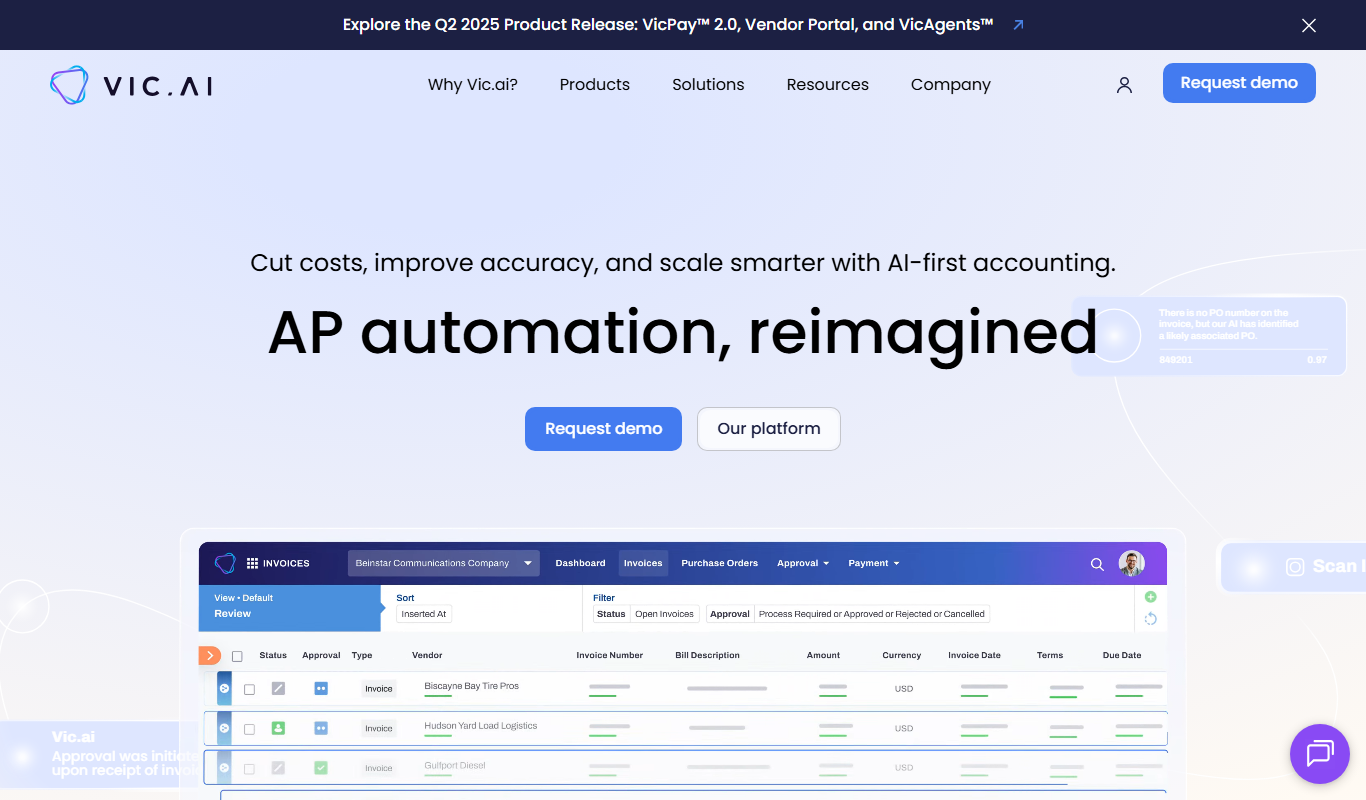
Vic.ai is an AI-powered accounting automation platform that automates invoice processing, coding, and approvals to streamline accounts payable workflows and improve accuracy.
DeepAI
DeepAI is an AI platform providing APIs and web tools for image generation, text analysis, and other machine learning tasks, suitable for developers and content creators.

berkshiregrey.com
Berkshire Grey provides AI-driven robotic automation systems designed to optimize warehouse and supply chain operations through intelligent picking, packing, and sorting.

Semantic Scholar
Semantic Scholar is a free, AI-driven academic search engine developed by the Allen Institute for AI that helps users find, summarize, and analyze scientific research papers and citations.

Low-Code Development and AI
Amoga's Low-Code Development and AI platform enables rapid application building with drag-and-drop tools and AI automation, suitable for users with minimal coding skills.
AI World Today
AI World Today is a free online platform providing daily news, expert analysis, and research updates on artificial intelligence.

Neural Network Tutorial
Neural Network Tutorial by LeapAI is a free web-based platform offering interactive lessons and practical exercises to learn neural networks and deep learning concepts.

debate AI
Debate AI is an online platform where users debate an AI that responds with counterarguments.