

Tango Workflow Automation Tool for Step-by-Step Process Documentation
Tango is a no-code workflow automation tool that records your on-screen actions to create step-by-step process documentation automatically, helping teams improve training and knowledge sharing.
- Best for
- Process Documentation
- Key capability
- Automatic Step Capture
Save Tango, follow its updates and vote on it — everything stays in your account.
Sign in or create a free account
What is Tango?
Tango is a workflow automation and documentation tool that captures your on-screen actions and automatically creates step-by-step guides. It simplifies complex processes by turning them into visual instructions that anyone can follow. Designed for teams and individuals, Tango helps improve productivity, training, and knowledge sharing without requiring coding skills.
Key features of Tango
Tango offers automatic workflow capture, easy editing of step-by-step guides, integration with popular tools, and collaborative sharing features. Its Chrome extension records clicks, keystrokes, and screenshots to generate detailed documentation instantly.
Automatic Step Capture
Records clicks, keystrokes, and screenshots to create detailed step-by-step guides without manual effort.
Easy Editing Interface
Allows users to modify steps, add annotations, and customize instructions for clarity.
Collaboration Tools
Supports sharing, commenting, and team collaboration to improve workflow documentation.
Integrations
Connects with tools like Slack, Notion, and others to embed or share workflows seamlessly.
No-Code Solution
Enables users without technical background to create professional documentation quickly.
Pros and cons of Tango
Pros
- Automates detailed workflow documentation
- User-friendly no-code interface
- Supports team collaboration and sharing
- Integrates with popular productivity tools
- Saves time on creating training materials
Cons
- Some advanced features require paid plans
- Customization options could be more extensive
Key use cases for Tango
Process Documentation
Automatically capture and document workflows step-by-step to create clear guides and manuals.
Employee Onboarding
Simplify onboarding by providing new hires with detailed, easy-to-follow process instructions.
Training and Support
Create training materials and support documentation that visually guide users through tasks.
Standard Operating Procedures
Develop standardized procedures to ensure consistency and quality across teams.
Collaboration and Knowledge Sharing
Enable teams to share workflows and best practices efficiently within the organization.
How Tango works
- 1
Install Chrome Extension
Add the Tango extension to your Chrome browser to start capturing workflows.
- 2
Record Your Process
Perform the task you want to document; Tango automatically records each step with screenshots and descriptions.
- 3
Edit and Customize
Review the generated guide, add notes, reorder steps, or include additional instructions.
- 4
Share with Your Team
Publish the guide and share it via link or embed it into your knowledge base for easy access.
Who is using Tango
Tango pricing
Free
$0/month
Basic features with limited workflows and sharing options.
Pro
$26/user per month (1-2 users) or $20/user (3+ users); $22 or $15 per user billed annually
Pro includes browser and desktop capture.
Enterprise
Custom pricing
Tailored solutions for larger teams with enhanced security and support.
Plans and prices are as published by the vendor and can change. Check the official site before you buy. Open the pricing page (opens in a new tab)
Frequently asked questions about Tango
Yes, Tango is designed as a no-code tool that automatically captures workflows and creates guides without requiring technical knowledge.
Tango works as a Chrome extension and web app, and the Pro plan also includes desktop capture.
Yes, you can share guides via public links or embed them in external knowledge bases.
Tango integrates with popular collaboration and documentation tools like Slack and Notion to streamline workflow sharing.
This tool is designed to help users accomplish its core tasks more efficiently. It is typically used by individuals or teams looking to improve productivity and workflow.
It depends on your specific needs and how you plan to use the tool. The official website and documentation are the best sources for the latest details.
Some tools offer a free plan or trial with limited features. Availability can vary, so confirm on the official website.
Integration support depends on the tool and its available connectors or API. Check the official documentation or integrations page to confirm what is supported.
Conclusion
The Chrome extension records each step with screenshots and descriptions while the user performs the task to document. Users then review the generated guide, add notes, reorder steps or include additional instructions. Guides can be shared through public links or embedded in external knowledge bases.
Because no technical knowledge is required, operations teams, HR and training departments and customer support teams are among its intended users. Employee onboarding and standard operating procedures are two of its main use cases.
Next to the Free plan, Pro is $26/user per month for 1-2 users or $20/user for 3+ users, with $22 or $15 per user billed annually. Pro also adds desktop capture alongside browser recording. Larger teams have a separate Enterprise tier.
Sources
Sign in to review this tool.
Sign In to ReviewNo reviews yet
Be the first to share how this tool worked for you.
Ask about pricing, limits, or how it compares — or answer someone else.
Sign In to AskNo questions yet
Have a question about using or paying for this tool? Be the first to ask.
Featured on TiorAI



Alternative Tools
Explore similar AI tools that might fit your needs
Process Street
Process Street is a cloud-based workflow automation and process management software that helps teams create, track, and automate recurring business processes using customizable checklists and integrations.
Trainual
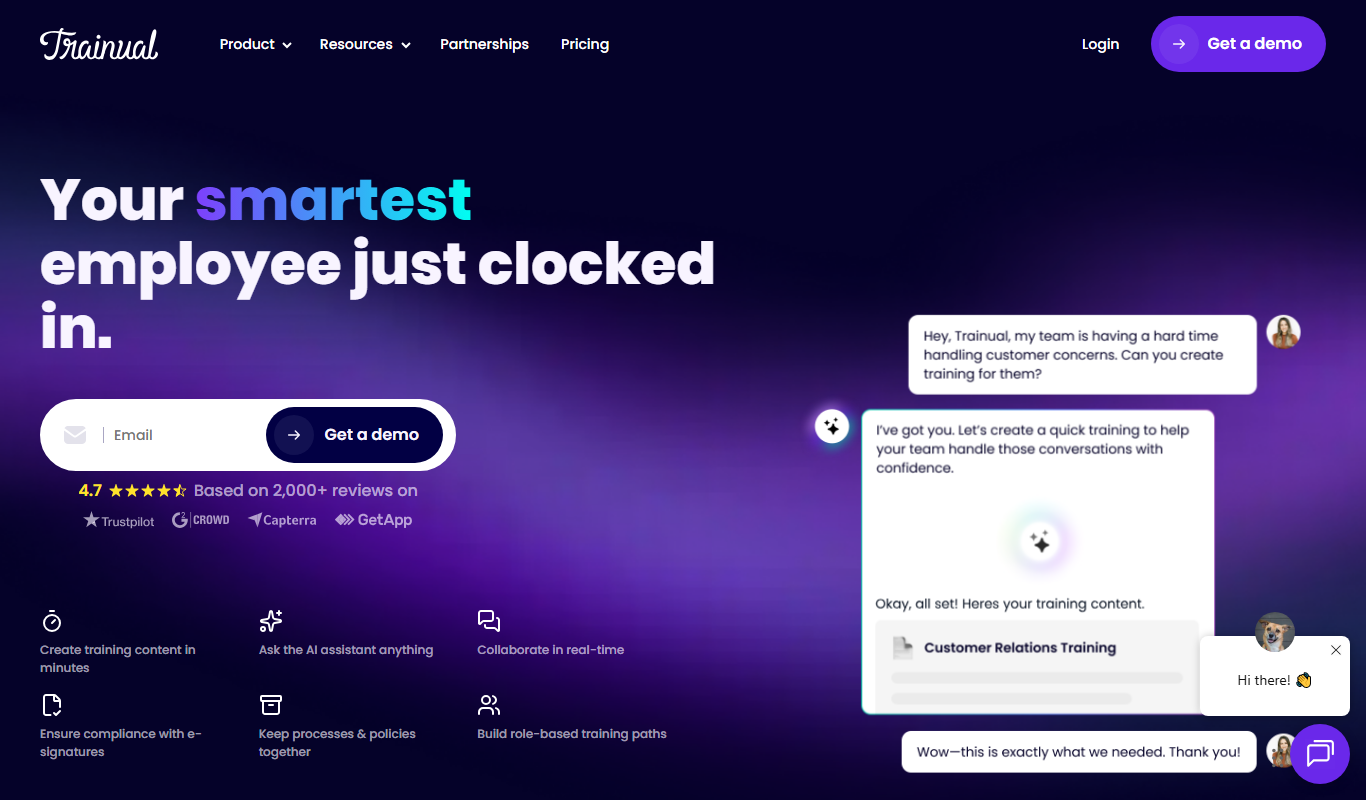
Trainual is a cloud-based platform that helps businesses document processes and train employees efficiently through customizable manuals, checklists, and progress tracking.

Loom
Loom is a video messaging platform that enables users to quickly record and share screen and webcam videos for remote communication, collaboration, and tutorials.
More AI Workflow tools
Other tools in the same category, for when this one is not quite the fit.

Bonusly
Bonusly is a platform that enables peer-to-peer employee recognition and rewards to improve workplace engagement and culture.
Reclaim.ai
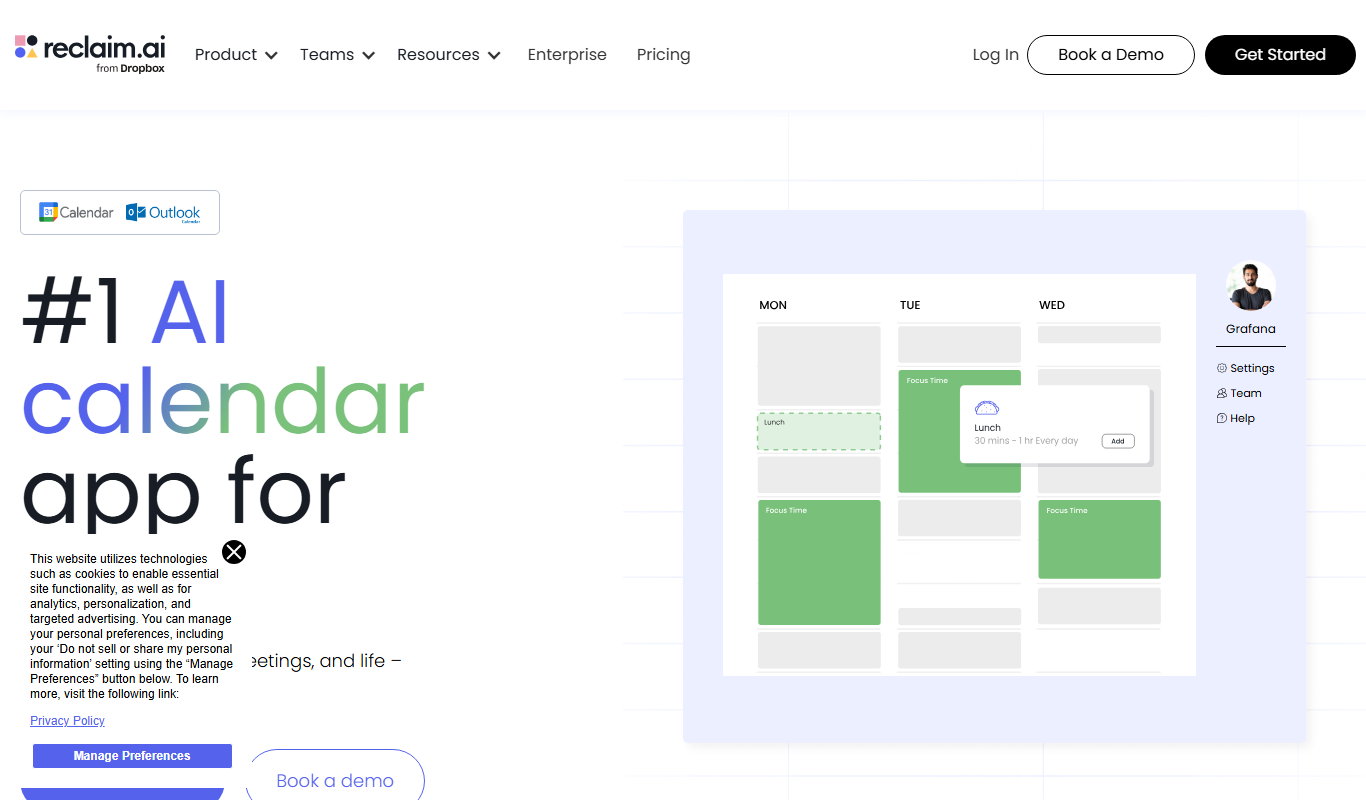
Reclaim.ai is an AI-driven calendar assistant that automates scheduling meetings, blocking focus time, and resolving conflicts to optimize your daily productivity.

Sunsama
Sunsama is a daily planner and task management software designed to help individuals and teams organize their workday using time blocking, integrations, and collaboration features.

Aquatic Informatics
Aquatic Informatics is a software platform designed to manage, analyze, and report water and environmental data, helping organizations ensure data quality and regulatory compliance.

Route4Me
Route4Me is a route planning and optimization software that helps businesses efficiently plan multi-stop routes, track drivers in real-time, and manage fleet operations to reduce costs and improve delivery speed.
OptimoRoute
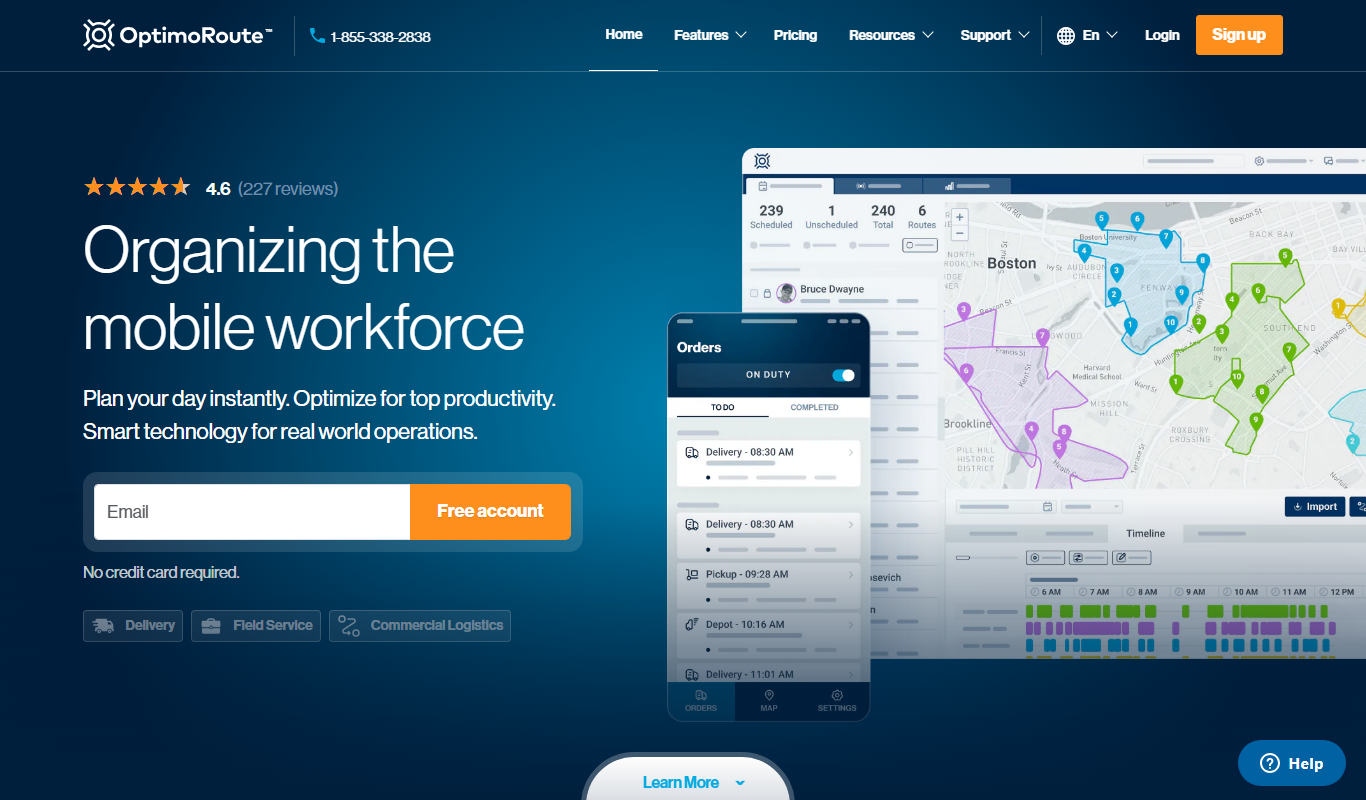
OptimoRoute is a cloud-based route optimization software that helps businesses plan efficient delivery and field service routes, reducing travel time and operational costs while improving customer service.

Studio Ninja
Studio Ninja is a cloud-based CRM and workflow software tailored for photographers to manage clients, bookings, invoices, and contracts efficiently.

Slack’s native search
Slack's native search allows users to find messages, files, and conversations across their workspace using keywords and advanced filters, improving team communication and productivity.