

Studio Ninja CRM for Photographers – Client Management & Workflow Software
Studio Ninja is a cloud-based CRM and workflow software tailored for photographers to manage clients, bookings, invoices, and contracts efficiently.
- Best for
- Photography Client Management
- Key capability
- Client Relationship Management
Save Studio Ninja, follow its updates and vote on it — everything stays in your account.
Sign in or create a free account
What is Studio Ninja?
Studio Ninja is a cloud-based client management and workflow software designed specifically for photographers and creative studios. It streamlines the entire business process from client inquiries and bookings to invoicing and payment tracking, helping photographers save time and stay organized.
Key features of Studio Ninja
Studio Ninja offers features such as client CRM, automated workflows, online booking, quote and invoice management, contract templates, and payment tracking, all accessible via a user-friendly web interface.
Client Relationship Management
Centralized database to store client contacts, communication history, and project details.
Automated Email and Task Reminders
Send automatic follow-ups, reminders, and notifications to clients and team members.
Customizable Quotes and Invoices
Generate professional quotes and invoices with your branding and pricing.
Online Booking System
Clients can book sessions directly through your website with calendar synchronization.
Contract Management
Use built-in contract templates or upload your own to get client signatures digitally.
Pros and cons of Studio Ninja
Pros
- Tailored specifically for photographers and creative studios
- Automates many administrative tasks saving time
- User-friendly interface with easy setup
- Includes online booking and contract management
- Affordable monthly pricing with free trial
Cons
- Limited integrations with third-party tools
- Primarily focused on photography businesses
Key use cases for Studio Ninja
Photography Client Management
Manage client details, communications, and bookings efficiently in one place.
Workflow Automation
Automate repetitive tasks such as invoicing, reminders, and contract signing to save time.
Quotation and Invoice Generation
Create professional quotes and invoices quickly with customizable templates.
Online Booking and Scheduling
Allow clients to book sessions online, syncing calendars and managing availability.
Payment Tracking
Track payments and deposits to keep financials organized and up to date.
How Studio Ninja works
- 1
Sign Up
Create an account on Studio Ninja’s website to start managing your photography business.
- 2
Set Up Your Studio
Configure your services, pricing, contract templates, and branding.
- 3
Add Clients and Projects
Input client information and create projects or bookings linked to them.
- 4
Automate Workflows
Set up automated emails, reminders, and invoicing to streamline your processes.
- 5
Manage Payments and Scheduling
Track client payments and allow clients to book sessions online.
Who is using Studio Ninja
Studio Ninja pricing
Free Trial
$0 for 14 days
Full access to all features for 14 days to test the platform.
Starter
$16/month
Plan for 1 brand and 1 user, with 1 contact form and up to 5 active jobs.
Pro
$27/month
Plan for 1 brand and 3 users, with 3 contact forms, unlimited jobs, 3 online booking forms and workflow automation.
Master
$40/month
Plan for 3 brands with unlimited users, contact forms, jobs and online booking forms, plus workflow automation.
Plans and prices are as published by the vendor and can change. Check the official site before you buy. Open the pricing page (opens in a new tab)
Frequently asked questions about Studio Ninja
While designed for photographers, Studio Ninja can be used by other creative professionals who need client and workflow management.
Yes, Studio Ninja allows you to customize contract templates and invoice designs to match your brand.
Studio Ninja tracks payments but integrates with payment gateways for processing transactions.
Yes, there is a Studio Ninja app on iOS and Android.
This tool is designed to help users accomplish its core tasks more efficiently. It is typically used by individuals or teams looking to improve productivity and workflow.
Pricing depends on the plan and included features. For the most accurate and up-to-date details, check the official pricing page.
It depends on your specific needs and how you plan to use the tool. The official website and documentation are the best sources for the latest details.
Some tools offer a free plan or trial with limited features. Availability can vary, so confirm on the official website.
Conclusion
Client contacts, communication history and project details sit in one centralized database, and the software is designed specifically for photographers and creative studios. Repetitive tasks such as invoicing, reminders and contract signing are automated, and clients can book sessions online with calendar syncing. Payments are tracked in the platform, while payment gateways handle the actual transactions.
Other creative professionals who need client and workflow management can use it as well. There is also a Studio Ninja app on iOS and Android. Three plans are offered: Starter at $16 per month, Pro at $27 and Master at $40.
Sources
Sign in to review this tool.
Sign In to ReviewNo reviews yet
Be the first to share how this tool worked for you.
Ask about pricing, limits, or how it compares — or answer someone else.
Sign In to AskNo questions yet
Have a question about using or paying for this tool? Be the first to ask.
Featured on TiorAI



Alternative Tools
Explore similar AI tools that might fit your needs

HoneyBook
HoneyBook is a client management software designed for freelancers and small businesses, combining CRM, project workflows, invoicing, contracts, and scheduling into one platform.
17hats
17hats is a cloud-based business management software designed for freelancers and small businesses to manage clients, projects, invoicing, and automate workflows.
More AI Workflow tools
Other tools in the same category, for when this one is not quite the fit.

Slack’s native search
Slack's native search allows users to find messages, files, and conversations across their workspace using keywords and advanced filters, improving team communication and productivity.
GoGuardian
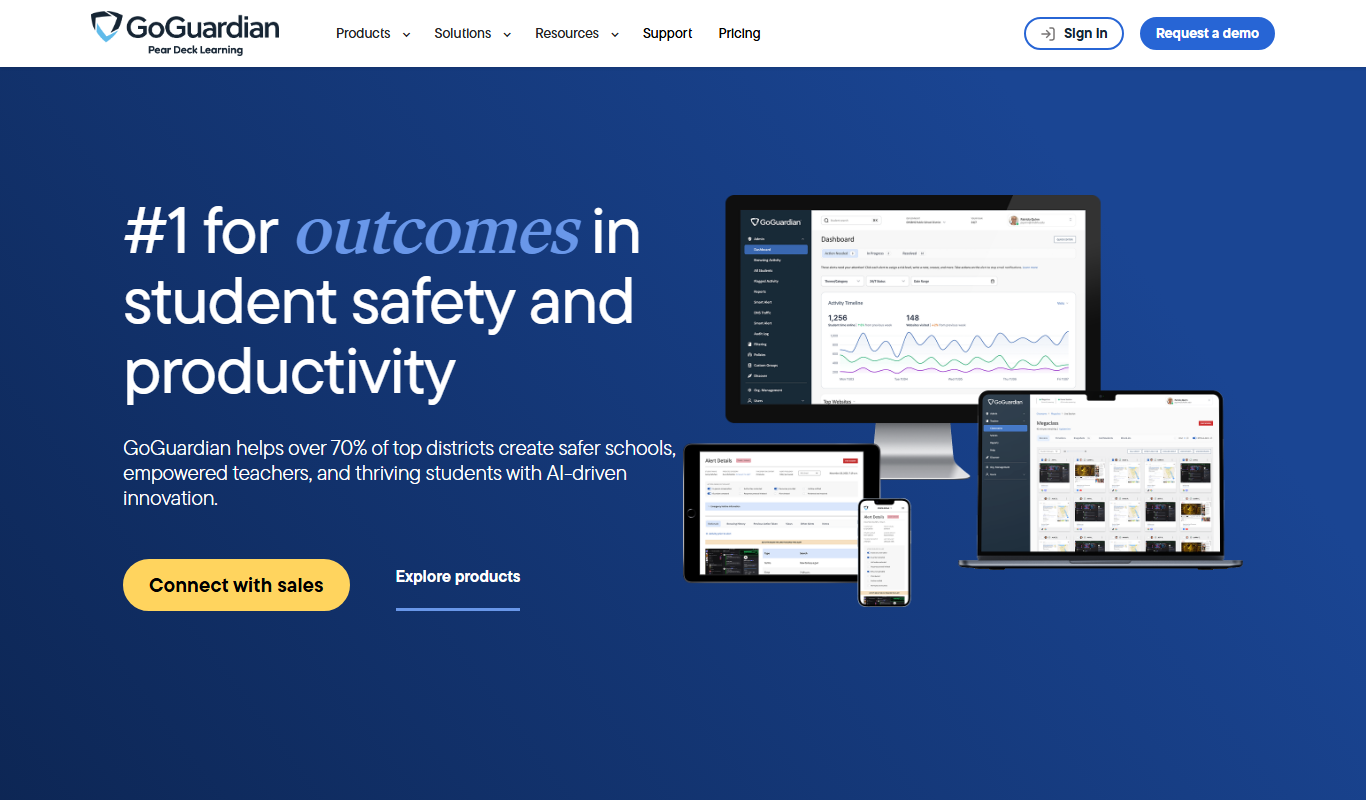
GoGuardian is an education technology platform that helps K-12 schools monitor student activity, manage classrooms, and ensure online safety through AI-powered tools and real-time device monitoring.

ClassDojo
ClassDojo is a free communication platform that helps teachers connect with parents and students to track behavior, share classroom moments, and foster engagement.
RightCapital
RightCapital is a cloud-based financial planning platform designed for financial advisors to create interactive retirement, tax, and estate plans with client collaboration features.

Nutrium
Nutrium is a nutrition software platform that helps dietitians and health professionals manage clients, create personalized meal plans, analyze nutrition data, and conduct remote consultations.
Glofox
Glofox is a gym management software designed to help fitness studios manage memberships, class schedules, payments, and member engagement through web and mobile apps.
KoBoToolbox
KoBoToolbox is an open-source data collection platform designed for field surveys and humanitarian projects, supporting offline data collection and complex survey design, with a free Community plan and paid Starter and Professional plans.

Falkonry
Falkonry is an AI platform that analyzes industrial IoT time series data to provide predictive maintenance, anomaly detection, and operational insights.