

From my experience with Nutrium, I found it excels at integrating client management with personalized meal planning in a user-friendly platform. Spending time with the software, I can say it’s particularly well-suited for dietitians and nutritionists who want to streamline their workflow and offer remote consultations. However, the subscription pricing might be a consideration for solo practitioners on a budget, and offline use is limited. Overall, if you need a comprehensive nutrition software that supports telehealth and detailed nutritional analysis, Nutrium delivers solid, practical tools.
Nutrium Nutrition Software for Dietitians and Health Professionals
Nutrium is a nutrition software platform that helps dietitians and health professionals manage clients, create personalized meal plans, analyze nutrition data, and conduct remote consultations.
- Best for
- Dietitian Client Management
- Key capability
- Client Management Dashboard
Your actions
Save Nutrium, follow its updates and vote on it — everything stays in your account.
Sign in or create a free account
What is Nutrium?
Nutrium is a comprehensive nutrition software designed for dietitians, nutritionists, and health professionals to manage clients, create personalized meal plans, and analyze nutritional data efficiently. It integrates client management with meal planning and communication tools to streamline the nutrition care process.
Key features of Nutrium
Nutrium offers client management, meal planning, nutritional analysis, telehealth capabilities, and workflow automation to support nutrition professionals in delivering personalized care.
Client Management Dashboard
Organize client data, track appointments, and monitor progress in one place.
Personalized Meal Planning
Create and customize meal plans with a large food database and recipe builder.
Nutritional Analysis and Reports
Detailed nutrient breakdowns and printable reports for client education.
Telehealth Integration
Conduct remote consultations and share plans securely online.
Workflow Automation
Automate repetitive tasks to save time and improve efficiency.
Pros and cons of Nutrium
Pros
- Comprehensive client and meal plan management
- Supports multiple languages
- Includes telehealth features
- User-friendly interface
- Automates routine nutrition workflows
Cons
- Pricing may be high for solo practitioners
- Limited offline functionality
Key use cases for Nutrium
Dietitian Client Management
Manage client profiles, track progress, and communicate effectively with clients.
Personalized Meal Planning
Create customized meal plans based on client dietary needs and preferences.
Nutritional Analysis
Analyze nutrient intake and generate detailed reports for clients.
Remote Nutrition Consultations
Conduct virtual appointments and share plans digitally with clients.
Health Coaching Workflow Automation
Automate routine tasks and streamline nutrition coaching processes.
How Nutrium works
- 1
Create an Account
Sign up on Nutrium’s platform to start managing your nutrition practice.
- 2
Add Clients
Input client information and dietary preferences to build profiles.
- 3
Generate Meal Plans
Use Nutrium’s tools to create tailored meal plans based on client needs.
- 4
Analyze Nutritional Data
Review nutrient intake and generate reports to guide client recommendations.
- 5
Communicate and Monitor
Share plans digitally and monitor client progress remotely.
Who is using Nutrium
Dietitians
Nutritionists
Health coaches
Wellness clinics
Fitness professionals
Nutrium pricing
Free Trial
$0 for 14 days
Full access to all features for a limited trial period.
Professional
$39/month
Access to all features with unlimited clients and meal plans.
Team
Custom pricing
Designed for clinics and teams with multiple users and advanced support.
Plans and prices are as published by the vendor and can change. Check the official site before you buy. Open the pricing page (opens in a new tab)
Frequently asked questions about Nutrium
Yes, Nutrium offers an intuitive interface and support resources ideal for new users.
Yes, Nutrium is available on both iOS and Android platforms.
Yes, Nutrium includes tools for remote client communication and plan sharing.
Yes, Nutrium offers a 14-day free trial with full feature access.
This tool is designed to help users accomplish its core tasks more efficiently. It is typically used by individuals or teams looking to improve productivity and workflow.
It depends on your specific needs and how you plan to use the tool. The official website and documentation are the best sources for the latest details.
Yes, it can help with that use case depending on how you configure it and what features are available. You’ll get the best results with clear inputs and a defined goal.
Pricing depends on the plan and included features. For the most accurate and up-to-date details, check the official pricing page.
Sign in to review this tool.
Sign In to ReviewNo reviews yet
Be the first to share how this tool worked for you.
Ask about pricing, limits, or how it compares — or answer someone else.
Sign In to AskNo questions yet
Have a question about using or paying for this tool? Be the first to ask.
Featured on TiorAI



Alternative Tools
Explore similar AI tools that might fit your needs

Subscription
SimplePractice
SimplePractice is a practice management software designed for therapists and health professionals that streamlines scheduling, telehealth, billing, and documentation in one platform.

Free
Cronometer
Cronometer is a nutrition tracking app that helps users log food intake and monitor detailed nutrient consumption including vitamins and minerals to support health and fitness goals.
More AI Customer Service tools
Other tools in the same category, for when this one is not quite the fit.
Free Trial
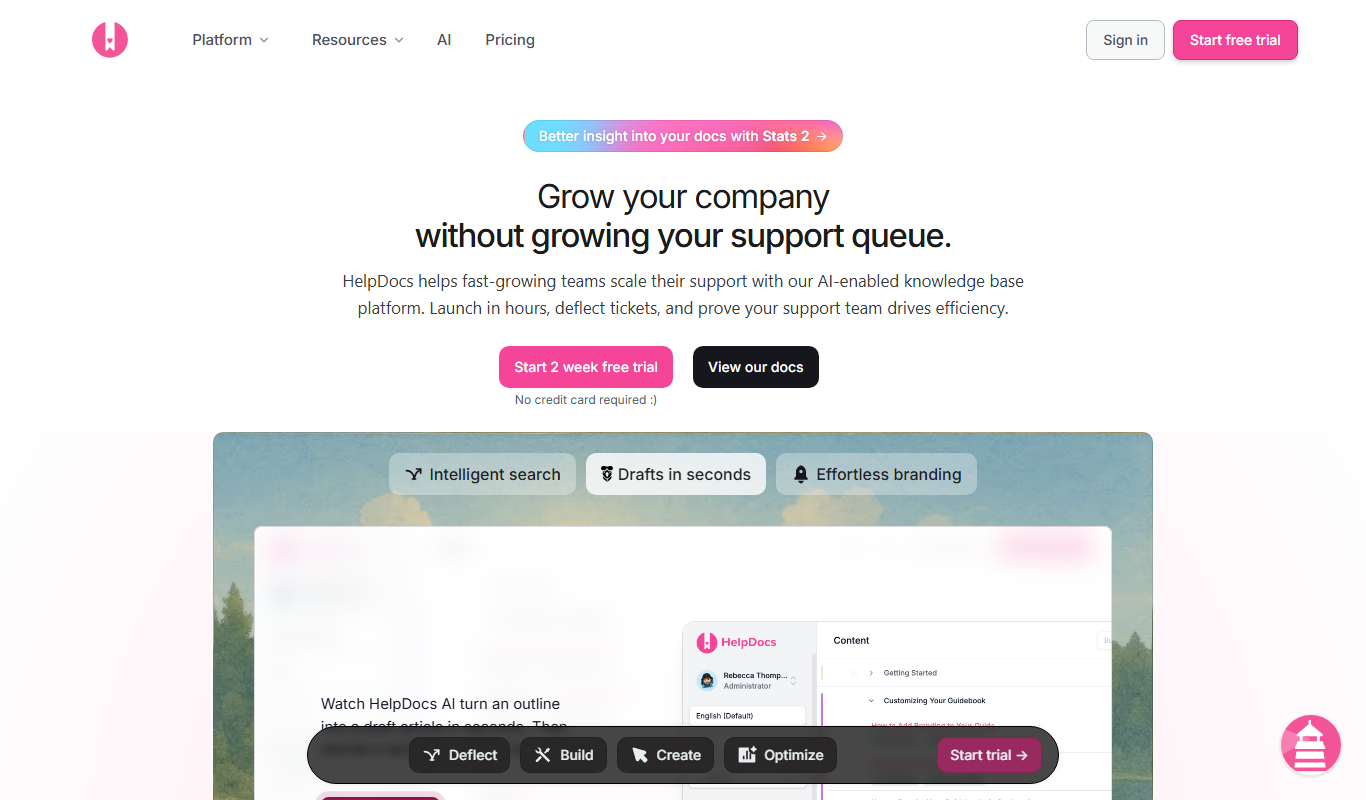
HelpDocs
HelpDocs is a cloud-based knowledge base software that enables businesses to create, customize, and manage self-service help centers to improve customer support and reduce support tickets.
Free
Contacts+ AI
Contacts+ AI is an AI-powered contact management tool that helps users organize, enrich, and maintain contacts across devices with features like deduplication, communication tracking, and team collaboration.

Custom Pricing
Sensely
Sensely, now part of Mediktor, is a conversational health avatar platform with apps on iOS and Android.

Custom Pricing
Shift Technology
Shift Technology is an AI platform that helps insurance companies detect fraud and automate claims processing using machine learning models.
Free
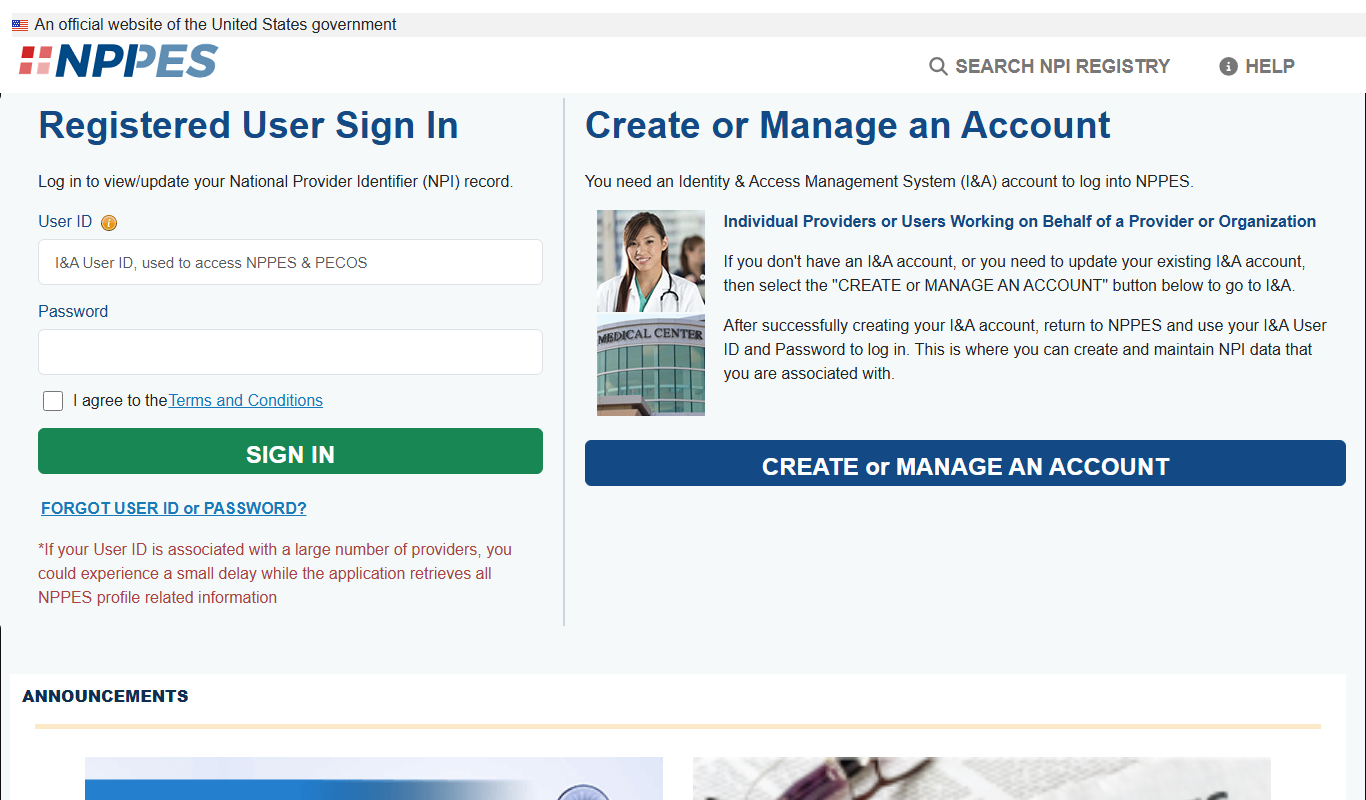
CMS NPI Registry
The CMS NPI Registry is a free online database maintained by the Centers for Medicare & Medicaid Services that allows users to search and verify healthcare providers using their National Provider Identifier (NPI) number or other identifying information.

Free
MyChart
MyChart is a secure patient portal by Epic Systems that allows patients to access medical records, schedule appointments, message providers, and conduct telehealth visits online.

Free
FraudLabs Pro
FraudLabs Pro is a fraud detection service that uses real-time analysis, IP and device fingerprinting, and customizable rules to prevent fraudulent online transactions.

Free
Noonlight
Noonlight is a personal safety app that provides users with a discreet panic button, real-time GPS tracking, and connects them to professional dispatchers who verify emergencies and coordinate with local authorities for rapid response.