

Contacts+ AI: Smart Contact Management with AI-Powered Features
Contacts+ AI is an AI-powered contact management tool that helps users organize, enrich, and maintain contacts across devices with features like deduplication, communication tracking, and team collaboration.
- Best for
- Personal Contact Organization
- Key capability
- AI-Powered Contact Deduplication
Save Contacts+ AI, follow its updates and vote on it — everything stays in your account.
Sign in or create a free account
What is Contacts+ AI?
Contacts+ AI is an AI-enhanced contact management platform designed to help individuals and businesses organize, enrich, and maintain their contact lists seamlessly. It integrates phone, email, and social data to provide a unified view of contacts, improving communication and relationship management.
Key features of Contacts+ AI
The tool offers AI-powered contact deduplication, enrichment with social and company data, communication history tracking, and multi-platform synchronization. It supports integration with email and phone systems to streamline outreach and follow-ups.
AI-Powered Contact Deduplication
Automatically detects and merges duplicate contacts to keep your list clean.
Contact Enrichment
Adds social media profiles, company info, and other relevant data to contacts.
Communication History Tracking
Keeps a log of emails and calls associated with each contact for better context.
Multi-Platform Sync
Syncs contacts across web, iOS, and Android devices seamlessly.
Team Sharing and Collaboration
Allows sharing of contact lists among team members with permission controls.
Pros and cons of Contacts+ AI
Pros
- AI-powered contact deduplication saves time
- Enriches contacts with valuable social and company data
- Cross-platform synchronization ensures access anywhere
- Supports team collaboration for business users
Cons
- Advanced features require paid subscription
- Limited language support (English only)
Key use cases for Contacts+ AI
Personal Contact Organization
Manage and organize personal and professional contacts efficiently with AI-powered deduplication and enrichment.
Business CRM Enhancement
Use AI to enrich contact data, track communication history, and integrate with email and phone for better customer relationship management.
Sales and Marketing Outreach
Leverage AI insights to prioritize contacts and streamline outreach efforts through integrated communication tools.
Team Collaboration
Share and sync contacts across teams to maintain updated contact lists and improve collaboration.
Contact Data Enrichment
Automatically update contacts with social profiles, company info, and other relevant data to keep information current.
How Contacts+ AI works
- 1
Sign Up and Import Contacts
Create an account and import contacts from your phone, email, or other sources.
- 2
AI Deduplication and Enrichment
The AI scans your contacts to merge duplicates and enriches them with additional data like social profiles and company details.
- 3
Organize and Tag Contacts
Use tags and groups to organize contacts for easier access and segmentation.
- 4
Integrate Communication Channels
Connect your email and phone to track communication history and streamline outreach.
- 5
Collaborate and Sync
Share contact lists with your team and sync across devices to keep information up to date.
Who is using Contacts+ AI
Contacts+ AI pricing
Free
$0/month
Basic contact management with limited features and storage.
Premium
$9.99/user billed annually or $13.99 monthly
Premium at $9.99/user billed annually or $13.99 billed monthly.
Teams
$12.99/user billed annually or $17.99 monthly
Teams at $12.99/user billed annually or $17.99 billed monthly.
Plans and prices are as published by the vendor and can change. Check the official site before you buy. Open the pricing page (opens in a new tab)
Frequently asked questions about Contacts+ AI
Yes, Contacts+ AI supports importing contacts from phone, email accounts, and other contact lists.
Yes, the Teams plan allows sharing and syncing contacts across teams.
Contacts+ AI uses industry-standard security measures to protect your data.
Yes, it is available on both iOS and Android platforms.
This tool is designed to help users accomplish its core tasks more efficiently. It is typically used by individuals or teams looking to improve productivity and workflow.
Yes, it can help with that use case depending on how you configure it and what features are available. You’ll get the best results with clear inputs and a defined goal.
It depends on your specific needs and how you plan to use the tool. The official website and documentation are the best sources for the latest details.
Some tools offer a free plan or trial with limited features. Availability can vary, so confirm on the official website.
Conclusion
Importing comes first, with contacts pulled in from a phone, email accounts or other lists. The AI then scans them to merge duplicates and enriches each record with social profiles and company details. Tags and groups organize the cleaned list, while a log of emails and calls gives context for each contact. Contacts sync across web, iOS and Android devices.
Its audience spans sales professionals, marketing teams and freelancers. Next to a Free plan, Premium costs $9.99 per user billed annually or $13.99 monthly, and Teams costs $12.99 per user billed annually or $17.99 monthly. Sharing and syncing contacts across a team sits in the Teams plan.
Sources
Sign in to review this tool.
Sign In to ReviewNo reviews yet
Be the first to share how this tool worked for you.
Ask about pricing, limits, or how it compares — or answer someone else.
Sign In to AskNo questions yet
Have a question about using or paying for this tool? Be the first to ask.
Featured on TiorAI



More AI CRM tools
Other tools in the same category, for when this one is not quite the fit.

KaiNexus
KaiNexus is a cloud-based continuous improvement platform that helps organizations capture ideas, automate workflows, and track improvement projects to enhance operational efficiency.

Highspot
Highspot is a sales enablement platform that centralizes sales content, provides training tools, and offers analytics to improve sales effectiveness.
Greenlight Guru
Greenlight Guru is a specialized cloud-based quality management system that helps medical device companies comply with FDA and ISO 13485 standards by managing document control, risk, design controls, and audits.
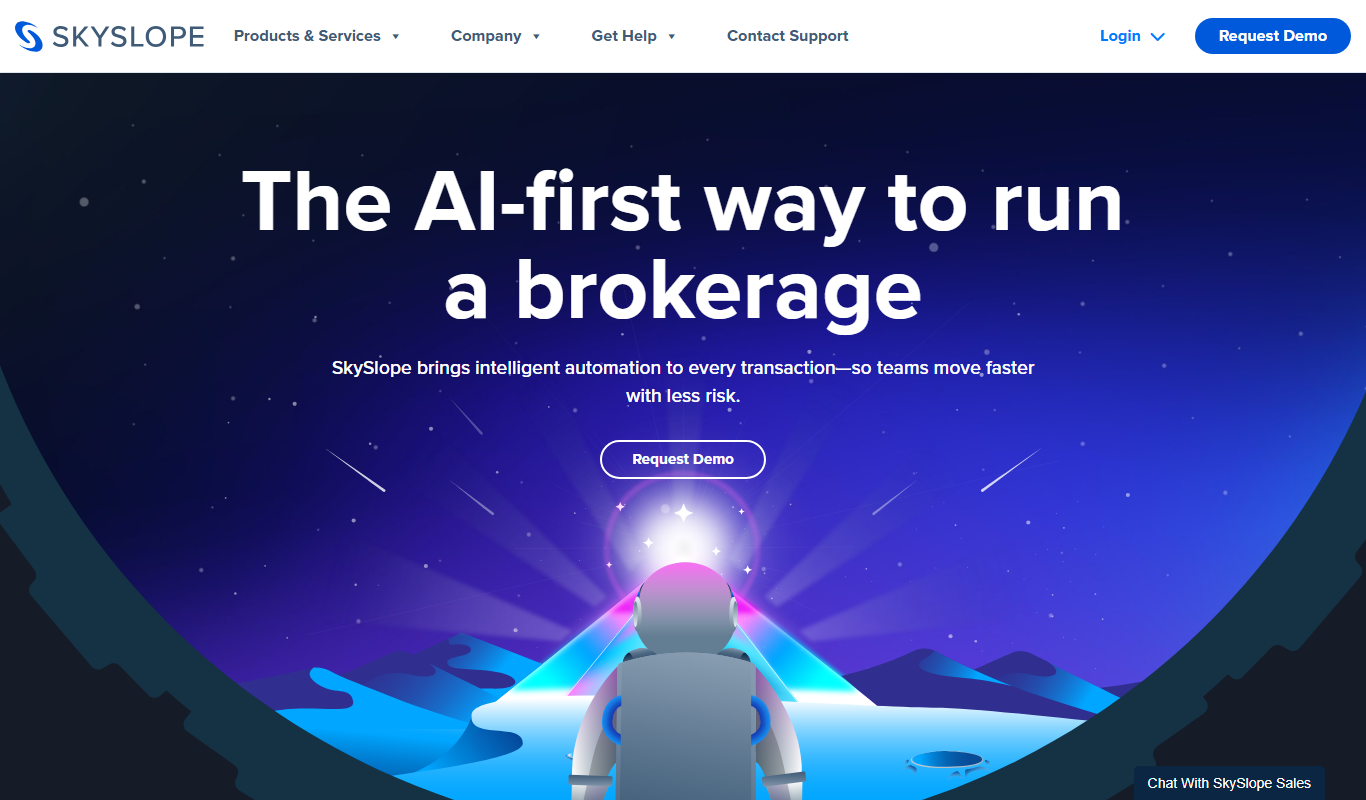
SkySlope
SkySlope is a cloud-based software designed to manage real estate transactions, ensuring compliance, document management, and broker oversight through a centralized platform accessible via web and mobile apps.

Dotloop
Dotloop is a cloud-based real estate transaction management software that streamlines document handling, e-signatures, compliance, and collaboration for agents and brokers.

Geotab
Geotab is a fleet management platform providing GPS tracking, driver safety monitoring, vehicle diagnostics, and analytics to optimize fleet operations.
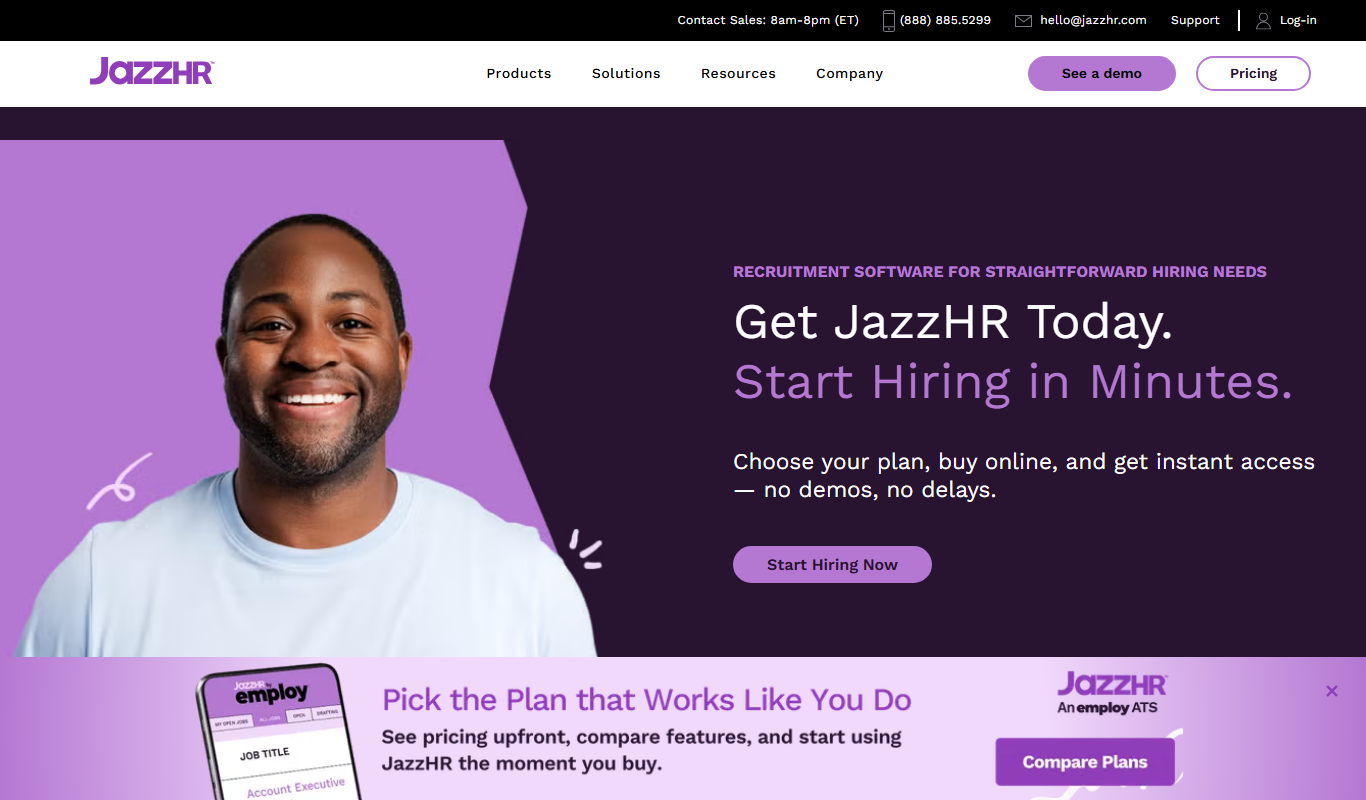
JazzHR
JazzHR is a cloud-based recruiting software that helps small and medium businesses manage applicant tracking, job postings, and collaborative hiring efficiently.

Qualio
Qualio is a cloud-based quality management software designed for life sciences companies to manage compliance, document control, risk, training, and audits efficiently.