

Slack Native Search Features and Tips for Efficient Team Communication
Slack's native search allows users to find messages, files, and conversations across their workspace using keywords and advanced filters, improving team communication and productivity.
Save Slack’s native search, follow its updates and vote on it — everything stays in your account.
Sign in or create a free account
What is Slack’s native search?
Slack’s native search is an integrated feature within the Slack collaboration platform that allows users to quickly find messages, files, and conversations across their workspace. It supports advanced search modifiers and filters to help teams locate relevant information efficiently without leaving the app.
Key features of Slack’s native search
The native search in Slack offers powerful capabilities such as keyword search, filtering by user, channel, date, and file type, as well as sorting results by relevance or recency. It enhances team productivity by making historical data and shared content easily accessible.
Advanced Search Modifiers
Use specific commands to filter searches by user, channel, date range, or file type for precise results.
Search Sorting Options
Sort results by relevance or most recent to quickly find the most pertinent information.
Search Within Threads
Locate messages within threaded conversations to follow context and discussions easily.
File Search
Find shared files by name, type, or content to access documents without manual browsing.
Search Suggestions
Receive autocomplete suggestions and recent searches to speed up query input.
Pros and cons of Slack’s native search
Pros
- Integrates seamlessly within Slack interface
- Supports advanced search filters and modifiers
- Accessible across all platforms including mobile
- Improves team productivity by quick information retrieval
- No need for external tools for message and file search
Cons
- Limited search history on free plans
- Search can be slower in very large workspaces
- Advanced search features require paid plans
Who is using Slack’s native search
Slack’s native search pricing
Free
$0/month
Basic Slack features; message history is limited to 90 days.
Pro
$7.25/user/month
Extended search history, advanced collaboration tools, and increased storage.
Business+
$15/user/month billed annually ($18 billed monthly)
Enhanced security, compliance, and analytics with full search history.
Enterprise Grid
Custom pricing
Tailored solutions for large organizations with advanced search and administrative controls.
Plans and prices are as published by the vendor and can change. Check the official site before you buy. Open the pricing page (opens in a new tab)
Conclusion
Search is built into the Slack collaboration platform and finds messages, files and conversations across a workspace without leaving the app. Modifiers filter a query by user, channel, date range or file type, and results can be sorted by relevance or most recent. It also locates messages within threaded conversations and finds shared files by name, type or content.
Remote teams, project managers and customer support teams can use it to reach historical data and shared content. On the Free plan, message history is limited to 90 days. Pro costs $7.25 per user per month, and Business+ costs $15 per user per month billed annually or $18 billed monthly. Search can be slower in very large workspaces.
Sources
Sign in to review this tool.
Sign In to ReviewNo reviews yet
Be the first to share how this tool worked for you.
Ask about pricing, limits, or how it compares — or answer someone else.
Sign In to AskNo questions yet
Have a question about using or paying for this tool? Be the first to ask.
Featured on TiorAI



More AI Workflow tools
Other tools in the same category, for when this one is not quite the fit.

Unacademy
Unacademy is an Indian online education platform providing live classes, recorded lectures, and test series for competitive exams and skill development.

ScriptRunner
ScriptRunner is an automation platform that centralizes management, security, and execution of PowerShell scripts to streamline IT workflows and enable self-service automation.

RELEX Solutions
RELEX Solutions is an AI-powered supply chain management platform that helps retailers and wholesalers optimize demand forecasting, inventory, and workforce planning to improve efficiency and reduce costs.
Things 3
Things 3 is a premium task management app designed exclusively for Apple devices, offering intuitive task creation, project organization, and seamless iCloud syncing to boost productivity.

Ziflow
Ziflow is an online proofing software that helps creative teams review, annotate, and approve digital assets efficiently through automated workflows and real-time collaboration.
Filestage
Filestage is an online proofing platform that centralizes feedback and approvals for digital content, helping teams collaborate efficiently and reduce review cycles.

Trademetria
Trademetria is an AI-powered platform that provides detailed trading analytics, portfolio management, and risk assessment tools to help traders optimize their investment performance.
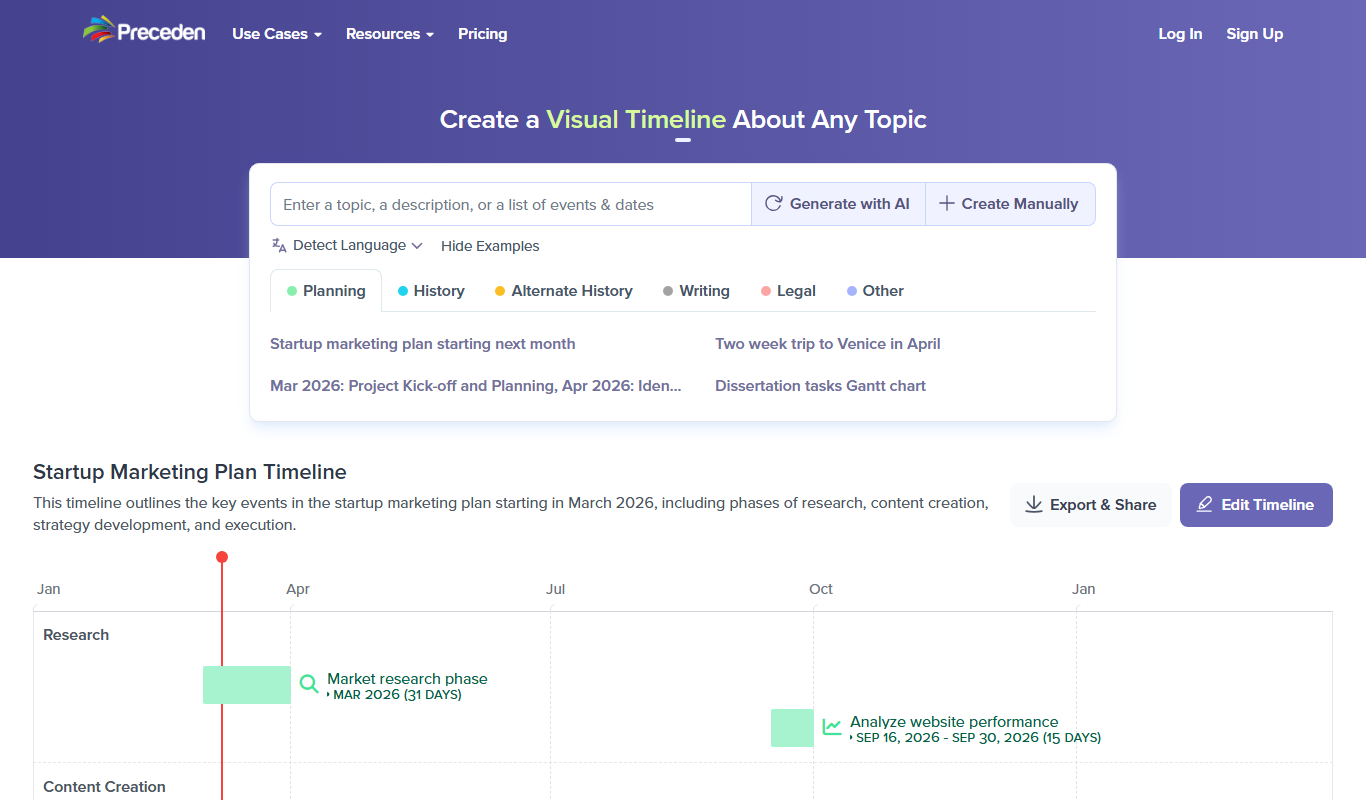
Preceden
Preceden is a web-based timeline maker that helps users create clear, multi-layered timelines for project planning, event scheduling, and roadmaps with export and sharing features.