

From my experience with KoBoToolbox, I found it excels at enabling reliable data collection in challenging field environments, especially where internet access is limited. Its offline capabilities and XLSForm compatibility make it a powerful tool for humanitarian organizations and researchers who need flexible, secure, and free survey solutions. However, the platform’s interface can be somewhat complex for beginners, and it primarily supports Android devices, which may limit some users. Overall, if you require robust, open-source data collection software for fieldwork or humanitarian projects, KoBoToolbox delivers dependable and comprehensive features.
KoBoToolbox Data Collection Software for Field Surveys and Humanitarian Projects
KoBoToolbox is a free, open-source data collection platform designed for field surveys and humanitarian projects, supporting offline data collection and complex survey design.
- Best for
- Humanitarian Data Collection
- Key capability
- Offline Data Collection
Your actions
Save KoBoToolbox, follow its updates and vote on it — everything stays in your account.
Sign in or create a free accountWhat is KoBoToolbox?
KoBoToolbox is an open-source suite of tools designed for data collection and analysis, primarily used by humanitarian organizations, researchers, and field workers. It enables users to create complex surveys, collect data offline or online, and manage responses efficiently. The platform supports mobile data collection through Android devices and offers robust features for data visualization and export.
Key features of KoBoToolbox
KoBoToolbox provides an intuitive form builder, offline data collection capabilities, multi-language support, and secure data management. It integrates with various data analysis tools and supports exporting data in multiple formats, making it suitable for diverse field data collection needs.
Offline Data Collection
Collect data without internet connectivity using the KoBoCollect Android app.
XLSForm Compatibility
Design complex surveys using XLSForm standards for advanced logic and validation.
Multi-language Support
Create surveys in multiple languages to accommodate diverse respondent groups.
Data Export Options
Export collected data in formats like CSV, Excel, SPSS, and JSON for further analysis.
Secure Data Storage
Data is securely stored on servers with options for self-hosting or cloud hosting.
Pros and cons of KoBoToolbox
Pros
- Completely free and open-source
- Robust offline data collection capabilities
- Supports complex survey logic with XLSForm
- Multi-language survey support
- Strong community and humanitarian focus
Cons
- User interface can be complex for beginners
- Limited native iOS support (primarily Android)
- Advanced features require learning XLSForm syntax
Key use cases for KoBoToolbox
Humanitarian Data Collection
Collect and manage data in challenging environments for humanitarian aid and disaster response.
Field Research Surveys
Design and deploy surveys for social science research and field studies with offline capabilities.
Monitoring and Evaluation
Track project progress and outcomes through structured data collection and reporting.
Public Health Data Gathering
Gather health-related data in remote or resource-limited settings to support public health initiatives.
Education Sector Assessments
Conduct assessments and surveys in educational contexts to inform policy and program decisions.
How KoBoToolbox works
- 1
Create an Account
Sign up on the KoBoToolbox website to access the data collection platform.
- 2
Build Your Survey
Use the drag-and-drop form builder or upload XLSForms to design your questionnaire.
- 3
Deploy Survey to Devices
Publish your survey and deploy it to mobile devices for offline or online data collection.
- 4
Collect Data in the Field
Field workers collect responses using the KoBoCollect Android app or web forms.
- 5
Manage and Analyze Data
View, export, and analyze collected data through the KoBoToolbox dashboard.
Who is using KoBoToolbox
Humanitarian organizations
Field researchers
Nonprofits and NGOs
Public health workers
Education program evaluators
KoBoToolbox pricing
Free
$0/month
Full access to KoBoToolbox features with no cost, designed for humanitarian and research use.
Plans and prices are as published by the vendor and can change. Check the official site before you buy. Open the pricing page (opens in a new tab)
Frequently asked questions about KoBoToolbox
Yes, KoBoToolbox is free and open-source software primarily intended for humanitarian and research purposes.
Yes, the KoBoCollect Android app allows offline data collection which syncs when internet is available.
You can create simple to complex surveys with skip logic, validation, and multiple question types.
KoBoToolbox stores data securely and offers options for self-hosting to maintain full control.
It depends on your specific needs and how you plan to use the tool. The official website and documentation are the best sources for the latest details.
Some tools offer a free plan or trial with limited features. Availability can vary, so confirm on the official website.
Yes, it can help with that use case depending on how you configure it and what features are available. You’ll get the best results with clear inputs and a defined goal.
This tool is designed to help users accomplish its core tasks more efficiently. It is typically used by individuals or teams looking to improve productivity and workflow.
Sign in to review this tool.
Sign In to ReviewNo reviews yet
Be the first to share how this tool worked for you.
Ask about pricing, limits, or how it compares — or answer someone else.
Sign In to AskNo questions yet
Have a question about using or paying for this tool? Be the first to ask.
Featured on TiorAI



Alternative Tools
Explore similar AI tools that might fit your needs
Free
SurveyMonkey
SurveyMonkey is an online survey platform that helps users create, distribute, and analyze surveys for collecting feedback, conducting market research, and measuring engagement.

Enterprise
Qualtrics
Qualtrics is an experience management platform that enables organizations to design surveys, collect feedback, and analyze data using AI-powered tools to improve customer, employee, product, and brand experiences.
More AI Workflow tools
Other tools in the same category, for when this one is not quite the fit.
Enterprise
iObeya
iObeya is a digital visual management software that enables agile and lean teams to collaborate remotely using customizable digital boards and real-time interaction.

Custom Pricing
KaiNexus
KaiNexus is a cloud-based continuous improvement platform that helps organizations capture ideas, automate workflows, and track improvement projects to enhance operational efficiency.

Custom Pricing
Tata Consultancy Services
Tata Consultancy Services (TCS) is a global IT services and consulting company offering digital transformation, AI automation, cloud migration, and enterprise software solutions tailored for large businesses.
Free Trial
Formstack Documents
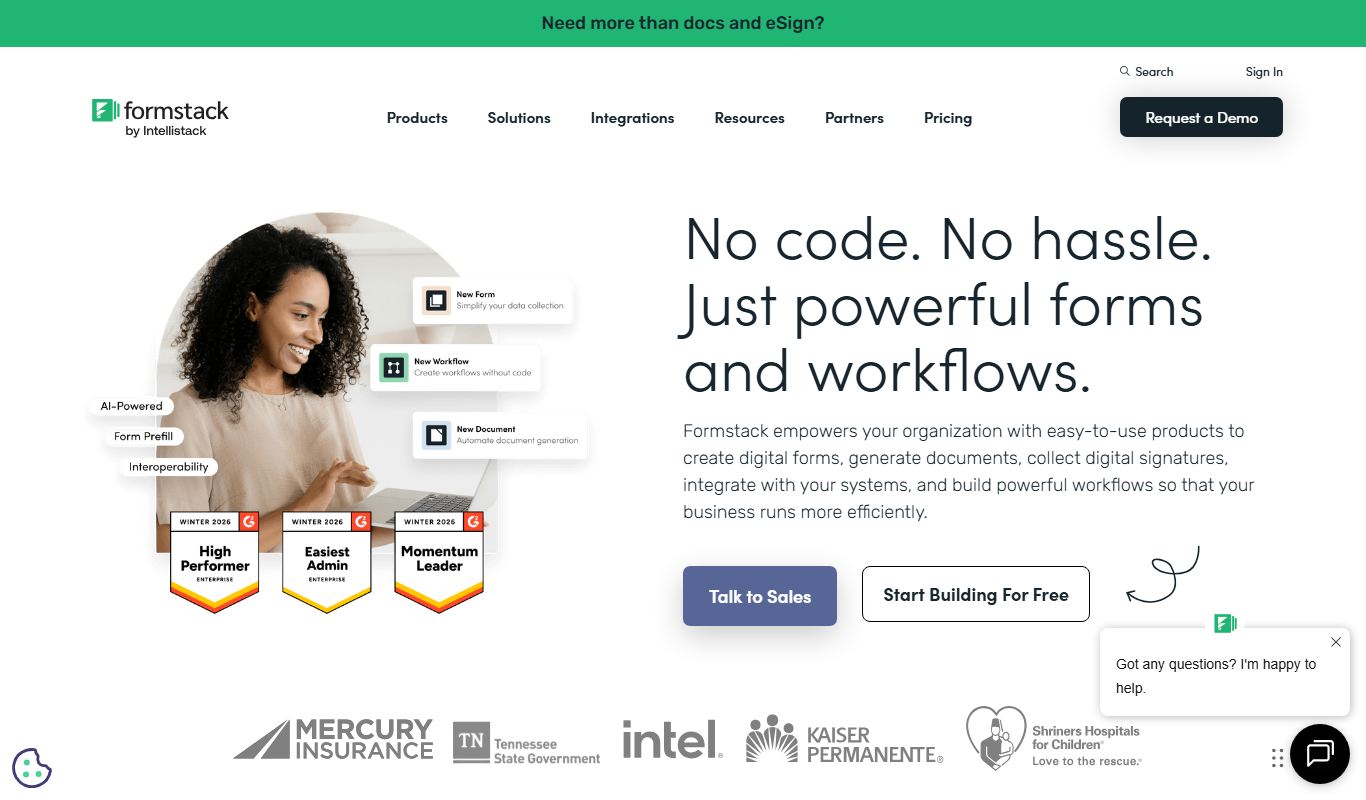
Formstack Documents is a no-code document automation platform that integrates with various apps to generate, customize, and distribute documents automatically, improving workflow efficiency.

Custom Pricing
Starship Technologies
Starship Technologies offers autonomous delivery robots that navigate sidewalks to deliver food, groceries, and packages locally, providing contactless, efficient last-mile delivery solutions.

Free
MyStudyLife
MyStudyLife is a cross-platform student planner app designed to organize academic schedules, track homework, and manage exams with reminders and offline access.

Free
Combine PDF Files Online
Combine PDF Files Online is a free web tool that lets you merge multiple PDF documents into a single file quickly without uploading your files to a server.

Free
PhishTool
PhishTool is a cybersecurity platform designed to detect, analyze, and automate response to phishing threats, helping organizations improve email security and incident handling.