

Collaborative Visual Management Software for Agile Teams and Remote Work
iObeya is a digital visual management software that enables agile and lean teams to collaborate remotely using customizable digital boards and real-time interaction.
- Best for
- Agile Project Management
- Key capability
- Digital Visual Boards
Save iObeya, follow its updates and vote on it — everything stays in your account.
Sign in or create a free accountWhat is iObeya?
iObeya is a digital visual management platform designed to replicate physical whiteboards and visual management boards in a virtual environment. It enables teams, especially those practicing agile and lean methodologies, to collaborate remotely and manage projects visually. The platform supports real-time interaction, customizable boards, and integration with existing workflows to enhance productivity and transparency.
Key features of iObeya
Key features include digital Kanban and Scrum boards, real-time collaboration, customizable templates for lean and agile practices, integration capabilities, and support for remote and hybrid teams to maintain visual management continuity.
Digital Visual Boards
Replicates physical whiteboards with digital sticky notes, charts, and templates for agile and lean practices.
Real-Time Collaboration
Multiple users can interact simultaneously on boards, enabling seamless remote teamwork.
Customizable Templates
Offers a wide range of templates for Kanban, Scrum, value stream mapping, and more.
Integration Support
Connects with tools like Jira, Microsoft Teams, and Slack to streamline workflows.
Secure and Scalable
Enterprise-grade security and scalability for organizations of all sizes.
Pros and cons of iObeya
Pros
- Highly customizable visual boards
- Strong support for agile and lean methodologies
- Effective real-time collaboration for remote teams
- Integrates with popular project management tools
- Enterprise-grade security and scalability
Cons
- Steeper learning curve for users new to digital visual management
- Limited offline functionality
Key use cases for iObeya
Agile Project Management
Facilitates agile methodologies like Scrum and Kanban by providing digital boards for sprint planning, backlog management, and daily stand-ups.
Remote Team Collaboration
Enables distributed teams to collaborate visually in real-time, replicating physical whiteboard sessions online.
Lean and Continuous Improvement
Supports lean management practices with tools for value stream mapping, root cause analysis, and continuous improvement workshops.
Visual Workflow Management
Allows teams to create, customize, and manage workflows visually to improve transparency and efficiency.
Training and Workshops
Used for interactive training sessions and workshops by providing a flexible digital canvas for exercises and brainstorming.
How iObeya works
- 1
Create an Account
Sign up on the iObeya platform to start using digital visual management boards.
- 2
Set Up Your Workspace
Create or import boards tailored to your team’s workflow such as Kanban, Scrum, or custom templates.
- 3
Invite Team Members
Add collaborators to your workspace to enable real-time interaction and joint editing.
- 4
Collaborate and Manage Work
Use the digital boards to plan, track, and improve your projects with visual tools and integrations.
Who is using iObeya
iObeya pricing
Team+
EUR 3,780/year per room
Team+ plan with published pricing per room per year.
Enterprise
Custom pricing
Advanced features, integrations, and dedicated support for large organizations.
Plans and prices are as published by the vendor and can change. Check the official site before you buy. Open the pricing page (opens in a new tab)
Frequently asked questions about iObeya
Yes, iObeya is designed to enable remote and distributed teams to collaborate visually in real-time.
Yes, iObeya supports integrations with popular tools like Jira, Microsoft Teams, and Slack.
Yes, it provides customizable templates for Scrum, Kanban, and other lean management practices.
iObeya offers demos and trials upon request; contact their sales team for details.
This tool is designed to help users accomplish its core tasks more efficiently. It is typically used by individuals or teams looking to improve productivity and workflow.
Yes, it can help with that use case depending on how you configure it and what features are available. You’ll get the best results with clear inputs and a defined goal.
Integration support depends on the tool and its available connectors or API. Check the official documentation or integrations page to confirm what is supported.
Some tools offer a free plan or trial with limited features. Availability can vary, so confirm on the official website.
Conclusion
Physical whiteboards and visual management boards are recreated as digital boards with sticky notes, charts and templates for agile and lean practices. Teams create or import boards such as Kanban or Scrum, add collaborators for real-time joint editing, and use the boards to plan and track projects. For lean work there are tools for value stream mapping, root cause analysis and continuous improvement workshops. Jira, Microsoft Teams and Slack are among the tools it connects with.
The platform is designed for agile and Scrum teams, lean management practitioners and remote or distributed teams. Pricing is published for the Team+ plan at EUR 3,780 per year for each room, while Enterprise uses custom pricing.
Sources
Sign in to review this tool.
Sign In to ReviewNo reviews yet
Be the first to share how this tool worked for you.
Ask about pricing, limits, or how it compares — or answer someone else.
Sign In to AskNo questions yet
Have a question about using or paying for this tool? Be the first to ask.
Featured on TiorAI



More AI Workflow tools
Other tools in the same category, for when this one is not quite the fit.

KaiNexus
KaiNexus is a cloud-based continuous improvement platform that helps organizations capture ideas, automate workflows, and track improvement projects to enhance operational efficiency.

Tata Consultancy Services
Tata Consultancy Services (TCS) is a global IT services and consulting company offering digital transformation, AI automation, cloud migration, and enterprise software solutions tailored for large businesses.
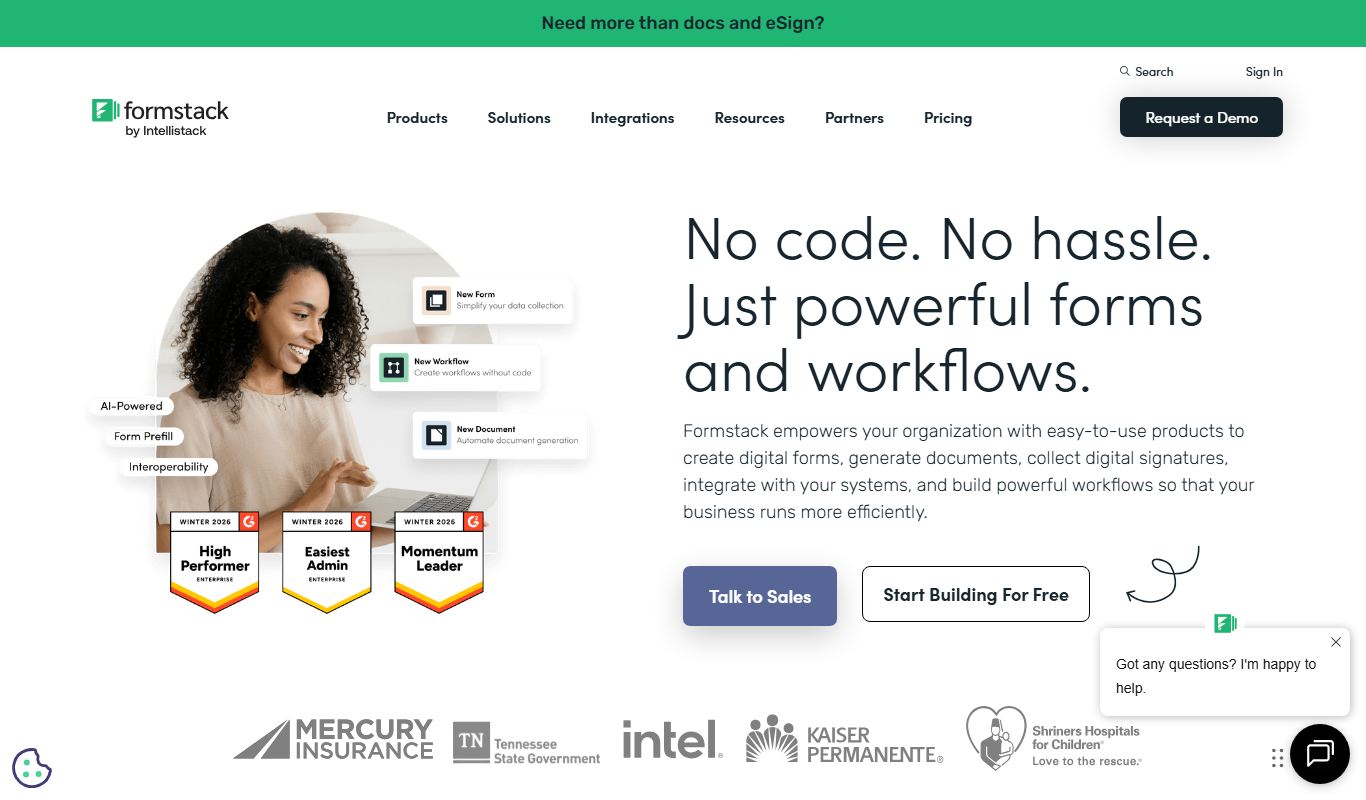
Formstack Documents
Formstack Documents is a no-code document automation platform that integrates with various apps to generate, customize, and distribute documents automatically, improving workflow efficiency.

Starship Technologies
Starship Technologies offers autonomous delivery robots that navigate sidewalks to deliver food, groceries, and packages locally, providing contactless, efficient last-mile delivery solutions.

MyStudyLife
MyStudyLife is a cross-platform student planner app designed to organize academic schedules, track homework, and manage exams with reminders and offline access.

Combine PDF Files Online
Combine PDF Files Online is a free web tool that lets you merge multiple PDF documents into a single file quickly without uploading your files to a server.

PhishTool
PhishTool is a cybersecurity platform designed to detect, analyze, and automate response to phishing threats, helping organizations improve email security and incident handling.

EnergyHub
EnergyHub is an energy management platform designed for utilities to optimize grid operations, manage demand response, and integrate distributed energy resources through real-time analytics and customer engagement tools.