

From my experience with Formstack Documents, I found it excels at simplifying complex document workflows through intuitive automation and integration capabilities. The drag-and-drop builder makes template creation accessible even for non-technical users, while its broad app integrations allow seamless data flow from forms and CRMs. This makes it particularly well-suited for sales, operations, and legal teams looking to reduce manual document tasks. However, the pricing structure may be a consideration for smaller businesses with limited document volume needs. Overall, if your goal is to automate document generation and distribution efficiently, Formstack Documents delivers reliable and scalable solutions.
Formstack Documents: Automated Document Generation and Workflow Software
Formstack Documents is a no-code document automation platform that integrates with various apps to generate, customize, and distribute documents automatically, improving workflow efficiency.
- Best for
- Automated Document Generation
- Key capability
- Drag-and-Drop Document Builder
Your actions
Save Formstack Documents, follow its updates and vote on it — everything stays in your account.
Sign in or create a free account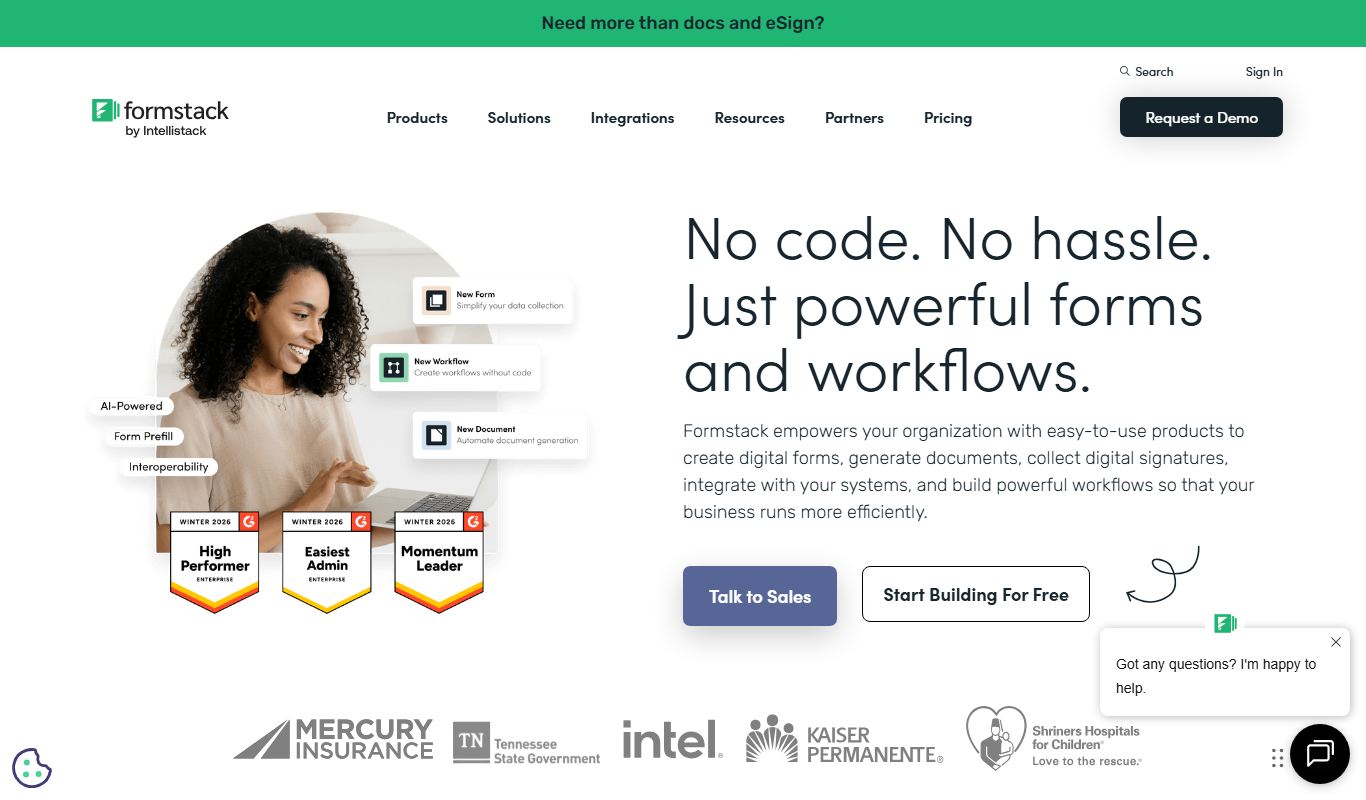
What is Formstack Documents?
Formstack Documents is a cloud-based document automation platform that enables businesses to create, customize, and distribute documents automatically. It integrates with various data sources such as online forms, CRMs, and cloud apps to generate documents like contracts, proposals, and invoices without manual effort. Designed for users with little to no coding experience, it streamlines workflows by automating repetitive document tasks and improving operational efficiency.
Key features of Formstack Documents
Key features include drag-and-drop document builder, integration with popular apps (e.g., Salesforce, HubSpot, Google Sheets), conditional logic for dynamic content, automated delivery options, and e-signature compatibility. These features help businesses reduce errors, save time, and maintain consistency across documents.
Drag-and-Drop Document Builder
Easily create and customize document templates without coding.
Wide Integration Support
Connect with over 40 popular apps including Salesforce, HubSpot, and Google Sheets.
Conditional Logic
Add dynamic content and control document output based on data conditions.
Automated Delivery
Send documents automatically via email, cloud storage, or to e-signature services.
API Access
Use API to integrate document generation into custom workflows and applications.
Pros and cons of Formstack Documents
Pros
- User-friendly drag-and-drop document builder
- Robust integration options with popular business apps
- Flexible automation with conditional logic
- API available for custom workflows
- Reliable document delivery and e-signature support
Cons
- Pricing may be high for small businesses with low volume needs
- Limited language support (primarily English)
- No dedicated mobile app; web-based only
Key use cases for Formstack Documents
Automated Document Generation
Automatically generate customized documents such as contracts, invoices, and reports from form data or CRM inputs.
Workflow Automation
Streamline business processes by integrating document creation into existing workflows without coding.
Data Collection and Integration
Collect data from multiple sources like web forms, CRMs, and cloud apps to populate documents dynamically.
E-signature and Compliance
Facilitate document signing and ensure compliance by integrating with e-signature platforms.
Document Distribution
Automatically send generated documents via email or upload to cloud storage services.
How Formstack Documents works
- 1
Connect Data Sources
Integrate your forms, CRM, or cloud apps to pull data automatically.
- 2
Design Document Templates
Use the drag-and-drop builder to create customizable templates with dynamic fields.
- 3
Set Automation Rules
Define triggers and conditional logic to control when and how documents are generated.
- 4
Generate and Distribute
Automatically create documents and send them via email, cloud storage, or e-signature platforms.
Who is using Formstack Documents
Small to medium businesses
Sales and marketing teams
Operations and administrative staff
Legal and compliance departments
Customer service teams
Formstack Documents pricing
Free Trial
$0 for 14 days
Full feature access to test the platform before purchasing.
Standard
$69/month
Basic document automation features with limited document generation volume.
Professional
$249/month
Advanced features including more integrations, higher volume, and priority support.
Enterprise
Custom pricing
Tailored solutions with dedicated support, custom integrations, and SLAs.
Plans and prices are as published by the vendor and can change. Check the official site before you buy. Open the pricing page (opens in a new tab)
Frequently asked questions about Formstack Documents
Yes, Formstack Documents supports integration with many CRMs like Salesforce, HubSpot, and Zoho.
No, the platform is designed for users without coding experience using drag-and-drop tools.
Limits depend on your subscription plan; higher tiers offer larger document generation volumes.
Yes, Formstack Documents integrates with e-signature platforms like DocuSign and Adobe Sign.
It depends on your specific needs and how you plan to use the tool. The official website and documentation are the best sources for the latest details.
Integration support depends on the tool and its available connectors or API. Check the official documentation or integrations page to confirm what is supported.
It depends on your specific needs and how you plan to use the tool. The official website and documentation are the best sources for the latest details.
Yes, it can help with that use case depending on how you configure it and what features are available. You’ll get the best results with clear inputs and a defined goal.
Sign in to review this tool.
Sign In to ReviewNo reviews yet
Be the first to share how this tool worked for you.
Ask about pricing, limits, or how it compares — or answer someone else.
Sign In to AskNo questions yet
Have a question about using or paying for this tool? Be the first to ask.
Featured on TiorAI



Alternative Tools
Explore similar AI tools that might fit your needs
Free
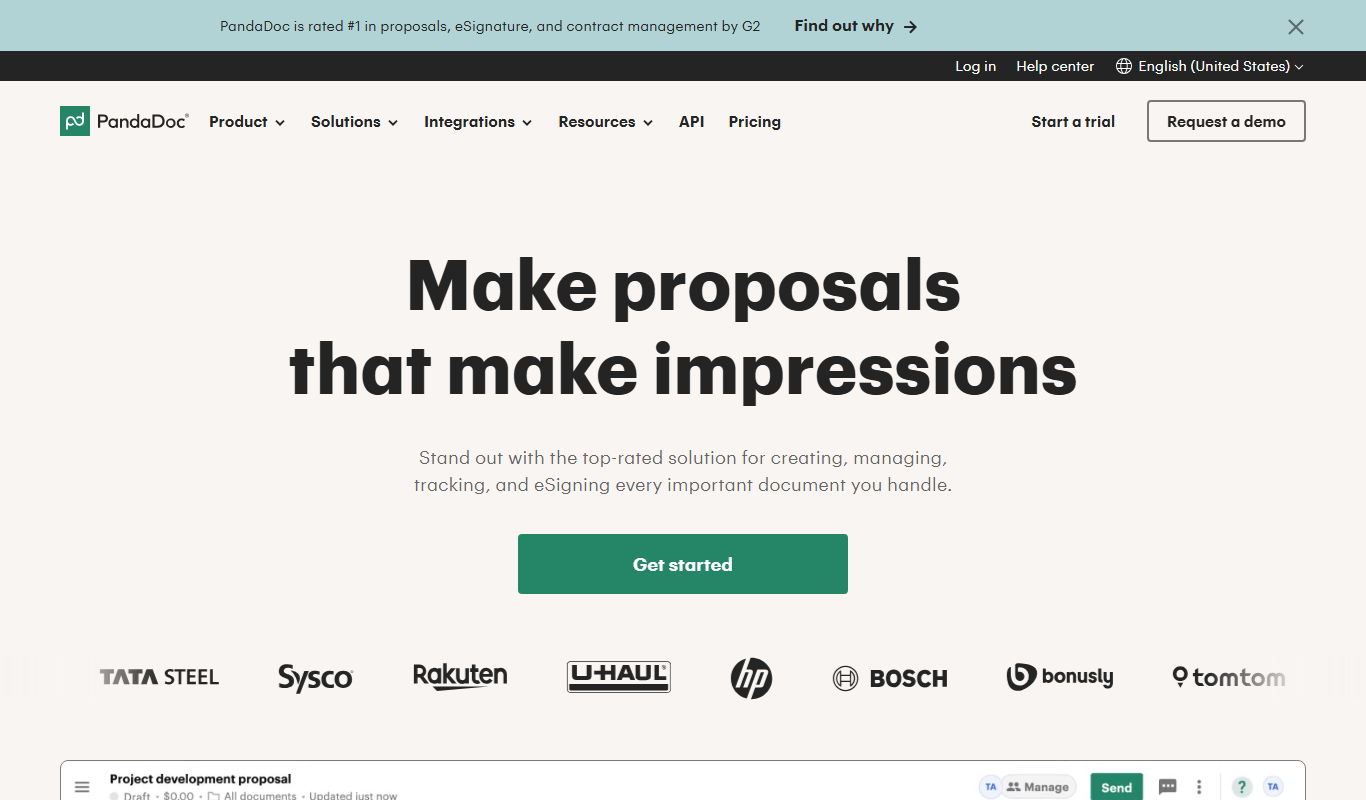
PandaDoc
PandaDoc is a cloud-based platform that automates document creation, approval workflows, and electronic signatures to help businesses streamline proposals, contracts, and payments.

Free Trial
DocuSign
DocuSign is a cloud-based electronic signature platform that enables secure, legally binding digital signing and management of documents, streamlining workflows and ensuring compliance.
More AI Workflow tools
Other tools in the same category, for when this one is not quite the fit.
Subscription
Inventory Planner
Inventory Planner is a cloud-based software that helps businesses forecast demand, optimize inventory, and automate purchase orders by analyzing sales data and trends.
Free
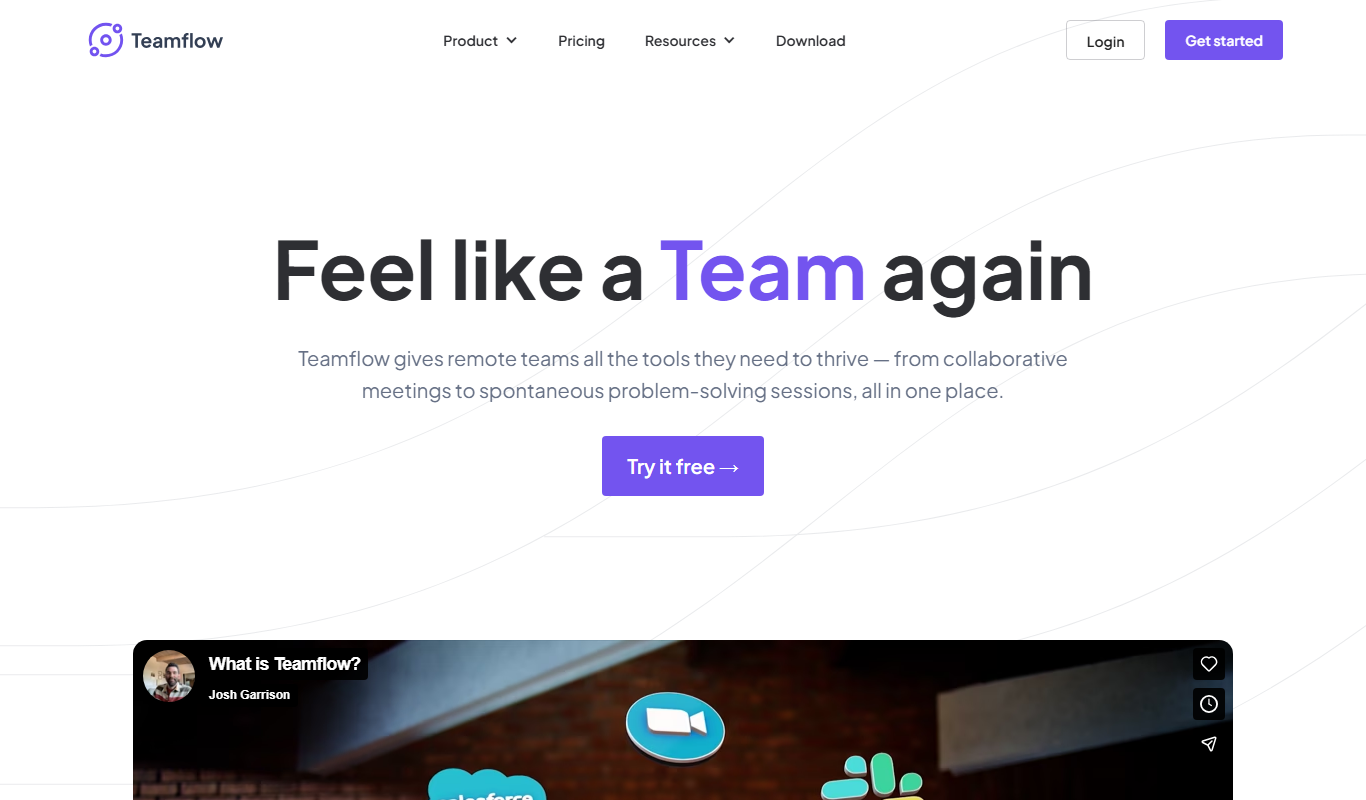
Teamflow
Teamflow is a virtual office platform designed to enhance remote team collaboration through spatial audio, customizable virtual spaces, and integrated video conferencing.

Custom Quote
C3.ai
C3.ai is an enterprise AI platform that enables organizations to build and deploy AI applications for predictive analytics, IoT, and digital transformation across industries.

Subscription
ContractWorks
ContractWorks is a web-based contract management software that helps businesses securely store, track, and sign contracts with features like electronic signatures, automated alerts, and compliance tools.
Custom Pricing
Turbonomic
Turbonomic is an AI-driven platform that automates application resource management to optimize performance and reduce costs across hybrid and multi-cloud environments.
Subscription
CaseFleet
CaseFleet is a cloud-based legal case management platform designed to help lawyers organize case facts, evidence, and timelines to streamline litigation preparation and collaboration.

Transaction fees
LaborX
LaborX is a blockchain-powered freelance platform that uses smart contracts and cryptocurrency payments to provide secure, transparent, and automated freelance job agreements and payments worldwide.

Free Trial
BSC Designer
BSC Designer is a strategic performance management software that enables organizations to create balanced scorecards, manage KPIs, and generate performance reports to improve strategy execution.