

Teamflow Virtual Office Platform for Remote Team Collaboration and Meetings
Teamflow is a virtual office platform designed to enhance remote team collaboration through spatial audio, customizable virtual spaces, and integrated video conferencing.
- Best for
- Remote Team Collaboration
- Key capability
- Spatial Audio
Save Teamflow, follow its updates and vote on it — everything stays in your account.
Sign in or create a free account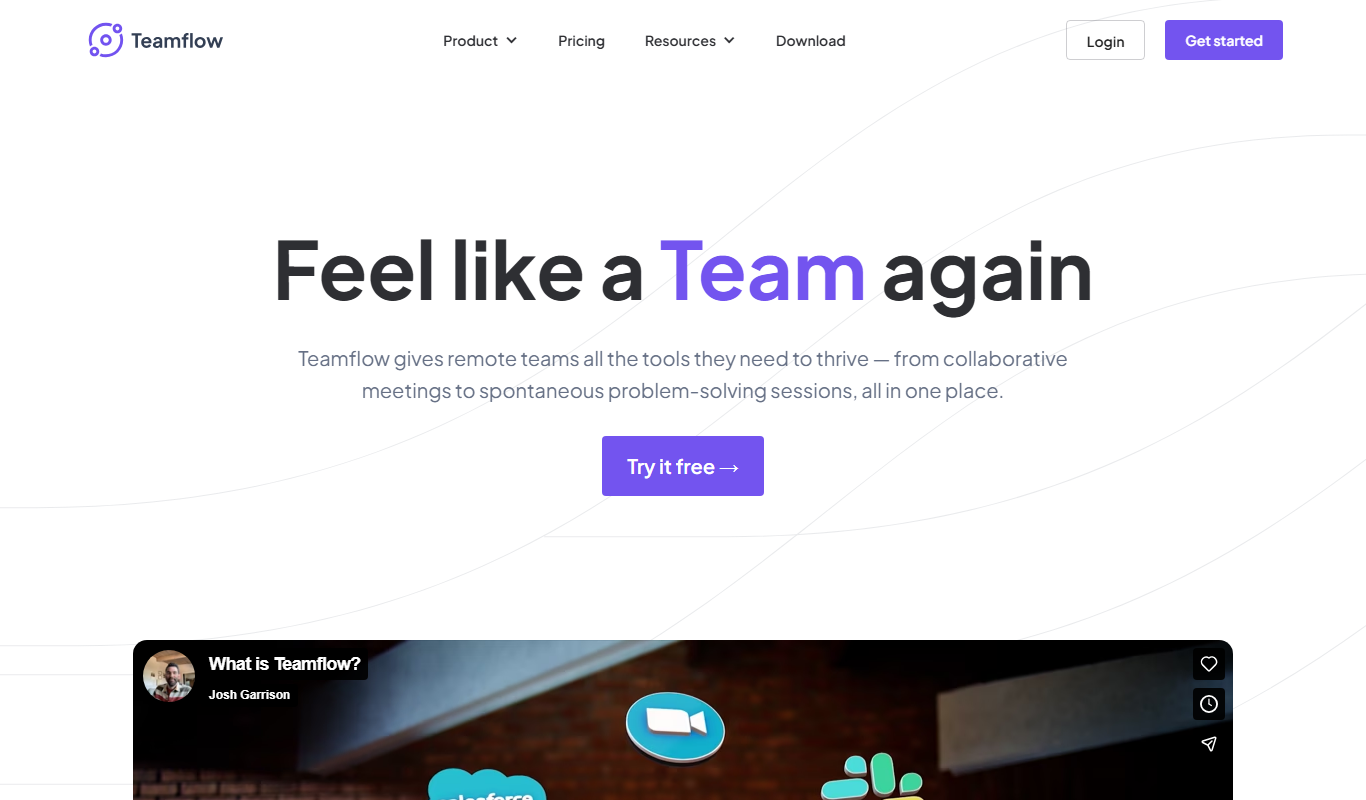
What is Teamflow?
Teamflow is a virtual office platform designed to replicate the experience of working together in a physical office for remote teams. It offers an interactive online workspace where team members can move their avatars around, join video calls seamlessly, and collaborate in real-time. The platform integrates spatial audio, customizable rooms, and shared tools to enhance remote communication and productivity.
Key features of Teamflow
Teamflow’s main features include spatial audio for natural conversations, customizable virtual rooms, video conferencing, screen sharing, and collaborative whiteboards. It creates an immersive environment that encourages spontaneous interactions and structured meetings alike.
Spatial Audio
Allows natural conversations by adjusting audio volume based on avatar proximity.
Customizable Virtual Spaces
Design office layouts with rooms for meetings, brainstorming, and socializing.
Integrated Video Conferencing
Seamlessly join video calls without leaving the virtual office environment.
Collaborative Tools
Includes whiteboards and screen sharing to enhance teamwork.
Avatar-Based Interaction
Use personalized avatars to navigate and interact within the virtual office.
Pros and cons of Teamflow
Pros
- Creates an engaging virtual office experience with spatial audio
- Customizable rooms enhance team collaboration
- Integrated video calls reduce the need for multiple apps
- Supports spontaneous and scheduled interactions
Cons
- Limited mobile support as primarily web and desktop focused
- Pricing can be high for larger teams requiring advanced features
Key use cases for Teamflow
Remote Team Collaboration
Facilitates seamless communication and collaboration among remote team members through a virtual office environment.
Virtual Meetings and Events
Hosts video meetings, workshops, and social events with spatial audio and interactive rooms.
Project Management
Supports team workflows by integrating shared spaces for brainstorming, planning, and project tracking.
Social Interaction
Enables casual conversations and socializing in a virtual office to maintain team culture remotely.
How Teamflow works
- 1
Create an Account
Sign up on Teamflow’s website to start building your virtual office.
- 2
Set Up Your Virtual Office
Customize your office layout with rooms, desks, and collaboration areas.
- 3
Invite Team Members
Send invitations to your team to join the virtual workspace.
- 4
Collaborate and Communicate
Use avatars to move around, join video calls, and collaborate using integrated tools.
Who is using Teamflow
Teamflow pricing
Free
$0/month
Free for 5 employees and 10 guests, with meetings up to 45 minutes.
Seed
$15 per user per month billed annually, or $20 monthly
15 guests at a time, unlimited meeting time and 8 apps open per person. Aimed at scaling teams.
Business
$25 per user per month billed annually, or $30 monthly
25 guests at a time, unlimited meeting time and unlimited apps open. Aimed at large organizations.
Plans and prices are as published by the vendor and can change. Check the official site before you buy. Open the pricing page (opens in a new tab)
Frequently asked questions about Teamflow
Yes, the Free plan covers 5 employees and 10 guests, with meetings up to 45 minutes.
Absolutely, Teamflow allows you to design and customize your office spaces to fit your team’s needs.
Yes, screen sharing is integrated within the platform to facilitate collaboration.
Teamflow is accessible via web browsers and has a desktop application.
This tool is designed to help users accomplish its core tasks more efficiently. It is typically used by individuals or teams looking to improve productivity and workflow.
It depends on your specific needs and how you plan to use the tool. The official website and documentation are the best sources for the latest details.
Some tools offer a free plan or trial with limited features. Availability can vary, so confirm on the official website.
Yes, it can help with that use case depending on how you configure it and what features are available. You’ll get the best results with clear inputs and a defined goal.
Conclusion
Avatars move around a shared online office, and spatial audio adjusts volume based on avatar proximity to allow natural conversations. The layout is customizable, with rooms for meetings, brainstorming and socializing. Video calls start without leaving the virtual office, and whiteboards and screen sharing support teamwork.
It is aimed at remote teams, startups and small businesses, and event organizers. Beyond daily meetings, it hosts workshops and social events. Access is through web browsers or a desktop application. A Free plan covers 5 employees and 10 guests with 45-minute meetings, while Seed costs $15 per user on annual billing or $20 monthly and Business costs $25 or $30.
Sources
Sign in to review this tool.
Sign In to ReviewNo reviews yet
Be the first to share how this tool worked for you.
Ask about pricing, limits, or how it compares — or answer someone else.
Sign In to AskNo questions yet
Have a question about using or paying for this tool? Be the first to ask.
Featured on TiorAI



Alternative Tools
Explore similar AI tools that might fit your needs
Gather
Gather Town is a web-based virtual spaces platform that enables remote teams and event organizers to create interactive environments with spatial video chat and customizable features for collaboration and socializing.
Sococo
Sococo is a virtual office platform that provides remote teams with a visual workspace to collaborate via video, voice, and chat, simulating a physical office environment.

Remo
Remo is a web-based virtual event platform that enables interactive online conferences and networking through spatial video chat and customizable event layouts.
More AI Workflow tools
Other tools in the same category, for when this one is not quite the fit.
Inventory Planner
Inventory Planner is a cloud-based software that helps businesses forecast demand, optimize inventory, and automate purchase orders by analyzing sales data and trends.

C3.ai
C3.ai is an enterprise AI platform that enables organizations to build and deploy AI applications for predictive analytics, IoT, and digital transformation across industries.

ContractWorks
ContractWorks is a web-based contract management software that helps businesses securely store, track, and sign contracts with features like electronic signatures, automated alerts, and compliance tools.
Turbonomic
Turbonomic is an AI-driven platform that automates application resource management to optimize performance and reduce costs across hybrid and multi-cloud environments.
CaseFleet
CaseFleet is a cloud-based legal case management platform designed to help lawyers organize case facts, evidence, and timelines to streamline litigation preparation and collaboration.

LaborX
LaborX is a blockchain-powered freelance platform that uses smart contracts and cryptocurrency payments to provide secure, transparent, and automated freelance job agreements and payments worldwide.

BSC Designer
BSC Designer is a strategic performance management software that enables organizations to create balanced scorecards, manage KPIs, and generate performance reports to improve strategy execution.

Ideanote
Ideanote is an idea management platform that helps organizations collect, evaluate, and implement ideas through collaborative campaigns and workflow automation.