

Gather Town Virtual Spaces Platform for Remote Collaboration and Events
Gather Town is a web-based virtual spaces platform that enables remote teams and event organizers to create interactive environments with spatial video chat and customizable features for collaboration and socializing.
- Best for
- Remote Team Collaboration
- Key capability
- Spatial Video Chat
Save Gather, follow its updates and vote on it — everything stays in your account.
Sign in or create a free account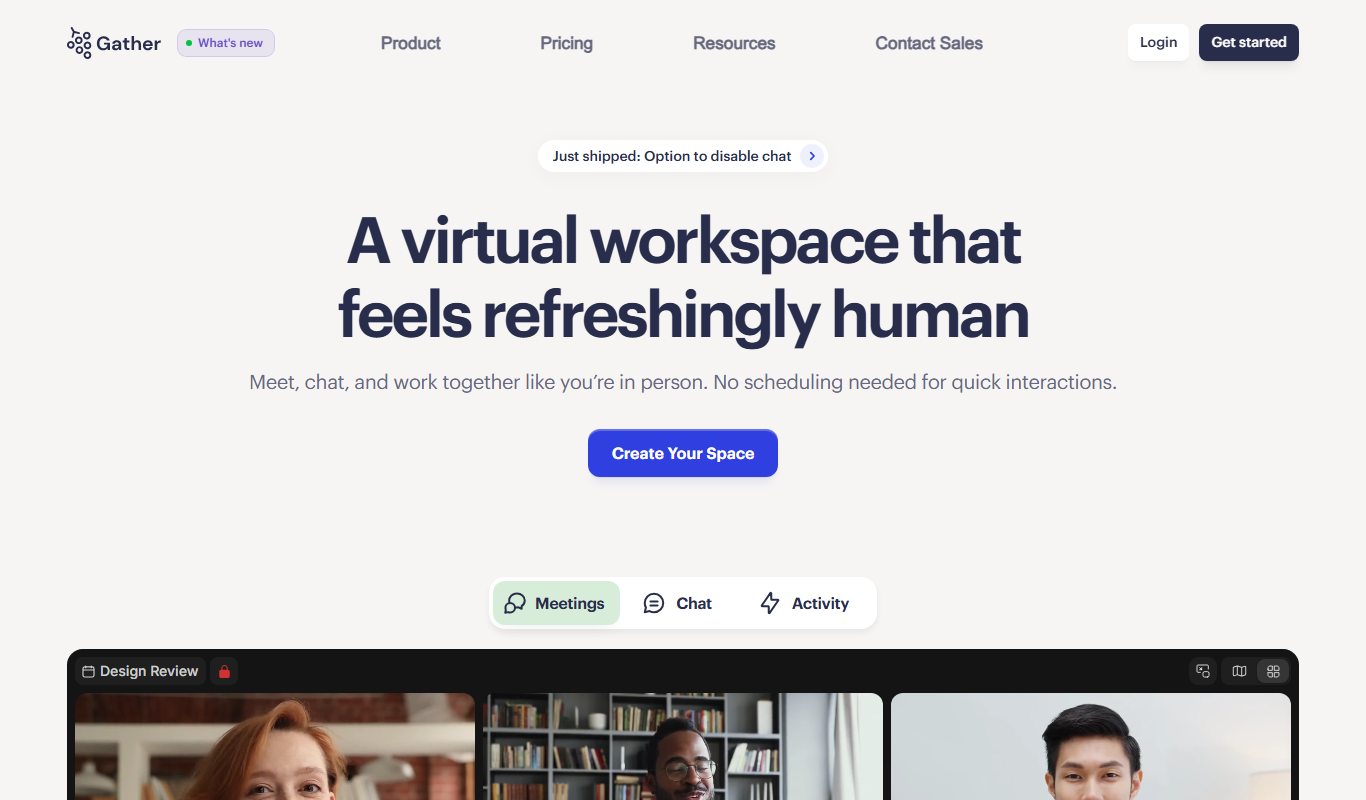
What is Gather?
Gather Town is a virtual spaces platform that combines video calling with a 2D map interface to create interactive online environments. Users navigate avatars through customizable spaces to meet, collaborate, and socialize in real time. It blends spatial video chat with game-like mechanics to foster natural interactions in remote settings.
Key features of Gather
Gather offers customizable virtual environments, spatial audio/video chat, screen sharing, private rooms, interactive objects, and integrations with productivity tools. Its unique spatial design encourages spontaneous conversations and group collaboration, making remote interactions more engaging.
Spatial Video Chat
Audio and video volume adjust based on avatar proximity, mimicking real-life conversations.
Customizable Virtual Spaces
Design and modify environments with furniture, games, and interactive objects.
Screen Sharing and Collaboration Tools
Share your screen or collaborate on documents within the virtual space.
Private and Group Rooms
Create private areas for focused discussions or breakout sessions.
Integrations
Connect with tools like Google Calendar, Slack, and others to streamline workflows.
Pros and cons of Gather
Pros
- Engaging spatial video chat mimics real-life interactions
- Highly customizable virtual environments
- Supports a wide range of use cases from work to social events
- Easy to use with no software installation required
- Integrates with popular productivity tools
Cons
- Limited mobile support; best experienced on desktop
- Can require a learning curve for new users unfamiliar with spatial navigation
- Performance depends on internet connection quality
Key use cases for Gather
Remote Team Collaboration
Facilitates interactive virtual offices where remote teams can meet, collaborate, and socialize in a spatial environment.
Virtual Events and Conferences
Hosts online events, conferences, and meetups with customizable spaces and interactive features to engage attendees.
Online Social Gatherings
Enables casual social interactions and networking through virtual spaces designed for informal meetups and parties.
Educational Workshops and Classes
Supports virtual classrooms and workshops with spatial audio and interactive tools to enhance learning experiences.
Recruitment and Hiring Events
Provides a platform for virtual career fairs and recruitment events with customizable booths and private meeting rooms.
How Gather works
- 1
Create or Join a Space
Users create a new virtual space or join an existing one via a web link.
- 2
Customize Your Environment
Spaces can be customized with different layouts, objects, and interactive elements to suit the event or team needs.
- 3
Navigate as an Avatar
Participants move their avatars around the 2D map to approach others and start video conversations.
- 4
Engage with Features
Use spatial audio, screen sharing, chat, and interactive objects to collaborate and socialize.
Who is using Gather
Gather pricing
Essential Plan
$12 USD/month/member (yearly billing shown)
All Gather features, including a custom virtual office, unlimited meetings and chat, and meeting recordings starting at 20 hours; free 30-day trial.
Custom Plan
Contact for custom quote
For large teams: all Essential Plan features plus custom onboarding, custom larger offices, hybrid solutions and Single Sign-On.
Custom Plan
Custom pricing
All Essential Plan features plus custom onboarding, custom larger offices, hybrid solutions and Single Sign-On. Aimed at large teams.
Plans and prices are as published by the vendor and can change. Check the official site before you buy. Open the pricing page (opens in a new tab)
Frequently asked questions about Gather
No. Gather has one plan with every feature, the Essential Plan, which starts with a free 30-day trial; large teams can ask for a Custom Plan.
Yes, users can customize layouts, add objects, and create interactive environments.
Gather is primarily web-based and accessible via desktop browsers.
Yes, it features spatial audio and video chat that adjusts based on avatar proximity.
It depends on your specific needs and how you plan to use the tool. The official website and documentation are the best sources for the latest details.
Some tools offer a free plan or trial with limited features. Availability can vary, so confirm on the official website.
Yes, it can help with that use case depending on how you configure it and what features are available. You’ll get the best results with clear inputs and a defined goal.
Yes, it can help with that use case depending on how you configure it and what features are available. You’ll get the best results with clear inputs and a defined goal.
Conclusion
Teammates move as avatars through a 2D map, where they can see teammates around them, hear nearby conversations and start or join conversations instantly. Audio and video volume adjust based on avatar proximity, which mimics real-life conversations. The workspace also carries permanent chat, channels and DMs, simultaneous screen share and Gather AI meeting notes and transcriptions. Offices use open, private or hybrid floor plans with over 200 objects to place.
Gather is positioned as a virtual workspace for remote teams and companies, with Google Calendar, GitHub and Spotify integrations. New users unfamiliar with spatial navigation can face a learning curve. There is no free plan: one Essential Plan with every feature is billed per member after a free 30-day trial, and large teams can request a Custom Plan.
Sources
Sign in to review this tool.
Sign In to ReviewNo reviews yet
Be the first to share how this tool worked for you.
Ask about pricing, limits, or how it compares — or answer someone else.
Sign In to AskNo questions yet
Have a question about using or paying for this tool? Be the first to ask.
Featured on TiorAI



Alternative Tools
Explore similar AI tools that might fit your needs

Remo
Remo is a web-based virtual event platform that enables interactive online conferences and networking through spatial video chat and customizable event layouts.
More Business Management tools
Other tools in the same category, for when this one is not quite the fit.

Vectorworks Architect
Vectorworks Architect is a professional BIM and CAD software designed for architects and building professionals to create detailed architectural models, generate construction documents, and collaborate efficiently.
LiquidText
LiquidText is an interactive PDF reader and note-taking app for iPad, Mac and Windows that allows users to import documents, highlight and extract text, create linked notes, and organize information dynamically.

Easy LMS
Easy LMS is an intuitive online learning management system that enables organizations to create, deliver, and track courses and assessments with multimedia support and certification features.

Thumbtack
Thumbtack is an online platform that connects customers with local professionals for a wide range of services, allowing users to request quotes, compare providers, and schedule appointments easily.

Study Plannr
Study Plannr is an online tool that helps students create personalized study schedules, set goals, and track their progress to improve productivity and exam preparation.

Forcepoint DLP
Forcepoint DLP is an enterprise data loss prevention solution that protects sensitive information across endpoints, networks, and cloud environments using data classification, behavioral analytics, and policy enforcement.

Cynet
Cynet is an AI-powered cybersecurity platform that provides automated threat detection, investigation, and response across endpoints, networks, and users to protect enterprises from advanced cyber threats.

Indie Hacker Stacks
Indie Hacker Stacks is an online directory of software tool stacks used by indie hackers and startups, with a free plan and a paid Premium plan.