

From my experience with Study Plannr, I found it excels at simplifying the process of organizing study schedules without overwhelming users with unnecessary features. Its clean interface makes it easy for students to create and adjust plans, which is particularly helpful for managing exam preparation. However, the lack of a dedicated mobile app means users rely on web access, which can be less convenient on the go. Overall, if you want a straightforward, effective tool to plan your study time and track progress, Study Plannr delivers solid value, especially for learners seeking a no-frills approach.
Study Plannr Review: Best Online Study Planner for Students & Learners
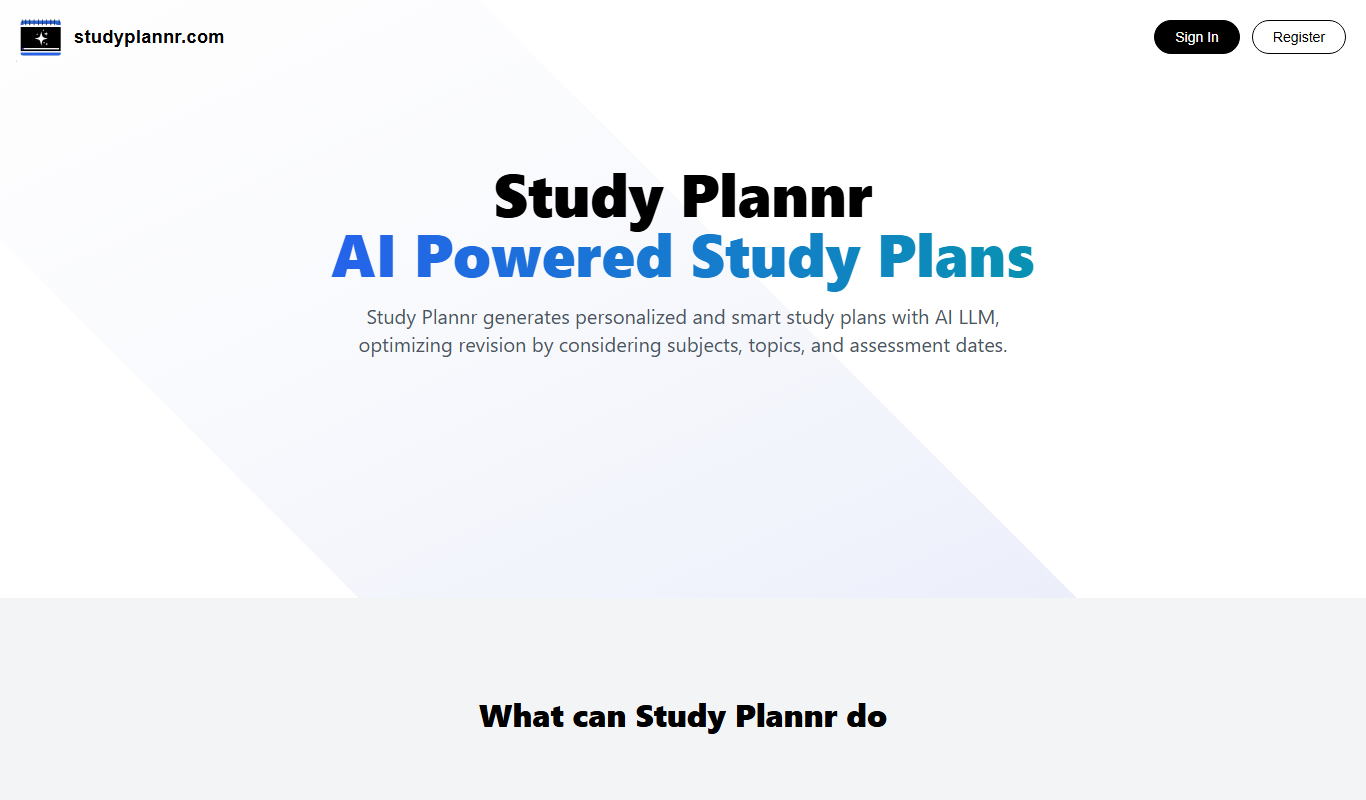
Study Plannr is an online tool that helps students create personalized study schedules, set goals, and track their progress to improve productivity and exam preparation.
- Best for
- Personal Study Scheduling
- Key capability
- Customizable Study Plans

Do you recommend this tool?
What is Study Plannr?
Study Plannr is an online study planner designed to help students and learners organize their study schedules effectively. It offers a simple interface to create, customize, and track study plans, helping users improve productivity and manage their time better.
Key features of Study Plannr
Key features include customizable study schedules, progress tracking, goal setting, and reminders. The platform focuses on simplicity and ease of use, making it accessible for students of all levels.
Customizable Study Plans
Tailor your study schedule based on subjects, priorities, and available time.
Progress Tracking
Visual indicators help you see how much you have accomplished.
Goal Setting
Set specific academic goals to stay focused and motivated.
User-Friendly Interface
Simple design ensures easy navigation and quick plan creation.
Pros and cons of Study Plannr
Pros
- Simple and intuitive user interface
- Effective for organizing study time
- Free plan available with useful features
Cons
- No dedicated mobile app
- Limited advanced features without premium subscription
Key use cases for Study Plannr
Personal Study Scheduling
Create personalized study plans to organize learning sessions efficiently.
Exam Preparation
Plan and track study progress for upcoming exams and deadlines.
Time Management for Students
Balance study time with other activities by managing daily schedules.
Goal Setting and Tracking
Set academic goals and monitor progress to stay motivated.
How Study Plannr works
- 1
Sign Up
Create a free account on the Study Plannr website to access the planner.
- 2
Create Study Plan
Input subjects, topics, and available study time to generate a personalized schedule.
- 3
Track Progress
Mark completed tasks and monitor your study progress over time.
- 4
Adjust Schedule
Modify your study plan as needed to accommodate changes or new goals.
Who is using Study Plannr
High school students
University students
Adult learners
Tutors and educators
Lifelong learners
Study Plannr pricing
Free
$0/month
Access to basic study planning features with limited customization.
Premium
$4.99/month
Unlock advanced features including detailed progress reports and priority support.
Plans and prices are as published by the vendor and can change. Check the official site before you buy. Open the pricing page (opens in a new tab)
Frequently asked questions about Study Plannr
Yes, Study Plannr offers a free plan with essential features. Premium plans unlock additional functionalities.
Currently, Study Plannr is accessible via web browsers on desktop and mobile devices but does not have a dedicated app.
It helps by allowing you to create focused study schedules, set goals, and track your progress leading up to exams.
It depends on your specific needs and how you plan to use the tool. The official website and documentation are the best sources for the latest details.
Some tools offer a free plan or trial with limited features. Availability can vary, so confirm on the official website.
Yes, it can help with that use case depending on how you configure it and what features are available. You’ll get the best results with clear inputs and a defined goal.
Sign in to review this tool.
Sign In to ReviewNo reviews yet
Be the first to share how this tool worked for you.
Ask about pricing, limits, or how it compares — or answer someone else.
Sign In to AskNo questions yet
Have a question about using or paying for this tool? Be the first to ask.
Featured on TiorAI



Alternative Tools
Explore similar AI tools that might fit your needs

Free
MyStudyLife
MyStudyLife is a cross-platform student planner app designed to organize academic schedules, track homework, and manage exams with reminders and offline access.

Free
Trello
Trello is a visual project management tool that helps teams organize tasks and workflows using boards, lists, and cards, with automation and integrations to enhance productivity.

Free
Todoist
Todoist is a cross-platform task management app designed to help users organize tasks, set priorities, collaborate on projects, and track productivity efficiently.
More AI Education & Learning Tools tools
Other tools in the same category, for when this one is not quite the fit.

Free
bentolingo
BentoLingo is an AI-driven language learning platform that provides personalized speaking practice and real-time feedback to help users improve fluency in multiple languages.

Free Trial
Testnut
Testnut is an online exam platform that enables secure, scalable assessments with remote proctoring, automated grading, and detailed analytics, suitable for education and corporate use.

Freemium
Testbook.ai
Testbook.ai is an AI-driven platform offering personalized study plans, mock tests, and live classes to help students prepare effectively for competitive exams.

Free
AICamp
AICamp is an AI education platform offering project-based learning to teach AI, machine learning, and data science through hands-on projects and community mentorship.
Free
KidTales
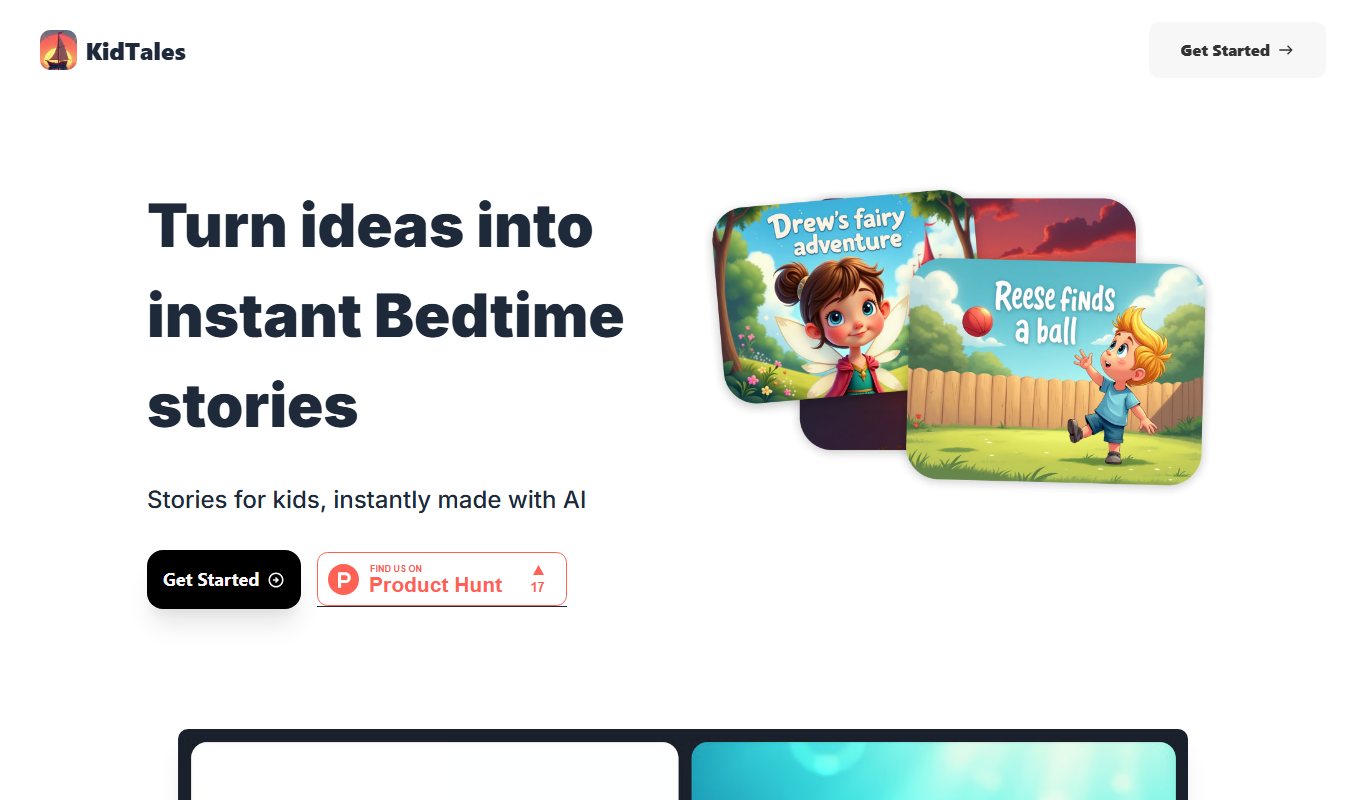
KidTales AI is an online tool that generates personalized, age-appropriate stories for children to support creativity and learning.

Freemium
Mi Cuento Digital
Mi Cuento Digital is an online platform that lets you create personalized digital storybooks for children by adding names, photos, and custom details to engage young readers.

Free
Kidgeni
Kidgeni is an AI-powered tutoring platform designed to provide personalized learning and homework help for children, focusing on core subjects like math and reading through interactive sessions.

Freemium
flAI
flAI is an AI-driven language learning app that provides personalized speaking and writing practice with real-time feedback to help users improve fluency and confidence in multiple languages.