

From my experience with KidTales AI, I found it excels at quickly generating personalized and engaging stories suitable for children. The platform’s simple interface makes it accessible for parents and educators who want to foster creativity and literacy without needing technical skills. However, the tool currently supports only English and lacks a mobile app, which might limit accessibility for some users. Overall, if you need a straightforward AI-powered storytelling assistant for kids, KidTales AI delivers practical and safe content that encourages learning and imagination.
KidTales AI Story Generator for Kids – Creative Writing and Learning Tool
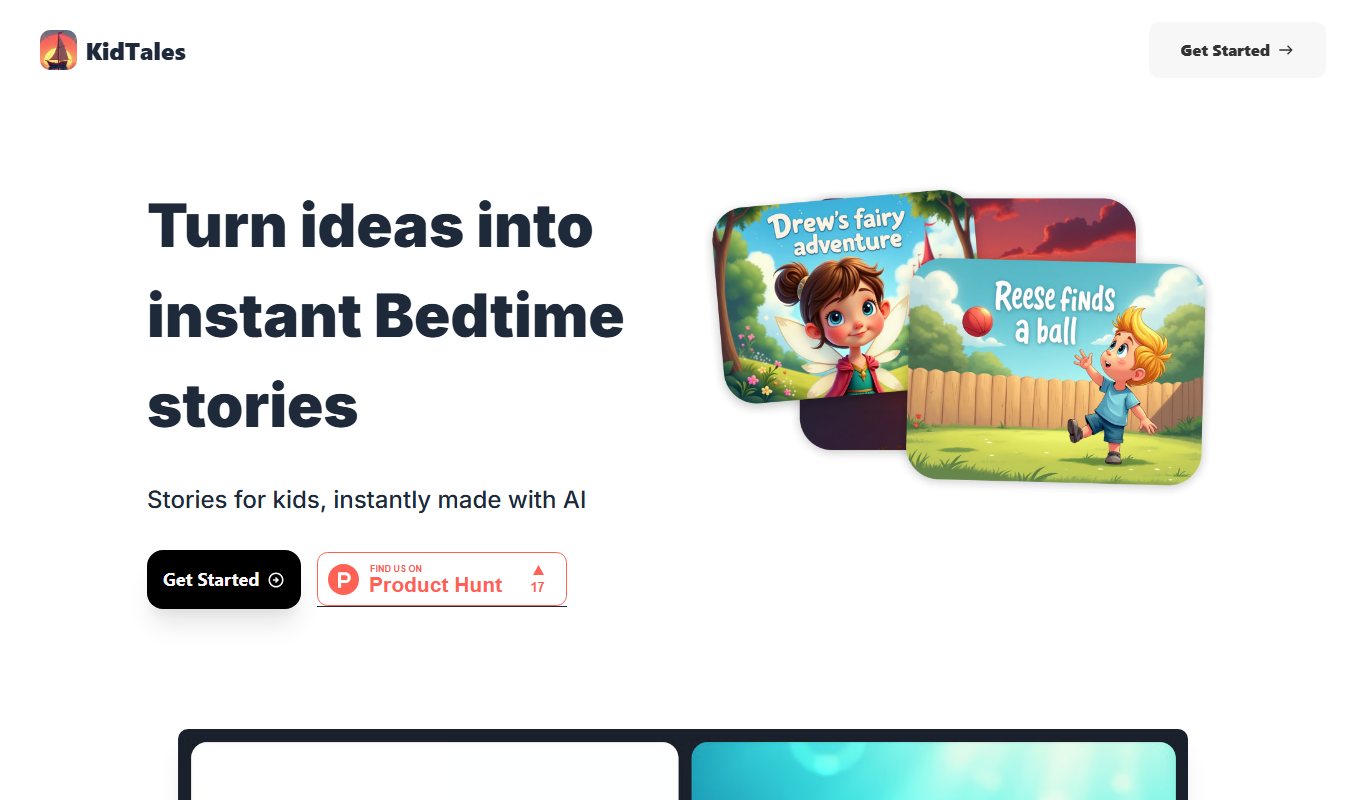
KidTales AI is an online tool that generates personalized, age-appropriate stories for children to support creativity and learning.
- Best for
- Creative Storytelling for Kids
- Key capability
- Personalized Story Generation

Do you recommend this tool?
What is KidTales?
KidTales AI is an online platform that uses artificial intelligence to generate creative and personalized stories for children. It helps parents, educators, and kids themselves to create engaging narratives that promote literacy, imagination, and learning. By inputting simple prompts or preferences, users receive unique stories tailored to young audiences.
Key features of KidTales
KidTales AI offers an intuitive interface for generating children’s stories, customization options to tailor content, and a safe environment designed specifically for young readers. It supports creative learning by providing fresh story ideas and narratives that can be used for entertainment or educational purposes.
Personalized Story Generation
Creates unique stories based on user inputs tailored for children.
Kid-Friendly Content
Ensures stories are appropriate and engaging for young audiences.
Easy-to-Use Interface
Simple design that allows parents and educators to generate stories quickly.
Story Customization
Options to modify story elements to better suit individual preferences.
Pros and cons of KidTales
Pros
- Generates creative and personalized stories quickly
- User-friendly interface suitable for parents and educators
- Ensures child-appropriate content
- Affordable premium plan with extended features
Cons
- Limited language support (English only)
- No mobile app available currently
Key use cases for KidTales
Creative Storytelling for Kids
Generate imaginative and personalized stories that engage children and foster creativity.
Educational Content Creation
Create age-appropriate stories that support literacy and language development in young learners.
Parental Engagement
Help parents craft bedtime stories or educational narratives tailored to their child's interests.
Classroom Learning Aid
Assist teachers in generating story prompts and reading materials to enhance classroom activities.
How KidTales works
- 1
Enter Story Details
Users provide basic inputs such as story themes, characters, or settings.
- 2
AI Generates Story
The AI processes the inputs and creates a unique, child-friendly story.
- 3
Review and Customize
Users can read the story, make edits, or generate new versions as needed.
- 4
Save or Share
Stories can be saved for later use or shared with children and educators.
Who is using KidTales
Parents looking for creative storytelling tools
Early childhood educators
Children developing literacy skills
Homeschooling families
Children’s librarians
KidTales pricing
Free
$0/month
Access to basic story generation features with limited usage.
Premium
$9.99/month
Unlimited story generation, advanced customization, and priority support.
Plans and prices are as published by the vendor and can change. Check the official site before you buy. Open the pricing page (opens in a new tab)
Frequently asked questions about KidTales
Yes, the platform is designed to generate age-appropriate and safe content for kids.
Yes, users can edit and tailor stories to better fit their needs.
Basic usage is available without an account, but signing up unlocks premium features.
It depends on your specific needs and how you plan to use the tool. The official website and documentation are the best sources for the latest details.
Some tools offer a free plan or trial with limited features. Availability can vary, so confirm on the official website.
Yes, it can help with that use case depending on how you configure it and what features are available. You’ll get the best results with clear inputs and a defined goal.
Sign in to review this tool.
Sign In to ReviewNo reviews yet
Be the first to share how this tool worked for you.
Ask about pricing, limits, or how it compares — or answer someone else.
Sign In to AskNo questions yet
Have a question about using or paying for this tool? Be the first to ask.
Featured on TiorAI



Alternative Tools
Explore similar AI tools that might fit your needs
Free
Storybird
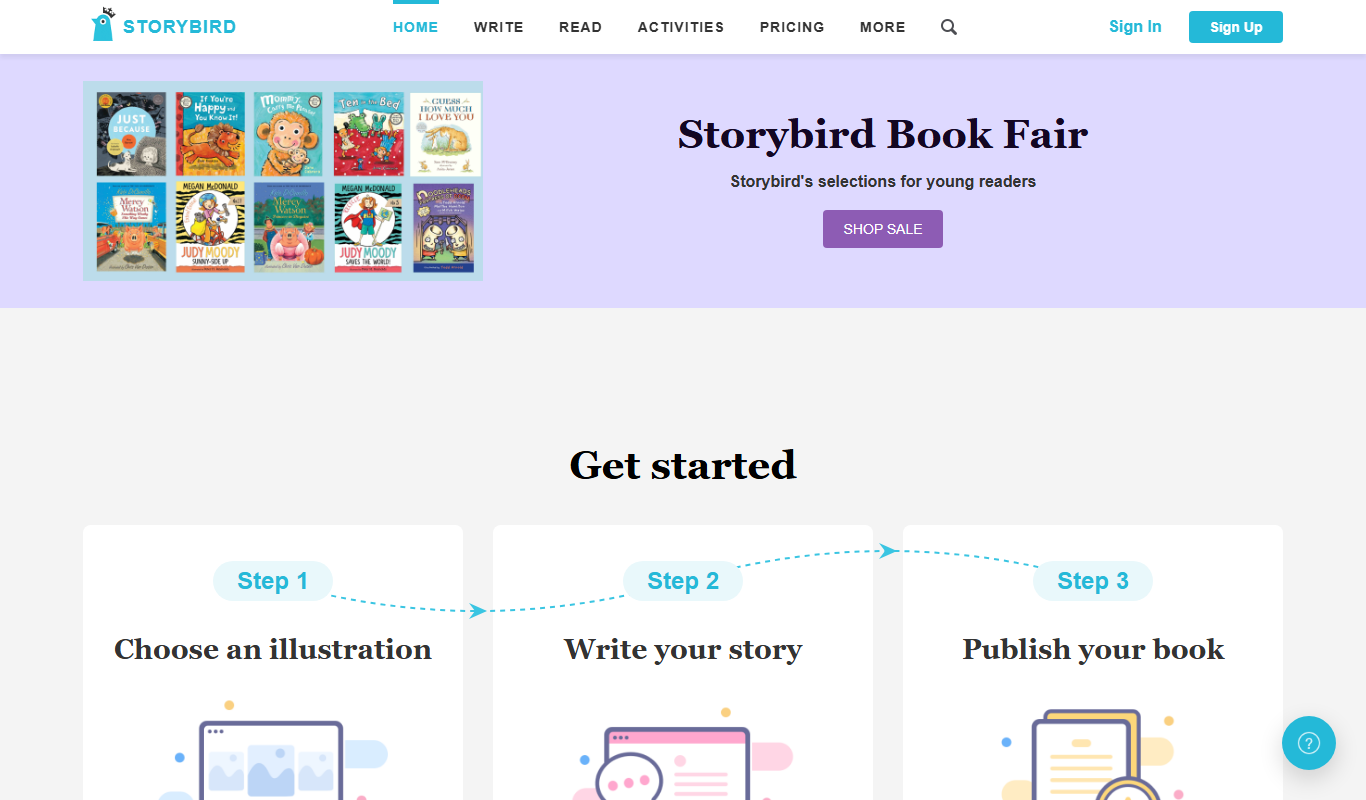
Storybird is an online platform that combines curated artwork with writing tools to help children and educators create, publish, and share illustrated stories and poems.
More AI Education & Learning Tools tools
Other tools in the same category, for when this one is not quite the fit.

Free
bentolingo
BentoLingo is an AI-driven language learning platform that provides personalized speaking practice and real-time feedback to help users improve fluency in multiple languages.

Free Trial
Testnut
Testnut is an online exam platform that enables secure, scalable assessments with remote proctoring, automated grading, and detailed analytics, suitable for education and corporate use.

Freemium
Testbook.ai
Testbook.ai is an AI-driven platform offering personalized study plans, mock tests, and live classes to help students prepare effectively for competitive exams.

Free
AICamp
AICamp is an AI education platform offering project-based learning to teach AI, machine learning, and data science through hands-on projects and community mentorship.

Freemium
Mi Cuento Digital
Mi Cuento Digital is an online platform that lets you create personalized digital storybooks for children by adding names, photos, and custom details to engage young readers.

Free
Kidgeni
Kidgeni is an AI-powered tutoring platform designed to provide personalized learning and homework help for children, focusing on core subjects like math and reading through interactive sessions.

Freemium
flAI
flAI is an AI-driven language learning app that provides personalized speaking and writing practice with real-time feedback to help users improve fluency and confidence in multiple languages.

Freemium
TurboLearn AI
TurboLearn AI is an AI-powered adaptive learning platform that personalizes study plans and quizzes to improve learning efficiency and retention.