

Find Local Professionals and Services Online with Thumbtack Platform
Thumbtack is an online platform that connects customers with local professionals for a wide range of services, allowing users to request quotes, compare providers, and schedule appointments easily.
- Best for
- Hiring Local Professionals
- Key capability
- Personalized Matching
Save Thumbtack, follow its updates and vote on it — everything stays in your account.
Sign in or create a free account
What is Thumbtack?
Thumbtack is an online marketplace that connects customers with local professionals offering a wide range of services. It simplifies the process of finding, comparing, and hiring trusted experts for tasks like home repairs, event planning, tutoring, and wellness services. The platform allows service providers to generate leads and grow their businesses by reaching customers actively seeking their expertise.
Key features of Thumbtack
Thumbtack offers features such as personalized service matching, instant quotes, customer reviews, direct messaging, and appointment scheduling. It supports both customers looking for services and professionals seeking new clients.
Personalized Matching
Uses customer input to connect with the most relevant local professionals.
Instant Quotes
Allows professionals to quickly send price estimates to potential clients.
Verified Reviews
Provides access to authentic customer feedback to ensure trustworthiness.
Direct Messaging
Enables seamless communication between customers and service providers.
Mobile Apps
Offers iOS and Android apps for managing requests and communications on the go.
Pros and cons of Thumbtack
Pros
- Wide variety of local services available
- Easy to compare multiple professionals and quotes
- Verified customer reviews increase trust
- Mobile apps provide convenient access
- No cost for customers to use
Cons
- Pricing for professionals can be expensive depending on leads
- Service quality can vary between providers
- Payments are not processed through the platform
Key use cases for Thumbtack
Hiring Local Professionals
Users can find and hire local professionals for various services such as home improvement, events, lessons, and wellness.
Service Provider Lead Generation
Service professionals use Thumbtack to receive leads and connect with potential clients in their area.
Comparing Service Quotes
Customers can request quotes from multiple professionals to compare prices and services before hiring.
Booking and Scheduling Services
Thumbtack facilitates booking and scheduling appointments directly through the platform.
Customer Reviews and Ratings
Users can read verified reviews and ratings to make informed decisions about service providers.
How Thumbtack works
- 1
Request a Service
Customers describe the service they need and submit a request on the platform.
- 2
Get Matched with Professionals
Thumbtack matches the request with local professionals who fit the criteria.
- 3
Receive Quotes
Professionals send quotes and messages to the customer for review.
- 4
Compare and Hire
Customers compare quotes, read reviews, and select the best professional.
- 5
Schedule and Complete Service
The service is scheduled and completed, with feedback provided afterward.
Who is using Thumbtack
Thumbtack pricing
Free to Join
$0
Service providers can create profiles and browse leads without upfront cost.
Pay per Lead
Varies
Professionals pay for each lead they receive, with pricing depending on service category and location.
Plans and prices are as published by the vendor and can change. Check the official site before you buy. Open the pricing page (opens in a new tab)
Frequently asked questions about Thumbtack
Yes, customers can use Thumbtack to find and contact professionals without any fees.
Professionals pay per lead they receive, which varies by service type and region.
Yes, customer reviews and ratings are available for most professionals on the platform.
In many categories, Thumbtack processes customer payments within the platform for a service fee.
It depends on your specific needs and how you plan to use the tool. The official website and documentation are the best sources for the latest details.
Some tools offer a free plan or trial with limited features. Availability can vary, so confirm on the official website.
It depends on your specific needs and how you plan to use the tool. The official website and documentation are the best sources for the latest details.
Conclusion
A request describing the needed service is where each Thumbtack job starts, and the platform matches it with local professionals who fit the criteria. Professionals send quotes and messages, and customers compare quotes and read reviews before selecting one. Home improvement, events, lessons and wellness are among the services people hire for.
Service providers can create profiles and browse leads without upfront cost, then pay for each lead they receive, with pricing depending on service category and location. In many categories, customer payments are also processed within the platform for a service fee. iOS and Android apps handle requests and communications on the go. Service quality can vary between providers.
Sources
Sign in to review this tool.
Sign In to ReviewNo reviews yet
Be the first to share how this tool worked for you.
Ask about pricing, limits, or how it compares — or answer someone else.
Sign In to AskNo questions yet
Have a question about using or paying for this tool? Be the first to ask.
Featured on TiorAI



Alternative Tools
Explore similar AI tools that might fit your needs

TaskRabbit
TaskRabbit is an online platform that connects users with local freelance labor for everyday tasks like cleaning, moving, and handyman services, enabling easy booking and secure payments.
More AI Customer Service tools
Other tools in the same category, for when this one is not quite the fit.

CalorieMama
CalorieMama is an AI-driven app that helps users track calories and nutrition by recognizing foods from photos, making diet management easier and more accurate.

Grip
Grip is an AI-driven virtual event platform that facilitates personalized networking and engagement through AI matchmaking, personalized agendas, and interactive sessions for virtual and hybrid events.
GoGuardian
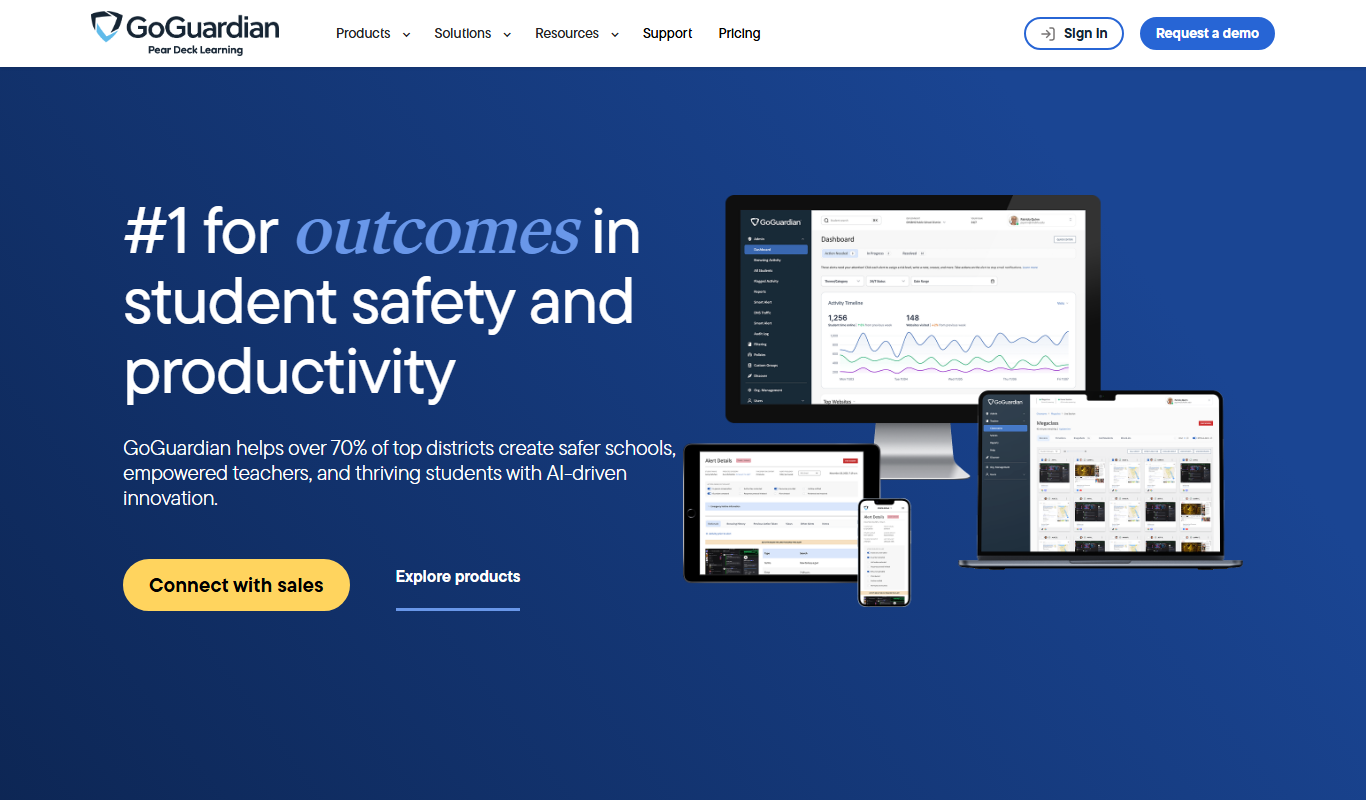
GoGuardian is an education technology platform that helps K-12 schools monitor student activity, manage classrooms, and ensure online safety through AI-powered tools and real-time device monitoring.

MoneyGuidePro
MoneyGuidePro is a financial planning software that helps advisors create personalized, goal-based financial plans with interactive tools for retirement and wealth management.

Nutrium
Nutrium is a nutrition software platform that helps dietitians and health professionals manage clients, create personalized meal plans, analyze nutrition data, and conduct remote consultations.

AiCure
AiCure is an AI-powered platform that remotely monitors patient medication adherence using video confirmation, primarily for clinical trials and healthcare providers.

OptinMonster
OptinMonster is a lead generation software that helps websites convert visitors into subscribers and customers using popups, exit-intent triggers, and targeted campaigns integrated with email marketing services.

LifeLock
LifeLock is a subscription-based service offering identity theft protection, credit monitoring, fraud alerts, and identity restoration support to help users safeguard their personal information.