

From my experience with PandaDoc, I found it excels at simplifying complex document workflows by combining intuitive document creation with legally compliant e-signatures. The platform’s real-time analytics and payment integration features provide practical value for sales and legal teams looking to accelerate contract cycles. However, some advanced automation features require a steeper learning curve and higher-tier plans, which may not suit all small businesses. Overall, if you need a robust, all-in-one document automation and e-signature solution, PandaDoc delivers reliable performance and flexibility.
PandaDoc Document Automation Software for E-Signatures and Workflow Management
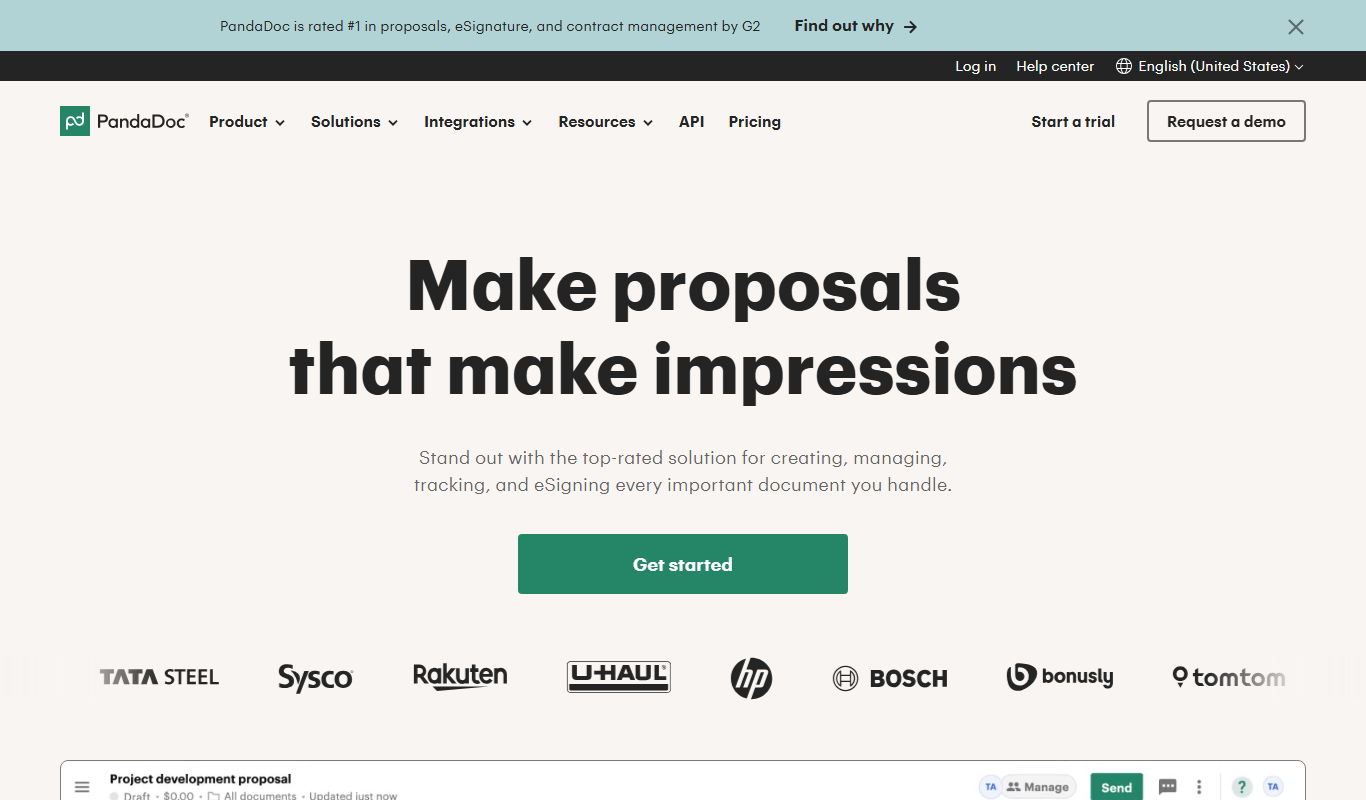
PandaDoc is a cloud-based platform that automates document creation, approval workflows, and electronic signatures to help businesses streamline proposals, contracts, and payments.
- Best for
- Sales Proposal Management
- Key capability
- Document Editor
Do you recommend this tool?
What is PandaDoc?
PandaDoc is a cloud-based document automation platform designed to simplify the creation, approval, and signing of business documents such as proposals, quotes, contracts, and agreements. It combines document generation with e-signature capabilities and workflow automation to help businesses accelerate sales cycles and improve operational efficiency.
Key features of PandaDoc
PandaDoc offers features including customizable templates, drag-and-drop document editor, electronic signatures, real-time document analytics, payment integrations, and workflow automation to streamline document-centric processes.
Document Editor
Drag-and-drop editor with customizable templates for quick document creation.
E-Signatures
Legally binding electronic signatures with audit trails and compliance.
Workflow Automation
Automate approval processes and notifications to speed up document cycles.
Real-Time Analytics
Track document views, time spent, and recipient interactions to optimize follow-ups.
Payment Integration
Accept payments via credit card or other methods directly through documents.
Pros and cons of PandaDoc
Pros
- User-friendly drag-and-drop document editor
- Comprehensive e-signature and compliance features
- Strong integration ecosystem with CRMs and payment platforms
- Real-time document tracking and analytics
- Flexible pricing plans including a free tier
Cons
- Some advanced features only available on higher-tier plans
- Learning curve for complex workflow automation setup
- Limited offline functionality
Key use cases for PandaDoc
Sales Proposal Management
Create, send, and track sales proposals with integrated e-signatures to accelerate deal closures.
Contract Automation
Automate contract creation, approval workflows, and secure electronic signing to reduce manual errors.
Workflow Optimization
Streamline document workflows across teams with collaboration tools and real-time status tracking.
Legal Document Management
Manage legal documents securely with audit trails and compliance features.
Payment Collection
Integrate payment processing within documents to collect payments seamlessly during contract signing.
How PandaDoc works
- 1
Create Document
Use pre-built templates or build documents from scratch with the intuitive editor.
- 2
Customize and Collaborate
Add content, images, pricing tables, and collaborate with team members in real-time.
- 3
Send for Review and Signature
Share documents with clients or stakeholders for review and secure electronic signing.
- 4
Track and Manage
Monitor document status, send reminders, and manage approvals through the dashboard.
- 5
Collect Payments
Integrate payment options directly within documents to facilitate immediate payment collection.
Who is using PandaDoc
Sales teams
Legal departments
Small and medium businesses
Marketing agencies
Freelancers and consultants
PandaDoc pricing
Free
$0/month
Basic document creation and e-signature features with limited templates.
Essentials
$19/month/user
Advanced document analytics, payment integrations, and unlimited templates.
Business
$49/month/user
Workflow automation, CRM integrations, and team collaboration tools.
Enterprise
Custom pricing
Tailored solutions with dedicated support, advanced security, and API access.
Plans and prices are as published by the vendor and can change. Check the official site before you buy. Open the pricing page (opens in a new tab)
Frequently asked questions about PandaDoc
Yes, PandaDoc e-signatures comply with ESIGN, UETA, and eIDAS regulations, making them legally binding.
PandaDoc integrates with popular CRMs like Salesforce, HubSpot, and Zoho to streamline document workflows.
Yes, PandaDoc offers mobile apps for iOS and Android, allowing document management on the go.
Yes, PandaDoc supports payment collection via integrations with Stripe and other payment gateways.
This tool is designed to help users accomplish its core tasks more efficiently. It is typically used by individuals or teams looking to improve productivity and workflow.
Pricing depends on the plan and included features. For the most accurate and up-to-date details, check the official pricing page.
Integration support depends on the tool and its available connectors or API. Check the official documentation or integrations page to confirm what is supported.
It depends on your specific needs and how you plan to use the tool. The official website and documentation are the best sources for the latest details.
Sign in to review this tool.
Sign In to ReviewNo reviews yet
Be the first to share how this tool worked for you.
Ask about pricing, limits, or how it compares — or answer someone else.
Sign In to AskNo questions yet
Have a question about using or paying for this tool? Be the first to ask.
Featured on TiorAI



Alternative Tools
Explore similar AI tools that might fit your needs

Free Trial
DocuSign
DocuSign is a cloud-based electronic signature platform that enables secure, legally binding digital signing and management of documents, streamlining workflows and ensuring compliance.

Free
HelloSign
HelloSign is an electronic signature software that allows users to securely sign, send, and manage legally binding digital documents online with compliance to major e-signature laws.
More AI Workflow tools
Other tools in the same category, for when this one is not quite the fit.

Free
Furkot
Furkot is a web-based trip planner that helps users create multi-stop routes, optimize travel paths, schedule accommodations and activities, and share itineraries for efficient road trip planning.

Free
EcoCart
EcoCart is a plugin that integrates with e-commerce platforms to calculate and offset the carbon footprint of online purchases, allowing customers to contribute to verified climate projects during checkout.

Contact for pricing
Trials.ai
Trials.ai is an AI-driven platform that helps medical researchers design optimized clinical trial protocols, improve patient recruitment, and ensure regulatory compliance to accelerate trial success.

Free
ZipBooks
ZipBooks is a cloud-based accounting software designed for small businesses and freelancers to manage invoicing, expenses, payments, and financial reporting with ease.

Free Trial
Lookeen
Lookeen is a Windows desktop search software that enables fast and comprehensive searching of emails, files, and documents, integrating deeply with Microsoft Outlook and supporting network drives.
Custom Pricing
Ataccama
Ataccama is an AI-driven data management platform that integrates data governance, master data management, and data quality automation to help enterprises manage and improve their data assets efficiently.

Enterprise
FloQast
FloQast is a cloud software designed to streamline and automate the accounting month-end close process, improving accuracy and collaboration for finance teams.

Custom Pricing
Talentsoft
Talentsoft is a cloud-based talent management software that integrates recruitment, learning, performance management, and succession planning to help organizations manage their workforce effectively.