

Qualtrics Experience Management Platform for Survey and Data Analytics
Qualtrics is an experience management platform that enables organizations to design surveys, collect feedback, and analyze data using AI-powered tools to improve customer, employee, product, and brand experiences.
- Best for
- Customer Experience Management
- Key capability
- Advanced Survey Builder
Save Qualtrics, follow its updates and vote on it — everything stays in your account.
Sign in or create a free account
What is Qualtrics?
Qualtrics is a comprehensive Experience Management (XM) platform that enables organizations to collect, analyze, and act on data related to customer, employee, product, and brand experiences. It provides tools for survey creation, data visualization, and advanced analytics to help businesses make data-driven decisions and improve overall experience outcomes.
Key features of Qualtrics
Qualtrics offers robust survey design capabilities, real-time data analytics, AI-powered insights, integration with multiple data sources, and customizable dashboards. Its platform supports multi-channel feedback collection and advanced reporting to enable actionable experience management.
Advanced Survey Builder
Drag-and-drop interface with logic branching, question randomization, and multimedia support.
AI-Powered Text and Sentiment Analysis
Automatically analyze open-ended responses to detect sentiment, themes, and emerging trends.
Real-Time Dashboards and Reporting
Customizable visualizations that update live to monitor key metrics and KPIs.
Multi-Channel Distribution
Send surveys through various channels including email, SMS, mobile apps, and social media.
Integrations and API Access
Connect Qualtrics with CRM, marketing automation, and other enterprise systems for seamless data flow.
Pros and cons of Qualtrics
Pros
- Comprehensive experience management capabilities
- Powerful AI-driven analytics and insights
- Flexible survey design with advanced logic
- Multi-channel feedback collection
- Strong integration options with enterprise tools
Cons
- Pricing can be expensive for small businesses
- Steep learning curve for advanced features
- Customization may require technical expertise
Key use cases for Qualtrics
Customer Experience Management
Collect and analyze customer feedback across multiple channels to improve satisfaction and loyalty.
Employee Experience and Engagement
Conduct employee surveys and analyze workforce data to enhance engagement and retention.
Market Research
Design and distribute surveys to gather market insights and consumer behavior data.
Product Experience Optimization
Gather user feedback on products and services to drive improvements and innovation.
Brand Tracking and Analytics
Monitor brand perception and campaign effectiveness through integrated analytics.
How Qualtrics works
- 1
Create Surveys and Feedback Forms
Use Qualtrics’ intuitive interface to design customized surveys tailored to your research or feedback needs.
- 2
Distribute Across Channels
Deploy surveys via email, web, mobile, SMS, or social media to reach your target audience effectively.
- 3
Collect and Aggregate Data
Gather responses in real-time and consolidate data from multiple sources for comprehensive analysis.
- 4
Analyze with AI and Reporting Tools
Leverage AI-driven analytics and customizable dashboards to uncover trends, sentiments, and actionable insights.
- 5
Take Action and Improve
Use insights to inform strategic decisions, improve customer and employee experiences, and optimize products.
Who is using Qualtrics
Qualtrics pricing
Free account
$0
Permanent free account limited to 500 responses and 3 active surveys.
Research Core
Custom pricing
Basic survey and data collection tools suitable for small to medium projects.
CustomerXM
Custom pricing
Experience management suite focused on customer feedback and analytics.
EmployeeXM
Custom pricing
Tools designed for employee engagement and workforce analytics.
Full XM Platform
Custom pricing
Comprehensive package including all modules and enterprise-grade features.
Plans and prices are as published by the vendor and can change. Check the official site before you buy. Open the pricing page (opens in a new tab)
Frequently asked questions about Qualtrics
Yes, Qualtrics offers a permanent free account limited to 500 responses and 3 active surveys.
Yes, Qualtrics supports integrations with CRM systems, marketing platforms, and offers API access.
While Qualtrics is enterprise-focused, smaller organizations can use it depending on their budget and needs.
Qualtrics offers customer support, training resources, and a community forum for users.
This tool is designed to help users accomplish its core tasks more efficiently. It is typically used by individuals or teams looking to improve productivity and workflow.
Pricing depends on the plan and included features. For the most accurate and up-to-date details, check the official pricing page.
Integration support depends on the tool and its available connectors or API. Check the official documentation or integrations page to confirm what is supported.
Conclusion
Survey work begins in a drag-and-drop builder with logic branching, question randomization and multimedia support. Surveys go out by email, web, mobile, SMS or social media, and responses are gathered in real-time and consolidated from multiple sources. Open-ended responses are analyzed automatically to detect sentiment, themes and emerging trends.
The data it handles spans customer, employee, product and brand experiences. Intended users include market researchers, customer experience managers, HR professionals and product managers. CRM systems and marketing platforms connect through integrations and API access.
A permanent free account is limited to 500 responses and 3 active surveys, while the enterprise plans carry custom pricing.
Sources
Sign in to review this tool.
Sign In to ReviewNo reviews yet
Be the first to share how this tool worked for you.
Ask about pricing, limits, or how it compares — or answer someone else.
Sign In to AskNo questions yet
Have a question about using or paying for this tool? Be the first to ask.
Featured on TiorAI



Alternative Tools
Explore similar AI tools that might fit your needs
SurveyMonkey
SurveyMonkey is an online survey platform that helps users create, distribute, and analyze surveys for collecting feedback, conducting market research, and measuring engagement.
Typeform
Typeform is an online platform that enables users to create interactive, conversational forms and surveys to collect data, feedback, and leads with customizable templates and logic jumps.
More AI Analytics Assistant tools
Other tools in the same category, for when this one is not quite the fit.

Styku
Styku is a 3D body scanning software platform that provides precise body measurements and 3D models for fitness, apparel fitting, and health monitoring applications.

3DLOOK
3DLOOK is an AI-driven body scanning platform that creates accurate 3D body models and size recommendations from smartphone photos, helping apparel brands improve fit and reduce returns.

ON24
ON24 is a webinar and virtual event platform that enables businesses to host live, simulive, and on-demand events with interactive engagement tools and detailed analytics to drive marketing and sales outcomes.

Influencity
Influencity is an AI-powered influencer marketing platform that helps brands discover influencers, analyze audiences, manage campaigns, and measure performance across multiple social media channels.

Messari
Messari is a crypto data and research platform providing real-time market data, on-chain analytics, and curated research to help investors and professionals make informed decisions in the blockchain space.

CryptoCompare
CryptoCompare is a cryptocurrency data platform offering real-time prices, portfolio tracking, market analysis, and API access for thousands of cryptocurrencies across multiple exchanges.

CoinMarketCap
CoinMarketCap is a comprehensive platform offering real-time cryptocurrency market data, portfolio management, and API services for developers and investors.
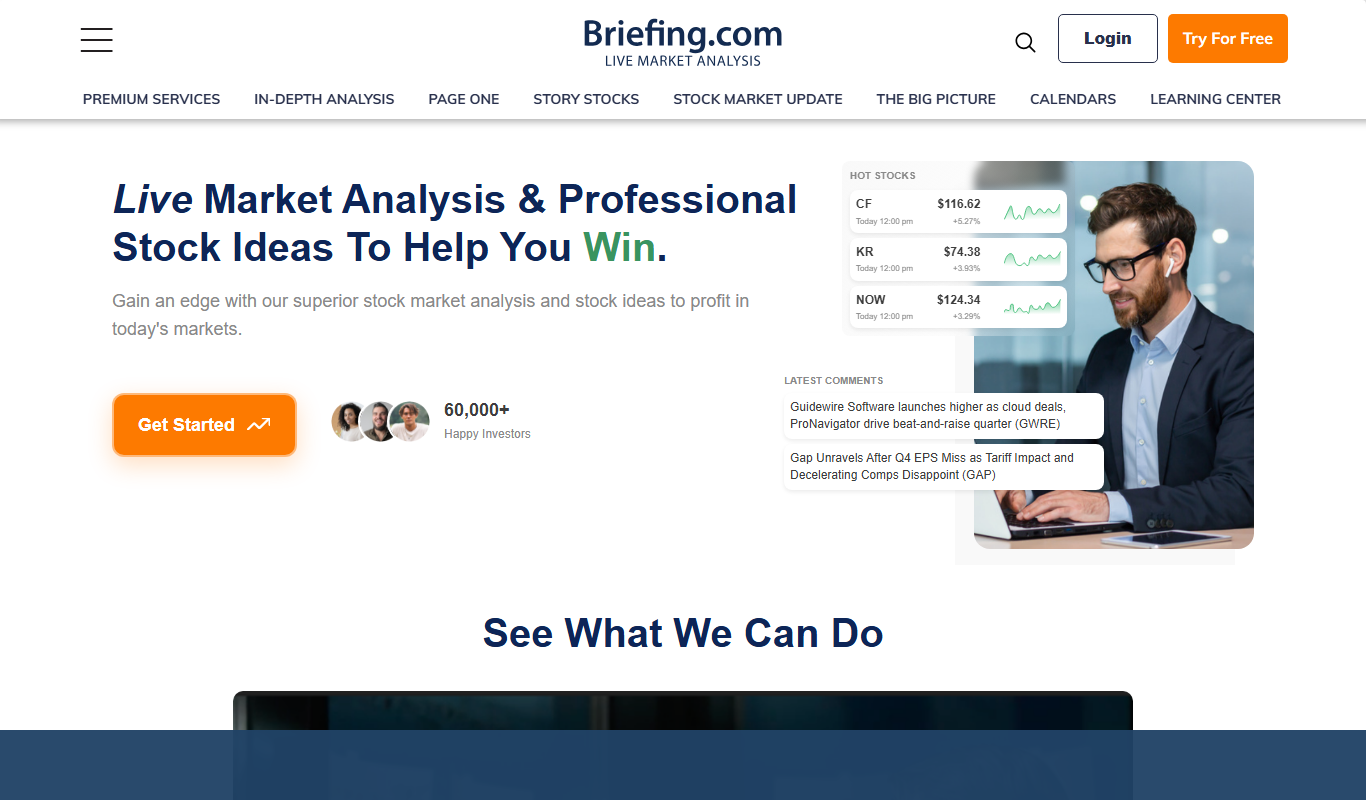
Briefing.com
Briefing.com is a subscription-based platform providing real-time financial market news, economic data, and expert analysis to help investors and traders make informed decisions.