

From my experience with Graviti, I found it excels at providing a unified platform for managing complex AI datasets with version control and collaborative annotation. The platform’s integration capabilities and focus on data quality make it particularly well-suited for AI teams and enterprises handling large-scale machine learning projects. However, the lack of publicly detailed pricing for enterprise plans and limited language support may require direct engagement for some users. Overall, if you need a robust solution to streamline dataset management and annotation workflows, Graviti delivers a comprehensive and secure environment.
Graviti Data Management Platform for AI and Machine Learning Workflows
Graviti is a data management platform designed to help AI teams manage, annotate, and version datasets efficiently, supporting collaboration and integration with AI workflows.
- Best for
- Dataset Versioning
- Key capability
- Dataset Versioning
Your actions
Save Graviti, follow its updates and vote on it — everything stays in your account.
Sign in or create a free account
What is Graviti?
Graviti is a comprehensive data management platform designed to support AI and machine learning workflows by providing dataset versioning, annotation, collaboration, and quality control capabilities. It helps teams efficiently manage large-scale datasets, ensuring data integrity and reproducibility throughout the AI development lifecycle.
Key features of Graviti
Graviti offers dataset version control, collaborative annotation tools, secure data sharing, API integrations, and quality assurance features to optimize AI data workflows.
Dataset Versioning
Track changes and maintain multiple dataset versions to support reproducible AI experiments.
Collaborative Annotation
Enable teams to annotate and label data collectively with real-time updates.
Secure Data Sharing
Control access permissions and share datasets safely within and outside the organization.
API Integration
Access and manage datasets programmatically to integrate with AI training pipelines.
Quality Control Tools
Validate and audit datasets to ensure high data quality for machine learning.
Pros and cons of Graviti
Pros
- Comprehensive dataset versioning for reproducibility
- Integrated annotation tools for efficient labeling
- Strong collaboration features for teams
- API access for seamless AI pipeline integration
- Robust data security and access controls
Cons
- Pricing details for enterprise plans are not publicly listed
- Primarily supports English and Chinese languages
Key use cases for Graviti
Dataset Versioning
Manage and track multiple versions of datasets to ensure reproducibility and collaboration in AI projects.
Data Annotation and Labeling
Facilitate data annotation workflows with integrated tools to prepare high-quality labeled datasets for machine learning.
Data Collaboration
Enable teams to share, review, and collaborate on datasets securely and efficiently.
AI Model Training Support
Streamline the process of feeding well-managed datasets into AI model training pipelines.
Data Quality Control
Implement quality checks and validation to maintain dataset integrity throughout the AI lifecycle.
How Graviti works
- 1
Create an Account
Sign up on the Graviti platform to access data management features.
- 2
Upload and Organize Datasets
Import datasets and organize them with version control for easy tracking.
- 3
Annotate and Label Data
Use built-in annotation tools or integrate third-party services to label data accurately.
- 4
Collaborate with Team Members
Share datasets securely and collaborate with team members on data preparation.
- 5
Integrate with AI Pipelines
Connect datasets to AI model training workflows via API for seamless data access.
Who is using Graviti
AI and machine learning teams
Data scientists and engineers
Research institutions
Enterprises managing large datasets
Data annotation service providers
Graviti pricing
Free
$0/month
Basic access with limited storage and features suitable for individual users or small teams.
Enterprise
Custom pricing
Advanced features, increased storage, dedicated support, and custom integrations for large organizations.
Plans and prices are as published by the vendor and can change. Check the official site before you buy. Open the pricing page (opens in a new tab)
Frequently asked questions about Graviti
Graviti supports various data types including images, videos, audio, text, and structured data for AI workflows.
Yes, Graviti provides APIs and SDKs to integrate seamlessly with popular AI frameworks and pipelines.
Graviti implements strict access controls and encryption to ensure data security and privacy.
Yes, it offers collaborative annotation and dataset sharing features designed for team workflows.
This tool is designed to help users accomplish its core tasks more efficiently. It is typically used by individuals or teams looking to improve productivity and workflow.
Data handling and security practices vary by provider. Review the official privacy policy to understand how your data is stored and used.
Data handling and security practices vary by provider. Review the official privacy policy to understand how your data is stored and used.
It depends on your specific needs and how you plan to use the tool. The official website and documentation are the best sources for the latest details.
Sign in to review this tool.
Sign In to ReviewNo reviews yet
Be the first to share how this tool worked for you.
Ask about pricing, limits, or how it compares — or answer someone else.
Sign In to AskNo questions yet
Have a question about using or paying for this tool? Be the first to ask.
Featured on TiorAI



More AI Data & Analytics Tools tools
Other tools in the same category, for when this one is not quite the fit.

Free
TimeTK
TimeTK is an open-source R package designed to simplify time series analysis by providing tools for visualization, feature engineering, and data preprocessing, ideal for forecasting and modeling tasks.

Freemium
Graphy for Data Storytelling
Graphy is a web-based platform designed for creating interactive data stories by combining data visualization with narrative elements, enabling users to communicate insights effectively.
One-time purchase
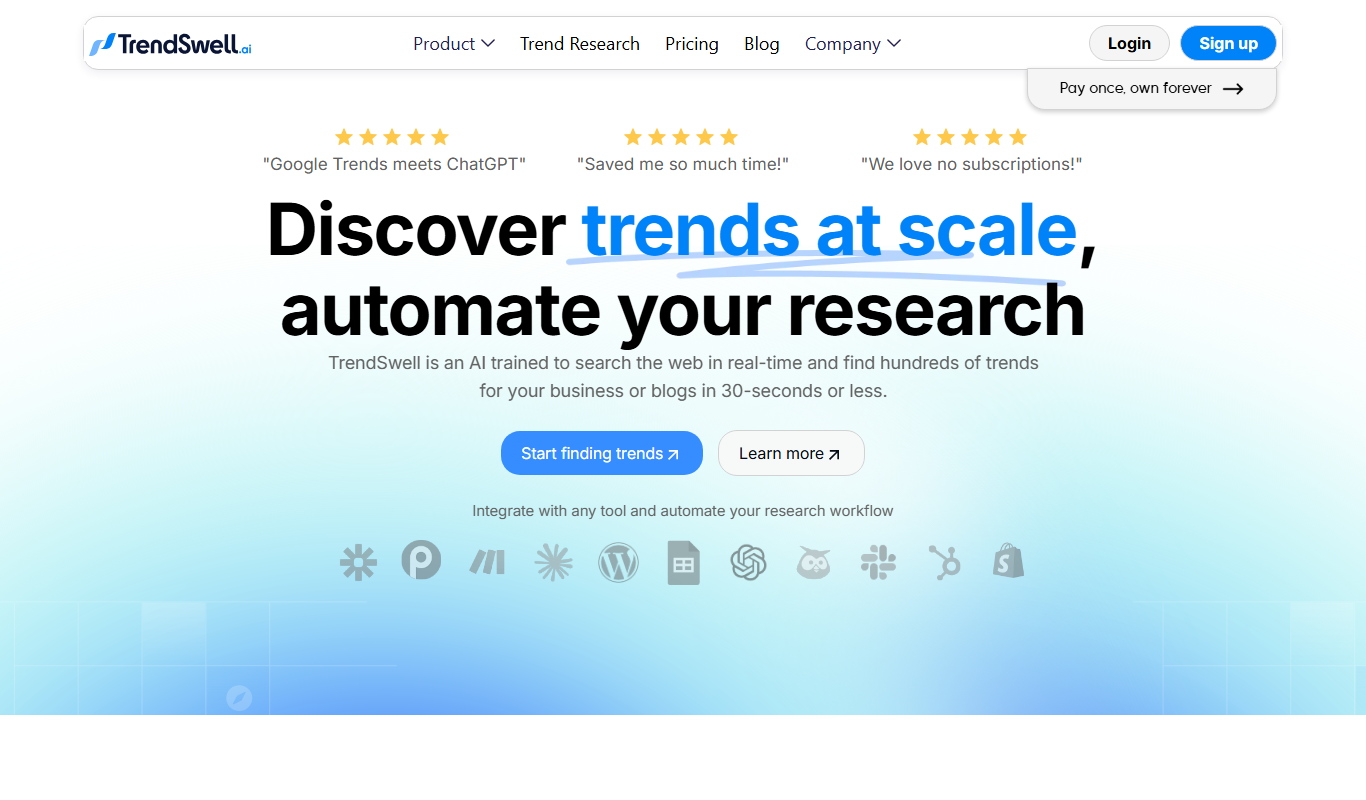
TrendSwell
TrendSwell.ai uses AI to automate the trend discovery process: search any topic and it finds trends directly related to that search.

Free
Vizzy
Vizzy is a free web-based AI tool that transforms CSV data into interactive charts and graphs, enabling easy data exploration without coding.

Free Trial
Reviewly AI
Reviewly is an AI-powered platform that collects Google reviews through SMS requests and drafts responses to them with AI.

Custom Pricing
unitQ agentQ
unitQ GPT is an AI-powered customer feedback analytics tool that uses GPT-4 to aggregate, analyze, and provide real-time insights from multiple feedback channels, helping product teams improve quality and user experience.

Contact for pricing
Enterpret
Enterpret is an AI-driven platform that analyzes customer feedback from multiple sources to provide actionable insights through sentiment analysis, topic clustering, and trend detection.
Free Trial
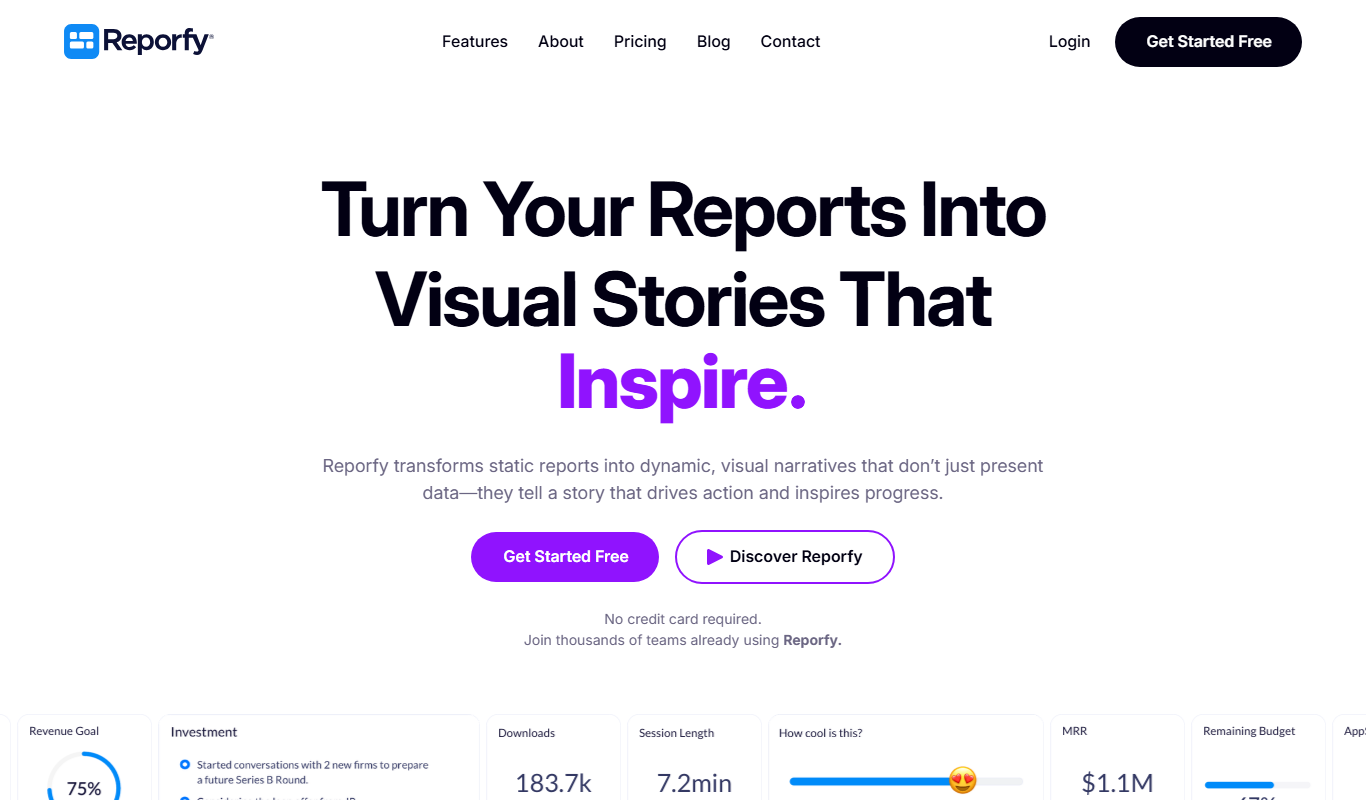
Reporfy
Reporfy is an AI-powered platform that automates business report generation by analyzing data and creating insightful, customizable reports to support decision-making.