

Blue Prism RPA Platform for Intelligent Automation and Business Process Management
Blue Prism is an enterprise-grade Robotic Process Automation platform that enables organizations to automate repetitive tasks using software robots, improving efficiency and compliance.
- Best for
- Automating Repetitive Tasks
- Key capability
- No-Code Automation Builder
Save Blue Prism, follow its updates and vote on it — everything stays in your account.
Sign in or create a free account
What is Blue Prism?
Blue Prism is a leading Robotic Process Automation (RPA) platform that provides intelligent automation solutions to enterprises. It allows organizations to create, deploy, and manage software robots that mimic human actions to automate repetitive and rule-based business processes. Blue Prism’s platform supports scalable digital workforce management, enabling businesses to improve efficiency, reduce operational costs, and maintain compliance.
Key features of Blue Prism
Blue Prism offers a no-code/low-code automation environment, robust security and governance features, seamless integration capabilities with various enterprise systems, and advanced analytics for process monitoring. Its digital workforce can be centrally managed and scaled to meet evolving business demands.
No-Code Automation Builder
Enables business users and developers to design automation workflows visually without programming.
Scalable Digital Workforce
Manage and scale hundreds or thousands of software robots to handle enterprise workloads.
Robust Security and Compliance
Includes role-based access control, audit logs, and encryption to meet enterprise security standards.
Integration with Multiple Systems
Supports integration with ERP, CRM, mainframes, web applications, and more without API dependency.
Process Analytics and Reporting
Provides real-time insights and historical data to optimize automated processes.
Pros and cons of Blue Prism
Pros
- Robust and scalable automation platform
- Strong security and compliance features
- No-code interface accessible to business users
- Wide integration capabilities with enterprise systems
Cons
- Pricing can be high for small businesses
- Steeper learning curve for complex automations
- Primarily designed for enterprise use cases
Key use cases for Blue Prism
Automating Repetitive Tasks
Blue Prism enables organizations to automate routine, rule-based tasks across various business functions, reducing manual effort and errors.
Digital Workforce Management
Manage and scale a digital workforce of software robots that work alongside human employees to increase operational efficiency.
Compliance and Auditability
Ensure processes are executed consistently with full audit trails, helping organizations meet regulatory compliance requirements.
Integration with Legacy Systems
Blue Prism connects with existing enterprise applications without requiring APIs, enabling automation across legacy and modern systems.
Process Optimization and Analytics
Leverage built-in analytics to monitor, optimize, and improve automated workflows for better business outcomes.
How Blue Prism works
- 1
Design Automation Workflows
Users create automation processes using Blue Prism’s visual drag-and-drop interface without coding.
- 2
Deploy Digital Workers
Deploy software robots to execute automated tasks across different applications and systems.
- 3
Monitor and Manage Robots
Use centralized dashboards to monitor robot performance, schedule tasks, and manage workloads.
- 4
Analyze and Optimize
Leverage analytics to gain insights into process efficiency and continuously improve automation.
Who is using Blue Prism
Blue Prism pricing
Enterprise
Custom pricing
Tailored licensing and support for large-scale automation deployments.
Plans and prices are as published by the vendor and can change. Check the official site before you buy. Open the pricing page (opens in a new tab)
Frequently asked questions about Blue Prism
Blue Prism is used for automating repetitive, rule-based business processes using software robots.
No, it provides a no-code/low-code interface allowing users to build automation workflows visually.
Yes, it can connect to legacy and modern systems without requiring APIs.
Blue Prism primarily targets medium to large enterprises with complex automation needs.
It depends on your specific needs and how you plan to use the tool. The official website and documentation are the best sources for the latest details.
Yes, it can help with that use case depending on how you configure it and what features are available. You’ll get the best results with clear inputs and a defined goal.
Conclusion
Blue Prism automation is designed visually: users build workflows with a drag-and-drop interface, then deploy software robots to execute those tasks across different applications and systems. The robots connect with ERP, CRM, mainframes and web applications without requiring APIs, which covers legacy as well as modern systems. Centralized dashboards monitor robot performance, schedule tasks and manage workloads, and the digital workforce can scale to hundreds or thousands of robots. Role-based access control, audit logs and encryption are included for enterprise security.
It primarily targets medium to large enterprises with complex automation needs, especially IT and automation teams and business process managers. Licensing is custom and tailored to large-scale automation deployments.
Sources
Sign in to review this tool.
Sign In to ReviewNo reviews yet
Be the first to share how this tool worked for you.
Ask about pricing, limits, or how it compares — or answer someone else.
Sign In to AskNo questions yet
Have a question about using or paying for this tool? Be the first to ask.
Featured on TiorAI



Alternative Tools
Explore similar AI tools that might fit your needs

UiPath
UiPath is a robotic process automation platform that enables businesses to automate repetitive tasks and complex workflows using a visual drag-and-drop interface and AI integration.
Automation Anywhere
Automation Anywhere is a comprehensive RPA platform that uses AI and machine learning to automate business processes, enabling organizations to improve efficiency and reduce operational costs.
More AI Workflow tools
Other tools in the same category, for when this one is not quite the fit.

Lucidworks
Lucidworks is an AI-driven enterprise search platform that helps organizations build intelligent search applications to discover insights from complex data using machine learning and natural language processing.
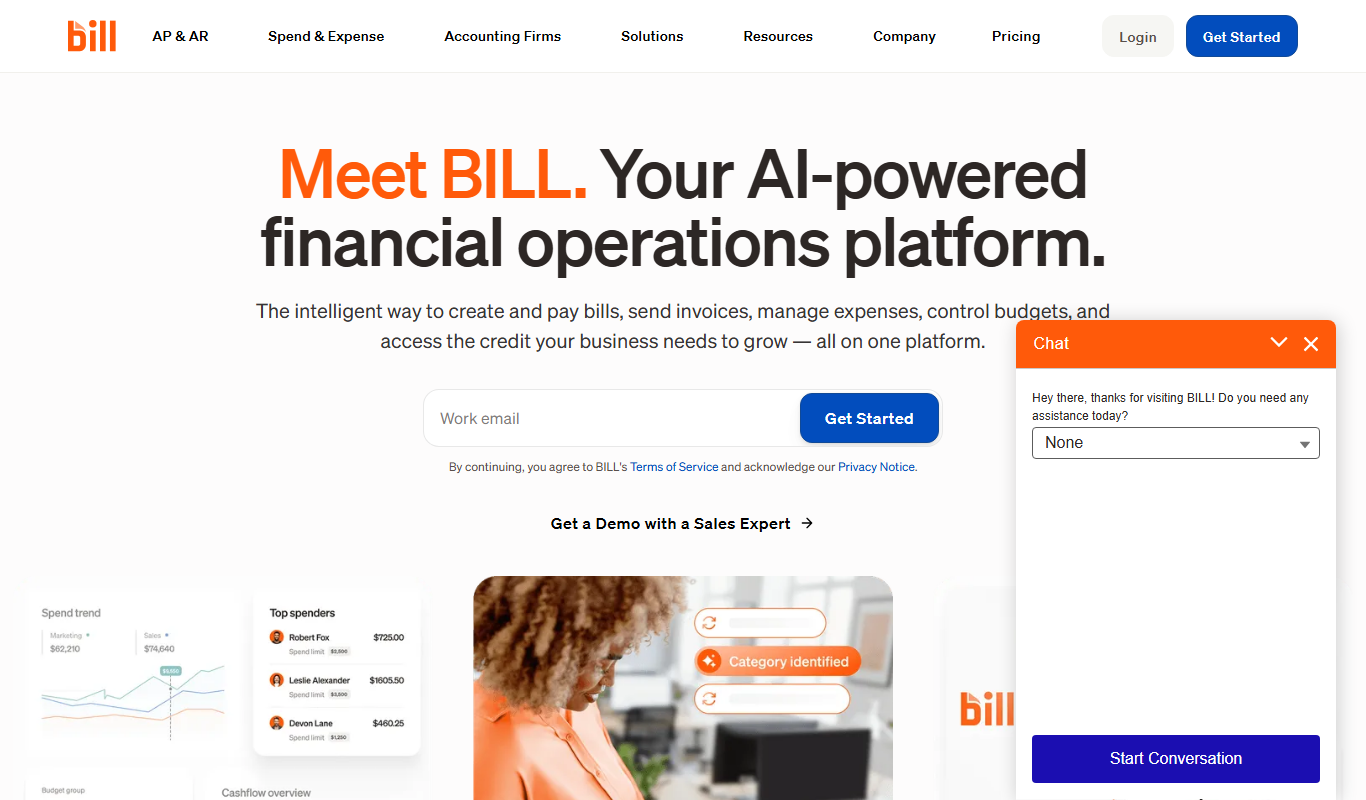
Bill.com
Bill.com is a cloud-based platform that automates accounts payable and receivable workflows, enabling businesses to process invoices, approve payments, and sync with accounting software efficiently.
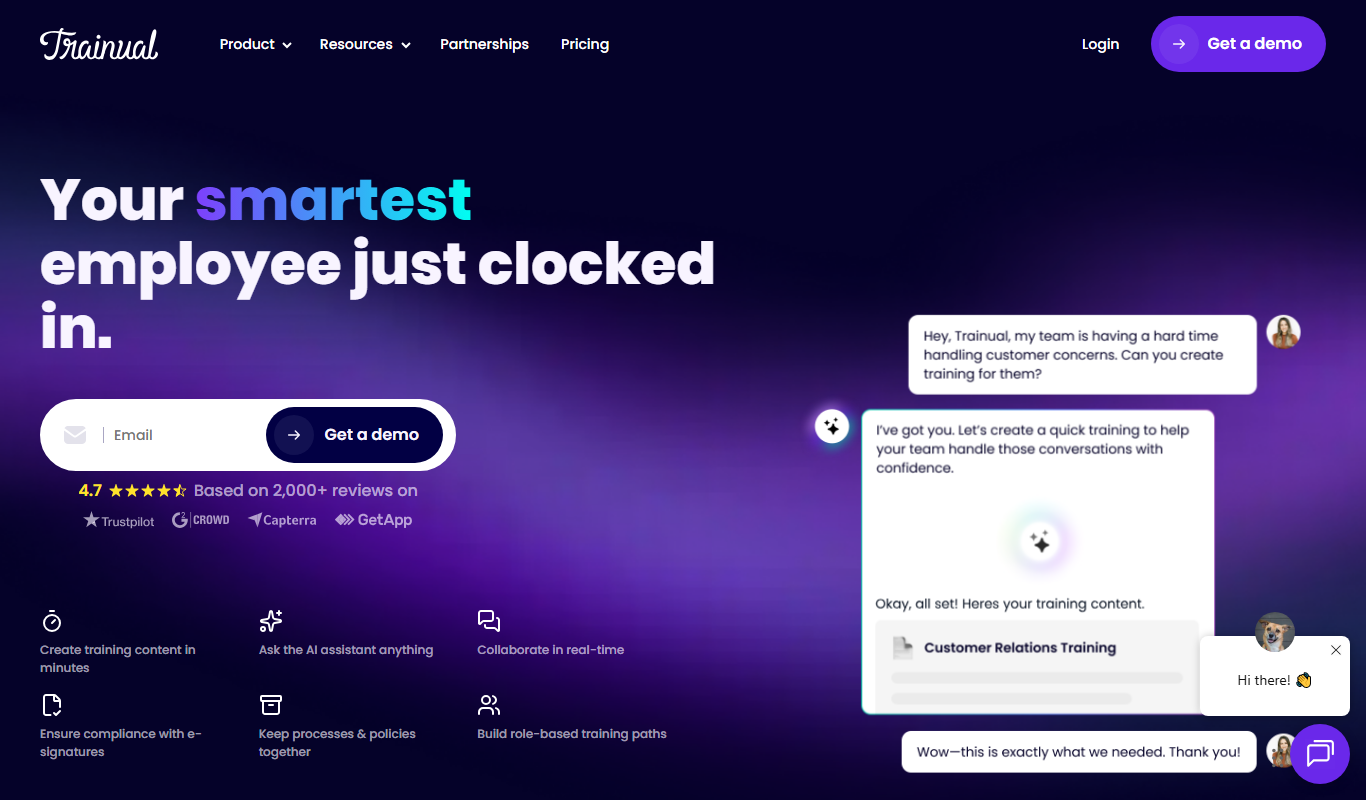
Trainual
Trainual is a cloud-based platform that helps businesses document processes and train employees efficiently through customizable manuals, checklists, and progress tracking.

Drip
Drip is an email marketing automation platform focused on e-commerce businesses, offering tools for personalized campaigns, customer segmentation, and analytics.
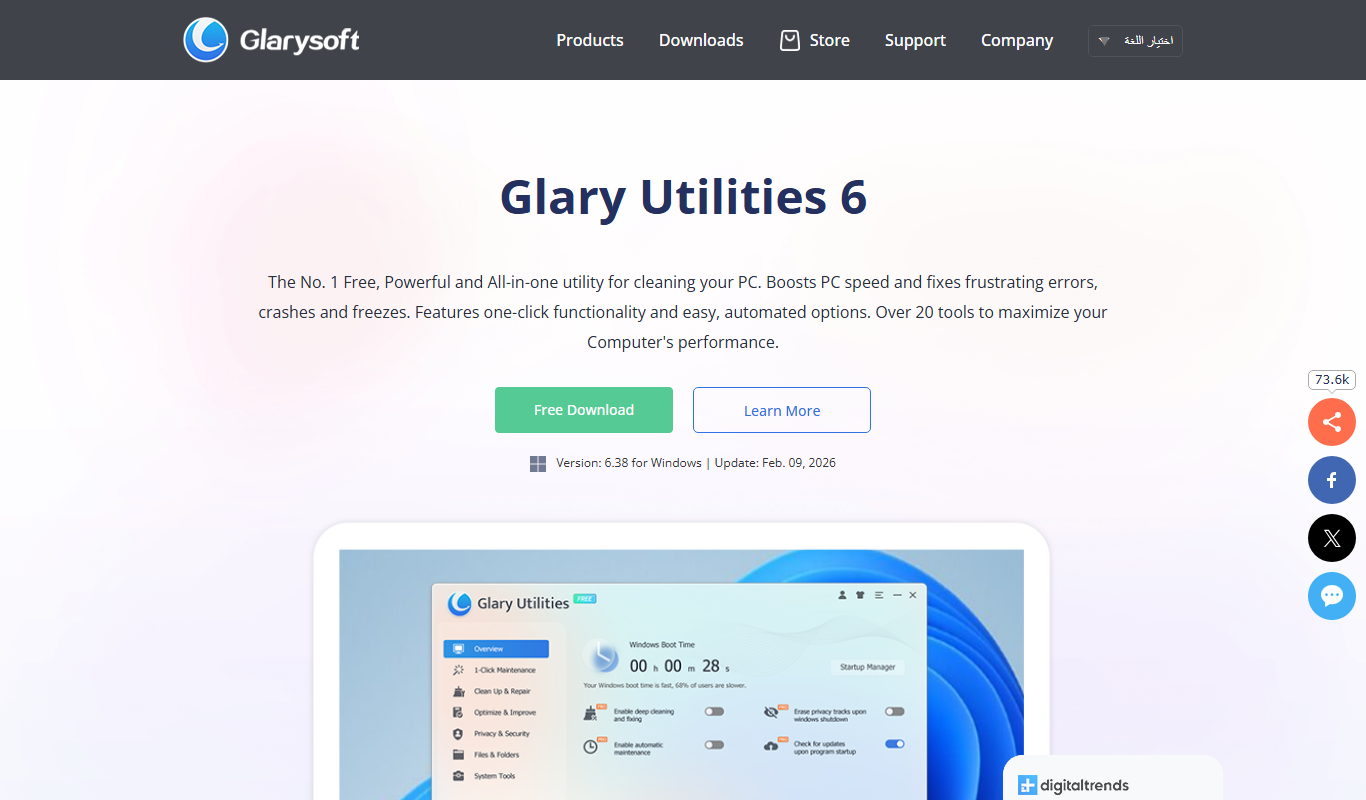
Glary Utilities
Glary Utilities is a Windows-based PC optimization tool that cleans junk files, repairs registry errors, manages startup programs, and protects user privacy to improve system performance.
Advanced SystemCare
Advanced SystemCare is a Windows-based PC optimization software by IObit that cleans junk files, optimizes system performance, protects privacy, and removes malware to keep your computer running smoothly.

Locus Robotics
Locus Robotics provides autonomous mobile robots that collaborate with human workers to automate warehouse picking and fulfillment, improving efficiency and accuracy in logistics operations.

RightHand Robotics
RightHand Robotics provides AI-powered robotic arms that automate picking and sorting in warehouses, improving efficiency and reducing labor costs.