

Automation Anywhere RPA Platform for Intelligent Business Process Automation
Automation Anywhere is a comprehensive RPA platform that uses AI and machine learning to automate business processes, enabling organizations to improve efficiency and reduce operational costs.
- Best for
- Automating Repetitive Tasks
- Key capability
- Bot Creator
Save Automation Anywhere, follow its updates and vote on it — everything stays in your account.
Sign in or create a free accountWhat is Automation Anywhere?
Automation Anywhere is a leading Robotic Process Automation (RPA) platform that empowers organizations to automate complex business processes using software bots. It combines RPA with AI and machine learning capabilities to deliver intelligent automation solutions that improve operational efficiency, reduce costs, and enhance accuracy across various industries.
Key features of Automation Anywhere
The platform offers a comprehensive suite of features including bot creation and management, AI-powered document processing, workflow orchestration, analytics and reporting, and integration with multiple enterprise systems. Its user-friendly interface supports both business users and developers to design, deploy, and monitor automation workflows effectively.
Bot Creator
A drag-and-drop interface for building bots without coding, enabling rapid automation development.
IQ Bot
AI-powered bot that automates unstructured data extraction and processing using machine learning.
Bot Runner
Executes bots on various environments including desktops and cloud, ensuring scalable automation.
Control Room
Centralized management console for deploying, scheduling, and monitoring bots across the enterprise.
Analytics and Insights
Provides detailed reports and dashboards to measure automation impact and identify improvement areas.
Pros and cons of Automation Anywhere
Pros
- Comprehensive RPA platform with AI integration
- User-friendly bot creation with low-code tools
- Scalable deployment options including cloud
- Strong analytics and monitoring capabilities
Cons
- Pricing is custom and may be expensive for small businesses
- Steep learning curve for advanced features
- Primarily English language support
Key use cases for Automation Anywhere
Automating Repetitive Tasks
Automation Anywhere enables businesses to automate repetitive, rule-based tasks across various departments, improving efficiency and reducing errors.
Intelligent Document Processing
The platform uses AI and machine learning to extract and process data from documents, enabling faster and more accurate data handling.
Workflow Orchestration
Automation Anywhere allows orchestration of complex workflows by integrating multiple systems and automating end-to-end business processes.
Customer Service Automation
It helps automate customer service operations such as ticketing, query handling, and data retrieval to enhance response times and customer satisfaction.
IT Process Automation
The tool automates IT operations like system monitoring, incident management, and software deployment to streamline IT service management.
How Automation Anywhere works
- 1
Identify Automation Opportunities
Analyze business processes to find repetitive and rule-based tasks suitable for automation.
- 2
Design Bots
Use Automation Anywhere’s visual bot builder to create software bots that mimic human actions.
- 3
Deploy and Run Bots
Deploy bots on desktops, servers, or cloud environments to execute automated tasks.
- 4
Monitor and Optimize
Track bot performance and process outcomes through dashboards and analytics to optimize automation.
Who is using Automation Anywhere
Automation Anywhere pricing
Enterprise
Custom pricing
Tailored automation solutions with full platform access, support, and scalability for large organizations.
Plans and prices are as published by the vendor and can change. Check the official site before you buy. Open the pricing page (opens in a new tab)
Frequently asked questions about Automation Anywhere
It is used to automate repetitive business processes using software bots, improving efficiency and accuracy.
Yes, it integrates AI and machine learning to handle unstructured data and enable intelligent automation.
No, the platform offers a low-code drag-and-drop bot builder suitable for users with minimal coding experience.
It is widely used across finance, healthcare, manufacturing, retail, and IT sectors.
It depends on your specific needs and how you plan to use the tool. The official website and documentation are the best sources for the latest details.
It depends on your specific needs and how you plan to use the tool. The official website and documentation are the best sources for the latest details.
It depends on your specific needs and how you plan to use the tool. The official website and documentation are the best sources for the latest details.
Conclusion
Automation Anywhere takes on repetitive, rule-based tasks with software bots that mimic human actions. Bots are designed in the drag-and-drop Bot Creator without coding, then run on desktops, servers or cloud environments. A centralized Control Room handles deploying, scheduling and monitoring them across the enterprise. For documents, IQ Bot uses machine learning to extract and process unstructured data.
It is designed for large enterprises and their IT departments, business process managers, automation developers and customer service teams. Customer service ticketing and IT incident management are two of the areas it automates. Pricing is custom, and the page notes it may be expensive for small businesses.
Sources
Sign in to review this tool.
Sign In to ReviewNo reviews yet
Be the first to share how this tool worked for you.
Ask about pricing, limits, or how it compares — or answer someone else.
Sign In to AskNo questions yet
Have a question about using or paying for this tool? Be the first to ask.
Featured on TiorAI



Alternative Tools
Explore similar AI tools that might fit your needs

UiPath
UiPath is a robotic process automation platform that enables businesses to automate repetitive tasks and complex workflows using a visual drag-and-drop interface and AI integration.

Blue Prism
Blue Prism is an enterprise-grade Robotic Process Automation platform that enables organizations to automate repetitive tasks using software robots, improving efficiency and compliance.
More AI Workflow tools
Other tools in the same category, for when this one is not quite the fit.
Motive Fleet Management
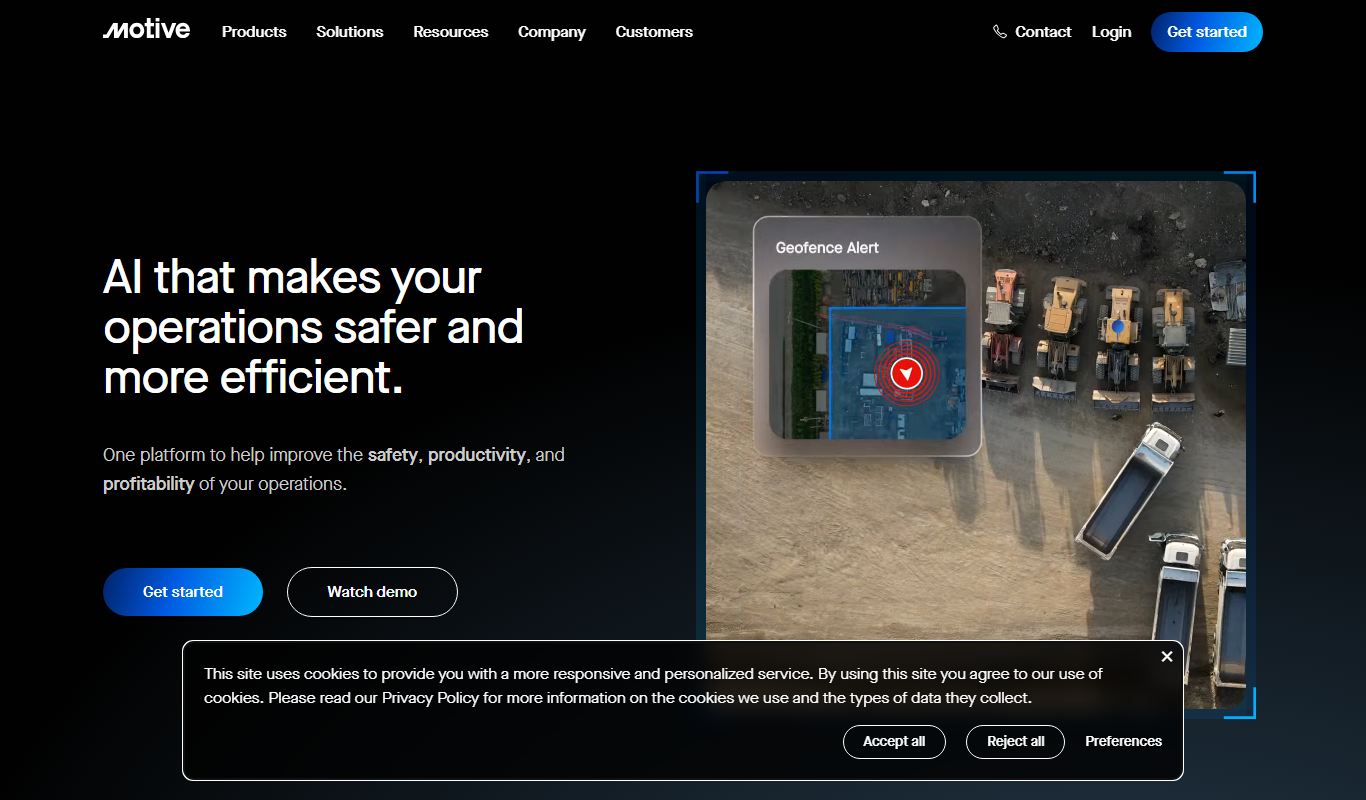
Motive Fleet Management is a telematics platform offering GPS tracking, driver safety monitoring, ELD compliance, and fleet analytics to optimize commercial vehicle operations.

Teletrac Navman
Teletrac Navman is a fleet management platform providing GPS tracking, driver safety tools, vehicle maintenance scheduling, and analytics to optimize fleet operations.

Kumu
Kumu is a web-based mapping platform that helps users visualize and analyze complex systems and relationships through interactive maps, supporting collaboration and data import.
Plutio
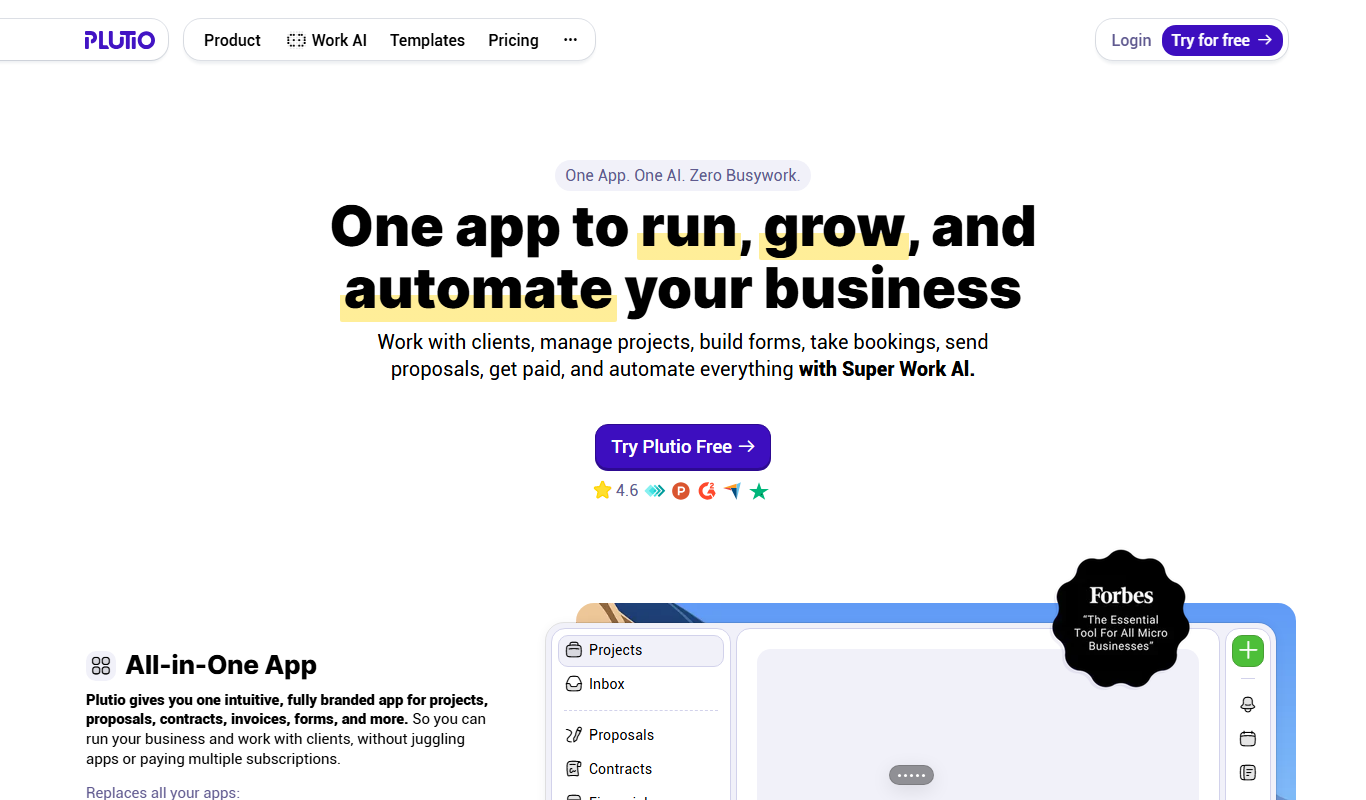
Plutio is a comprehensive business management platform designed for freelancers and small teams, combining project management, CRM, time tracking, invoicing, and collaboration tools into one integrated workspace.

MyChart
MyChart is a secure patient portal by Epic Systems that allows patients to access medical records, schedule appointments, message providers, and conduct telehealth visits online.

Practice Better
Practice Better is a client management platform designed for health and wellness professionals, offering scheduling, telehealth, billing, and client communication tools.
Satori
Satori is a data platform that provides secure, real-time access to data across multiple sources with centralized governance, dynamic masking, and auditing to ensure compliance and data security.

IDnow
IDnow is a digital identity verification platform that uses AI and biometric technology to securely verify customer identities for compliance and fraud prevention.