

From my experience with Lovo AI, I found it excels at producing highly natural and expressive AI-generated voices that can be customized with emotions and accents. After spending time with the platform, I can say it’s particularly well-suited for content creators, educators, and businesses looking to automate voiceovers without sacrificing quality. However, the free plan limits usage and voice options, and advanced features like voice cloning require additional investment. Overall, if you need versatile and realistic text-to-speech capabilities with easy integration, Lovo AI delivers solid results.
Lovo AI Text-to-Speech Platform for Natural Voice Generation and Audio Creation
Lovo AI is a text-to-speech platform that generates natural, expressive AI voices with voice cloning and multi-language support, ideal for voiceovers and audio content creation.
- Best for
- Voiceover for Videos
- Key capability
- High-Quality AI Voices


Do you recommend this tool?
What is Lovo AI?
Lovo AI is an advanced text-to-speech platform that leverages deep learning to generate highly realistic and expressive synthetic voices. It enables users to convert text into natural-sounding speech with a variety of voice styles and emotions, suitable for voiceovers, audiobooks, podcasts, and more. The platform supports multiple languages and offers voice cloning capabilities to replicate specific voices for personalized audio content creation.
Key features of Lovo AI
Lovo AI provides a user-friendly web interface and API access for seamless integration. Key features include a large library of AI voices, voice cloning, emotional speech synthesis, multi-language support, and customizable voice parameters. It also offers tools for script editing, batch processing, and audio export in various formats.
High-Quality AI Voices
Access a diverse library of realistic voices with natural intonation and clarity.
Voice Cloning
Create custom voices by cloning real human voices for personalized audio content.
Multi-Language Support
Supports multiple languages and accents to cater to global audiences.
Emotional Speech Synthesis
Add emotions like happiness, sadness, or excitement to make speech more engaging.
API Access
Integrate Lovo AI’s text-to-speech capabilities into third-party apps and workflows.
Pros and cons of Lovo AI
Pros
- High-quality, natural-sounding voices
- Easy-to-use web interface and API
- Supports voice cloning for custom voices
- Multi-language and emotional speech options
- Flexible pricing plans including free tier
Cons
- Free plan has limited usage and voice options
- Voice cloning requires additional setup and cost
- Some advanced features only available on Enterprise plan
Key use cases for Lovo AI
Voiceover for Videos
Create natural-sounding voiceovers for marketing videos, tutorials, and presentations without hiring voice actors.
Audiobook Narration
Generate lifelike narration for audiobooks with customizable voices and emotions.
E-learning Content
Produce engaging audio for e-learning modules and educational materials to enhance learner experience.
Podcast Production
Use AI voices to create podcast episodes or segments quickly and efficiently.
Accessibility
Convert written content into speech to improve accessibility for visually impaired users.
How Lovo AI works
- 1
Create an Account
Sign up on the Lovo AI website to access the platform.
- 2
Input Text
Enter or upload the text you want to convert into speech.
- 3
Select Voice and Settings
Choose from a variety of AI voices and customize tone, speed, and emotion.
- 4
Generate Audio
Click to synthesize the speech and preview the audio output.
- 5
Download or Integrate
Download the audio file or use the API to integrate voice generation into your applications.
Who is using Lovo AI
Content creators and marketers
E-learning developers
Podcasters and audiobook producers
Accessibility service providers
Businesses needing automated voiceovers
Lovo AI pricing
Free
$0/month
Limited access with basic voices and monthly usage caps.
Basic
$24/month
Expanded voice library, higher usage limits, and commercial rights.
Pro
$48/month
Tailored solutions with voice cloning, API access, and priority support.
Pro+
$149/month
Enterprise
Custom pricing
Plans and prices are as published by the vendor and can change. Check the official site before you buy. Open the pricing page (opens in a new tab)
Compare similar tools
How Lovo AI lines up against the tools people weigh it against.
Lovo AI
Typecast AI
Lovo AI vs Typecast: Which Sounds More Human?
Lovo AI Resemble AI
Lovo AI vs Resemble AI: Voice Quality, Cloning & Pricing Compared
Lovo AI Descript
Lovo AI vs Descript: Enterprise Features & Compliance
Lovo AI Speechify
Lovo AI vs Speechify: For Podcasts, Videos & eLearning
Lovo AI Murf AI
Lovo AI vs Murf AI: Free Plan, Speed & Voice Variety
Lovo AI ElevenLabs
Lovo AI vs Elevenlabs: Which Delivers Better TTS Quality in 2026?
Frequently asked questions about Lovo AI
Yes, Lovo AI offers voice cloning services that allow you to create a custom AI voice based on your recordings.
Lovo AI supports multiple languages including English, Spanish, French, German, Portuguese, and Chinese.
Yes, Lovo AI provides a free plan with limited features to try out the platform.
Commercial usage is allowed on paid plans such as the Pro and Enterprise subscriptions.
It depends on your specific needs and how you plan to use the tool. The official website and documentation are the best sources for the latest details.
Yes, it can help with that use case depending on how you configure it and what features are available. You’ll get the best results with clear inputs and a defined goal.
Yes, it can help with that use case depending on how you configure it and what features are available. You’ll get the best results with clear inputs and a defined goal.
Some tools offer a free plan or trial with limited features. Availability can vary, so confirm on the official website.
Sign in to review this tool.
Sign In to ReviewNo reviews yet
Be the first to share how this tool worked for you.
Ask about pricing, limits, or how it compares — or answer someone else.
Sign In to AskNo questions yet
Have a question about using or paying for this tool? Be the first to ask.
Featured on TiorAI



Alternative Tools
Explore similar AI tools that might fit your needs

Enterprise
Murf AI
Murf AI is an AI-powered text-to-speech platform that converts text into natural, human-like voiceovers across multiple languages, ideal for content creators, educators, and marketers.

Free
Resemble AI
Resemble AI is a voice cloning and text-to-speech platform that creates realistic AI voices from audio samples, supports multiple languages, and offers API integration for developers.

Free
ElevenLabs
ElevenLabs is an AI platform that converts text into natural-sounding speech and allows voice cloning from audio samples, supporting multiple languages and offering an API for integration.

Free
Speechify
Speechify is an AI-powered text-to-speech tool that converts written text into natural audio, supporting multiple languages and platforms to enhance accessibility and productivity.

Free
Descript
Descript is an AI-driven audio and video editing platform that allows users to edit media by editing transcripts, includes AI transcription, voice cloning with Overdub, and supports collaboration.

Free
Typecast AI
Typecast AI is a web-based platform that generates realistic AI voices using text-to-speech and voice cloning technologies, supporting multiple languages and emotional speech customization.
Free Trial
Deepgram
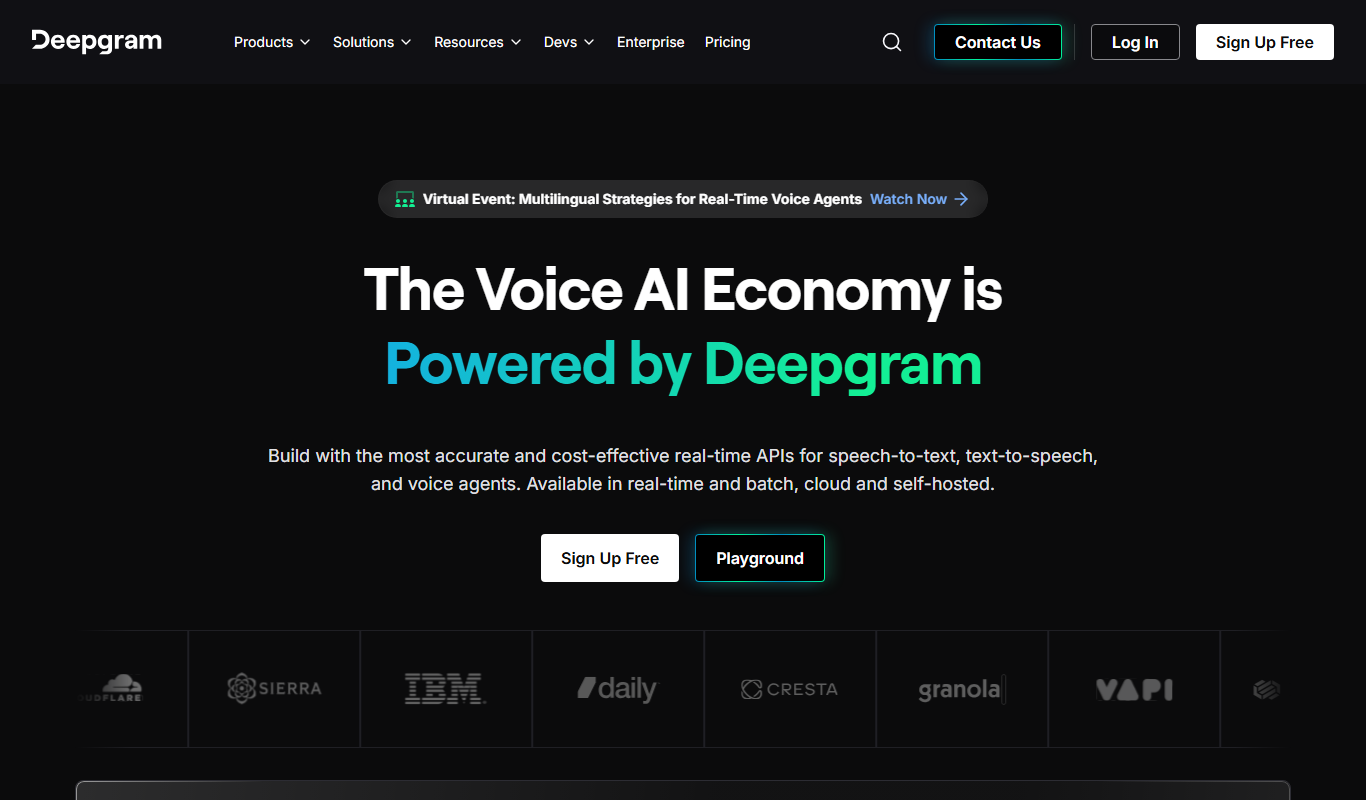
Deepgram is an AI-driven speech-to-text platform providing accurate, customizable, and scalable audio transcription services with real-time streaming and multi-language support.