

From my experience with Descript, I found it excels at making audio and video editing accessible through its innovative text-based editing approach. The ability to edit media by simply editing transcripts is a game-changer for creators without deep technical skills. Its Overdub feature adds a powerful layer for voice editing and corrections without re-recording. However, the platform is primarily English-focused and requires some setup for voice cloning, which might be a hurdle for some users. Overall, if you need an integrated tool for podcast production, video editing, and transcription, Descript delivers a streamlined and efficient workflow.
Descript Audio & Video Editing Software with AI Transcription and Overdub
Descript is an AI-driven audio and video editing platform that allows users to edit media by editing transcripts, includes AI transcription, voice cloning with Overdub, and supports collaboration.
- Best for
- Podcast Production
- Key capability
- AI-Powered Transcription
Your actions
Save Descript, follow its updates and vote on it — everything stays in your account.
Sign in or create a free account

What is Descript?
Descript is an all-in-one audio and video editing platform that leverages AI to simplify content creation. It combines transcription, multitrack editing, screen recording, and AI-powered voice synthesis to enable users to edit media by editing text transcripts. This approach makes editing accessible to creators without traditional audio or video editing expertise.
Key features of Descript
Descript offers AI transcription, text-based audio and video editing, Overdub voice cloning, multitrack timeline editing, screen recording, filler word removal, and collaboration tools, streamlining the production workflow for podcasts, videos, and other media projects.
AI-Powered Transcription
Fast, accurate transcription with speaker labeling and timestamps.
Text-Based Audio & Video Editing
Edit media by editing the transcript text, simplifying complex editing tasks.
Overdub Voice Cloning
Create a custom synthetic voice to generate or fix audio content.
Multitrack Timeline Editor
Combine multiple audio and video tracks with traditional timeline editing.
Screen Recording & Video Editing
Record screens and webcam footage, then edit with the same transcript-based tools.
Filler Word Removal
Automatically detect and remove filler words like 'um' and 'uh' to improve flow.
Collaboration Tools
Share projects, add comments, and work with teams in real time.
Pros and cons of Descript
Pros
- Intuitive text-based editing simplifies complex audio/video tasks
- High-quality AI transcription with speaker detection
- Innovative Overdub voice cloning for seamless audio fixes
- Supports both audio and video editing in one platform
- Collaboration features enable team workflows
Cons
- Overdub requires voice training and may have limitations for some accents
- Limited language support, primarily English
- Desktop app required for full feature set; web version is limited
Key use cases for Descript
Podcast Production
Create, edit, and produce podcasts efficiently using AI transcription and multitrack editing.
Video Editing
Edit video content by editing the transcript text, making video editing accessible and intuitive.
Transcription Services
Automatically transcribe audio and video files with high accuracy for captions, notes, or documentation.
Voiceover and Overdub
Generate synthetic voiceovers using Overdub technology to create or fix audio without re-recording.
Collaboration and Review
Collaborate with teams by sharing projects, adding comments, and reviewing edits in real time.
How Descript works
- 1
Upload or Record Media
Import audio or video files or record directly within Descript.
- 2
Automatic Transcription
Descript transcribes the media into editable text with speaker detection.
- 3
Edit via Transcript
Edit audio or video by modifying the transcript text; cuts and changes reflect in the media.
- 4
Use Overdub for Voice Editing
Create a digital voice model to generate or replace audio seamlessly.
- 5
Export Final Content
Export edited audio, video, or transcripts in various formats for publishing.
Who is using Descript
Podcasters and audio producers
Video content creators and editors
Marketing teams producing multimedia content
Educators creating instructional videos
Journalists and transcription professionals
Descript pricing
Free
$0/month
Basic editing, 3 hours of transcription, and limited Overdub voice generation.
Hobby
$24/month
Includes 10 hours of transcription, full Overdub access, and standard export options.
Creator
$40/month
Advanced features including unlimited transcription, filler word removal, and priority support.
Business
$80/month
Plans and prices are as published by the vendor and can change. Check the official site before you buy. Open the pricing page (opens in a new tab)
Compare similar tools
How Descript lines up against the tools people weigh it against.
 Whisper AI Descript
Whisper AI vs Descript: Free Tier, Storage & Export Options
 Fireflies.ai Descript
fireflies.ai vs Descript: Real-Time vs Post-Recording Transcription
 D-ID Descript
D-Id vs Descript: Editing Controls, Templates & Workflow
 Clipchamp Descript
Clipchamp vs Descript: Which Handles Long-Form Video Better?
 CapCut AI Descript
Capcut AI vs Descript: Which AI Video Tool Is Worth It in 2026?
 Veed.io Descript
veed.io vs Descript: Video Quality, Features & Pricing Compared
Frequently asked questions about Descript
Yes, Descript supports video editing by allowing you to edit the transcript, which updates the video timeline.
Overdub is Descript’s AI voice cloning feature that lets you create a digital voice model to generate or fix audio.
Yes, Descript’s text-based editing makes audio and video editing accessible even for users without prior experience.
Descript is available as a web app and desktop applications for Windows and macOS.
It depends on your specific needs and how you plan to use the tool. The official website and documentation are the best sources for the latest details.
Yes, it can help with that use case depending on how you configure it and what features are available. You’ll get the best results with clear inputs and a defined goal.
It depends on your specific needs and how you plan to use the tool. The official website and documentation are the best sources for the latest details.
Sign in to review this tool.
Sign In to ReviewNo reviews yet
Be the first to share how this tool worked for you.
Ask about pricing, limits, or how it compares — or answer someone else.
Sign In to AskNo questions yet
Have a question about using or paying for this tool? Be the first to ask.
Featured on TiorAI



Alternative Tools
Explore similar AI tools that might fit your needs

Free
Audacity
Audacity is a free, open-source audio editing software that supports multi-track recording, editing, and effects processing for music and podcast production.

Free
ElevenLabs
ElevenLabs is an AI platform that converts text into natural-sounding speech and allows voice cloning from audio samples, supporting multiple languages and offering an API for integration.

API
Whisper AI
Whisper is OpenAI's open-source speech recognition system supporting 99 languages with near-human accuracy. Free to self-host or use via API at $0.006/minute.

Free
Veed.io
Veed.io is a web-based video editing platform that uses AI to generate automatic subtitles and captions, enabling easy video editing and collaboration without software installation.

Freemium
Cleanvoice AI
Cleanvoice AI is a web-based tool that uses artificial intelligence to automatically remove filler words, mouth noises, stutters, and background noise from audio recordings, primarily serving podcasters and video creators.

Free Trial
Castmagic
Castmagic is an AI-driven platform that transcribes podcast audio, extracts highlights, and generates summaries to streamline podcast editing and content repurposing.

Free
Fireflies.ai
Fireflies.ai is an AI meeting assistant that automatically records, transcribes, and summarizes meetings across platforms like Zoom and Microsoft Teams, helping teams capture notes and action items effortlessly.
More AI Audio Editing tools
Other tools in the same category, for when this one is not quite the fit.
Freemium
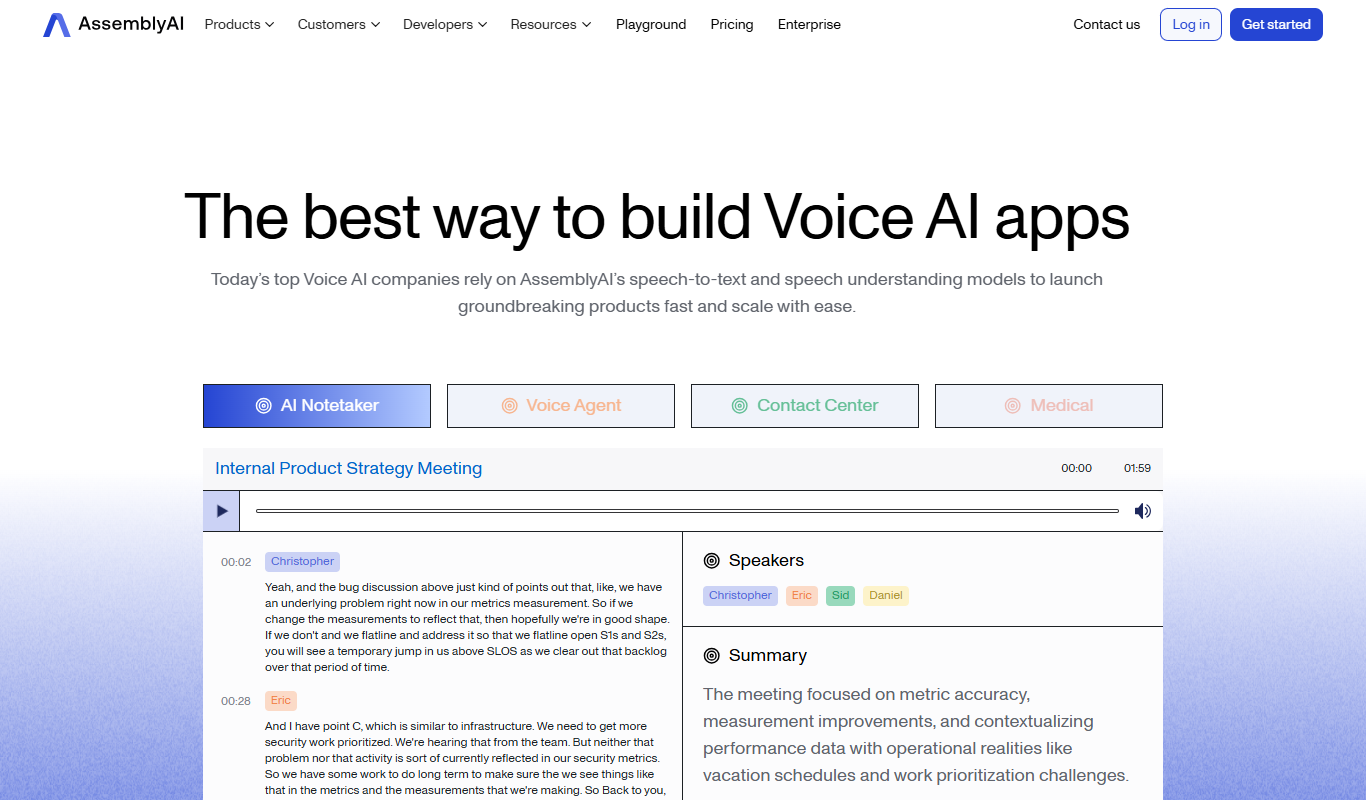
AssemblyAI
AssemblyAI is an AI platform providing high-accuracy speech-to-text transcription and audio analysis through an easy-to-use API, primarily supporting English audio.

Free
Krisp AI
Krisp AI is a noise cancelling application that removes background noise from audio calls and recordings in real-time using AI, improving voice clarity across multiple platforms.

Free
Photoroom
Photoroom is an AI-based tool that automatically removes backgrounds from photos and offers easy editing features for ecommerce and social media content creation.