

From my experience with Cleanvoice AI, it stands out for automating the tedious task of cleaning up podcast and video audio. The AI effectively removes filler words and distracting mouth noises, which can save hours of manual editing. Its web-based interface is straightforward and fast, making it accessible even for beginners. However, the tool currently supports only English and lacks direct integrations with popular podcast platforms, which might limit workflow automation for some users. Overall, if you want a quick and affordable way to enhance your audio recordings without deep technical skills, Cleanvoice AI is a solid choice.
Cleanvoice AI Review: Best AI Audio Cleaner for Podcasts & Videos
Cleanvoice AI is a web-based tool that uses artificial intelligence to automatically remove filler words, mouth noises, stutters, and background noise from audio recordings, primarily serving podcasters and video creators.
- Best for
- Podcast Editing
- Key capability
- Filler Word Removal
Your actions
Save Cleanvoice AI, follow its updates and vote on it — everything stays in your account.
Sign in or create a free account
What is Cleanvoice AI?
Cleanvoice AI is a web-based audio cleaning tool that uses artificial intelligence to automatically detect and remove unwanted sounds such as filler words, mouth noises, stutters, and background noise from audio recordings. It is designed primarily for podcasters, video creators, and voiceover artists who want to streamline their audio editing process and improve sound quality without manual intervention.
Key features of Cleanvoice AI
Cleanvoice AI offers automatic detection and removal of filler words, mouth sounds, stutters, and background noise. It supports batch processing, provides an intuitive web interface, and allows users to export cleaned audio in multiple formats. The tool focuses on simplifying audio post-production with AI-powered automation.
Filler Word Removal
Automatically detects and removes common filler words like 'um', 'uh', and 'you know'.
Mouth Noise Reduction
Eliminates distracting mouth clicks, lip smacks, and other oral noises.
Background Noise Suppression
Reduces ambient noise to enhance voice clarity.
Stutter Detection and Removal
Identifies and removes stuttering or repeated words for smoother speech.
Batch Processing
Allows users to process multiple files simultaneously to save time.
Pros and cons of Cleanvoice AI
Pros
- Automates tedious audio cleanup tasks
- User-friendly web interface with fast processing
- Effective removal of filler words and mouth noises
- Supports batch processing for efficiency
- Affordable pricing with a free tier
Cons
- Limited language support (English only)
- No desktop or mobile apps, web-only
- Lacks direct integrations with popular podcast tools
Key use cases for Cleanvoice AI
Podcast Editing
Automatically remove filler words, mouth sounds, and background noise to produce clean podcast audio.
Video Audio Cleanup
Enhance audio tracks in videos by eliminating distractions and improving voice clarity.
Voiceover Production
Refine voiceover recordings by removing unwanted sounds and improving overall audio quality.
Interview Audio Processing
Clean up interview recordings by removing stutters, breaths, and ambient noise for professional results.
How Cleanvoice AI works
- 1
Upload Audio
Users upload their audio or video files directly to the Cleanvoice AI web platform.
- 2
AI Analysis
The AI engine analyzes the audio to detect filler words, mouth clicks, stutters, and background noise.
- 3
Automatic Cleanup
Detected unwanted sounds are automatically removed or reduced without manual editing.
- 4
Review and Export
Users can preview the cleaned audio, make adjustments if needed, and export the final file.
Who is using Cleanvoice AI
Podcasters
Video content creators
Voiceover artists
Interviewers and journalists
Small production studios
Cleanvoice AI pricing
Free
$0/month
Limited audio minutes per month with basic cleanup features.
Pro
$15/month
Increased audio minutes, priority processing, and advanced features.
Enterprise
Custom pricing
Tailored solutions with higher limits and dedicated support.
Plans and prices are as published by the vendor and can change. Check the official site before you buy. Open the pricing page (opens in a new tab)
Compare similar tools
How Cleanvoice AI lines up against the tools people weigh it against.
 Krisp AI
Cleanvoice AI
Krisp AI vs Cleanvoice: Enterprise Features & Compliance
 Descript
Cleanvoice AI
Descript vs Cleanvoice: Editing Controls, Templates & Workflow
Frequently asked questions about Cleanvoice AI
Cleanvoice AI supports common audio formats including MP3, WAV, and M4A.
Cleanvoice AI focuses on removing background noise and mouth sounds but is not designed to remove background music.
Yes, limits depend on your subscription plan, with higher tiers allowing longer audio files.
Currently, Cleanvoice AI operates as a standalone web app without direct integrations.
It depends on your specific needs and how you plan to use the tool. The official website and documentation are the best sources for the latest details.
Some tools offer a free plan or trial with limited features. Availability can vary, so confirm on the official website.
Yes, it can help with that use case depending on how you configure it and what features are available. You’ll get the best results with clear inputs and a defined goal.
Yes, it can help with that use case depending on how you configure it and what features are available. You’ll get the best results with clear inputs and a defined goal.
Sign in to review this tool.
Sign In to ReviewNo reviews yet
Be the first to share how this tool worked for you.
Ask about pricing, limits, or how it compares — or answer someone else.
Sign In to AskNo questions yet
Have a question about using or paying for this tool? Be the first to ask.
Featured on TiorAI



Alternative Tools
Explore similar AI tools that might fit your needs
Freemium
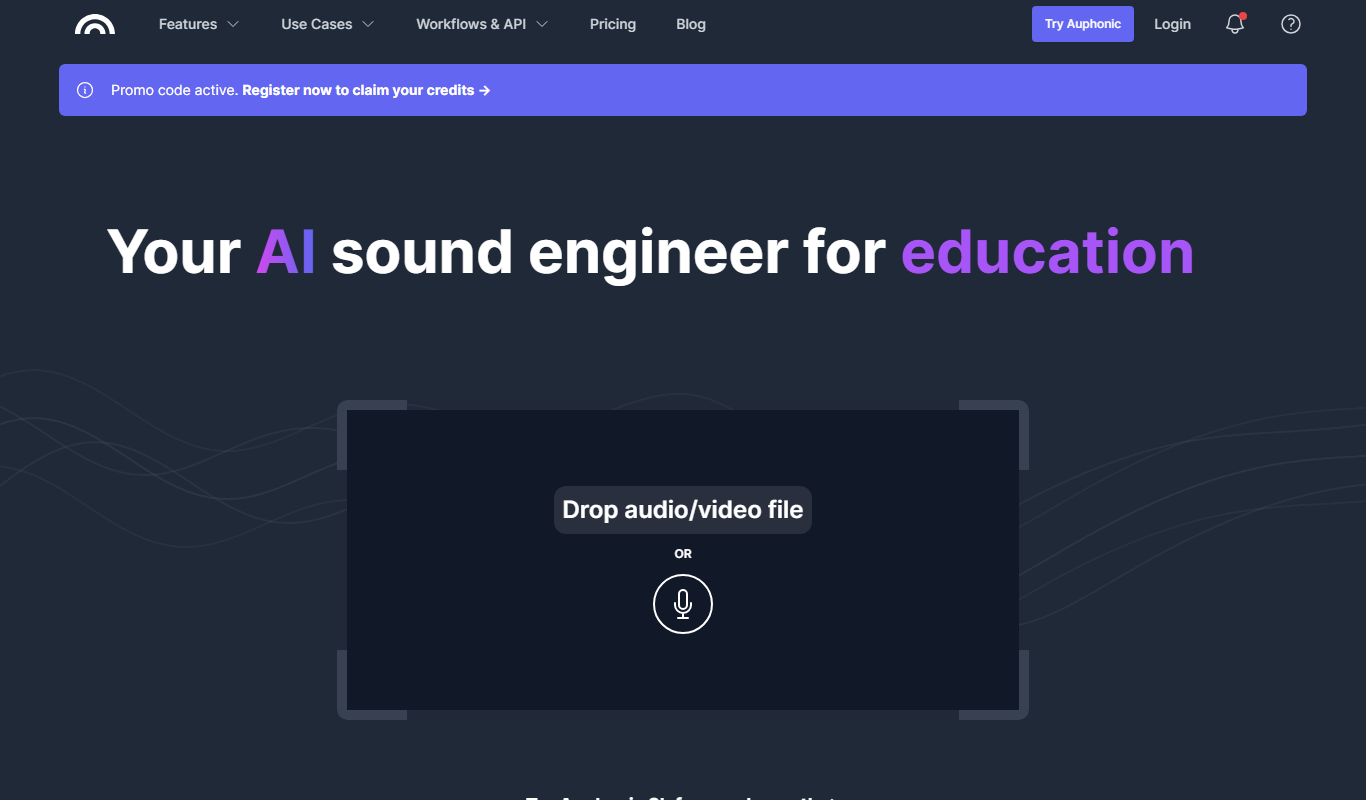
Auphonic
Auphonic is an AI-driven audio post-production tool that automates leveling, noise reduction, loudness normalization, and metadata tagging to produce professional-quality audio for podcasts and broadcasts.
More AI Audio Enhancer tools
Other tools in the same category, for when this one is not quite the fit.
Custom Pricing
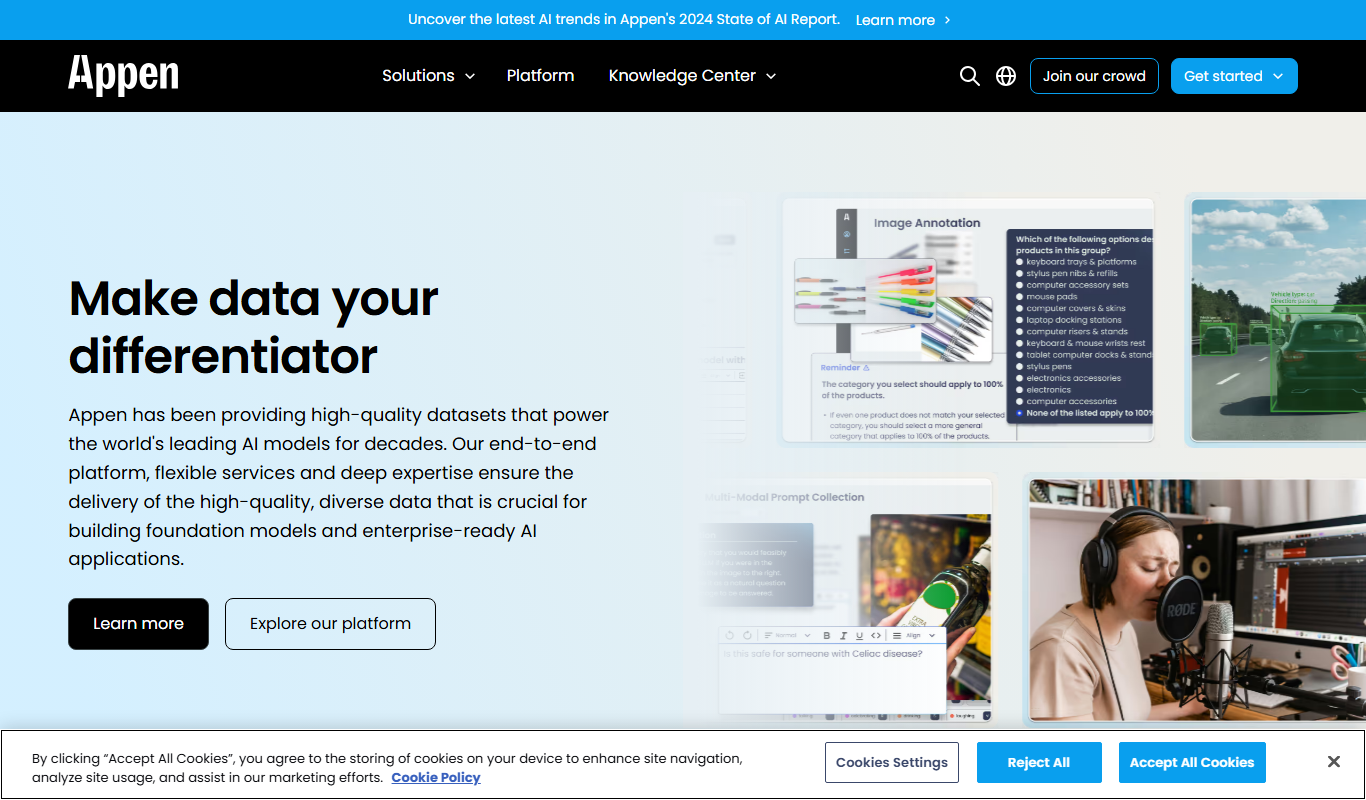
Appen
Appen is a platform offering scalable data annotation and collection services through a global crowd workforce to support AI and machine learning model training.
Freemium
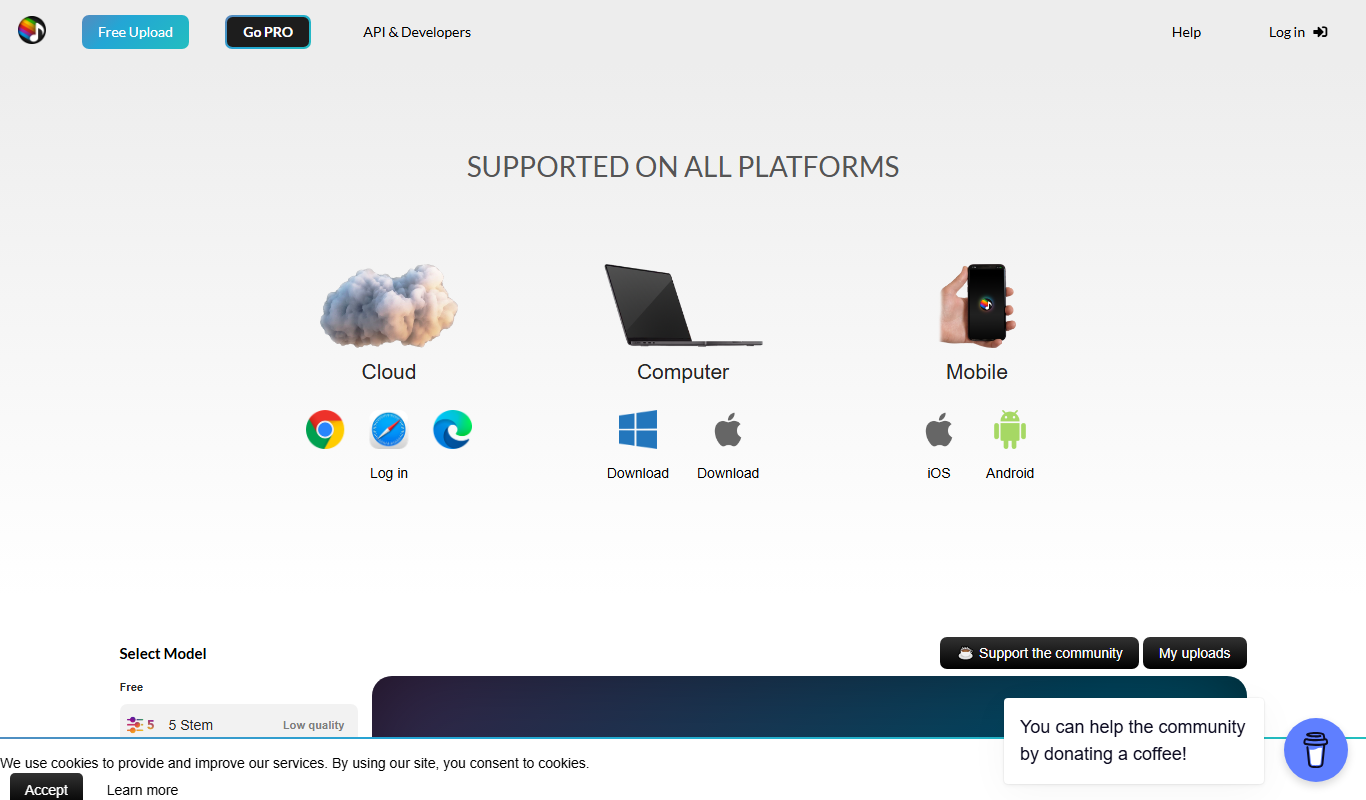
Splitter.ai
Splitter.ai is an online AI tool that separates audio tracks into individual stems like vocals and instruments, enabling easy vocal removal and remixing.

One-time purchase
Vienna Symphonic Library
Vienna Symphonic Library is a professional orchestral sample library and virtual instrument platform used by composers and producers to create realistic symphonic music within digital audio workstations.

One-time purchase
Garritan Personal Orchestra
Garritan Personal Orchestra is a virtual instrument software that provides a comprehensive collection of realistic orchestral instrument samples for music composition, film scoring, and game audio production.

Free
Sfxr
Sfxr is a free web-based tool that generates retro-style sound effects for games and music by allowing users to customize synthesis parameters and export WAV files.

Free
Freesound
Freesound is a free online platform offering a large collection of Creative Commons licensed sound effects and audio samples for use in creative and educational projects.

Free Trial
Alitu
Alitu is a web-based podcast maker that automates audio editing, cleanup, and episode assembly to help podcasters produce professional-quality episodes quickly and easily.
Free Trial
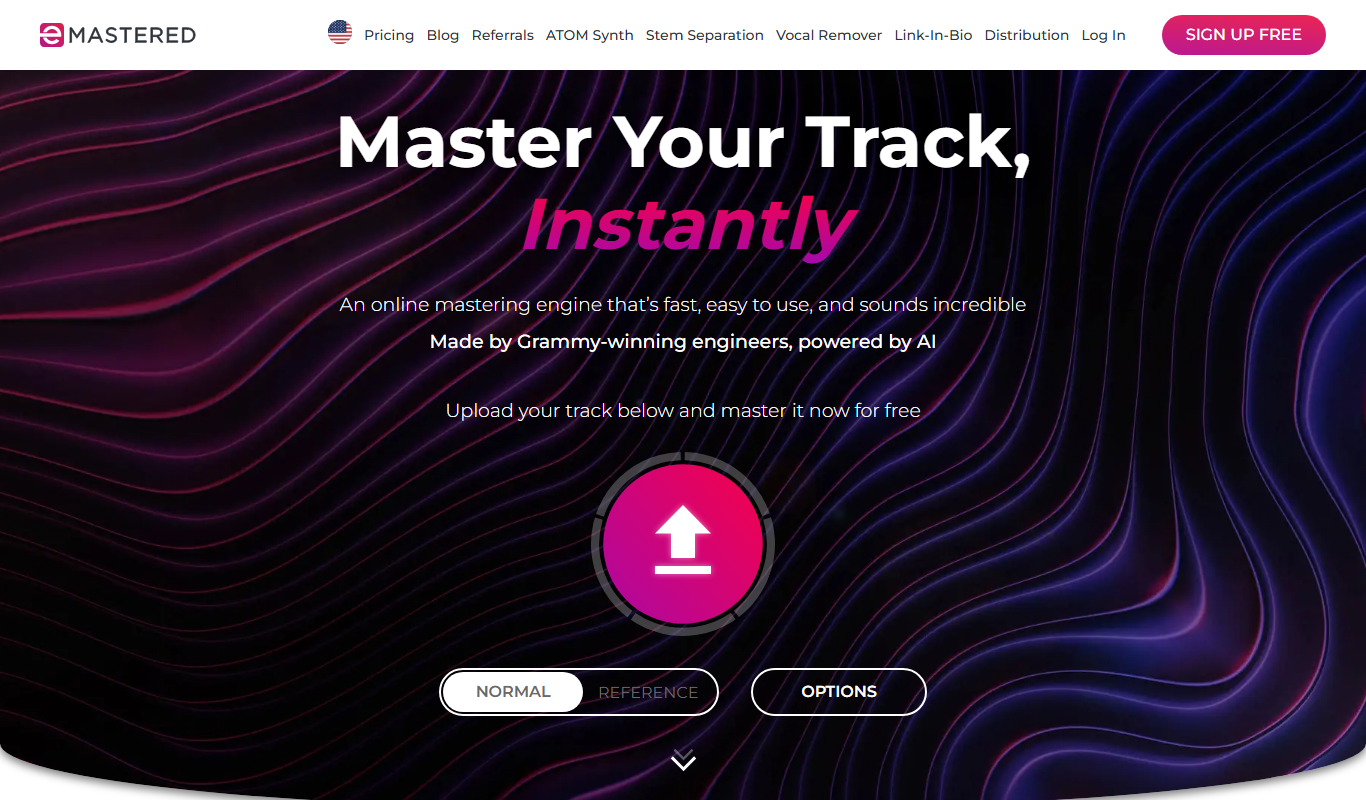
eMastered
eMastered is an AI-driven online audio mastering platform that automates professional mastering processes, enabling musicians and podcasters to enhance audio quality easily through a web interface.