

veed.io vs Descript: Video Quality, Features & Pricing Compared
Veed.io vs Descript — compare AI video quality, editing features, generation speed, pricing plans, and workflow fit.
- Category
- Music & Audio
- Format
- Head-to-head
- Updated
- April 17, 2026




How they compare
| Feature |
Veed.io
|
Descript
|
|---|---|---|
| Made by | VEED Ltd. | Descript, Inc. |
| Category | AI Video Editing Image Generation & Editing Photo & Video Editing Video To Video | AI Audio Editing Music & Audio Photo & Video Editing Video Editing |
| Pricing model | Free Freemium Subscription | Free Subscription |
| Platforms | Web | Desktop (Windows macOS Web |
| Built with | JavaScript Node.js React | Electron JavaScript Python React |
| Languages | English French German Portuguese +1 more | English |
| Based in | United Kingdom | United States |
What each one is
Veed.io
Veed.io is a web-based video editing platform that combines traditional editing tools with AI-powered features such as automatic transcription, subtitle generation, and video captioning. It enables users to create professional-quality videos quickly without installing software, making video production accessible to creators, marketers, and businesses.
Descript
Descript is an all-in-one audio and video editing platform that leverages AI to simplify content creation. It combines transcription, multitrack editing, screen recording, and AI-powered voice synthesis to enable users to edit media by editing text transcripts. This approach makes editing accessible to creators without traditional audio or video editing expertise.
Key features
Veed.io
-
AI-Powered Automatic Subtitles
Generate subtitles automatically with high accuracy in multiple languages.
-
Intuitive Online Video Editor
Edit videos easily with drag-and-drop tools, trimming, cropping, and adding overlays.
-
Team Collaboration
Share projects with collaborators for feedback and joint editing.
-
Social Media Export Presets
Export videos tailored for platforms like Instagram, TikTok, YouTube, and Facebook.
-
Audio Editing Tools
Remove background noise, adjust volume, and edit audio tracks within videos.
Descript
-
AI-Powered Transcription
Fast, accurate transcription with speaker labeling and timestamps.
-
Text-Based Audio & Video Editing
Edit media by editing the transcript text, simplifying complex editing tasks.
-
Overdub Voice Cloning
Create a custom synthetic voice to generate or fix audio content.
-
Multitrack Timeline Editor
Combine multiple audio and video tracks with traditional timeline editing.
-
Screen Recording & Video Editing
Record screens and webcam footage, then edit with the same transcript-based tools.
-
Filler Word Removal
Automatically detect and remove filler words like 'um' and 'uh' to improve flow.
-
Collaboration Tools
Share projects, add comments, and work with teams in real time.
Pricing
Plans as published by each vendor. Check the vendor site before buying — pricing changes.
Veed.io
-
Free $0/month
Basic video editing with watermark, limited export quality, and access to core features.
-
Basic $18/month
Remove watermark, HD exports, longer video uploads, and access to subtitle tools.
-
Pro $30/month
Advanced features including team collaboration, branding options, and priority support.
-
Business $59/month
Descript
-
Free $0/month
Basic editing, 3 hours of transcription, and limited Overdub voice generation.
-
Hobby $24/month
Includes 10 hours of transcription, full Overdub access, and standard export options.
-
Creator $40/month
Advanced features including unlimited transcription, filler word removal, and priority support.
-
Business $80/month
Strengths and trade-offs
Veed.io
Strengths
- User-friendly interface suitable for beginners
- Powerful AI transcription and subtitle generation
- No software installation required, fully online
- Supports team collaboration and feedback
- Multiple export options for social media
Trade-offs
- Free plan includes watermark on videos
- Some advanced features require paid subscription
- Dependent on internet connection for performance
Descript
Strengths
- Intuitive text-based editing simplifies complex audio/video tasks
- High-quality AI transcription with speaker detection
- Innovative Overdub voice cloning for seamless audio fixes
- Supports both audio and video editing in one platform
- Collaboration features enable team workflows
Trade-offs
- Overdub requires voice training and may have limitations for some accents
- Limited language support, primarily English
- Desktop app required for full feature set; web version is limited
Who it is for
Veed.io
- Content creators and YouTubers
- Marketing teams and social media managers
- Small businesses producing video content
- Educators creating video lessons
- Video editors seeking quick online tools
Descript
- Podcasters and audio producers
- Video content creators and editors
- Marketing teams producing multimedia content
- Educators creating instructional videos
- Journalists and transcription professionals
What people use it for
Veed.io
-
Video Editing
Create, trim, crop, and enhance videos directly in the browser without needing complex software.
-
Automatic Subtitles and Captions
Generate accurate subtitles and captions automatically using AI-powered transcription tools.
-
Video Collaboration
Collaborate with teams on video projects with shared editing and commenting features.
-
Social Media Content Creation
Produce videos optimized for social media platforms with easy export options and aspect ratio presets.
-
Audio Editing and Enhancement
Edit audio tracks within videos, including noise removal and volume adjustments.
Descript
-
Podcast Production
Create, edit, and produce podcasts efficiently using AI transcription and multitrack editing.
-
Video Editing
Edit video content by editing the transcript text, making video editing accessible and intuitive.
-
Transcription Services
Automatically transcribe audio and video files with high accuracy for captions, notes, or documentation.
-
Voiceover and Overdub
Generate synthetic voiceovers using Overdub technology to create or fix audio without re-recording.
-
Collaboration and Review
Collaborate with teams by sharing projects, adding comments, and reviewing edits in real time.
Getting started
Veed.io
-
Upload Video
Start by uploading your video file to the Veed.io platform via the web interface.
-
Edit Video
Use the editor to trim, crop, add text, images, and effects to your video.
-
Generate Subtitles
Apply the AI transcription feature to automatically create subtitles and captions.
-
Collaborate
Invite team members to review and comment on the video project.
-
Export and Share
Export the finished video in various formats optimized for social media or download.
Descript
-
Upload or Record Media
Import audio or video files or record directly within Descript.
-
Automatic Transcription
Descript transcribes the media into editable text with speaker detection.
-
Edit via Transcript
Edit audio or video by modifying the transcript text; cuts and changes reflect in the media.
-
Use Overdub for Voice Editing
Create a digital voice model to generate or replace audio seamlessly.
-
Export Final Content
Export edited audio, video, or transcripts in various formats for publishing.
Common questions
Yes, Veed.io is a fully web-based platform that works in your browser without any downloads.
Yes, Descript supports video editing by allowing you to edit the transcript, which updates the video timeline.
The AI transcription provides high accuracy, but results may vary depending on audio quality and accents.
Overdub is Descript's AI voice cloning feature that lets you create a digital voice model to generate or fix audio.
Yes, paid plans include features for sharing projects and collaborating with team members.
Yes, Descript’s text-based editing makes audio and video editing accessible even for users without prior experience.
You can export videos in MP4 and other common formats optimized for social media platforms.
Descript is available as a web app and desktop applications for Windows and macOS.
Explore alternatives
Other tools that do a similar job, picked on each tool’s own profile.
-
 Free
FreeKapwing
Kapwing is a browser-based video editing platform that enables users to create, edit, and collaborate on videos and multimedia content without software installation.
-
Free
InVideo
InVideo is an online video creation platform that offers customizable templates, stock media, and an easy drag-and-drop editor to help users create professional videos for social media, marketing, and presentations without advanced editing skills.
-
 Free
FreeClipchamp
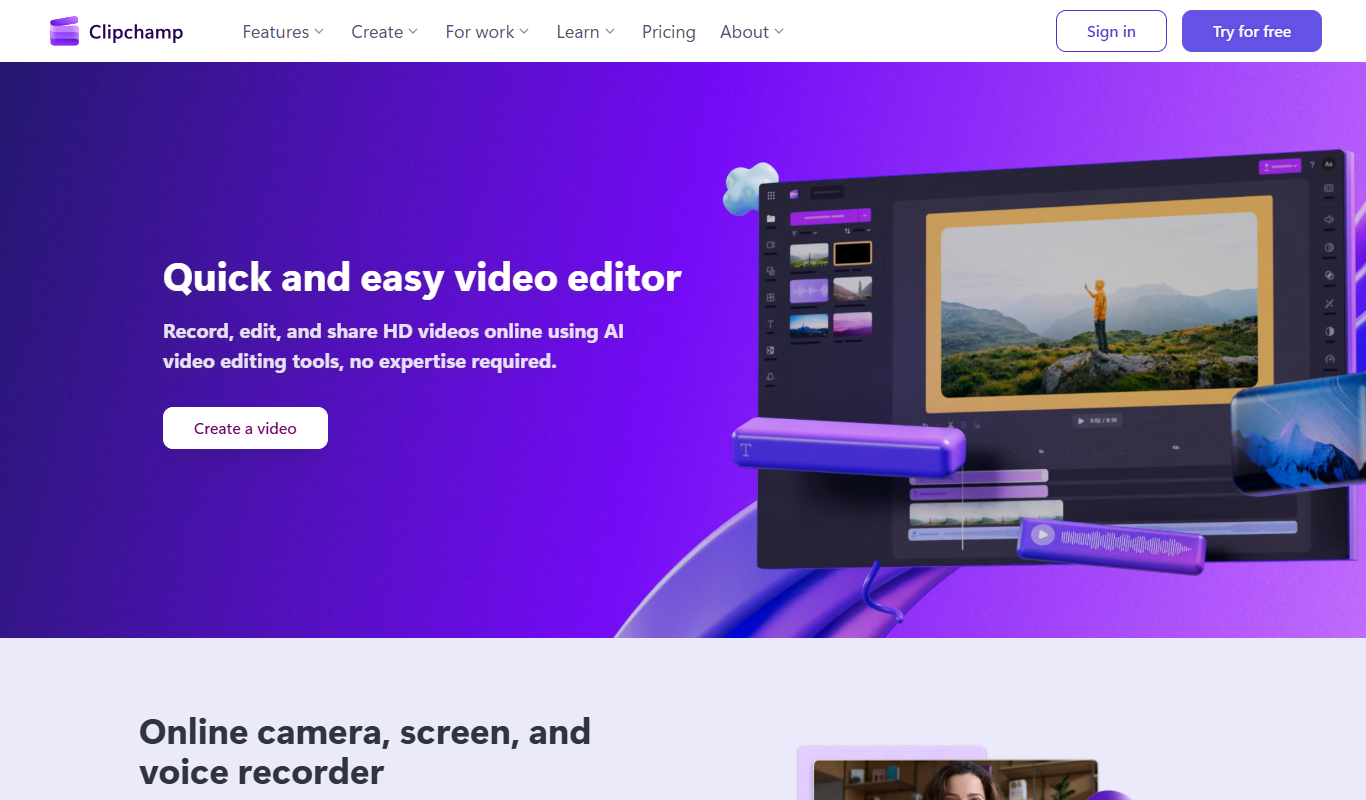
Clipchamp is an online video editing platform by Microsoft that enables users to create and edit videos using templates, stock media, and AI-powered tools directly in their browser.
-
 Free
FreeOtter.ai
Otter.ai is an AI-driven transcription tool that converts speech to text in real time, ideal for meetings, interviews, and lectures with collaborative features and multi-language support.
-
 Free
FreeAudacity
Audacity is a free, open-source audio editing software that supports multi-track recording, editing, and effects processing for music and podcast production.
More comparisons with these tools
-

Podcastle vs Descript: Pricing, Languages & Studio Features
Podcastle vs Descript — compare pricing plans, supported languages, studio editing tools, and which fits your workflow.
- Podcastle: $14.99/month Starts at Descript: $24/month
- Podcastle: 1 Platforms Descript: 3
-
Whisper AI vs Descript: Free Tier, Storage & Export Options
Compare Whisper AI and Descript on free plan limits, transcript storage, export formats, and pricing value.
- Whisper AI: $0.006/minute Starts at Descript: $24/month
- Whisper AI: 3 Platforms Descript: 3
-

fireflies.ai vs Descript: Real-Time vs Post-Recording Transcription
Fireflies.ai or Descript for live transcription? Compare real-time accuracy, latency, speaker labels, and pricing.
- Fireflies.ai: $18/seat/month Starts at Descript: $24/month
- Fireflies.ai: 4 Platforms Descript: 3
-

otter.ai vs Descript: Which Transcription Tool Is More Accurate?
We tested Otter.ai and Descript on real recordings — compare accuracy, speaker detection, pricing, and features.
- Otter.ai: $16.99/month Starts at Descript: $24/month
- Otter.ai: 3 Platforms Descript: 3
-

D-Id vs Descript: Editing Controls, Templates & Workflow
D-ID vs Descript — compare editing flexibility, template library, timeline controls, and workflow efficiency.
- D-ID: $5.9/month Starts at Descript: $24/month
- D-ID: 2 Platforms Descript: 3
-

Clipchamp vs Descript: Which Handles Long-Form Video Better?
We compared Clipchamp and Descript on long-form video quality, chapter control, voiceover sync, and pricing.
- Clipchamp: $6.99/month Starts at Descript: $24/month
- Clipchamp: 3 Platforms Descript: 3