

Veed.io Online Video Editor with AI Tools for Subtitles and Transcriptions
Veed.io is a web-based video editing platform that uses AI to generate automatic subtitles and captions, enabling easy video editing and collaboration without software installation.
- Best for
- Video Editing
- Key capability
- AI-Powered Automatic Subtitles
Save Veed.io, follow its updates and vote on it — everything stays in your account.
Sign in or create a free account

What is Veed.io?
Veed.io is a web-based video editing platform that combines traditional editing tools with AI-powered features such as automatic transcription, subtitle generation, and video captioning. It enables users to create professional-quality videos quickly without installing software, making video production accessible to creators, marketers, and businesses.
Key features of Veed.io
Veed.io offers an intuitive online video editor with drag-and-drop functionality, AI transcription for automatic subtitle creation, multi-language support, team collaboration tools, and direct social media export options. Its AI tools simplify adding captions and improving accessibility.
AI-Powered Automatic Subtitles
Generate subtitles automatically with high accuracy in multiple languages.
Intuitive Online Video Editor
Edit videos easily with drag-and-drop tools, trimming, cropping, and adding overlays.
Team Collaboration
Share projects with collaborators for feedback and joint editing.
Social Media Export Presets
Export videos tailored for platforms like Instagram, TikTok, YouTube, and Facebook.
Audio Editing Tools
Remove background noise, adjust volume, and edit audio tracks within videos.
Pros and cons of Veed.io
Pros
- User-friendly interface suitable for beginners
- Powerful AI transcription and subtitle generation
- No software installation required, fully online
- Supports team collaboration and feedback
- Multiple export options for social media
Cons
- Free plan includes watermark on videos
- Some advanced features require paid subscription
- Dependent on internet connection for performance
Key use cases for Veed.io
Video Editing
Create, trim, crop, and enhance videos directly in the browser without needing complex software.
Automatic Subtitles and Captions
Generate accurate subtitles and captions automatically using AI-powered transcription tools.
Video Collaboration
Collaborate with teams on video projects with shared editing and commenting features.
Social Media Content Creation
Produce videos optimized for social media platforms with easy export options and aspect ratio presets.
Audio Editing and Enhancement
Edit audio tracks within videos, including noise removal and volume adjustments.
How Veed.io works
- 1
Upload Video
Start by uploading your video file to the Veed.io platform via the web interface.
- 2
Edit Video
Use the editor to trim, crop, add text, images, and effects to your video.
- 3
Generate Subtitles
Apply the AI transcription feature to automatically create subtitles and captions.
- 4
Collaborate
Invite team members to review and comment on the video project.
- 5
Export and Share
Export the finished video in various formats optimized for social media or download.
Who is using Veed.io
Veed.io pricing
Free
$0/month
Basic video editing with watermark, limited export quality, and access to core features.
Basic
$18/month
Remove watermark, HD exports, longer video uploads, and access to subtitle tools.
Pro
$29/user/month
Advanced features including team collaboration, branding options, and priority support.
Business
$59/user/month
Plans and prices are as published by the vendor and can change. Check the official site before you buy. Open the pricing page (opens in a new tab)
Compare similar tools
How Veed.io lines up against the tools people weigh it against.
 Clipchamp Veed.io
Clipchamp vs veed.io: For Marketing Videos & Social Media
 CapCut AI Veed.io
Capcut AI vs veed.io: Editing Controls, Templates & Workflow
Veed.io Runway
veed.io vs Runway: Free Tier, Export Options & Resolution
Veed.io InVideo AI
veed.io vs Invideo AI: Which AI Video Tool Is Worth It in 2026?
Veed.io Descript
veed.io vs Descript: Video Quality, Features & Pricing Compared
Frequently asked questions about Veed.io
Yes, Veed.io is a fully web-based platform that works in your browser without any downloads.
The AI transcription provides high accuracy, but results may vary depending on audio quality and accents.
Yes, paid plans include features for sharing projects and collaborating with team members.
You can export videos in MP4 and other common formats optimized for social media platforms.
It depends on your specific needs and how you plan to use the tool. The official website and documentation are the best sources for the latest details.
Some tools offer a free plan or trial with limited features. Availability can vary, so confirm on the official website.
Yes, it can help with that use case depending on how you configure it and what features are available. You’ll get the best results with clear inputs and a defined goal.
Yes, it can help with that use case depending on how you configure it and what features are available. You’ll get the best results with clear inputs and a defined goal.
Conclusion
Everything happens in a web-based editor with no software to install: a video is uploaded through the web interface, trimmed or cropped with text and effects added, then exported for social media or download. Subtitles are generated automatically in multiple languages. Audio tracks within videos can be edited too, with options to remove background noise and adjust volume.
Team members can be invited to review and comment on a video project. Export presets are tailored for Instagram, TikTok, YouTube and Facebook. Content creators and YouTubers form the core audience, together with social media managers and educators creating video lessons. All paid plans are priced per user, from about $12 per month for Lite/Creator to $29 for Pro and $59 for Business.
Sources
Sign in to review this tool.
Sign In to ReviewNo reviews yet
Be the first to share how this tool worked for you.
Ask about pricing, limits, or how it compares — or answer someone else.
Sign In to AskNo questions yet
Have a question about using or paying for this tool? Be the first to ask.
Featured on TiorAI



Alternative Tools
Explore similar AI tools that might fit your needs

Kapwing
Kapwing is a browser-based video editing platform that enables users to create, edit, and collaborate on videos and multimedia content without software installation.
Clipchamp
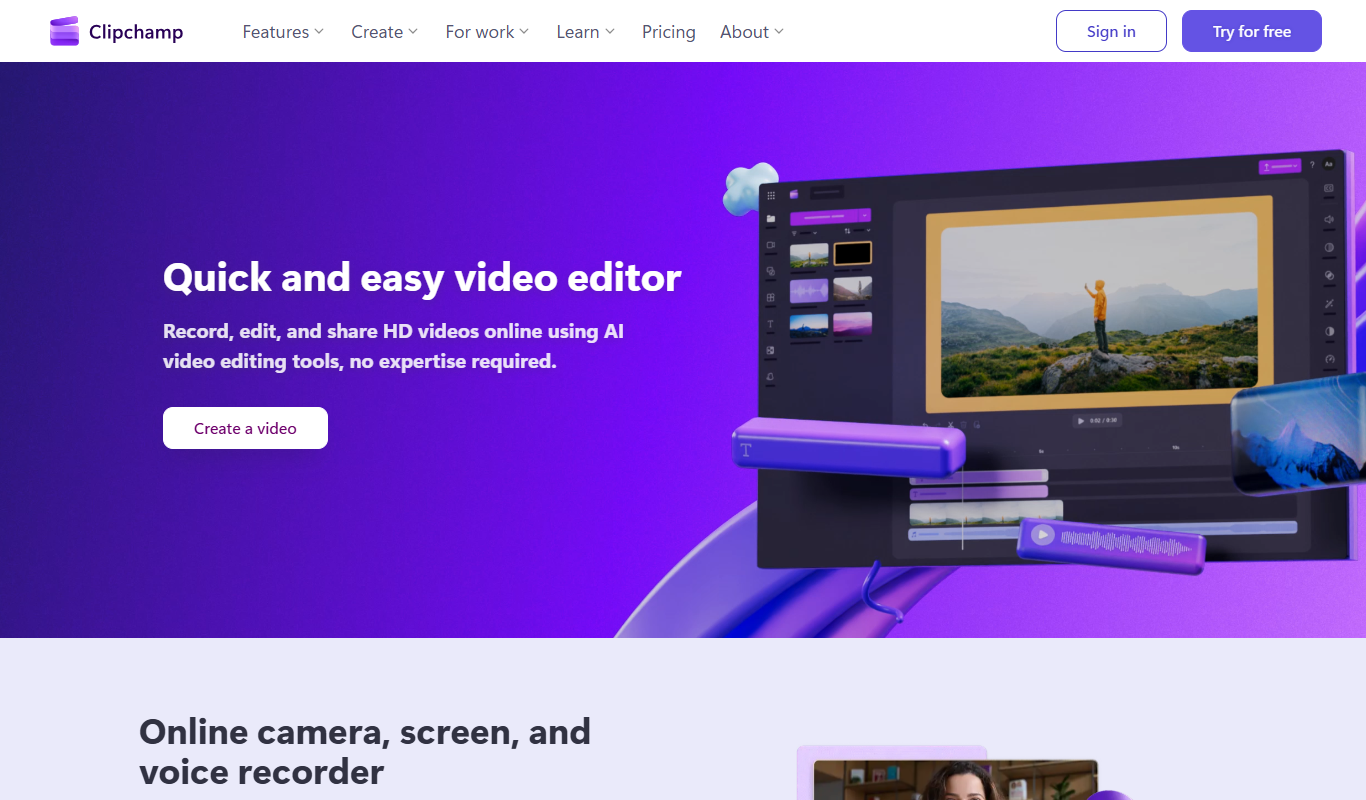
Clipchamp is an online video editing platform by Microsoft that enables users to create and edit videos using templates, stock media, and AI-powered tools directly in their browser.

Runway
Runway is a cloud-based AI platform that enables creators and developers to edit videos, generate images from text, and apply advanced AI effects through an intuitive interface and API access.

Pika
Pika (formerly Pika Labs) is an AI video generation platform that converts text descriptions into animated videos.

HeyGen
HeyGen is an AI video generation platform that creates realistic avatar videos from text input, enabling users to produce engaging video content without filming.

Synthesia
Synthesia is an AI video generation platform that creates professional videos using customizable AI avatars speaking multiple languages, ideal for marketing, training, and communication.

InVideo AI
InVideo AI is an online video creation platform that uses artificial intelligence to automate video editing, provide customizable templates, and generate AI voiceovers, enabling users to create professional videos quickly without prior experience.

CapCut AI
CapCut AI is an AI-enhanced video editing application by Bytedance that simplifies video creation with automated editing, background removal, and text-to-video features across multiple platforms.

Descript
Descript is an AI-driven audio and video editing platform that allows users to edit media by editing transcripts, includes AI transcription and AI Speech voice clones, and supports collaboration.
More AI Video Editing tools
Other tools in the same category, for when this one is not quite the fit.

HandBrake
HandBrake is a free, open-source video transcoder that converts and compresses videos into modern formats with customizable encoding options.