

AI alternatives
Best Lovo AI Alternatives in 2026 (Free & Paid)
- Alternatives
- 6
- With a free tier
- 5 of 6
Best AI Alternatives in 2026
Every row links to that tool’s full entry further down the page.
| Tool | Best for | Pricing | Free tier | Platforms |
|---|---|---|---|---|
 ElevenLabs
| Content Creation |
| Yes | API, Web |
 Murf AI
| Voiceover Creation |
| Yes | API, Web |
 Speechify
| Accessibility for Reading |
| Yes | Android, Chrome Extension, Desktop |
 Descript
| Podcast Production |
| Yes | Desktop (Windows, macOS, Web |
| Typecast AI | Content Creation |
| Yes | Web |
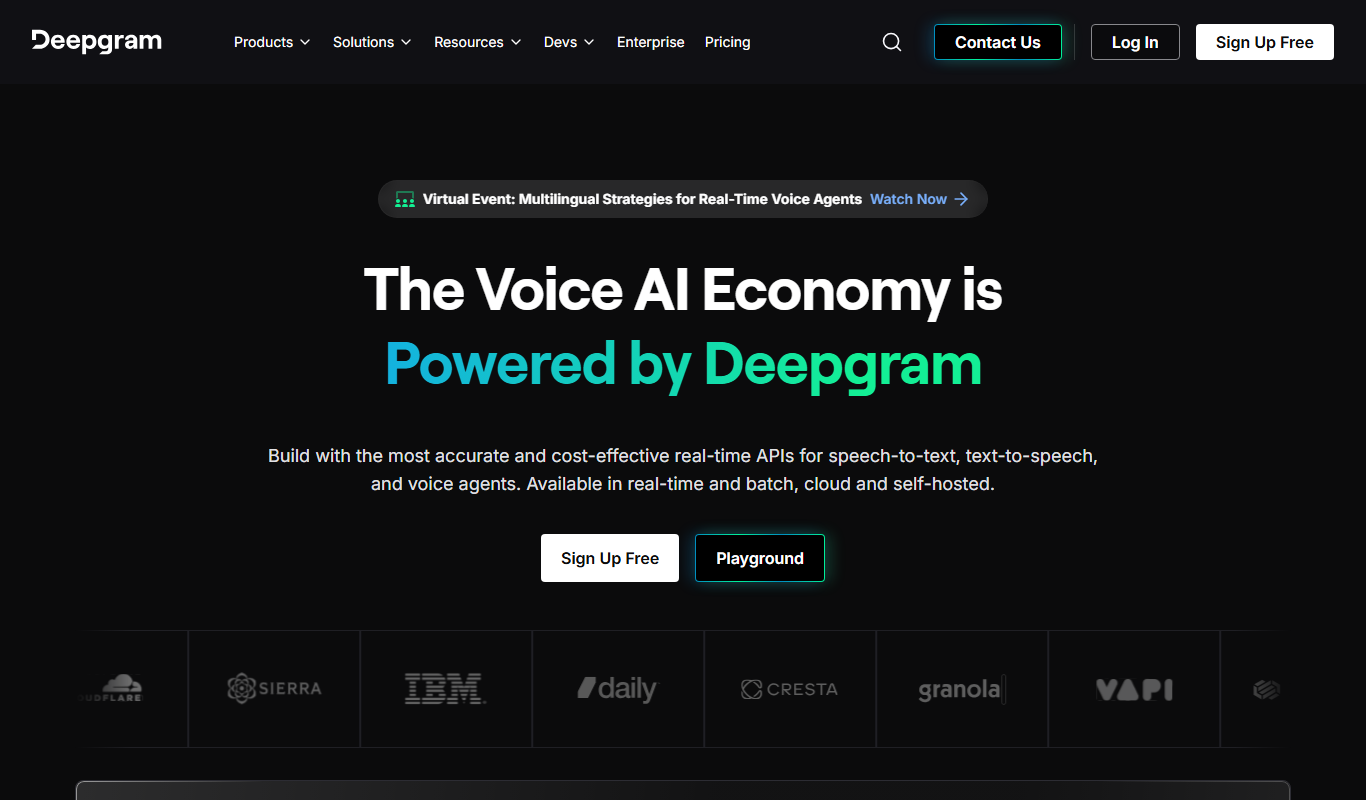
 Deepgram
| Call Center Transcription |
| No | API, Web |
Top AI Alternatives for 2026

Number 1: ElevenLabs

ElevenLabs is an advanced AI-powered platform specializing in realistic text-to-speech (TTS) and voice cloning technology. It enables users to convert written text into natural, human-like speech with high fidelity and emotional nuance. The platform supports custom voice creation by cloning voices from audio samples, making it ideal for content creators, developers, and businesses seeking personalized audio solutions.
Best for Content Creation
Key features of ElevenLabs
-
Ultra-Realistic Text-to-Speech
Produces natural-sounding speech with human-like intonation and clarity.
-
Voice Cloning Technology
Creates custom AI voices from short audio samples for personalized applications.
-
Multi-Language Support
Supports multiple languages and accents to cater to global audiences.
-
Emotional Speech Modulation
Allows fine-tuning of emotional tone to match the context and mood.
-
Developer API
Provides a robust API for seamless integration into apps, games, and services.
Pros and cons of ElevenLabs
Pros
- Highly realistic and natural voice output
- Easy-to-use interface with powerful customization
- Supports custom voice cloning
- Multi-language and accent options
Cons
- Limited free tier usage
- Primarily focused on English with fewer languages
- Voice cloning requires quality audio samples
Best use cases for ElevenLabs
-
Voice Cloning
Create custom AI voices by cloning real human voices for personalized audio experiences or brand voice consistency.
-
Accessibility
Provide high-quality text-to-speech solutions to improve accessibility for visually impaired users or those with reading difficulties.
-
Gaming and Entertainment
Develop immersive character voices and dialogue for games, animations, and interactive media.
-
-
Number 2: Murf AI
Murf AI is an advanced AI-powered text-to-speech platform that enables users to create natural, studio-quality voiceovers and audio content from text. It offers a wide range of realistic AI voices across multiple languages and accents, making it suitable for diverse applications such as video narration, podcasts, e-learning, and marketing. The platform provides an intuitive web interface and API access, allowing seamless integration into workflows and applications.
Best for Voiceover Creation
Key features of Murf AI
-
Extensive Voice Library
Access dozens of AI voices in multiple languages and accents for diverse use cases.
-
Voice Customization
Adjust pitch, speed, pauses, and emphasis to create natural and expressive speech.
-
Script Editor
Edit and format text directly within the platform to optimize speech output.
-
Background Music and Effects
Add royalty-free background tracks and sound effects to enhance audio content.
-
API Access
Integrate Murf AI’s text-to-speech capabilities into custom applications and workflows.
Pros and cons of Murf AI
Pros
- High-quality, natural-sounding AI voices
- Wide variety of languages and accents
- User-friendly interface with script editing
- API support for developers
Cons
- Free plan includes watermark on audio
- Some advanced features require higher-tier plans
- Limited offline capabilities as it is cloud-based
Best use cases for Murf AI
-
Podcast and Audiobook Production
Convert scripts into high-quality audio for podcasts and audiobooks without the need for human narrators.
-
Corporate Training and E-learning
Create engaging audio content for training modules and educational materials using diverse voice options.
-
Marketing and Advertising
Produce voice ads and promotional audio clips quickly with customizable AI voices.
-
-
Number 3: Speechify
Speechify is an AI-powered text-to-speech software designed to convert written text into natural, human-like audio. It aims to improve accessibility and productivity by enabling users to listen to content instead of reading it. The tool supports multiple languages and voices, making it suitable for diverse users including those with reading difficulties and language learners.
Best for Accessibility for Reading
Key features of Speechify
-
Natural-Sounding Voices
Uses advanced AI to produce clear, human-like speech in multiple languages.
-
Multi-Platform Availability
Accessible via web, mobile apps, desktop, and browser extensions.
-
Customizable Playback Settings
Users can control speed, voice selection, and audio output preferences.
-
Document and Web Page Integration
Supports reading PDFs, emails, articles, and other text formats.
-
Offline Listening
Allows users to download audio files for use without internet connection.
Pros and cons of Speechify
Pros
- High-quality, natural-sounding voices
- Supports multiple languages and accents
- Cross-platform availability including mobile and desktop
- Customizable playback options
Cons
- Premium features require subscription
- Free plan has usage limitations
- Some voices may sound less natural depending on language
Best use cases for Speechify
-
Content Consumption
Allows busy professionals and students to listen to articles, documents, and books on the go.
-
Language Learning
Supports language learners by providing clear pronunciation and customizable reading speeds.
-
Productivity Enhancement
Enables multitasking by turning written content into audio, improving workflow efficiency.
-
-
Number 4: Descript
Descript is an all-in-one audio and video editing platform that leverages AI to simplify content creation. It combines transcription, multitrack editing, screen recording, and AI-powered voice synthesis to enable users to edit media by editing text transcripts. This approach makes editing accessible to creators without traditional audio or video editing expertise.
Best for Podcast Production
Key features of Descript
-
AI-Powered Transcription
Fast, accurate transcription with speaker labeling and timestamps.
-
Text-Based Audio & Video Editing
Edit media by editing the transcript text, simplifying complex editing tasks.
-
Overdub Voice Cloning
Create a custom synthetic voice to generate or fix audio content.
-
Multitrack Timeline Editor
Combine multiple audio and video tracks with traditional timeline editing.
-
Screen Recording & Video Editing
Record screens and webcam footage, then edit with the same transcript-based tools.
-
Filler Word Removal
Automatically detect and remove filler words like 'um' and 'uh' to improve flow.
Pros and cons of Descript
Pros
- Intuitive text-based editing simplifies complex audio/video tasks
- High-quality AI transcription with speaker detection
- Innovative Overdub voice cloning for seamless audio fixes
- Supports both audio and video editing in one platform
Cons
- Overdub requires voice training and may have limitations for some accents
- Limited language support, primarily English
- Desktop app required for full feature set; web version is limited
Best use cases for Descript
-
Video Editing
Edit video content by editing the transcript text, making video editing accessible and intuitive.
-
Transcription Services
Automatically transcribe audio and video files with high accuracy for captions, notes, or documentation.
-
Voiceover and Overdub
Generate synthetic voiceovers using Overdub technology to create or fix audio without re-recording.
-
Number 5: Typecast AI
Typecast AI is a web-based platform that enables users to create realistic AI-generated voices for various applications such as voiceovers, content narration, and character voices. It leverages advanced text-to-speech and voice cloning technologies to produce natural-sounding speech with emotional nuances and customizable styles.
Best for Content Creation
Key features of Typecast AI
-
Extensive Voice Library
Access a diverse collection of AI voices across multiple languages and accents.
-
Voice Cloning
Create custom AI voices by uploading voice samples for personalized speech synthesis.
-
Emotional and Style Controls
Modify the emotional tone and speaking style to make speech sound more natural and expressive.
-
Multi-language Support
Generate speech in several major languages with accurate pronunciation and intonation.
-
Easy Export Options
Download generated audio in formats like MP3 and WAV for seamless integration.
Pros and cons of Typecast AI
Pros
- High-quality, natural-sounding AI voices
- Custom voice cloning capabilities
- User-friendly web interface
- Supports multiple languages and accents
Cons
- No dedicated desktop or mobile apps
- Limited free plan features and usage
- Custom voice cloning requires higher-tier plans
Best use cases for Typecast AI
-
Voiceover Production
Produce professional voiceovers for advertisements, e-learning, and presentations without hiring voice actors.
-
Game Development
Create diverse character voices for games with customizable AI voices.
-
Accessibility
Provide natural-sounding speech for accessibility tools and assistive technologies.
-
-
Number 6: Deepgram
Deepgram is an AI-powered speech recognition platform that converts audio and video into highly accurate text transcriptions. Leveraging deep learning and neural networks, Deepgram offers scalable, customizable speech-to-text solutions designed for enterprises and developers. It supports real-time and batch transcription with advanced noise cancellation and language model adaptation to handle diverse audio environments.
Best for Call Center Transcription
Key features of Deepgram
-
Real-Time and Batch Transcription
Supports live streaming transcription and processing of pre-recorded audio files.
-
Custom Model Training
Allows users to train models with custom vocabularies and acoustic profiles for improved accuracy.
-
Speaker Diarization
Automatically identifies and separates different speakers in multi-person conversations.
-
Noise Robustness
Advanced noise cancellation and filtering for transcription in challenging audio environments.
-
Multi-Language Support
Transcribes audio in multiple languages with high accuracy.
Pros and cons of Deepgram
Pros
- High accuracy in noisy environments
- Flexible API with real-time and batch options
- Customizable models for industry-specific needs
- Supports multiple languages
Cons
- Pricing details are not fully transparent without contacting sales
- Limited direct user interface; primarily API-driven
Best use cases for Deepgram
-
Media Captioning
Generate accurate captions and subtitles for videos and podcasts to enhance accessibility.
-
Meeting Notes Automation
Convert meeting audio into searchable text notes for easier documentation and collaboration.
-
Voice Analytics
Analyze speech data for sentiment, keywords, and trends to gain business insights.
-


No alternatives match that pricing model.
Which alternative is right for you?
Each tool below lists this as the first thing it is built for, in its own words.
- Content Creation
Generate natural-sounding voiceovers for videos, podcasts, and audiobooks to enhance multimedia content.
- Voiceover Creation
Generate professional voiceovers for videos, presentations, and e-learning content with natural-sounding AI voices.
- Accessibility for Reading
Helps users with dyslexia, ADHD, or visual impairments by converting text into natural-sounding speech.
- Podcast Production
Create, edit, and produce podcasts efficiently using AI transcription and multitrack editing.
- Call Center Transcription
Automatically transcribe customer service calls to improve quality assurance and training.
Related AI tool lists
Round-ups that share tools with this page.
Best AI Narration Tools for 2026 (Full Breakdown)
Compare the best AI Narration Tools in 2026 — features, pricing, and which delivers the most value.
ElevenLabs, Murf AI, Deepgram and 5 moreThe Best AI Voiceover Software in 2026 (Reviewed)
We tested the top AI Voiceover Software and ranked them by quality, pricing, and workflow fit.
ElevenLabs, Murf AI, Deepgram and 5 moreBest Free AI Voice Tools: Expert Picks 2026
Not sure which Free AI Voice Tools to choose? Compare the top options by features, pricing, and real results.
ElevenLabs, Murf AI, Deepgram and 5 more