Best List
Best Free AI Voice Tools: Expert Picks 2026
Not sure which Free AI Voice Tools to choose? Compare the top options by features, pricing, and real results.
- Tools
- 8
- Free to start
- 8 of 8
At a glance
| Tool | Best for | Pricing | Profile |
|---|---|---|---|
 ElevenLabs
| Content Creation |
| View |
 Murf AI
| Voiceover Creation |
| View |
 Deepgram
| Call Center Transcription |
| View |
 AssemblyAI
| Automated Transcription |
| View |
 Speechify
| Accessibility for Reading |
| View |
 Resemble
| Custom Voice Creation |
| View |
| Wellsaidlabs | E-Learning Narration |
| View |
 Suno AI
| Music Production |
| View |
All 8 tools on this list
Number 1: ElevenLabs
AI Voice Assistants Free Pay As You Go

- Best for
- Content Creation
ElevenLabs is an AI platform that converts text into natural-sounding speech and allows voice cloning from audio samples, supporting multiple languages and offering an API for integration.
Key features of ElevenLabs
-
Ultra-Realistic Text-to-Speech
Produces natural-sounding speech with human-like intonation and clarity.
-
Voice Cloning Technology
Creates custom AI voices from short audio samples for personalized applications.
-
Multi-Language Support
Supports multiple languages and accents to cater to global audiences.
-
Emotional Speech Modulation
Allows fine-tuning of emotional tone to match the context and mood.
-
Developer API
Provides a robust API for seamless integration into apps, games, and services.
Pros and cons of ElevenLabs
Pros
- Highly realistic and natural voice output
- Easy-to-use interface with powerful customization
- Supports custom voice cloning
- Multi-language and accent options
Cons
- Limited free tier usage
- Primarily focused on English with fewer languages
- Voice cloning requires quality audio samples
Best use cases for ElevenLabs
-
Voice Cloning
Create custom AI voices by cloning real human voices for personalized audio experiences or brand voice consistency.
-
Accessibility
Provide high-quality text-to-speech solutions to improve accessibility for visually impaired users or those with reading difficulties.
-
Gaming and Entertainment
Develop immersive character voices and dialogue for games, animations, and interactive media.
Pricing
| Plan | Price |
|---|---|
| Free | $0/month |
| Starter | $5/month |
| Creator | $22/month |
Number 2: Murf AI
AI Voice Assistants Enterprise Free

- Best for
- Voiceover Creation
Murf AI is an AI-powered text-to-speech platform that converts text into natural, human-like voiceovers across multiple languages, ideal for content creators, educators, and marketers.
Key features of Murf AI
-
Extensive Voice Library
Access dozens of AI voices in multiple languages and accents for diverse use cases.
-
Voice Customization
Adjust pitch, speed, pauses, and emphasis to create natural and expressive speech.
-
Script Editor
Edit and format text directly within the platform to optimize speech output.
-
Background Music and Effects
Add royalty-free background tracks and sound effects to enhance audio content.
-
API Access
Integrate Murf AI’s text-to-speech capabilities into custom applications and workflows.
Pros and cons of Murf AI
Pros
- High-quality, natural-sounding AI voices
- Wide variety of languages and accents
- User-friendly interface with script editing
- API support for developers
Cons
- Free plan includes watermark on audio
- Some advanced features require higher-tier plans
- Limited offline capabilities as it is cloud-based
Best use cases for Murf AI
-
Podcast and Audiobook Production
Convert scripts into high-quality audio for podcasts and audiobooks without the need for human narrators.
-
Corporate Training and E-learning
Create engaging audio content for training modules and educational materials using diverse voice options.
-
Marketing and Advertising
Produce voice ads and promotional audio clips quickly with customizable AI voices.
Pricing
| Plan | Price |
|---|---|
| Free | $0/month |
| Creator | $29/month |
| Business | $99/month |
Number 3: Deepgram
AI Speech Recognition Tools Free Trial Pay As You Go
- Best for
- Call Center Transcription
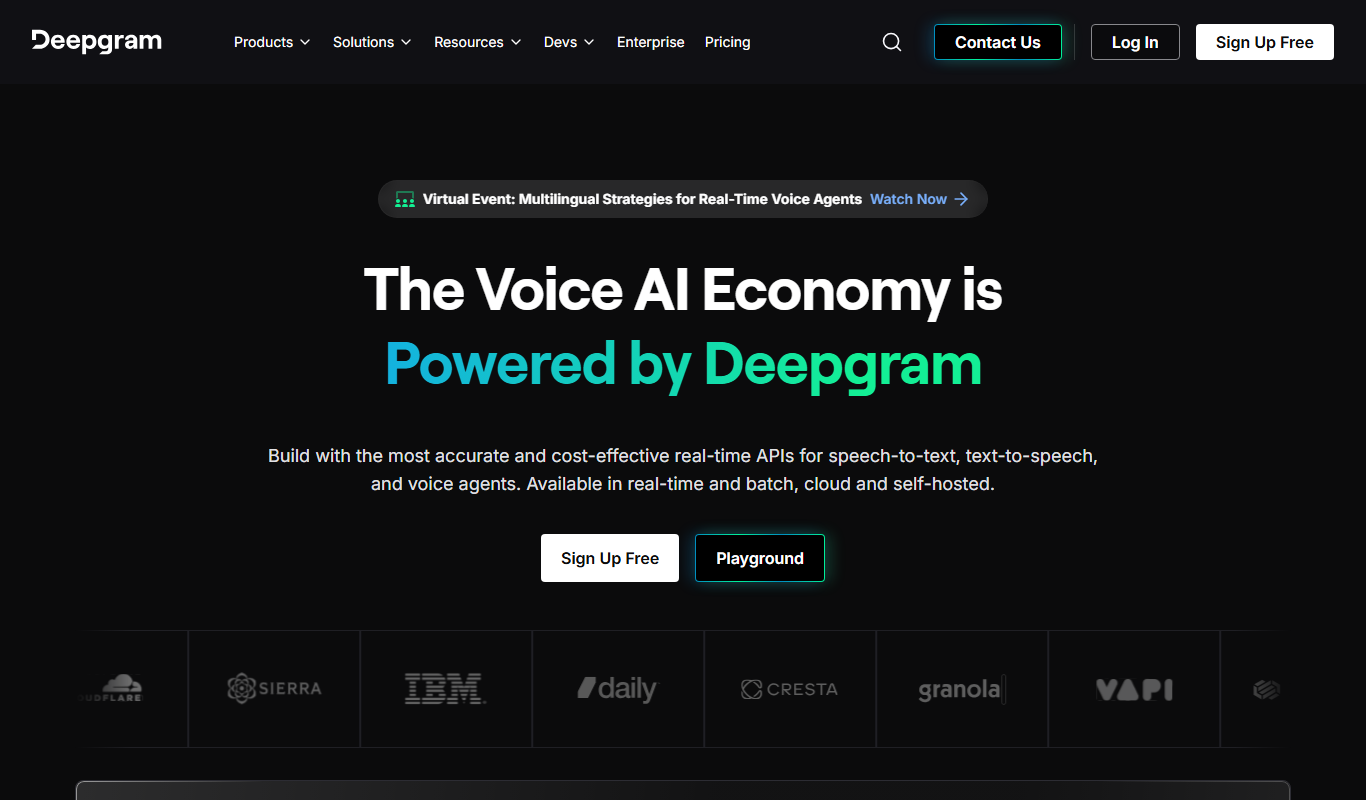
Deepgram is an AI-driven speech-to-text platform providing accurate, customizable, and scalable audio transcription services with real-time streaming and multi-language support.
Key features of Deepgram
-
Real-Time and Batch Transcription
Supports live streaming transcription and processing of pre-recorded audio files.
-
Custom Model Training
Allows users to train models with custom vocabularies and acoustic profiles for improved accuracy.
-
Speaker Diarization
Automatically identifies and separates different speakers in multi-person conversations.
-
Noise Robustness
Advanced noise cancellation and filtering for transcription in challenging audio environments.
-
Multi-Language Support
Transcribes audio in multiple languages with high accuracy.
Pros and cons of Deepgram
Pros
- High accuracy in noisy environments
- Flexible API with real-time and batch options
- Customizable models for industry-specific needs
- Supports multiple languages
Cons
- Pricing details are not fully transparent without contacting sales
- Limited direct user interface; primarily API-driven
Best use cases for Deepgram
-
Media Captioning
Generate accurate captions and subtitles for videos and podcasts to enhance accessibility.
-
Meeting Notes Automation
Convert meeting audio into searchable text notes for easier documentation and collaboration.
-
Voice Analytics
Analyze speech data for sentiment, keywords, and trends to gain business insights.
Pricing
| Plan | Price |
|---|---|
| Free | $0 (200 hrs/year) |
| Growth | Pay-as-you-go from $0.0043/min |
| Enterprise | Custom pricing |
Number 4: AssemblyAI
AI Audio Editing Freemium Pay As You Go
- Best for
- Automated Transcription
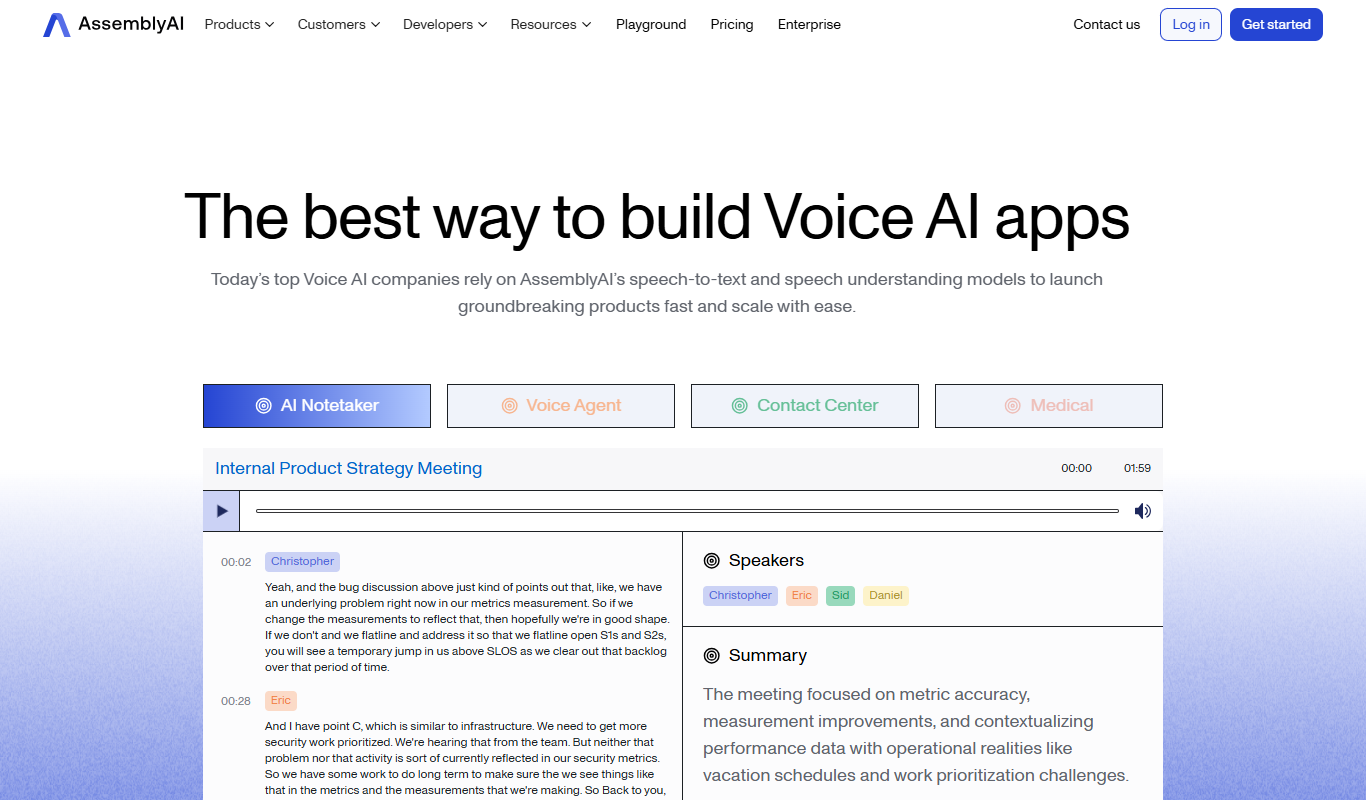
AssemblyAI is an AI platform providing high-accuracy speech-to-text transcription and audio analysis through an easy-to-use API, primarily supporting English audio.
Key features of AssemblyAI
-
High Accuracy Speech Recognition
Utilizes state-of-the-art deep learning models to deliver precise transcriptions even in challenging audio conditions.
-
Content Moderation and Safety
Automatically detects profanity, hate speech, and other sensitive content within audio.
-
Speaker Diarization
Identifies and separates different speakers in multi-person conversations.
-
Topic and Sentiment Detection
Extracts topics discussed and the sentiment expressed in the audio content.
-
Easy API Integration
Simple RESTful API design with comprehensive documentation and SDKs for multiple programming languages.
Pros and cons of AssemblyAI
Pros
- High transcription accuracy with advanced AI models
- Comprehensive audio analysis features beyond transcription
- Developer-friendly API with clear documentation
- Flexible pricing including a free tier
Cons
- Limited language support primarily to English
- No native desktop or mobile apps; API only
- Advanced features may require technical integration effort
Best use cases for AssemblyAI
-
Audio Content Analysis
Extract insights such as sentiment, topics, and content moderation from audio using advanced AI models.
-
Voice Search and Commands
Integrate speech-to-text capabilities into applications for voice-enabled user interfaces and commands.
-
Media Captioning and Subtitling
Generate captions and subtitles for videos automatically to improve accessibility and engagement.
Pricing
| Plan | Price |
|---|---|
| Free | $0 ($50 free credit) |
| Pay-as-you-go | From $0.65/hr |
| Enterprise | Custom pricing |
Number 5: Speechify
AI Speech-to-Text Free Subscription

- Best for
- Accessibility for Reading
Speechify is an AI-powered text-to-speech tool that converts written text into natural audio, supporting multiple languages and platforms to enhance accessibility and productivity.
Key features of Speechify
-
Natural-Sounding Voices
Uses advanced AI to produce clear, human-like speech in multiple languages.
-
Multi-Platform Availability
Accessible via web, mobile apps, desktop, and browser extensions.
-
Customizable Playback Settings
Users can control speed, voice selection, and audio output preferences.
-
Document and Web Page Integration
Supports reading PDFs, emails, articles, and other text formats.
-
Offline Listening
Allows users to download audio files for use without internet connection.
Pros and cons of Speechify
Pros
- High-quality, natural-sounding voices
- Supports multiple languages and accents
- Cross-platform availability including mobile and desktop
- Customizable playback options
Cons
- Premium features require subscription
- Free plan has usage limitations
- Some voices may sound less natural depending on language
Best use cases for Speechify
-
Content Consumption
Allows busy professionals and students to listen to articles, documents, and books on the go.
-
Language Learning
Supports language learners by providing clear pronunciation and customizable reading speeds.
-
Productivity Enhancement
Enables multitasking by turning written content into audio, improving workflow efficiency.
Pricing
| Plan | Price |
|---|---|
| Free | $0/month |
| Premium (monthly) | $29/month |
| Premium (annual) | $139/year |
Number 6: Resemble
AI API Design Freemium Pay As You Go

- Best for
- Custom Voice Creation
Resemble AI is a voice cloning and text-to-speech platform that enables users to create custom synthetic voices with emotional expression, suitable for voiceovers, interactive applications, and accessibility solutions.
Key features of Resemble
-
Real-Time Voice Cloning
Create voice clones quickly with minimal training data.
-
Emotional Speech Synthesis
Add emotions like happiness, sadness, or anger to synthetic voices.
-
Multi-Speaker Support
Manage multiple custom voices within one account.
-
API Access
Seamlessly integrate voice synthesis into apps and services.
-
Fine-Tuning and Customization
Adjust voice characteristics for more personalized output.
Pros and cons of Resemble
Pros
- High-quality, natural-sounding voice clones
- Supports emotional speech synthesis
- Easy API integration for developers
- Flexible pricing plans including free tier
Cons
- Limited language support beyond English
- Advanced features require paid plans
- Some learning curve for API usage
Best use cases for Resemble
-
Voiceover Production
Generate high-quality voiceovers for videos, podcasts, and advertisements.
-
Interactive Voice Applications
Integrate custom voices into chatbots, virtual assistants, and IVR systems.
-
Accessibility Solutions
Provide natural-sounding speech for assistive technologies and screen readers.
Pricing
| Plan | Price |
|---|---|
| Free | $0/month |
| Pro | $30/month |
| Enterprise | Custom pricing |
Number 7: Wellsaidlabs
AI Text-to-Speech Enterprise Freemium
- Best for
- E-Learning Narration
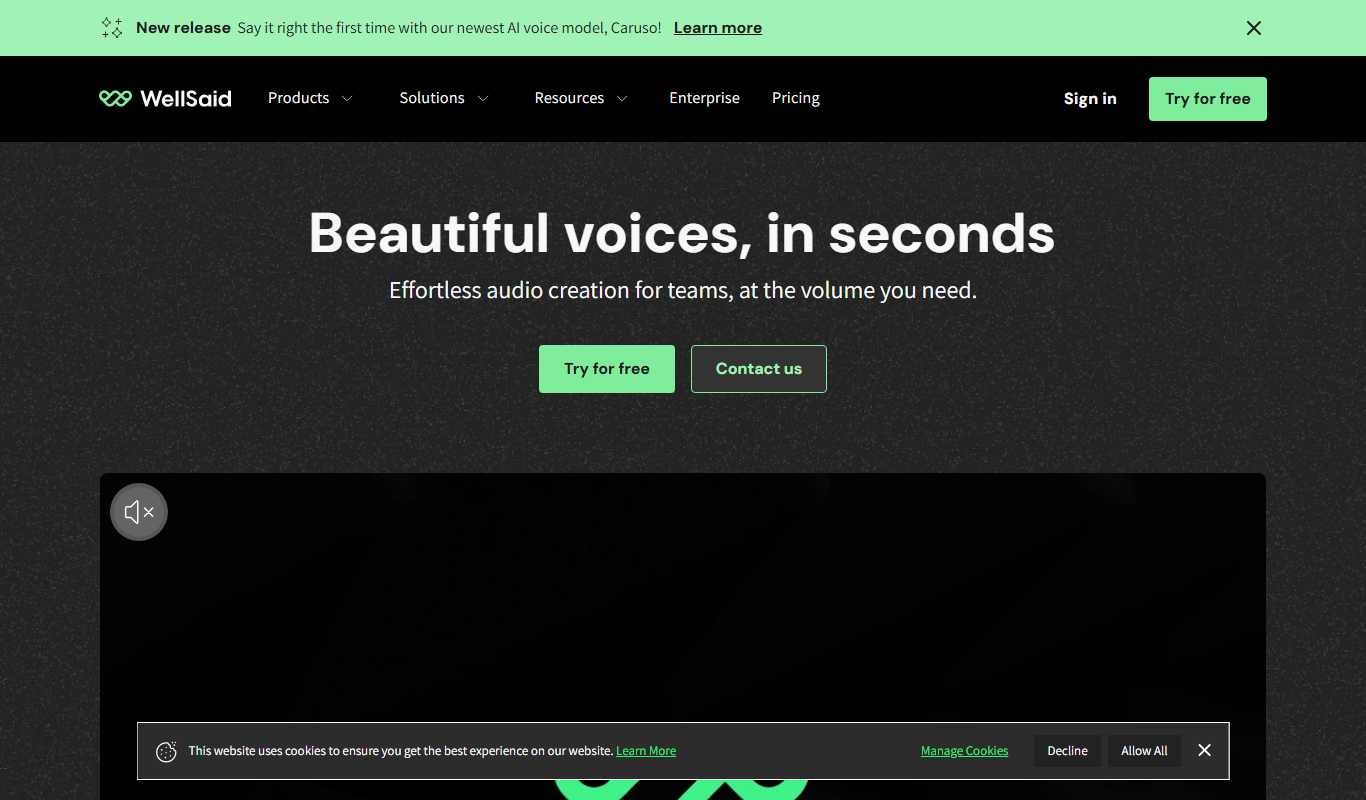
WellSaid Labs is an AI-driven text-to-speech platform that converts written text into realistic, natural-sounding voiceovers, ideal for e-learning, marketing, and audiobook production.
Key features of Wellsaidlabs
-
High-Quality Neural Voices
Offers a diverse library of AI voices with natural prosody and clarity.
-
API Access
Enables developers to integrate WellSaid’s voice synthesis into custom applications.
-
Voice Cloning
Create custom AI voices based on real human voices for brand consistency.
-
Script Editing Tools
Edit and preview text with real-time voice feedback before finalizing audio.
-
Batch Processing
Convert multiple scripts into audio files efficiently for large projects.
Pros and cons of Wellsaidlabs
Pros
- Produces highly natural and expressive AI voices
- User-friendly interface with script editing and preview
- API available for seamless integration
- Supports voice cloning for brand consistency
Cons
- Limited to English language support
- Higher pricing for advanced features and enterprise use
- No mobile app available
Best use cases for Wellsaidlabs
-
Marketing and Advertising
Generate professional voiceovers for promotional content, ads, and social media campaigns without hiring voice actors.
-
Audiobook Production
Produce high-quality audiobook narrations quickly with AI voices that sound human and expressive.
-
Corporate Training
Develop voice-guided training materials and presentations that maintain listener attention.
Pricing
| Plan | Price |
|---|---|
| Free Trial | $0 |
| Creator | $49/month |
| Enterprise | Custom pricing |
Number 8: Suno AI
Music & Audio Free Subscription

- Best for
- Music Production
Suno AI is a web-based platform that uses AI to generate original music and synthetic voices from text prompts, enabling creators to produce high-quality audio content easily.
Key features of Suno AI
-
Text-to-Music Generation
Create unique music tracks from text prompts using AI models.
-
AI Voice Synthesis
Generate realistic and customizable AI voices for narration or singing.
-
Real-Time Audio Editing
Modify generated audio instantly with intuitive editing tools.
-
Multiple Vocal Styles
Choose from various voice types and styles to match your creative vision.
-
Easy Export Options
Download audio files in popular formats for immediate use.
Pros and cons of Suno AI
Pros
- User-friendly interface suitable for beginners
- High-quality AI-generated music and voices
- Flexible customization options
- Free tier available for testing
Cons
- Limited language support (English only)
- No mobile app currently available
- Advanced features require subscription
Best use cases for Suno AI
-
Voice Synthesis
Create realistic AI-generated voices for podcasts, videos, and other audio content.
-
Audio Content Creation
Produce custom audio clips and soundscapes for multimedia projects and marketing.
-
Sound Design
Experiment with AI to design unique sounds and effects for games and films.
Pricing
| Plan | Price |
|---|---|
| Free | $0/month |
| Pro | $10/month |
| Premier | $33/month |
How we chose these tools
- Hand-picked, then orderedThe 8 tools on this page were selected by a TiorAI editor from the directory and placed in the positions you see them in. Nothing on this list is generated automatically or ordered by an algorithm.
- Facts come from each tool's profilePricing, categories, features and the pros and cons below are read from the tool's own TiorAI profile rather than retyped here, so one page is never out of step with the other. Follow any tool name to read the full profile.
- What we do not publishYou will not find star ratings or review scores on this page. TiorAI does not hold verified user reviews for these tools, and printing a number without them behind it would tell you nothing.
Related AI tool lists
Other round-ups that recommend some of the same tools, most overlapping first.
Best AI Narration Tools for 2026 (Full Breakdown)
Compare the best AI Narration Tools in 2026 — features, pricing, and which delivers the most value.
ElevenLabs, Murf AI, Deepgram and 5 moreThe Best AI Voiceover Software in 2026 (Reviewed)
We tested the top AI Voiceover Software and ranked them by quality, pricing, and workflow fit.
ElevenLabs, Murf AI, Deepgram and 5 moreBest AI Dubbing Tools — Free & Paid Options
Find the best AI Dubbing Tools for 2026 — tested, compared, and ranked by features, pricing, and ease of use.
ElevenLabs, Murf AI, Deepgram and 5 moreTop 10 AI Voice Cloning Tools for 2026
We reviewed the top AI Voice Cloning Tools — compare features, pricing, and use cases to find the right tool.
ElevenLabs, Murf AI, Deepgram and 5 moreBest AI Text-to-Speech Tools in 2026 — Top Picks
Looking for the best AI Text-to-Speech Tools? Compare top tools by features, pricing, and real-world performance.
ElevenLabs, Murf AI, Deepgram and 5 moreBest AI Voice Generators (Tested & Ranked)
Discover the best AI Voice Generators in 2026 — tested and ranked to help you find the right tool for your needs.
ElevenLabs, Murf AI, Deepgram and 5 more
Compare these tools head to head
Published pages that put tools from this list against one other tool, side by side on pricing, features and use cases.

Assemblyai vs Deepgram: Enterprise Features & Compliance
AssemblyAI vs Deepgram for enterprise — compare compliance, SSO, usage limits, API reliability, and custom voice options.
-
Deepgram vs Assemblyai: Best for Content Creators & Developers?
Deepgram or AssemblyAI? Compare voice quality, API access, cloning speed, and pricing for creators and developers.
-
Deepgram vs Elevenlabs: Free Plan, Speed & Voice Variety
Compare Deepgram and ElevenLabs on free tier limits, generation speed, voice variety, and which gives more value at each price.
-
Elevenlabs vs Deepgram: Studio Controls, Integrations & Cost
ElevenLabs or Deepgram? Compare studio editing controls, platform integrations, supported formats, and pricing for teams.
-
Elevenlabs vs Murf AI: Voice Quality, Cloning & Pricing Compared
ElevenLabs vs Murf AI — compare voice naturalness, cloning speed, language support, and pricing to find the best AI voice tool.
-
Elevenlabs vs Speechify: Pricing, Languages & Studio Features
ElevenLabs vs Speechify — compare pricing plans, supported languages, studio editing tools, and which fits your workflow.
-
Murf AI vs Elevenlabs: For Podcasts, Videos & eLearning
Murf AI vs ElevenLabs for podcasts, video narration, and eLearning — compare voice quality, pricing, and export options.
-
Murf AI vs Speechify: Which Sounds More Human?
We tested Murf AI and Speechify on voice realism, emotional range, cloning accuracy, and pricing — here's which sounds more natural.
Looking to switch?
Alternatives guides written about tools on this list, for readers already using one of them.
- Alternatives to Deepgram
10 Best Deepgram Alternatives You Should Try in 2026
Switching from Deepgram? Compare the top alternatives by features, pricing, and use case to find the best ai speech recognition tools tool for you.
ChatGPT, Claude, Gemini & Gemini Advanced and 7 more - Alternatives to Speechify
10 Best Speechify Alternatives & Competitors in 2026
Explore the top Speechify alternatives in 2026 — compare features, pricing, and real-world performance to find the right ai text-to-speech tool.
ChatGPT, Claude, Gemini & Gemini Advanced and 7 more - Alternatives to Suno AI
10 Best Suno AI Alternatives in 2026 (Free & Paid)
Looking for the best Suno AI alternatives in 2026? We compared the top options to find the right ai music generation tool for your needs.
Boomy, Soundraw, Aiva and 3 more - Alternatives to AssemblyAI
AssemblyAI Alternatives: Free & Paid Options Compared
Looking to replace AssemblyAI? We compared the top free and paid alternatives by features, pricing, and ai audio enhancer use cases for 2026.
ChatGPT, Claude, Gemini & Gemini Advanced and 7 more - Alternatives to ElevenLabs
Best ElevenLabs Alternatives in 2026 (Free & Paid)
Looking for ElevenLabs alternatives? Compare the top options by features, pricing, and use case to find the best ai voice generation tool for your workflow.
Murf AI, Speechify, Descript and 2 more - Alternatives to Murf AI
Top Murf AI Alternatives Tested & Ranked (2026)
We tested the best Murf AI alternatives and ranked them by features, pricing, and use case — find the right ai voice generation tool for your needs.
ElevenLabs, Speechify, Descript and 2 more