

From my experience with Suno AI, I found it excels at making AI-driven music and voice generation accessible to creators without technical or musical backgrounds. The platform’s intuitive interface and fast generation capabilities make it a practical choice for musicians, podcasters, and marketers looking to produce original audio content quickly. However, the limitation to English language support and lack of a mobile app may restrict some users. Overall, if you want to experiment with AI-generated music or voices for your projects, Suno AI offers a solid, easy-to-use solution.
Suno AI Music Generator for AI Voice and Audio Creation Online
Suno AI is a web-based platform that uses AI to generate original music and synthetic voices from text prompts, enabling creators to produce high-quality audio content easily.
- Best for
- Music Production
- Key capability
- Text-to-Music Generation
Your actions
Save Suno AI, follow its updates and vote on it — everything stays in your account.
Sign in or create a free account

What is Suno AI?
Suno AI is an advanced AI-powered platform that enables users to generate music and synthetic voices through intuitive web-based tools. It leverages deep learning models to create original audio content, including melodies, beats, and vocal tracks, without requiring traditional music production skills. The platform is designed for musicians, content creators, and developers seeking to integrate AI-generated audio into their projects.
Key features of Suno AI
Suno AI offers features such as text-to-music generation, AI voice synthesis, customizable vocal styles, and real-time audio editing. Its user-friendly interface allows seamless creation and export of high-quality audio files suitable for various creative and commercial applications.
Text-to-Music Generation
Create unique music tracks from text prompts using AI models.
AI Voice Synthesis
Generate realistic and customizable AI voices for narration or singing.
Real-Time Audio Editing
Modify generated audio instantly with intuitive editing tools.
Multiple Vocal Styles
Choose from various voice types and styles to match your creative vision.
Easy Export Options
Download audio files in popular formats for immediate use.
Pros and cons of Suno AI
Pros
- User-friendly interface suitable for beginners
- High-quality AI-generated music and voices
- Flexible customization options
- Free tier available for testing
- Fast generation times
Cons
- Limited language support (English only)
- No mobile app currently available
- Advanced features require subscription
Key use cases for Suno AI
Music Production
Generate original music tracks and melodies using AI to enhance creative workflows.
Voice Synthesis
Create realistic AI-generated voices for podcasts, videos, and other audio content.
Audio Content Creation
Produce custom audio clips and soundscapes for multimedia projects and marketing.
Sound Design
Experiment with AI to design unique sounds and effects for games and films.
Creative Experimentation
Explore new musical ideas and vocal styles through AI-driven generation tools.
How Suno AI works
- 1
Access the Platform
Visit suno.ai and create a free account to start generating audio.
- 2
Input Your Prompt
Enter text or select parameters to guide the AI in creating music or voice content.
- 3
Generate Audio
The AI processes your input and produces original audio tracks or voice samples.
- 4
Customize and Edit
Adjust styles, tempo, and vocal characteristics to refine the output.
- 5
Download and Use
Export your generated audio for use in projects, presentations, or media.
Who is using Suno AI
Musicians and composers
Content creators and podcasters
Game developers and sound designers
Marketing professionals
Independent filmmakers
Suno AI pricing
Free
$0/month
Access to basic music and voice generation features with usage limits.
Pro
$10/month
Unlimited generation, premium voice styles, and priority support.
Premier
$33/month
Plans and prices are as published by the vendor and can change. Check the official site before you buy. Open the pricing page (opens in a new tab)
Compare similar tools
How Suno AI lines up against the tools people weigh it against.
Suno AI v3RPG
v3RPGSuno v4 vs v3: Best AI Music Tool for Creators in 2026?
Suno AI
Beatoven.ai
Suno AI vs Beatoven: Genre Range, Quality & Licensing
Suno AI
Mubert
Suno vs Mubert: Which AI Music Generator Is Better?
Suno AI
Aiva
Suno vs AIVA: Audio Quality, Styles & Pricing
Suno AI Soundraw
Suno AI vs Soundraw: Genre Range, Quality & Licensing
Suno AI Boomy
BoomySuno vs Boomy: Which AI Music Generator Is Better?
Frequently asked questions about Suno AI
Yes, Suno AI allows commercial use of generated audio under its licensing terms.
No, the platform is designed for users of all skill levels, requiring no prior music knowledge.
Audio can be exported in common formats such as MP3 and WAV.
Currently, Suno AI focuses on its web platform; API access may be available in future updates.
It depends on your specific needs and how you plan to use the tool. The official website and documentation are the best sources for the latest details.
Yes, it can help with that use case depending on how you configure it and what features are available. You’ll get the best results with clear inputs and a defined goal.
Some tools offer a free plan or trial with limited features. Availability can vary, so confirm on the official website.
Yes, it can help with that use case depending on how you configure it and what features are available. You’ll get the best results with clear inputs and a defined goal.
Sign in to review this tool.
Sign In to ReviewNo reviews yet
Be the first to share how this tool worked for you.
Ask about pricing, limits, or how it compares — or answer someone else.
Sign In to AskNo questions yet
Have a question about using or paying for this tool? Be the first to ask.
Featured on TiorAI



Alternative Tools
Explore similar AI tools that might fit your needs

Free
Aiva
Aiva is an AI-powered music composition platform that generates original, royalty-free soundtracks and musical pieces for creators, composers, and developers.
Freemium
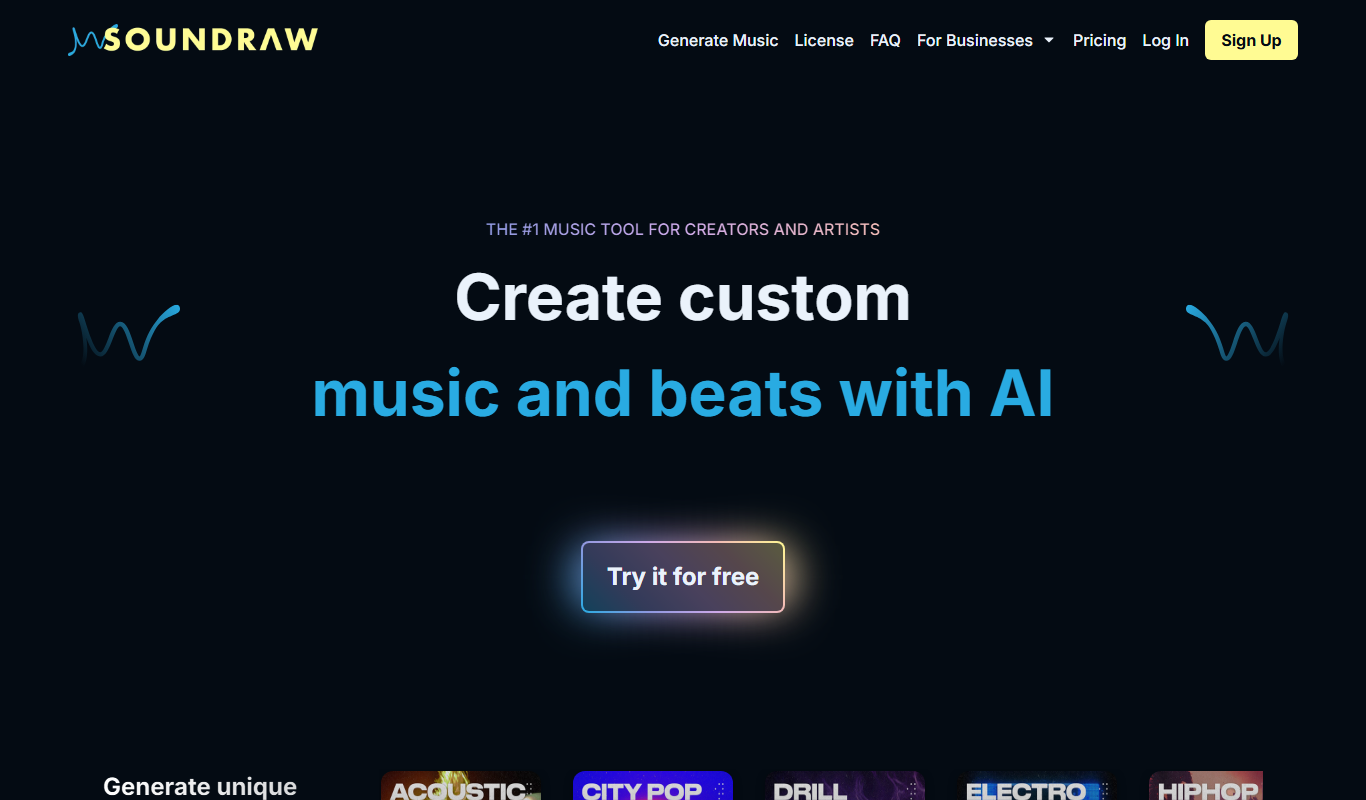
Soundraw
Soundraw is an AI-powered music generator that creates original, royalty-free music tracks customizable by mood, genre, and length, ideal for content creators and marketers.

Free
Boomy
Boomy is an AI-powered platform that allows users to create, customize, and publish original music tracks quickly without needing music production skills.

Free
Mubert
Mubert is an AI-driven music generator that creates endless royalty-free music streams in real time, suitable for content creators, streamers, and developers needing customizable, copyright-safe audio.
Freemium
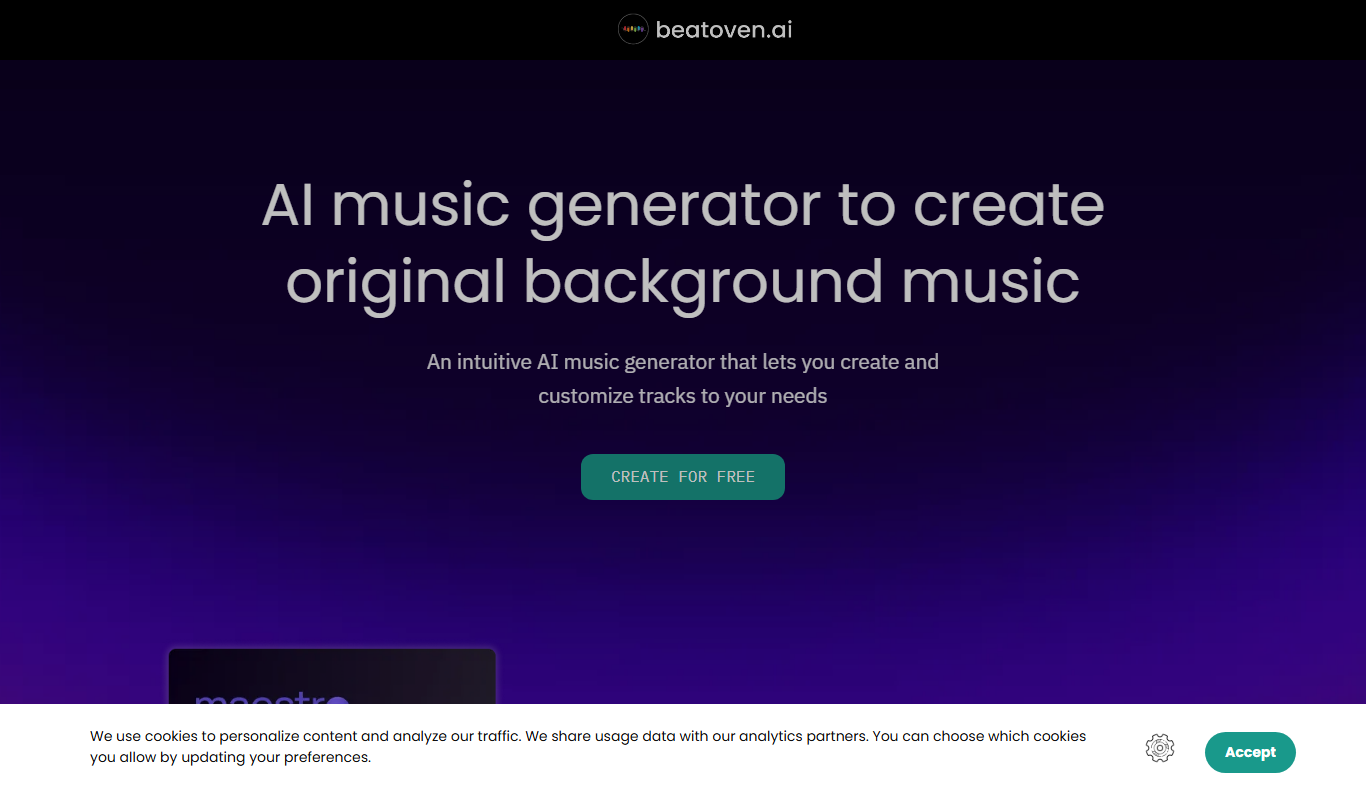
Beatoven.ai
Beatoven.ai is an AI-driven platform that generates custom royalty-free music tracks tailored to your project's mood and style, ideal for content creators and marketers.

Free
Loudly
Loudly is an AI-driven platform that generates royalty-free music tracks and stems customizable by genre, mood, and tempo, suitable for commercial use without licensing fees.
More Music & Audio tools
Other tools in the same category, for when this one is not quite the fit.
Freemium
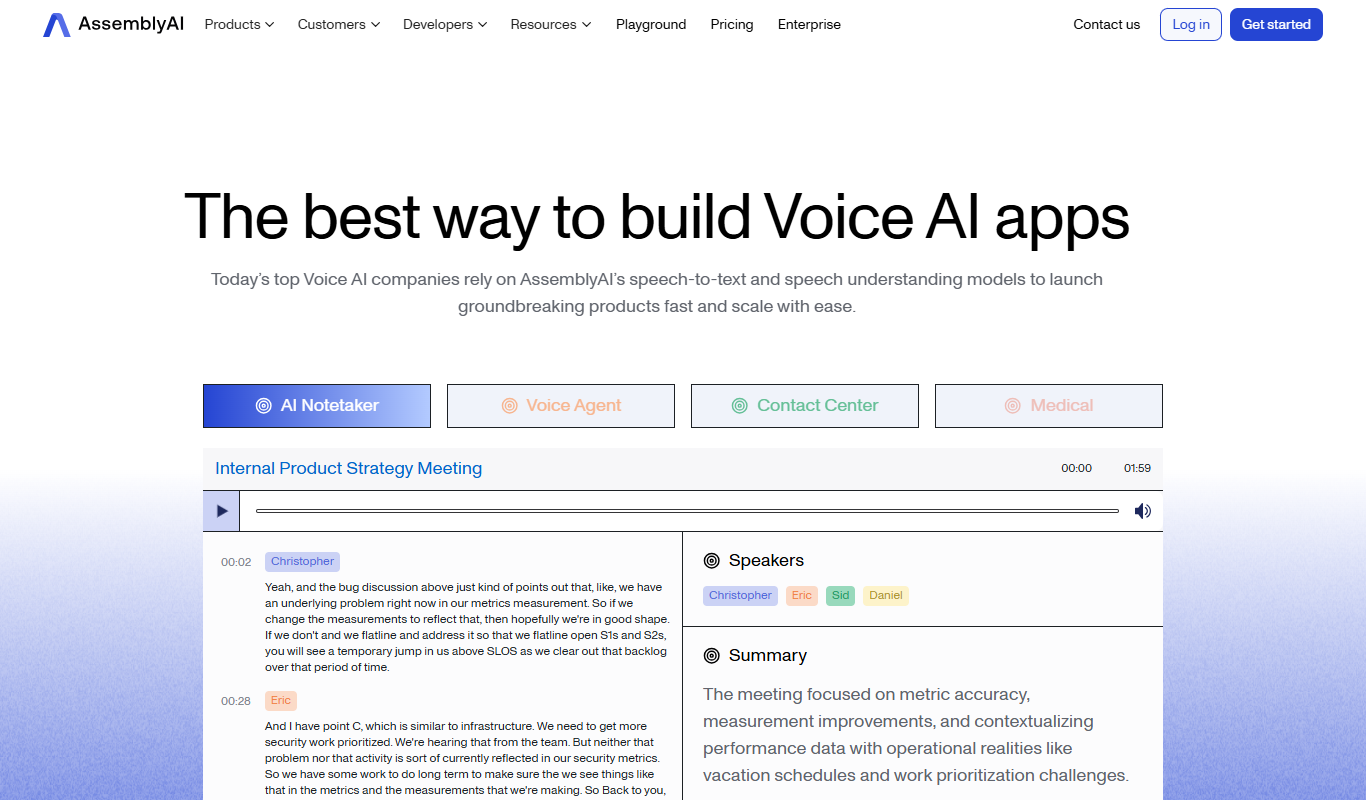
AssemblyAI
AssemblyAI is an AI platform providing high-accuracy speech-to-text transcription and audio analysis through an easy-to-use API, primarily supporting English audio.

Free
Krisp AI
Krisp AI is a noise cancelling application that removes background noise from audio calls and recordings in real-time using AI, improving voice clarity across multiple platforms.

Free
Descript
Descript is an AI-driven audio and video editing platform that allows users to edit media by editing transcripts, includes AI transcription, voice cloning with Overdub, and supports collaboration.
Free
JioSaavn
JioSaavn is an Indian music streaming service providing millions of songs, podcasts, AI-personalized playlists, and offline listening on web and mobile platforms.

Free
Gaana
Gaana is an Indian music streaming platform offering millions of songs, podcasts, and radio stations with free and subscription plans including offline listening and personalized recommendations.

Freemium
Shoutcast
Shoutcast is an internet radio platform that enables users to create and broadcast live audio streams globally, with tools for station customization, analytics, and monetization.

Free
Mixlr
Mixlr is a live audio streaming platform that allows users to broadcast, record, and share live audio content such as music, podcasts, and radio shows to a global audience via web and mobile apps.

Free
The TWIML AI Podcast
The TWIML AI Podcast is a free podcast platform offering expert interviews and discussions on artificial intelligence and machine learning topics.