

Mixlr Live Audio Streaming Platform for Broadcasting and Podcasting
Mixlr is a live audio streaming platform that allows users to broadcast, record, and share live audio content such as music, podcasts, and radio shows to a global audience via web and mobile apps.
- Best for
- Live Audio Broadcasting
- Key capability
- High-Quality Live Audio Streaming
Save Mixlr, follow its updates and vote on it — everything stays in your account.
Sign in or create a free account
What is Mixlr?
Mixlr is a live audio streaming platform that enables users to broadcast high-quality live audio over the internet. It is designed for musicians, podcasters, radio hosts, and event organizers who want to share live audio content with audiences worldwide. The platform offers simple tools to create, share, and monetize live audio streams accessible via web browsers and mobile apps.
Key features of Mixlr
Mixlr provides easy-to-use live audio broadcasting, recording, and sharing features. It supports multi-platform streaming, listener interaction through chat, and offers subscription plans with advanced analytics and monetization options.
High-Quality Live Audio Streaming
Broadcast crystal-clear audio with minimal latency to listeners worldwide.
Multi-Platform Access
Listeners can tune in via web browsers, iOS, Android apps, or desktop.
Live Chat Interaction
Engage with your audience in real time through integrated chat.
Broadcast Recording
Automatically record live streams for later playback or distribution.
Monetization Options
Subscription plans offer features like listener analytics and paid broadcasts.
Pros and cons of Mixlr
Pros
- User-friendly interface for easy live audio streaming
- Multi-platform support for broad audience reach
- Integrated live chat to engage listeners
- Automatic recording of broadcasts
- Flexible subscription plans to suit different needs
Cons
- Free plan has limited broadcast hours
- No built-in advanced audio editing tools
- Limited language support (primarily English)
Key use cases for Mixlr
Live Audio Broadcasting
Stream live audio content such as music, talk shows, or events to a global audience in real time.
Podcast Hosting and Streaming
Host and broadcast podcasts live or on-demand with easy-to-use tools for creators.
Internet Radio Station
Create and manage your own internet radio station with scheduling and live streaming capabilities.
Event Audio Streaming
Broadcast live audio from events, conferences, or performances to remote listeners.
Community Engagement
Engage with listeners through live chat and interactive features during broadcasts.
How Mixlr works
- 1
Create an Account
Sign up on Mixlr’s website or app to start broadcasting.
- 2
Set Up Your Broadcast
Configure your audio source, stream title, and settings.
- 3
Go Live
Start your live audio stream and share the link with your audience.
- 4
Engage Listeners
Interact with your audience via live chat during the broadcast.
- 5
Record and Share
Save your broadcasts for on-demand playback and sharing.
Who is using Mixlr
Mixlr pricing
Free
$0/month
Basic live streaming with limited broadcast hours and standard features.
Intermediate
$49/month, or $38 on annual billing
Unlimited live broadcasting with up to 120 recordings or file uploads.
Advanced
$150/month, or $83 on annual billing
Customizable radio station for organisations with unlimited live broadcasting and up to 240 file uploads.
Enterprise
From $199/month
Custom audio solutions and plans for businesses on a 12 month agreement.
Plans and prices are as published by the vendor and can change. Check the official site before you buy. Open the pricing page (opens in a new tab)
Frequently asked questions about Mixlr
Yes, Mixlr offers a free plan with limited broadcast hours and basic features.
Listeners can access streams via web browsers, iOS and Android apps, and desktop applications.
Yes, Mixlr automatically records live streams for on-demand playback.
Monetization features are available on paid subscription plans.
It depends on your specific needs and how you plan to use the tool. The official website and documentation are the best sources for the latest details.
Some tools offer a free plan or trial with limited features. Availability can vary, so confirm on the official website.
Yes, it can help with that use case depending on how you configure it and what features are available. You’ll get the best results with clear inputs and a defined goal.
Yes, it can help with that use case depending on how you configure it and what features are available. You’ll get the best results with clear inputs and a defined goal.
Conclusion
A broadcast begins by configuring the audio source, stream title and settings, then going live and sharing the link with the audience. During the stream, hosts interact with listeners via live chat. Live streams are recorded automatically for on-demand playback. Listeners can access streams via web browsers, iOS and Android apps, and desktop applications.
It is designed for musicians, podcasters, radio hosts and event organizers who want to share live audio content with audiences worldwide. Events, conferences and performances can also be broadcast to remote listeners. Paid plans start with Intermediate at $49 per month or $38 on annual billing, followed by Advanced at $150 per month and Enterprise from $199 per month.
Sources
Sign in to review this tool.
Sign In to ReviewNo reviews yet
Be the first to share how this tool worked for you.
Ask about pricing, limits, or how it compares — or answer someone else.
Sign In to AskNo questions yet
Have a question about using or paying for this tool? Be the first to ask.
Featured on TiorAI



Alternative Tools
Explore similar AI tools that might fit your needs

Spreaker
Spreaker is a podcast hosting and live audio streaming platform that enables creators to record, edit, distribute, and monetize audio content with integrated analytics and live audience engagement.
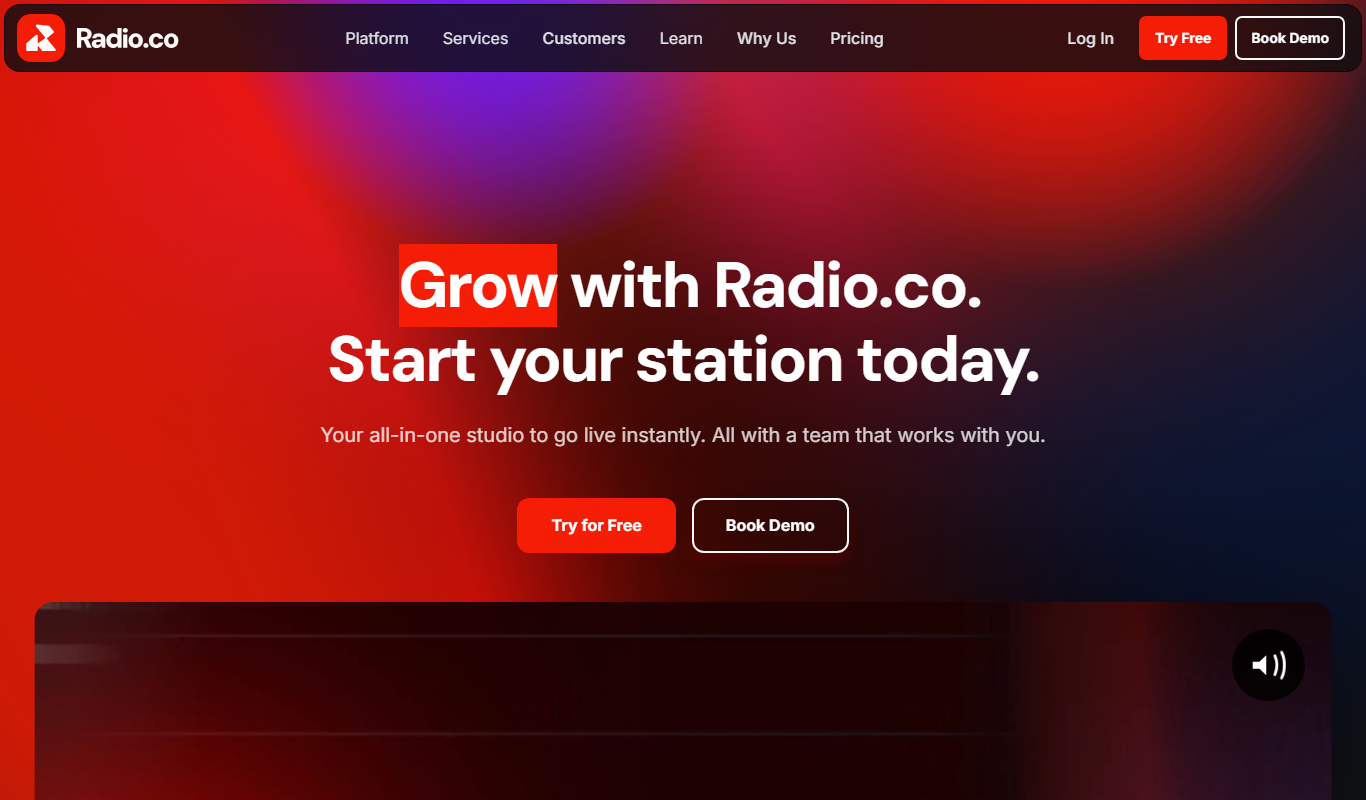
Radio.co
Radio.co is an online platform that allows users to create, manage, and broadcast internet radio stations and podcasts with live streaming, automated scheduling, and monetization features.
More Music & Audio tools
Other tools in the same category, for when this one is not quite the fit.
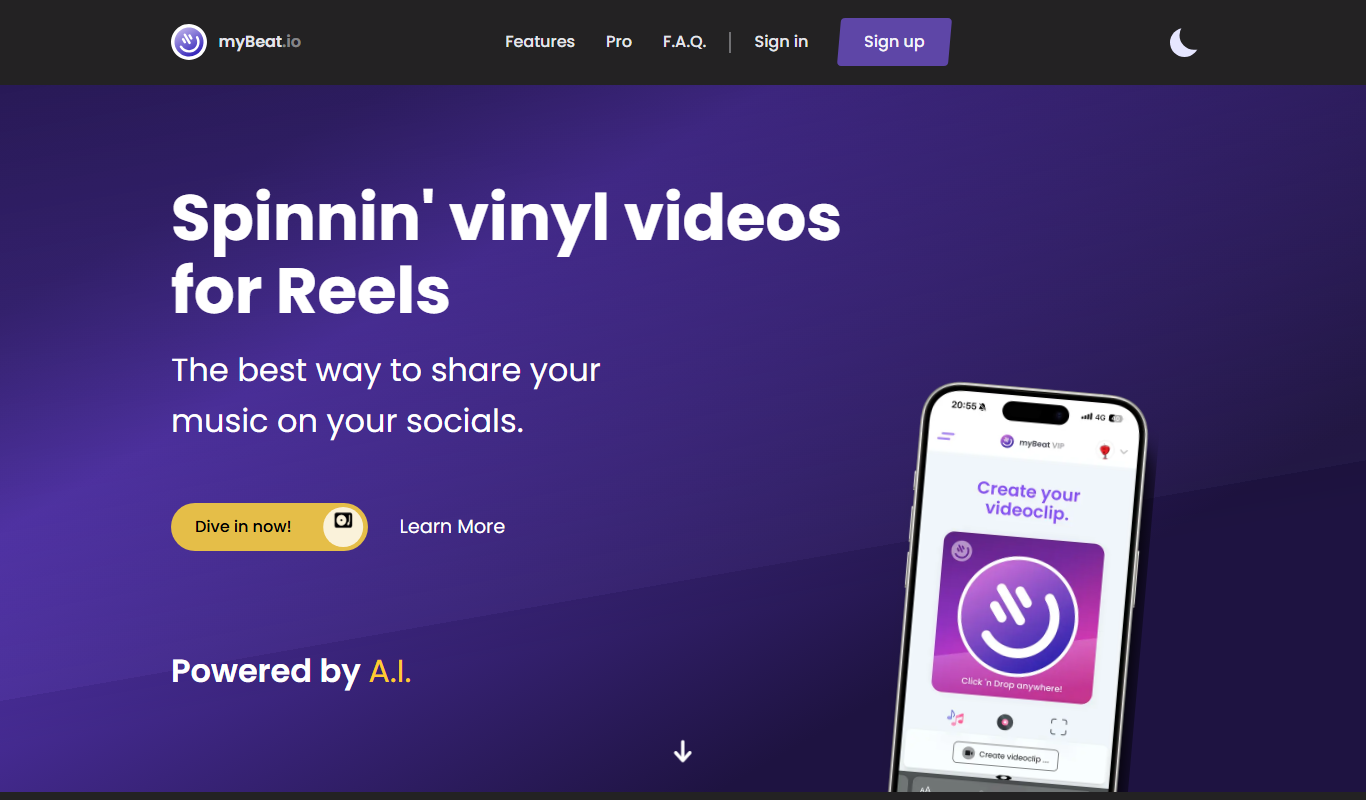
myBeat
myBeat.io makes the visual for a finished track, sends it to labels and artists through one Dropz link and adds a Spotlight artist profile; free to start.

SONOTELLER
SONOTELLER.AI is an AI song analyzer that tags lyrics and music (genres, moods, instruments, BPM and key) and autotags music catalogs through its API.

AI Song Generator-Make Song
AI Song Generator-Make Song is an online tool that uses artificial intelligence to create original songs by generating melodies and lyrics based on user inputs such as themes or moods.

Suno Music Downloader
Suno Music Downloader is a free web tool that saves AI-generated music tracks made with Suno AI from their share links, with no sign-up.
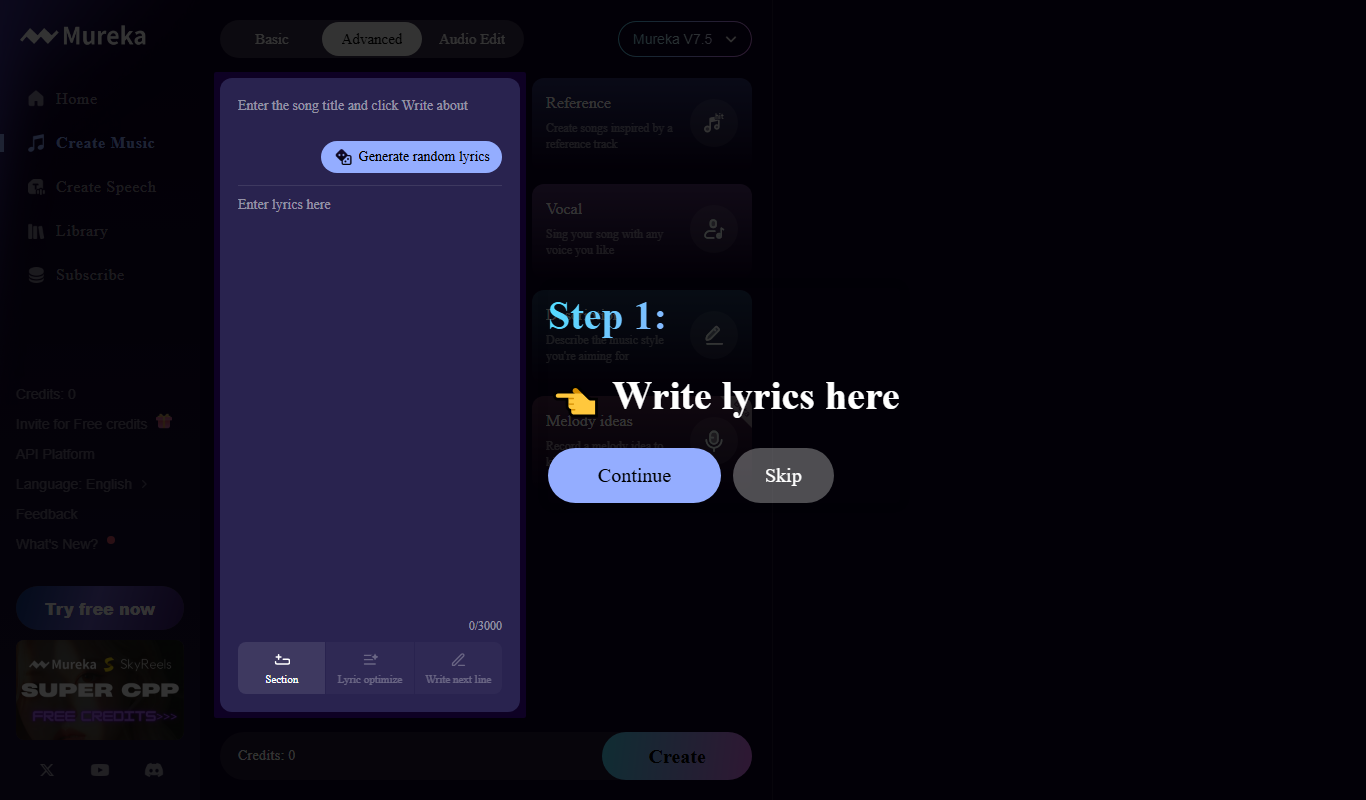
Mureka
Mureka is an AI music generator that creates full songs, vocals, lyrics and instrumentals from text prompts, with free use and paid subscription plans.
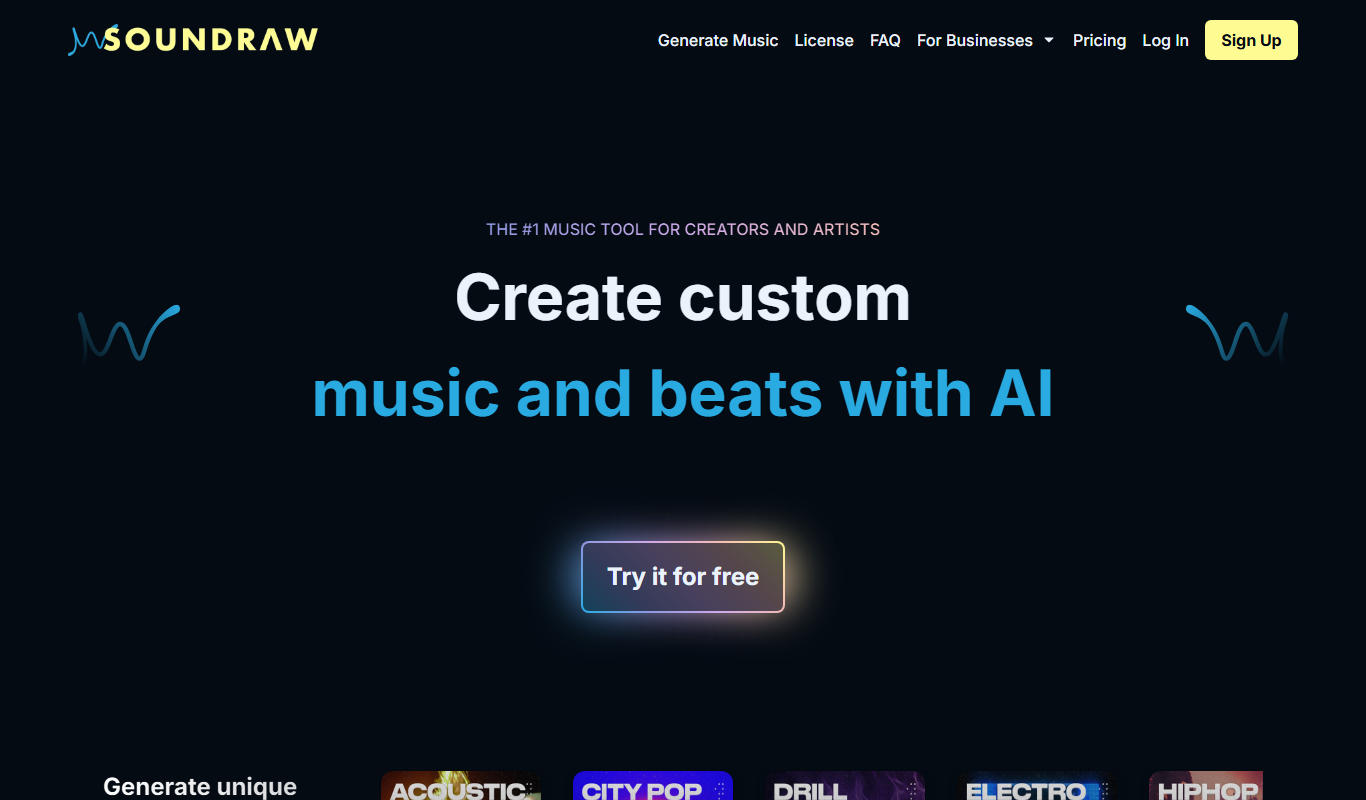
Soundraw
Soundraw is an AI-powered music generator that creates original, royalty-free music tracks customizable by mood, genre, and length, ideal for content creators and marketers.

OmMuse
OmMuse lets music creators store, organize and share tracks, stems and projects with version control and encrypted collaboration; 100 MB free with no sign up needed.

ChordCreate
ChordCreate is an AI-powered web tool that generates chord progressions from a text prompt, which can then be heard, edited and exported.