

Radio.co Online Radio Station Platform for Live Streaming & Podcast Hosting
Radio.co is an online platform that allows users to create, manage, and broadcast internet radio stations and podcasts with live streaming, automated scheduling, and monetization features.
- Best for
- Live Radio Broadcasting
- Key capability
- Live Streaming
Save Radio.co, follow its updates and vote on it — everything stays in your account.
Sign in or create a free account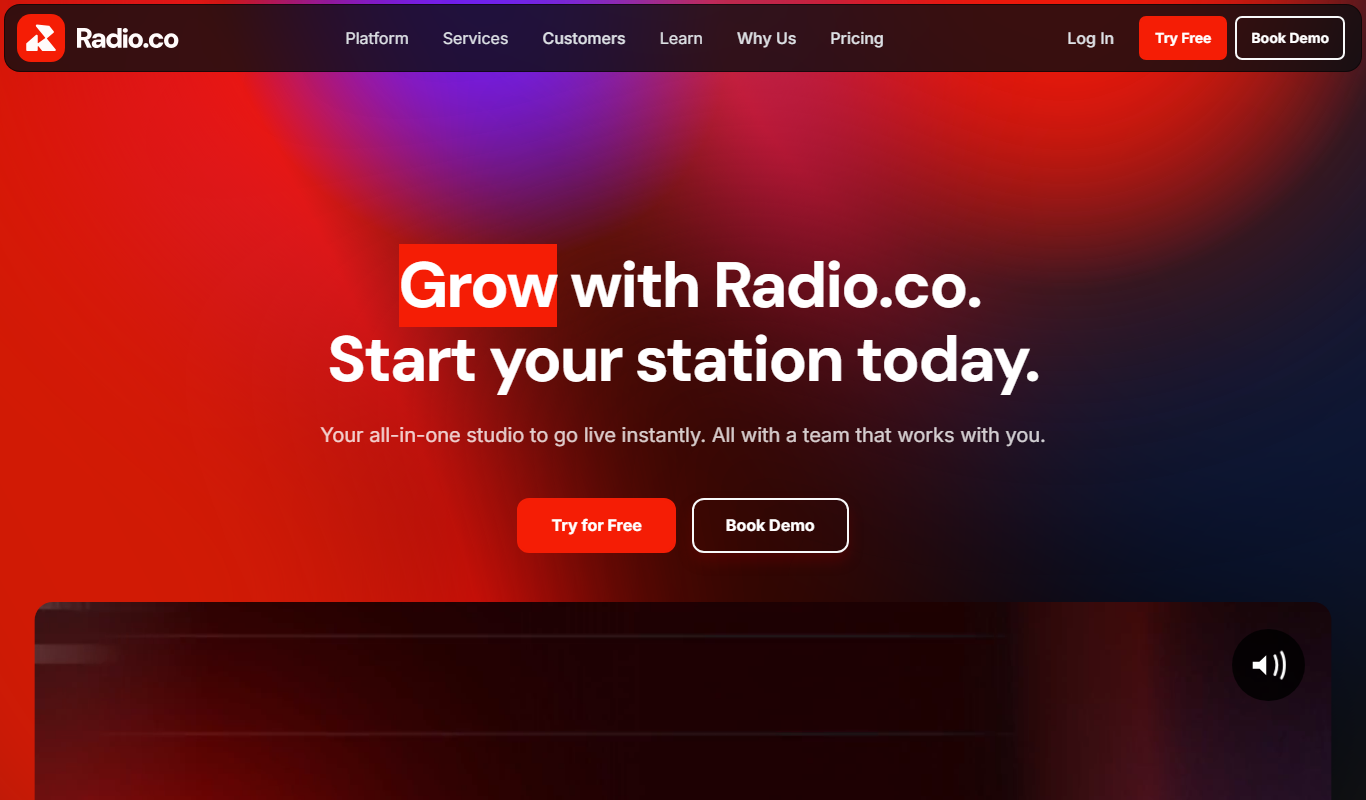
What is Radio.co?
Radio.co is a comprehensive online platform that enables users to create, manage, and broadcast their own internet radio stations and podcasts. It provides tools for live streaming, automated scheduling, podcast hosting, and audience engagement, making it accessible for both beginners and professional broadcasters.
Key features of Radio.co
The platform offers live broadcasting capabilities, automated playlist scheduling, podcast hosting with RSS feed support, listener analytics, monetization options, and integrations with popular streaming software and social media platforms.
Live Streaming
Broadcast live shows with support for multiple DJs and real-time audio streaming.
Automated Scheduling
Create playlists and schedule shows to run automatically 24/7.
Podcast Hosting
Host and distribute podcasts with automatic RSS feed generation for platforms like Apple Podcasts and Spotify.
Listener Analytics
Access detailed statistics on listener numbers, locations, and listening habits.
Monetization Tools
Integrate advertisements and sponsorships to generate revenue from your broadcasts.
Station Mobile Apps
Radio.co offers station mobile apps with CarPlay and Android Auto.
Pros and cons of Radio.co
Pros
- User-friendly interface suitable for beginners and pros
- Comprehensive live and automated broadcasting features
- Integrated podcast hosting and distribution
- Detailed listener analytics and engagement tools
- Flexible monetization options
Cons
- Pricing may be high for very small or hobbyist stations
- Limited language support (English only)
Key use cases for Radio.co
Live Radio Broadcasting
Create and manage live internet radio stations with automated scheduling and live DJ support.
Podcast Hosting and Distribution
Host, publish, and distribute podcasts easily with built-in podcasting tools and RSS feed generation.
Automated Radio Shows
Schedule playlists and shows to run automatically without manual intervention.
Audience Engagement
Engage listeners with live chat, listener statistics, and integrations for social media promotion.
Monetization
Monetize your radio station through advertising, sponsorships, and listener donations.
How Radio.co works
- 1
Sign Up and Set Up Station
Create an account on Radio.co and configure your radio station settings including station name, branding, and streaming preferences.
- 2
Upload or Schedule Content
Upload audio files or set up live broadcasts and schedule automated playlists or shows.
- 3
Go Live or Automate
Start live streaming using supported broadcasting software or let your scheduled content play automatically.
- 4
Engage and Grow Audience
Use listener statistics and engagement tools to interact with your audience and promote your station.
Who is using Radio.co
Radio.co pricing
Lite
$35/month
Monthly plan; storage and listener limits differ by plan.
Standard
$59/month
Monthly plan; storage and listener limits differ by plan.
Plus
$139/month
Monthly plan; storage and listener limits differ by plan.
Plans and prices are as published by the vendor and can change. Check the official site before you buy. Open the pricing page (opens in a new tab)
Frequently asked questions about Radio.co
Yes, Radio.co supports live broadcasting with multiple DJ accounts and real-time streaming.
Yes, it offers built-in podcast hosting with automatic RSS feed generation for easy distribution.
Radio.co offers a free trial period so you can test the platform before committing to a subscription.
Support varies by plan, including email support, priority support, and dedicated account managers for business plans.
It depends on your specific needs and how you plan to use the tool. The official website and documentation are the best sources for the latest details.
Yes, it can help with that use case depending on how you configure it and what features are available. You’ll get the best results with clear inputs and a defined goal.
Pricing depends on the plan and included features. For the most accurate and up-to-date details, check the official pricing page.
It depends on your specific needs and how you plan to use the tool. The official website and documentation are the best sources for the latest details.
Conclusion
Stations can broadcast live shows with multiple DJs or run scheduled playlists and shows automatically 24/7. Live streams go out through supported broadcasting software, while uploaded audio files fill the schedule. Podcast hosting is built in, with automatic RSS feed generation for platforms like Apple Podcasts and Spotify.
It is built for independent radio broadcasters, community radio stations and podcasters. Listeners can also tune in through station mobile apps with CarPlay and Android Auto. Plans are billed monthly, from Lite at $35 through Standard at $59 to Plus at $139, with storage and listener limits that differ by plan.
Sources
Sign in to review this tool.
Sign In to ReviewNo reviews yet
Be the first to share how this tool worked for you.
Ask about pricing, limits, or how it compares — or answer someone else.
Sign In to AskNo questions yet
Have a question about using or paying for this tool? Be the first to ask.
Featured on TiorAI



Alternative Tools
Explore similar AI tools that might fit your needs

Spreaker
Spreaker is a podcast hosting and live audio streaming platform that enables creators to record, edit, distribute, and monetize audio content with integrated analytics and live audience engagement.

Mixlr
Mixlr is a live audio streaming platform that allows users to broadcast, record, and share live audio content such as music, podcasts, and radio shows to a global audience via web and mobile apps.
More AI Audio Editing tools
Other tools in the same category, for when this one is not quite the fit.
Vocaroo
Vocaroo is a free online voice recorder that lets you record, share, and download audio clips instantly from your browser without any account or software installation.

Audiotool
Audiotool is a web-based digital audio workstation that lets users create, mix, and collaborate on music projects online using virtual instruments and effects without software installation.

Soundtrap
Soundtrap is a cloud-based digital audio workstation that enables users to create, record, edit, and collaborate on music and podcasts online through web and mobile platforms.

TuneIn Radio
TuneIn Radio is a streaming platform providing access to live radio stations, podcasts, music, and news globally, available on web, mobile, and smart devices with free and premium options.

Noted
Noted is an AI-powered note-taking app that records audio and provides synchronized transcription and note organization, available on iOS and macOS.

TwistedWave Online
TwistedWave Online is a browser-based audio editor that enables users to record, edit, and export audio files without installing software, featuring multitrack editing and real-time effects.

AudioMass
AudioMass is a free, open-source online audio editor that runs in your browser, enabling multi-track editing, real-time effects, and audio recording without installation.

Acon Digital DeNoise
Acon Digital DeNoise is a professional audio noise reduction tool that removes unwanted background noise from recordings using adaptive algorithms, available as standalone software and plugins for Windows and macOS.