

Vocaroo Free Online Voice Recorder for Quick Audio Sharing and Messaging
Vocaroo is a free online voice recorder that lets you record, share, and download audio clips instantly from your browser without any account or software installation.
- Best for
- Quick Voice Messaging
- Key capability
- No Installation Required
Save Vocaroo, follow its updates and vote on it — everything stays in your account.
Sign in or create a free accountWhat is Vocaroo?
Vocaroo is a free, web-based voice recording tool that allows users to record audio directly from their browser without any downloads or sign-ups. It provides a simple interface to capture voice recordings and instantly generate shareable links or download files in multiple formats.
Key features of Vocaroo
Vocaroo offers one-click recording, easy playback, instant sharing via URL or QR code, and options to download recordings as MP3, WAV, or OGG files. It supports quick voice messaging and audio note-taking with minimal setup.
No Installation Required
Works entirely in the browser without the need for software downloads.
Instant Sharing
Create shareable URLs and QR codes for easy distribution of recordings.
Multiple Audio Formats
Download recordings as MP3, WAV, or OGG to suit different needs.
Simple User Interface
Minimalist design focused on quick and easy voice recording.
Pros and cons of Vocaroo
Pros
- Extremely easy and fast to use
- No registration or installation needed
- Supports multiple audio download formats
- Works on desktop and mobile browsers
Cons
- Limited editing features beyond recording
- No cloud storage or account management
- Dependent on browser microphone permissions
Key use cases for Vocaroo
Quick Voice Messaging
Record and share voice messages instantly without needing to install software.
Audio Notes and Memos
Capture audio notes or reminders on the go using any web browser.
Podcast and Interview Snippets
Easily record short audio clips for podcasts, interviews, or social media.
Language Practice and Learning
Practice speaking and pronunciation by recording and reviewing your voice.
Customer Feedback and Support
Collect voice feedback or support requests from users quickly.
How Vocaroo works
- 1
Access Website
Open vocaroo.com in any modern web browser.
- 2
Record Audio
Click the record button to start capturing your voice or sound.
- 3
Playback and Review
Listen to your recording and decide if you want to keep it.
- 4
Share or Download
Generate a shareable link, QR code, or download the audio file.
Who is using Vocaroo
Vocaroo pricing
Free
$0
Unlimited recordings with instant sharing and downloads.
Plans and prices are as published by the vendor and can change. Check the official site before you buy. Open the pricing page (opens in a new tab)
Frequently asked questions about Vocaroo
No, Vocaroo does not require any sign-up or account creation.
Yes, Vocaroo works on modern mobile browsers for both iOS and Android.
You can download your recordings as MP3, WAV, or OGG files.
Yes, Vocaroo is completely free with no premium tiers.
It depends on your specific needs and how you plan to use the tool. The official website and documentation are the best sources for the latest details.
Some tools offer a free plan or trial with limited features. Availability can vary, so confirm on the official website.
Yes, it can help with that use case depending on how you configure it and what features are available. You’ll get the best results with clear inputs and a defined goal.
It depends on your specific needs and how you plan to use the tool. The official website and documentation are the best sources for the latest details.
Conclusion
Recording on Vocaroo takes one click in a web browser, with no software download and no account. Users listen to the recording, then generate a shareable link or QR code or download it as MP3, WAV or OGG. It also works on modern mobile browsers for iOS and Android.
The use cases are short recordings such as voice messages, audio notes and reminders, or pronunciation practice. That makes it relevant to students and educators, language learners and podcasters who need a quick recording. The service is completely free with no premium tiers, but it has limited editing features, no cloud storage or account management, and it depends on browser microphone permissions.
Sources
Sign in to review this tool.
Sign In to ReviewNo reviews yet
Be the first to share how this tool worked for you.
Ask about pricing, limits, or how it compares — or answer someone else.
Sign In to AskNo questions yet
Have a question about using or paying for this tool? Be the first to ask.
Featured on TiorAI



Alternative Tools
Explore similar AI tools that might fit your needs

SpeakPipe
SpeakPipe is a web-based voice messaging tool that allows websites to collect voice messages from visitors via an embeddable recorder widget or direct links, facilitating customer feedback and audio communication.
More AI Audio Editing tools
Other tools in the same category, for when this one is not quite the fit.

Audiotool
Audiotool is a web-based digital audio workstation that lets users create, mix, and collaborate on music projects online using virtual instruments and effects without software installation.

Soundtrap
Soundtrap is a cloud-based digital audio workstation that enables users to create, record, edit, and collaborate on music and podcasts online through web and mobile platforms.

TuneIn Radio
TuneIn Radio is a streaming platform providing access to live radio stations, podcasts, music, and news globally, available on web, mobile, and smart devices with free and premium options.
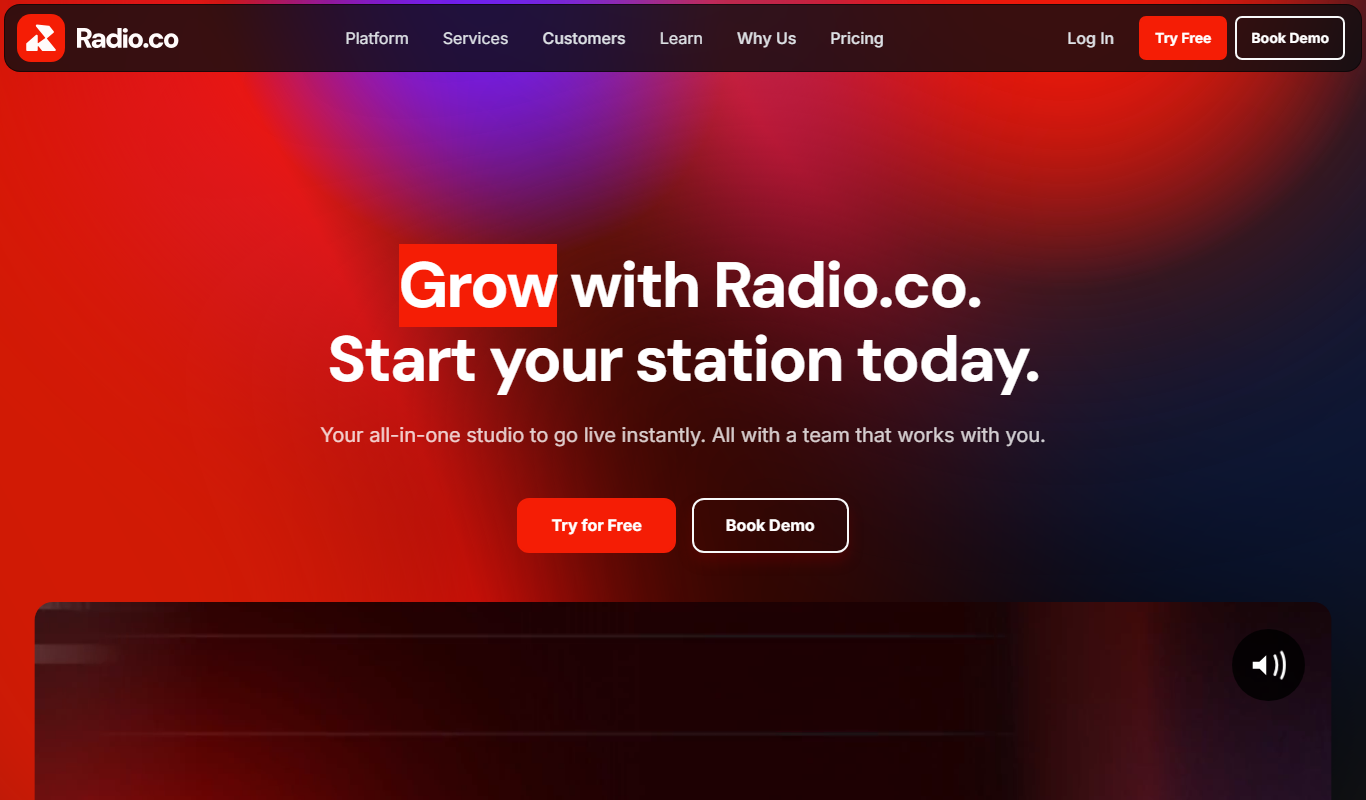
Radio.co
Radio.co is an online platform that allows users to create, manage, and broadcast internet radio stations and podcasts with live streaming, automated scheduling, and monetization features.

Noted
Noted is an AI-powered note-taking app that records audio and provides synchronized transcription and note organization, available on iOS and macOS.

TwistedWave Online
TwistedWave Online is a browser-based audio editor that enables users to record, edit, and export audio files without installing software, featuring multitrack editing and real-time effects.

AudioMass
AudioMass is a free, open-source online audio editor that runs in your browser, enabling multi-track editing, real-time effects, and audio recording without installation.

Acon Digital DeNoise
Acon Digital DeNoise is a professional audio noise reduction tool that removes unwanted background noise from recordings using adaptive algorithms, available as standalone software and plugins for Windows and macOS.