

From my experience with WellSaid Labs, I found its AI voices impressively natural and expressive, making it a strong choice for anyone needing high-quality voiceovers without the hassle of hiring voice actors. The platform’s intuitive interface and script editing tools simplify the process, especially for e-learning and marketing content creators. However, the focus on English-only voices and the higher cost for enterprise features may limit some users. Overall, if you want fast, realistic AI-generated narration with flexible usage options, WellSaid Labs delivers reliable and professional results.
WellSaid Labs AI Voice Generator for Realistic Text-to-Speech Solutions
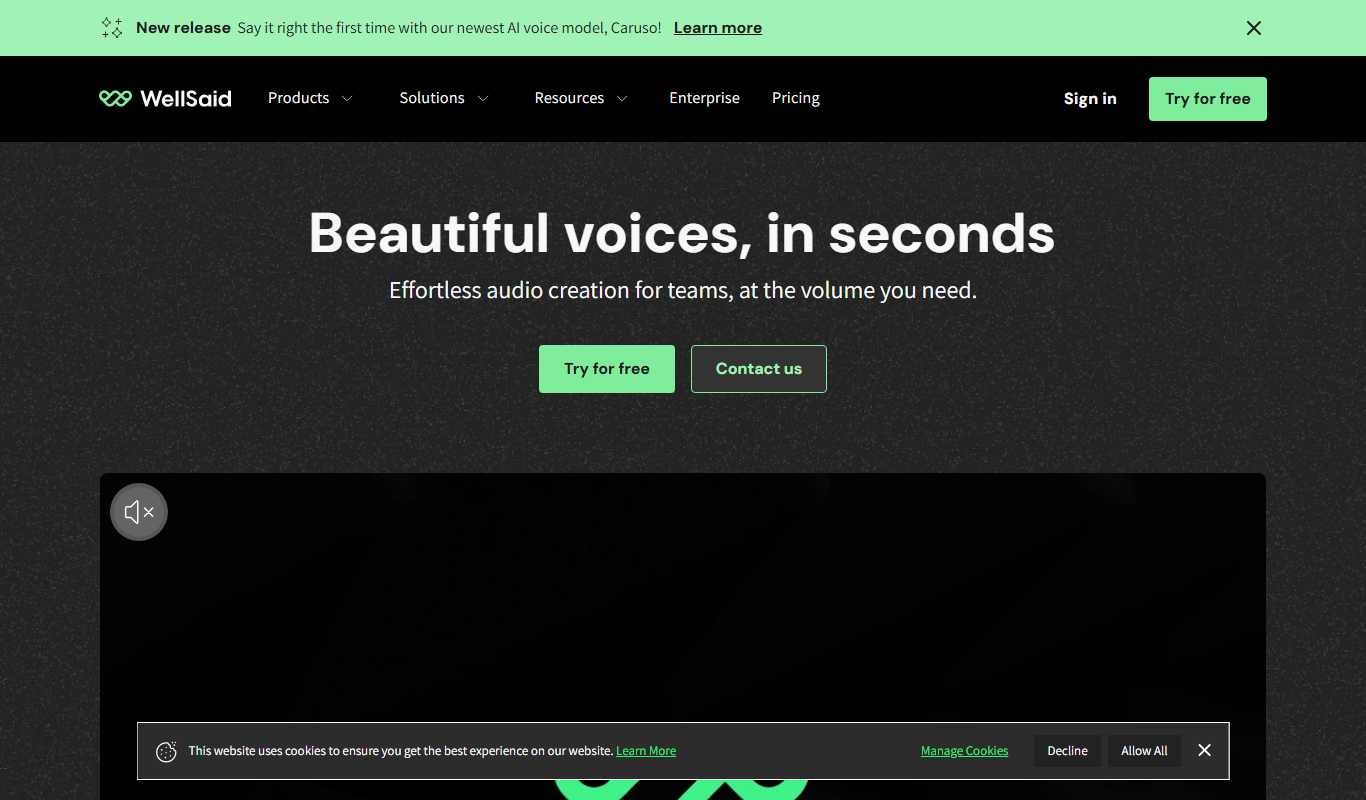
WellSaid Labs is an AI-driven text-to-speech platform that converts written text into realistic, natural-sounding voiceovers, ideal for e-learning, marketing, and audiobook production.
- Best for
- E-Learning Narration
- Key capability
- High-Quality Neural Voices
Do you recommend this tool?
What is Wellsaidlabs?
WellSaid Labs is an AI-powered text-to-speech platform that transforms written text into realistic, human-like voiceovers. It leverages advanced neural voice synthesis technology to produce natural intonation, pacing, and expression, making it ideal for content creators, educators, marketers, and businesses seeking high-quality audio narration without the need for professional voice actors.
Key features of Wellsaidlabs
WellSaid Labs offers a variety of lifelike AI voices, customizable speech styles, and an intuitive web interface. It supports API integration for developers and provides tools for script editing, voice cloning, and batch processing to streamline audio content creation.
High-Quality Neural Voices
Offers a diverse library of AI voices with natural prosody and clarity.
API Access
Enables developers to integrate WellSaid’s voice synthesis into custom applications.
Voice Cloning
Create custom AI voices based on real human voices for brand consistency.
Script Editing Tools
Edit and preview text with real-time voice feedback before finalizing audio.
Batch Processing
Convert multiple scripts into audio files efficiently for large projects.
Pros and cons of Wellsaidlabs
Pros
- Produces highly natural and expressive AI voices
- User-friendly interface with script editing and preview
- API available for seamless integration
- Supports voice cloning for brand consistency
- Fast audio generation and batch processing
Cons
- Limited to English language support
- Higher pricing for advanced features and enterprise use
- No mobile app available
Key use cases for Wellsaidlabs
E-Learning Narration
Create natural-sounding voiceovers for educational videos and courses to enhance learner engagement.
Marketing and Advertising
Generate professional voiceovers for promotional content, ads, and social media campaigns without hiring voice actors.
Audiobook Production
Produce high-quality audiobook narrations quickly with AI voices that sound human and expressive.
Corporate Training
Develop voice-guided training materials and presentations that maintain listener attention.
Accessibility
Provide audio versions of written content to improve accessibility for users with visual impairments.
How Wellsaidlabs works
- 1
Create an Account
Sign up on the WellSaid Labs website to access the platform.
- 2
Input Text
Enter or upload the text you want to convert into speech.
- 3
Select Voice
Choose from a range of AI-generated voices that suit your project’s tone.
- 4
Customize Speech
Adjust speech speed, emphasis, and pauses to refine the audio output.
- 5
Generate and Download
Produce the voiceover and download the audio file for use in your projects.
Who is using Wellsaidlabs
E-learning content creators
Marketing and advertising agencies
Audiobook producers
Corporate trainers
Accessibility service providers
Wellsaidlabs pricing
Free Trial
$0
Limited access to voices and features to test the platform.
Creator
$49/month
Access to premium voices, commercial usage rights, and standard support.
Enterprise
Custom pricing
Tailored solutions with dedicated support, API access, and voice cloning.
Plans and prices are as published by the vendor and can change. Check the official site before you buy. Open the pricing page (opens in a new tab)
Frequently asked questions about Wellsaidlabs
Yes, commercial usage rights are included with paid subscription plans.
Currently, WellSaid Labs primarily supports English voices.
Yes, API access is available with Enterprise plans for integration.
Yes, voice cloning services are offered for Enterprise customers.
It depends on your specific needs and how you plan to use the tool. The official website and documentation are the best sources for the latest details.
Yes, it can help with that use case depending on how you configure it and what features are available. You’ll get the best results with clear inputs and a defined goal.
Yes, it can help with that use case depending on how you configure it and what features are available. You’ll get the best results with clear inputs and a defined goal.
Integration support depends on the tool and its available connectors or API. Check the official documentation or integrations page to confirm what is supported.
Sign in to review this tool.
Sign In to ReviewNo reviews yet
Be the first to share how this tool worked for you.
Ask about pricing, limits, or how it compares — or answer someone else.
Sign In to AskNo questions yet
Have a question about using or paying for this tool? Be the first to ask.
Featured on TiorAI



More AI Text-to-Speech tools
Other tools in the same category, for when this one is not quite the fit.
Freemium
Honkist
Honkist is an AI voice cloning tool that generates realistic synthetic voices from minimal audio samples, supporting text-to-speech with emotion and style customization.

Free
TTSynth.com
TTSynth.com is an AI-driven online text-to-speech tool that converts text into natural-sounding speech with multiple voice options, instant playback, and downloadable audio files.

Free
Typecast AI
Typecast AI is a web-based platform that generates realistic AI voices using text-to-speech and voice cloning technologies, supporting multiple languages and emotional speech customization.

Free
free text Into Speech
Free Text Into Speech is a free web tool that converts typed text into natural-sounding speech with multiple voice options and downloadable MP3 audio.

Free
Text2Audio
Text2Audio is an AI-based web platform that converts text into natural-sounding speech in multiple languages, offering customizable voice options and downloadable audio files.

Free
MS Text-to-Speech Downloader
MS Text-to-Speech Downloader is a free web tool that converts text into speech audio files using Microsoft’s neural voices, allowing easy download of MP3 files without installation.

Free
FREE Trump AI voice Generator
The FREE Trump AI Voice Generator is a web-based tool that converts text into speech using AI to mimic Donald Trump's voice, available for free without registration.
Free
Kokoro Web
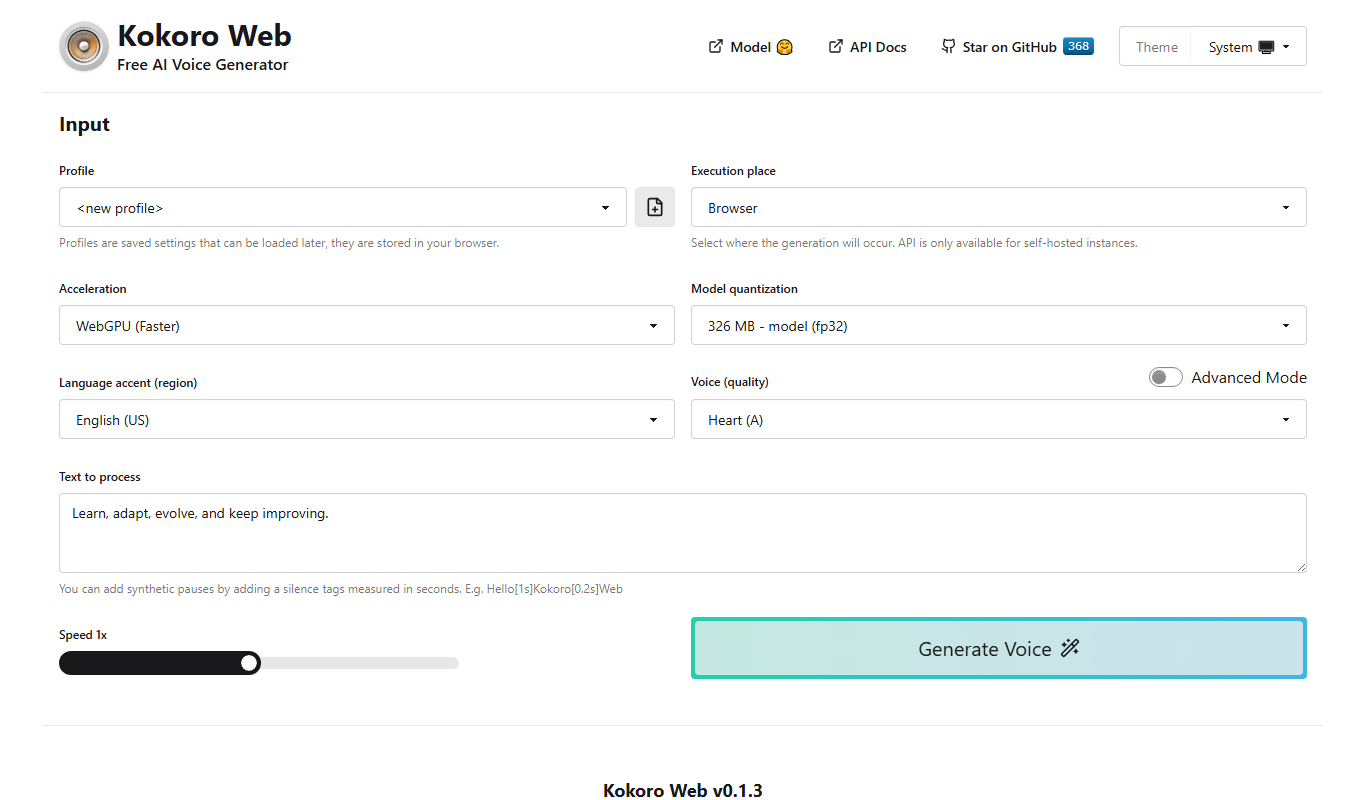
Kokoro Web is a free, browser-based AI text-to-speech tool that converts text into natural-sounding English and Japanese speech without requiring registration.