

From my experience with Honkist, I found it excels at producing highly realistic and expressive voice clones with surprisingly little audio input. The platform’s intuitive interface and emotion control features make it especially useful for content creators and marketers seeking unique voiceovers without complex setups. However, the tool currently supports only English and is limited to a web platform, which might restrict some users. Overall, if you need efficient AI voice cloning for professional or creative projects, Honkist offers a solid balance of quality and usability.
Honkist AI Voice Cloning Software for Realistic Speech Generation
Honkist is an AI voice cloning tool that generates realistic synthetic voices from minimal audio samples, supporting text-to-speech with emotion and style customization.
- Best for
- Content Creation
- Key capability
- High-Fidelity Voice Cloning
Do you recommend this tool?
What is Honkist?
Honkist is an AI-powered voice cloning platform that enables users to create realistic synthetic voices from text input or voice samples. It leverages advanced deep learning models to replicate human speech patterns, intonation, and emotion, allowing for natural-sounding voice generation tailored to various applications.
Key features of Honkist
Honkist offers high-quality voice cloning with minimal training data, supports multiple voice styles, and provides an intuitive web interface for easy text-to-speech conversion. It also includes features like voice customization, emotion control, and API access for integration.
High-Fidelity Voice Cloning
Creates natural and expressive synthetic voices closely matching the original speaker.
Minimal Data Requirement
Requires only a few minutes of audio to generate a convincing voice clone.
Emotion and Style Control
Allows users to modify the emotional tone and speaking style of the generated voice.
API Integration
Provides API access for developers to integrate voice cloning into their applications.
User-Friendly Interface
Simple web platform for easy voice cloning and text-to-speech conversion.
Pros and cons of Honkist
Pros
- Produces highly realistic and expressive voice clones
- Requires minimal audio input for cloning
- Offers emotion and style customization
- Accessible web platform with API support
- Flexible pricing plans including free tier
Cons
- Limited language support focused on English
- Advanced features require paid subscription
- Web-only platform without desktop or mobile apps
Key use cases for Honkist
Content Creation
Generate realistic voiceovers for videos, podcasts, and audiobooks using AI-cloned voices.
Entertainment
Create custom voice characters for games, animations, and virtual assistants.
Accessibility
Provide personalized speech synthesis for users with speech impairments or disabilities.
Marketing
Produce engaging audio ads and promotional content with unique AI-generated voices.
Research and Development
Experiment with voice cloning technology for academic or commercial projects.
How Honkist works
-
1
Upload Voice Sample
Provide a short audio clip to train the AI model on the target voice.
-
2
Customize Voice Settings
Adjust parameters such as pitch, speed, and emotion to fine-tune the cloned voice.
-
3
Input Text
Enter the text you want to convert into speech using the cloned voice.
-
4
Generate and Download
Produce the synthetic speech audio and download it for your use.
Who is using Honkist
Content creators and podcasters
Game developers and animators
Marketing and advertising agencies
Accessibility service providers
Researchers and AI developers
Honkist pricing
Free
$0/month
Limited voice cloning minutes and basic features for personal use.
Pro
$29/month
Extended voice cloning minutes, advanced customization, and API access.
Enterprise
Custom pricing
Tailored solutions with dedicated support and higher usage limits.
Plans and prices are as published by the vendor and can change. Check the official site before you buy. Open the pricing page (opens in a new tab)
Frequently asked questions about Honkist
Typically, a few minutes of clear audio is sufficient to generate a high-quality voice clone.
Yes, depending on your subscription plan, commercial use is allowed with proper licensing.
Honkist ensures data privacy and security by encrypting user data and not sharing voice samples.
Currently, Honkist primarily supports English voice cloning.
It depends on your specific needs and how you plan to use the tool. The official website and documentation are the best sources for the latest details.
Pricing depends on the plan and included features. For the most accurate and up-to-date details, check the official pricing page.
Yes, it can help with that use case depending on how you configure it and what features are available. You’ll get the best results with clear inputs and a defined goal.
Sign in to review this tool.
Sign In to ReviewNo reviews yet
Be the first to share how this tool worked for you.
Ask about pricing, limits, or how it compares — or answer someone else.
Sign In to AskNo questions yet
Have a question about using or paying for this tool? Be the first to ask.
Featured on TiorAI



More AI Speech Synthesis Tools tools
Other tools in the same category, for when this one is not quite the fit.
Free Trial
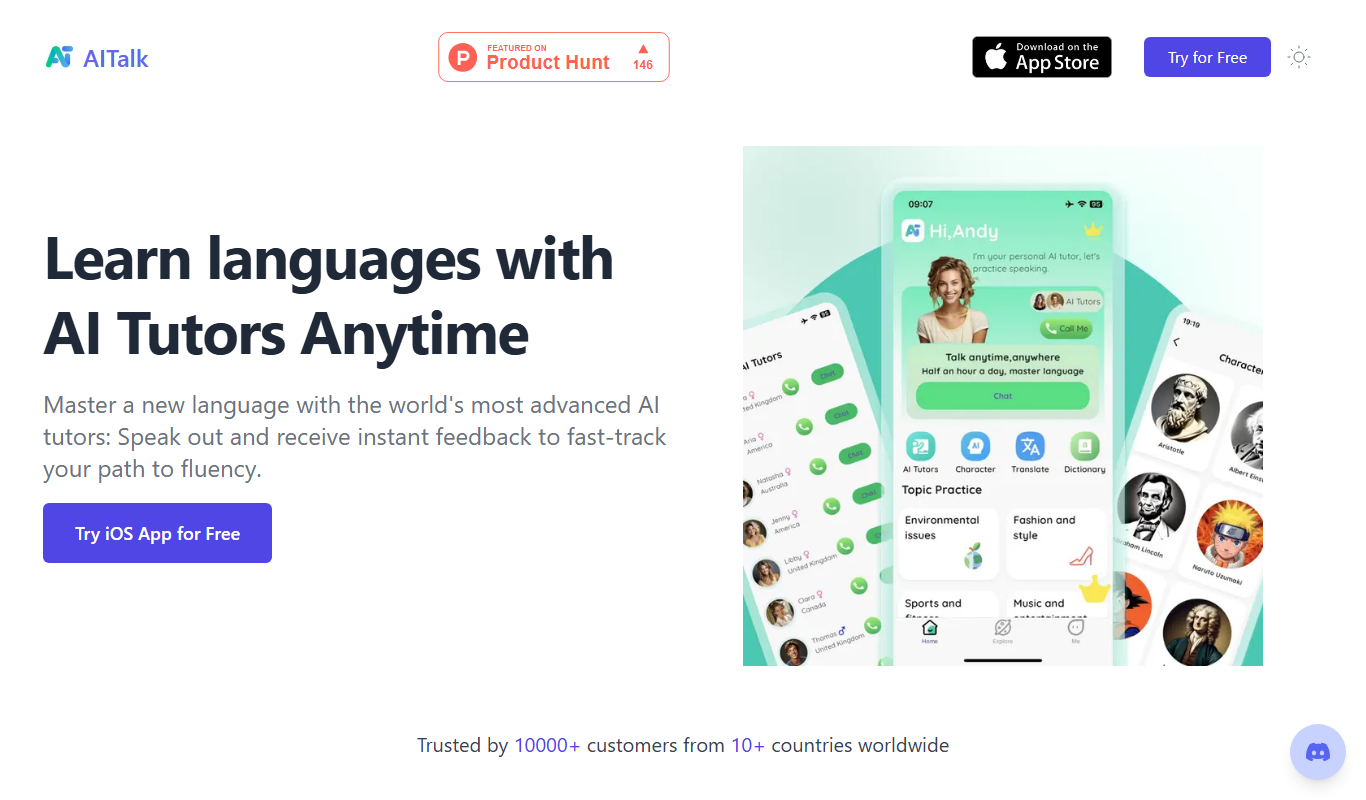
AITalk
AITalk is an AI-powered text-to-speech tool from Japan that converts text into natural, expressive speech with multiple voice options and API support.

Free
notevibes.com
Notevibes is an online text to speech platform offering over 200 natural AI voices across 25+ languages, customizable speech parameters, and high-quality audio downloads for content creation, education, and accessibility.

Custom Pricing
SoundHound
SoundHound's Houndify is a voice AI platform providing speech-to-meaning technology, customizable voice assistants, and multi-language support for developers to integrate conversational AI into apps and devices.
Free Trial
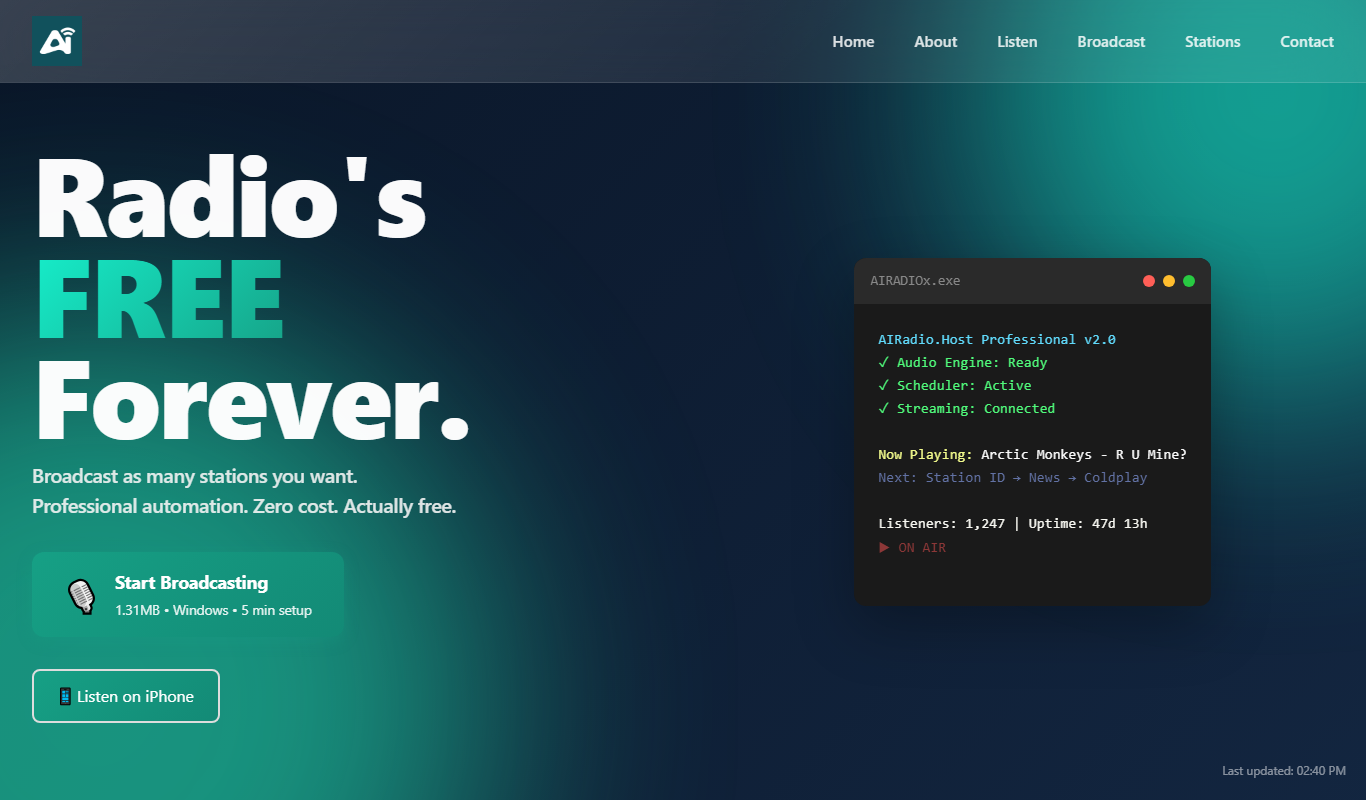
AIRadio.Host
AIRadio.Host is an AI-driven online radio automation platform that enables broadcasters to create, schedule, and manage internet radio stations with ease, supporting both automated playlists and live streaming.

Free Trial
Qlient
Qlient AI is an AI-driven customer support platform that automates helpdesk operations using chatbots and ticket management to enhance customer service efficiency.
Free
ChatGPT Voice Assistant
ChatGPT Voice Assistant is a free Chrome extension that enables users to interact with ChatGPT using voice commands and receive spoken responses, facilitating hands-free AI conversations.

Free
GPT Reader: A Free AI Text-to-Speech
GPT Reader is a free online AI text-to-speech tool that converts English text into natural-sounding speech with multiple voice options and adjustable speed, requiring no signup.
Freemium
Recast
Recast is an AI-driven video editing tool that automates clipping, captioning, and formatting videos for social media, helping creators repurpose content efficiently.