

Lospec Pixel Editor - Free Online Pixel Art Tool for Creators
Lospec Pixel Editor is a free, browser-based pixel art editor designed for creating and animating pixel art with features like layers, animation frames, and curated color palettes.
- Best for
- Pixel Art Creation
- Key capability
- Pixel-Perfect Drawing Tools
Save Lospec Pixel Editor, follow its updates and vote on it — everything stays in your account.
Sign in or create a free account
What is Lospec Pixel Editor?
Lospec Pixel Editor is a free, web-based pixel art editor for creating pixel art and animations directly in the browser. Lospec says the editor is no longer being developed and may contain bugs; it is offered as it is.
Key features of Lospec Pixel Editor
The editor offers a clean, user-friendly interface with features such as a pixel-perfect brush, layers, animation frame management, and palette selection. It supports exporting artwork in common image formats and integrates curated color palettes to enhance pixel art creation.
Pixel-Perfect Drawing Tools
Brushes and erasers designed specifically for precise pixel-level editing.
Layer Support
Multiple layers to organize and separate different parts of your artwork.
Animation Frame Editor
Create and manage multiple frames for pixel animations within the same project.
Curated Color Palettes
Access to a variety of color palettes optimized for pixel art styles.
Web-Based and Free
No installation required; accessible from any browser at no cost.
Pros and cons of Lospec Pixel Editor
Pros
- Completely free and web-based with no installation
- Simple and intuitive interface ideal for beginners
- Supports layers and animation frames
- Includes curated pixel art color palettes
- No account or sign-up required
Cons
- Limited advanced features compared to desktop pixel art software
- No offline or mobile app version available
- Lacks some advanced animation tools
Key use cases for Lospec Pixel Editor
Pixel Art Creation
Create detailed pixel art images and sprites for games, icons, and digital projects using an intuitive online editor.
Game Asset Design
Design and export pixel-based assets suitable for indie game development and retro-style game projects.
Learning and Experimentation
Practice pixel art techniques and experiment with color palettes in a beginner-friendly environment.
Animation Frames
Create frame-by-frame pixel animations by editing individual frames within the editor.
Palette Exploration
Explore and apply curated color palettes optimized for pixel art aesthetics.
How Lospec Pixel Editor works
- 1
Access the Editor
Open the Lospec Pixel Editor website on any modern web browser without needing to sign up.
- 2
Create or Import Artwork
Start a new canvas or import existing pixel art images to edit.
- 3
Use Drawing Tools
Utilize pixel brushes, erasers, fill tools, and layers to create or modify your pixel art.
- 4
Manage Animation Frames
Add and edit frames to create simple pixel animations.
- 5
Export Your Work
Save your pixel art or animations as PNG files for use in games or digital projects.
Who is using Lospec Pixel Editor
Lospec Pixel Editor pricing
Free
$0
Full access to all features with no subscription or payment required.
Plans and prices are as published by the vendor and can change. Check the official site before you buy. Open the pricing page (opens in a new tab)
Frequently asked questions about Lospec Pixel Editor
Yes, the Lospec Pixel Editor is completely free and accessible online without any charges.
No account or sign-up is required to start using the pixel editor.
Yes, the editor supports frame-by-frame animation creation and editing.
You can export your pixel art as PNG files suitable for most digital uses.
It depends on your specific needs and how you plan to use the tool. The official website and documentation are the best sources for the latest details.
Yes, it can help with that use case depending on how you configure it and what features are available. You’ll get the best results with clear inputs and a defined goal.
Some tools offer a free plan or trial with limited features. Availability can vary, so confirm on the official website.
Yes, it can help with that use case depending on how you configure it and what features are available. You’ll get the best results with clear inputs and a defined goal.
Conclusion
Without any sign-up, the editor opens in a modern web browser, where users start a new canvas or import existing pixel art images. Pixel brushes, erasers, fill tools and layers handle the drawing, and frames can be added and edited to create simple pixel animations. Curated color palettes optimized for pixel art styles are included, and finished work can be exported as PNG files.
It is aimed at indie game developers, pixel artists and hobbyists, and students learning pixel art. The editor remains free, but Lospec says it is no longer being developed and may contain bugs.
Sources
Sign in to review this tool.
Sign In to ReviewNo reviews yet
Be the first to share how this tool worked for you.
Ask about pricing, limits, or how it compares — or answer someone else.
Sign In to AskNo questions yet
Have a question about using or paying for this tool? Be the first to ask.
Featured on TiorAI



Alternative Tools
Explore similar AI tools that might fit your needs

Piskel
Piskel is a free, web-based pixel art editor designed for creating static pixel images and animated sprites with features like layers, frames, and onion skinning.
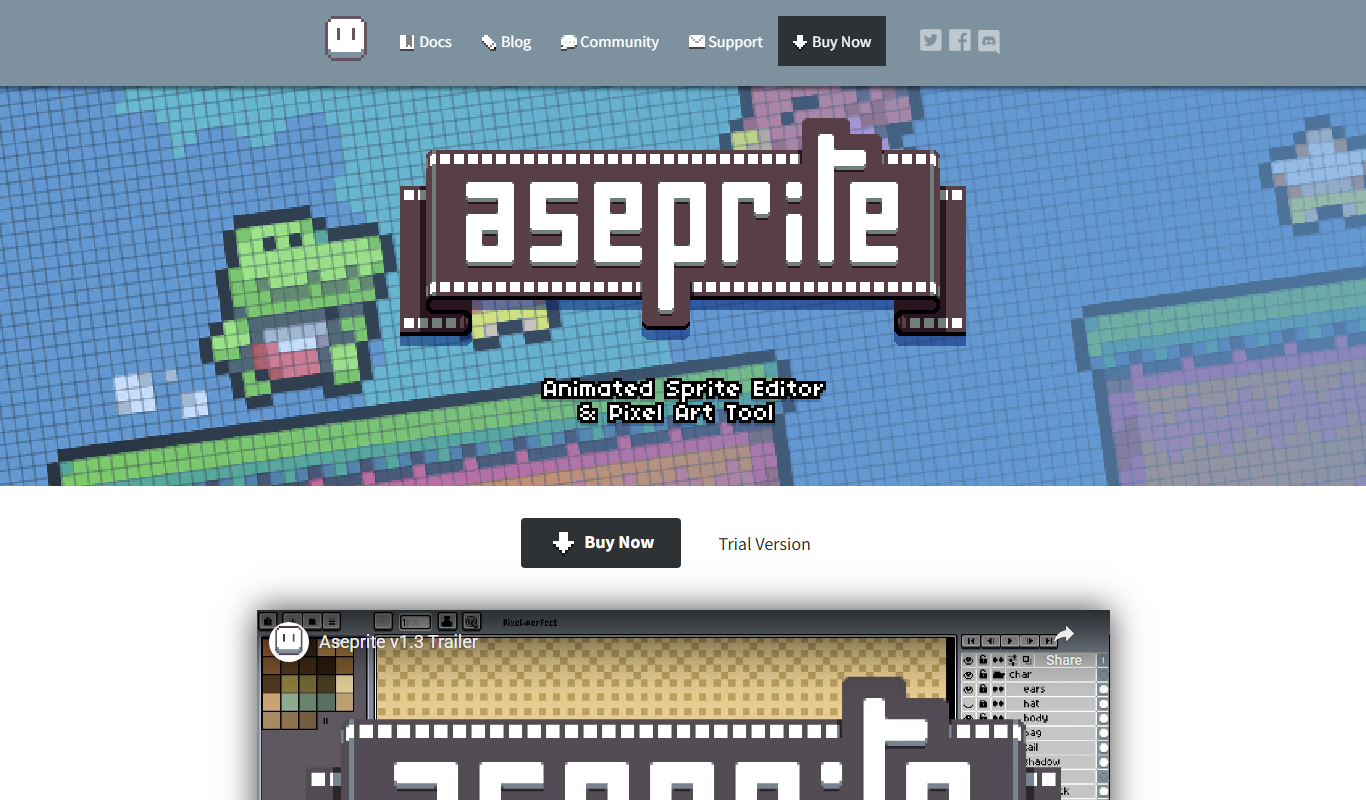
Aseprite
Aseprite is a pixel art editor specialized in creating and animating 2D sprites for games, offering tools like layers, onion skinning, and tilemap editing.
More Art & Creative Design tools
Other tools in the same category, for when this one is not quite the fit.
4K Stogram
4K Stogram is a desktop app that downloads Instagram photos, videos, and stories from public and private accounts for offline use.
Sketchpad
Sketchpad is a free web-based drawing application that supports vector and raster graphics, offering tools for digital illustration, graphic design, and creative projects accessible directly in your browser.

Census GPT
Census GPT lets users search census and crime data for the USA with natural language questions.

ImagineQR – gameofprompts.ai
ImagineQR is a free web-based tool by GameOfPrompts that generates QR codes enhanced with AI-generated images, perfect for creative marketing and social media use.

UXPin
UXPin is a web-based UX design platform that enables interactive prototyping, real-time collaboration, and design system management for teams and individual designers.

ShootProof
ShootProof is a photography client management platform that provides customizable online galleries, client proofing tools, and integrated e-commerce for selling prints and digital downloads.
Nest Cam
Nest Cam is a Google smart security camera providing HD video, AI-powered alerts, night vision, two-way audio, and cloud storage options for home monitoring.

FilterPixel
FilterPixel is an AI-powered photo culling tool that automates the selection of the best photos by analyzing technical quality and facial expressions, saving photographers time and effort.