

Aseprite Pixel Art Editor for Animated Sprites and Game Graphics
Aseprite is a pixel art editor specialized in creating and animating 2D sprites for games, offering tools like layers, onion skinning, and tilemap editing.
- Best for
- Pixel Art Creation
- Key capability
- Frame-by-Frame Animation
Save Aseprite, follow its updates and vote on it — everything stays in your account.
Sign in or create a free account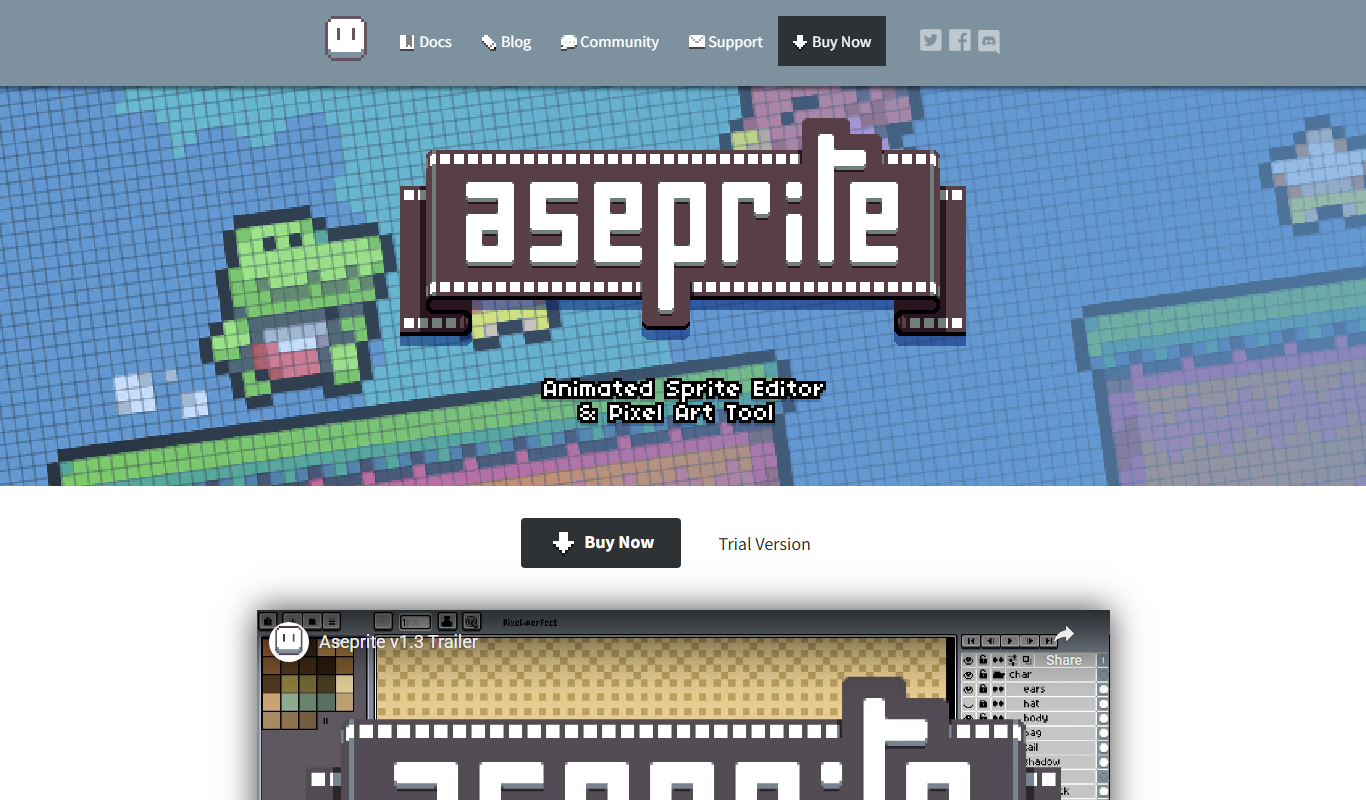
What is Aseprite?
Aseprite is a specialized pixel art editor designed for creating and animating 2D sprites and pixel graphics. It provides artists and game developers with tools tailored to pixel-level editing, frame-by-frame animation, and exporting assets optimized for games and digital projects.
Key features of Aseprite
Aseprite offers a comprehensive suite of pixel art tools including layers, onion skinning for animation, customizable palettes, tilemap support, and export options for sprite sheets and animated GIFs. Its interface is optimized for pixel precision and workflow efficiency.
Frame-by-Frame Animation
Create detailed animations with onion skinning and timeline controls.
Layer Support
Organize artwork with multiple layers including normal, group, and tilemap layers.
Palette Control
Manage and customize color palettes to maintain consistent color usage.
Tilemap Mode
Design tilemaps for game levels with specialized editing tools.
Export Options
Export animations and sprites in various formats including PNG, GIF, and sprite sheets.
Pros and cons of Aseprite
Pros
- Specialized tools for pixel art and animation
- Cross-platform support for Windows, macOS, and Linux
- One-time affordable purchase without subscription
- Active community and extensive tutorials
- Supports tilemaps and palette management
Cons
- Limited vector or high-resolution graphic support
- No mobile or web app versions
Key use cases for Aseprite
Pixel Art Creation
Design and edit pixel art graphics for games, icons, and digital art projects.
Sprite Animation
Create frame-by-frame animations for characters, objects, and effects in 2D games.
Game Asset Design
Develop and export optimized assets for use in game engines and interactive media.
Tilemap Editing
Build and edit tilemaps for level design and environment creation in pixel art style.
Palette Management
Manage and customize color palettes to maintain consistent art style and color usage.
How Aseprite works
- 1
Download and Install
Purchase and download Aseprite from the official website, then install it on your computer.
- 2
Create or Import Artwork
Start a new pixel art project or import existing images to edit and animate.
- 3
Use Pixel Art Tools
Utilize drawing tools, layers, and palettes to create detailed pixel art.
- 4
Animate Sprites
Create frame-by-frame animations using the timeline and onion skinning features.
- 5
Export Assets
Export your artwork as sprite sheets, GIFs, or individual frames for use in games or other projects.
Who is using Aseprite
Aseprite pricing
One-time Purchase
$19.99
Full access to Aseprite with all features and updates.
Plans and prices are as published by the vendor and can change. Check the official site before you buy. Open the pricing page (opens in a new tab)
Frequently asked questions about Aseprite
Yes, Aseprite has an intuitive interface and many tutorials available, making it accessible for beginners.
Aseprite supports Windows, macOS, and Linux platforms.
Yes, it includes frame-by-frame animation tools with onion skinning and timeline editing.
Aseprite offers a Trial Version, and its source code is available on GitHub.
This tool is designed to help users accomplish its core tasks more efficiently. It is typically used by individuals or teams looking to improve productivity and workflow.
Some tools offer a free plan or trial with limited features. Availability can vary, so confirm on the official website.
Yes, it can help with that use case depending on how you configure it and what features are available. You’ll get the best results with clear inputs and a defined goal.
Yes, it can help with that use case depending on how you configure it and what features are available. You’ll get the best results with clear inputs and a defined goal.
Conclusion
Pixel-level editing sets the scope of Aseprite, a manual editor for creating and animating 2D sprites and pixel graphics rather than an AI generator. It runs on Windows, macOS and Ubuntu. Artwork is built with drawing tools, layers and palettes, including group and tilemap layers, and animations are made frame by frame with a timeline and onion skinning.
Specialized tilemap editing tools help design game levels. Finished work exports as sprite sheets, GIFs or individual frames for use in games or other projects. It is designed for indie game developers, pixel artists and animators, and game asset creators.
Besides the paid version, a Trial Version is available and the source code is on GitHub.
Sources
Sign in to review this tool.
Sign In to ReviewNo reviews yet
Be the first to share how this tool worked for you.
Ask about pricing, limits, or how it compares — or answer someone else.
Sign In to AskNo questions yet
Have a question about using or paying for this tool? Be the first to ask.
Featured on TiorAI



Alternative Tools
Explore similar AI tools that might fit your needs

Piskel
Piskel is a free, web-based pixel art editor designed for creating static pixel images and animated sprites with features like layers, frames, and onion skinning.
More Art & Creative Design tools
Other tools in the same category, for when this one is not quite the fit.

ImagineQR – gameofprompts.ai
ImagineQR is a free web-based tool by GameOfPrompts that generates QR codes enhanced with AI-generated images, perfect for creative marketing and social media use.

UXPin
UXPin is a web-based UX design platform that enables interactive prototyping, real-time collaboration, and design system management for teams and individual designers.

ShootProof
ShootProof is a photography client management platform that provides customizable online galleries, client proofing tools, and integrated e-commerce for selling prints and digital downloads.
Nest Cam
Nest Cam is a Google smart security camera providing HD video, AI-powered alerts, night vision, two-way audio, and cloud storage options for home monitoring.

FilterPixel
FilterPixel is an AI-powered photo culling tool that automates the selection of the best photos by analyzing technical quality and facial expressions, saving photographers time and effort.
Piktochart
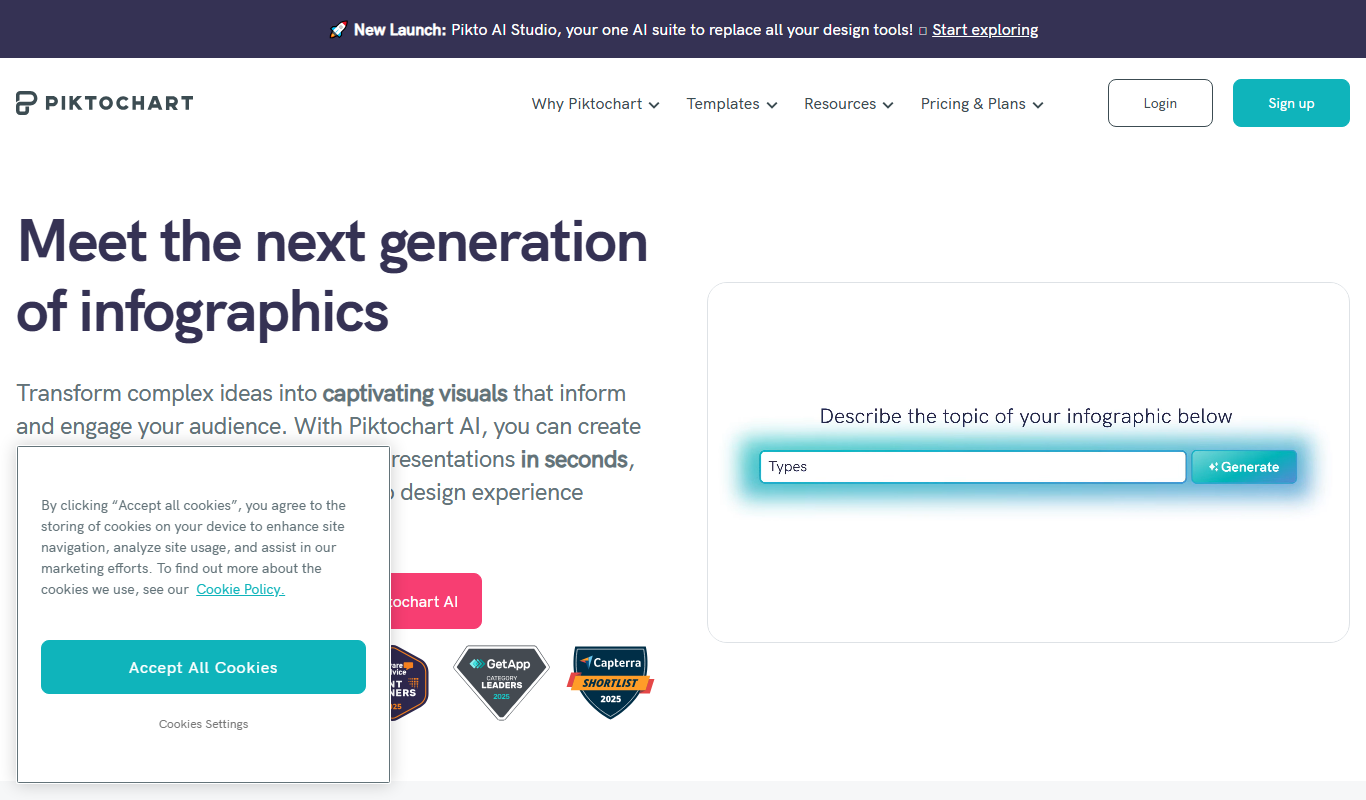
Piktochart is a web-based tool that helps users create infographics, presentations, and reports using customizable templates and an easy drag-and-drop editor.

Tailwind
Tailwind CSS is a utility-first CSS framework that enables developers to build custom, responsive web interfaces quickly by using atomic CSS classes directly in markup.

Midjourney Prime & Style
Midjourney Prime & Style is a Notion template that automates your Midjourney prompts and manages your image library.