

From my experience with Nest Cam, it stands out for its reliable AI-powered detection and seamless integration with the Google ecosystem, making home security accessible and intuitive. The video quality and night vision are impressive, providing peace of mind around the clock. However, to access full video history and advanced features, a Nest Aware subscription is necessary, which adds to the ongoing cost. Overall, if you want a smart, easy-to-use security camera that works well with Google Assistant and offers solid AI alerts, Nest Cam is a strong choice.
Nest Cam Smart Home Security Camera with AI-Powered Features
Nest Cam is a Google smart security camera providing HD video, AI-powered alerts, night vision, two-way audio, and cloud storage options for home monitoring.
- Best for
- Home Security Monitoring
- Key capability
- HD Video Streaming
Your actions
Save Nest Cam, follow its updates and vote on it — everything stays in your account.
Sign in or create a free account
What is Nest Cam?
Nest Cam is a smart home security camera developed by Google that provides high-definition video monitoring, AI-powered alerts, and seamless integration with Google Assistant. It helps users keep their homes safe by detecting motion, recognizing people, and sending real-time notifications to smartphones and other devices.
Key features of Nest Cam
Key features include 24/7 live streaming, intelligent alerts with person detection, night vision, two-way audio communication, and cloud storage options through Nest Aware subscription plans.
HD Video Streaming
Provides crisp 1080p or higher resolution video for clear monitoring.
AI-Powered Alerts
Detects people, motion, and sound to reduce false alarms.
Night Vision
Infrared LEDs enable clear video in complete darkness.
Two-Way Audio
Allows users to listen and speak through the camera remotely.
Cloud Storage with Nest Aware
Offers continuous video recording and event history via subscription.
Google Assistant Integration
Control cameras and view feeds using voice commands.
Pros and cons of Nest Cam
Pros
- High-quality video with reliable AI detection
- Easy integration with Google ecosystem
- Flexible cloud storage options
- User-friendly mobile app
- Effective night vision capabilities
Cons
- Subscription required for full video history
- Higher upfront cost compared to some competitors
- Limited third-party smart home integrations
Key use cases for Nest Cam
Home Security Monitoring
Monitor your home in real-time with HD video and receive alerts for unusual activity.
Package and Delivery Surveillance
Keep an eye on package deliveries and prevent theft with motion detection and notifications.
Pet and Family Monitoring
Check on pets or family members remotely through live video and two-way audio.
Nighttime Surveillance
Use built-in night vision to monitor your property even in low-light conditions.
Voice Assistant Integration
Control and view camera feeds using Google Assistant voice commands.
How Nest Cam works
- 1
Setup and Installation
Install the Nest Cam indoors or outdoors and connect it to your Wi-Fi network.
- 2
Connect to Google Home App
Use the Google Home app to configure settings, view live video, and receive alerts.
- 3
Enable AI Detection
Activate intelligent alerts to get notified about people, motion, or sound events.
- 4
Monitor and Control
Access live feeds anytime via mobile or web, and communicate through two-way audio.
Who is using Nest Cam
Homeowners seeking smart security solutions
Renters wanting easy-to-install cameras
Pet owners monitoring pets remotely
Small business owners needing surveillance
Tech-savvy users invested in Google ecosystem
Nest Cam pricing
Nest Cam Device
One-time purchase starting at $99
Purchase the camera hardware with no monthly fee required.
Nest Aware Basic
$6/month
Provides 30 days of event video history and intelligent alerts.
Nest Aware Plus
$12/month
Includes 60 days of event video history and 10 days of 24/7 video history.
Plans and prices are as published by the vendor and can change. Check the official site before you buy. Open the pricing page (opens in a new tab)
Frequently asked questions about Nest Cam
Yes, you can use live streaming and receive basic alerts without a subscription, but video history requires Nest Aware.
Yes, certain Nest Cam models are weather-resistant and designed for outdoor use.
Most Nest Cam models support two-way audio, allowing communication through the camera.
Nest Cam works with iOS and Android devices via the Google Home app and can be accessed on web browsers.
It depends on your specific needs and how you plan to use the tool. The official website and documentation are the best sources for the latest details.
Yes, it can help with that use case depending on how you configure it and what features are available. You’ll get the best results with clear inputs and a defined goal.
It depends on your specific needs and how you plan to use the tool. The official website and documentation are the best sources for the latest details.
Sign in to review this tool.
Sign In to ReviewNo reviews yet
Be the first to share how this tool worked for you.
Ask about pricing, limits, or how it compares — or answer someone else.
Sign In to AskNo questions yet
Have a question about using or paying for this tool? Be the first to ask.
Featured on TiorAI



More AI Photography tools
Other tools in the same category, for when this one is not quite the fit.

One-time purchase
ProCam 8
ProCam - Pro Camera, formerly ProCam 8, is a camera app from Tinkerworks Apps sold for $9.99 as a one-time purchase, with paid in-app add-ons.

Free
Pixieset
Pixieset is a photography platform that helps photographers create portfolio websites, deliver client galleries, and sell prints and digital downloads with integrated e-commerce.

Free Trial
LumaBooth
LumaBooth is a professional photo booth software that enables event photographers and marketers to create customizable photo experiences with green screen backgrounds, GIF and video capture, and instant social media sharing on MacOS, Windows, and iPad platforms.
Free Trial
Simple Booth
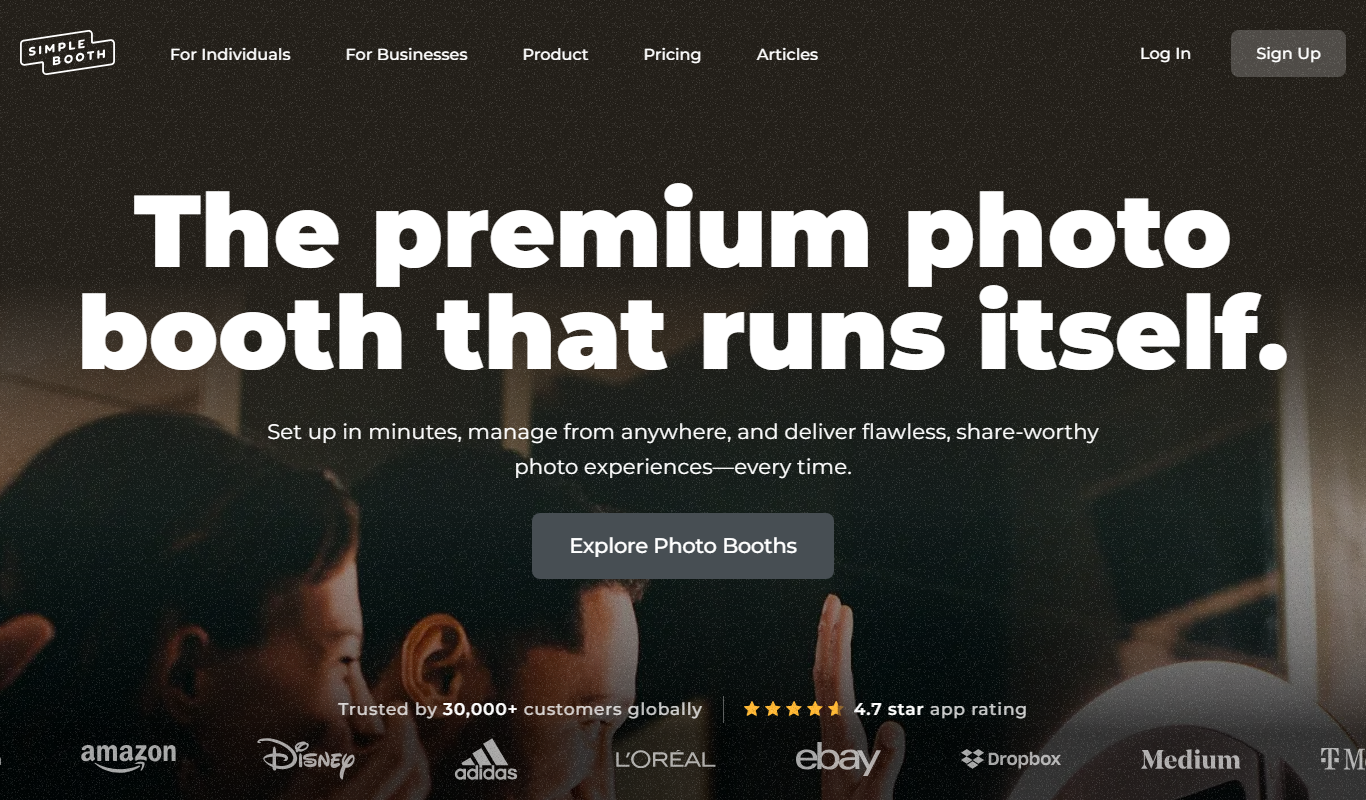
Simple Booth is a photo booth software platform that enables event organizers to create customizable photo and video experiences for in-person and virtual events, with social media sharing and real-time analytics.

Free
ImgBB
ImgBB is a free online image hosting service that allows users to upload, store, and share images with direct links and embed codes, supporting multiple file formats and optional account features.

Free
Postimages
Postimages is a free online image hosting service that allows users to upload images quickly without registration, providing multiple link formats for sharing and embedding images on forums, websites, and social media.

Free Trial
Zenfolio
Zenfolio is a photography-focused website builder that offers portfolio creation, client proofing galleries, and integrated e-commerce for selling prints and digital downloads.
Free Trial
SmugMug
SmugMug is an online platform offering unlimited photo and video storage, customizable galleries, client proofing, and e-commerce tools for photographers and creatives.