

From my experience with LumaBooth, it stands out as a highly flexible and user-friendly photo booth software tailored for event photographers and marketers. The ability to customize templates and integrate green screen backgrounds allows for creative and branded photo experiences. Its support for GIF and video capture, along with instant social media sharing, makes it a powerful tool to boost event engagement. However, the pricing might be a consideration for casual users, and the software currently supports only English. Overall, if you are organizing events and want to offer interactive photo experiences with marketing potential, LumaBooth is a solid choice.
LumaBooth Photo Booth Software for Event Photography and Marketing
LumaBooth is a professional photo booth software that enables event photographers and marketers to create customizable photo experiences with green screen backgrounds, GIF and video capture, and instant social media sharing on MacOS, Windows, and iPad platforms.
- Best for
- Event Photography
- Key capability
- Customizable Templates
Your actions
Save LumaBooth, follow its updates and vote on it — everything stays in your account.
Sign in or create a free account
What is LumaBooth?
LumaBooth is a professional photo booth software designed for event photographers and marketers. It enables users to create engaging photo booth experiences with customizable templates, green screen technology, GIF and video capture, and instant social media sharing. The software supports MacOS, Windows, and iPad platforms, making it versatile for various event setups.
Key features of LumaBooth
LumaBooth offers customizable photo templates, green screen background replacement, GIF and video capture, instant social media sharing, and branding tools to enhance event photography and marketing efforts.
Customizable Templates
Design and use personalized photo layouts and overlays to match event themes or branding.
Green Screen Support
Replace backgrounds with custom images for creative photo booth experiences.
GIF and Video Capture
Create animated GIFs and short videos in addition to still photos.
Instant Social Sharing
Allow guests to share their photos and GIFs directly to social media platforms.
Branding Tools
Add logos, watermarks, and custom messages to photos for marketing purposes.
Pros and cons of LumaBooth
Pros
- User-friendly interface suitable for event photographers
- Supports multiple platforms including iPad
- Robust customization options for branding and templates
- Includes GIF and video capture features
- Instant social media sharing enhances event engagement
Cons
- Pricing may be high for casual users
- Limited language support (English only)
- No disclosed AI technology stack
Key use cases for LumaBooth
Event Photography
Capture high-quality photos at events such as weddings, corporate gatherings, and parties using customizable photo booth setups.
Marketing and Brand Engagement
Engage event attendees and promote brands by integrating logos, custom overlays, and social media sharing features.
Social Media Sharing
Enable instant sharing of photos and GIFs to social media platforms, increasing event visibility and participant interaction.
Customizable Photo Experiences
Create personalized photo booth experiences with features like green screen backgrounds, GIF creation, and video recording.
How LumaBooth works
- 1
Install Software
Download and install LumaBooth on your Mac, Windows PC, or iPad.
- 2
Set Up Photo Booth
Connect your camera and configure settings such as templates, backgrounds, and branding overlays.
- 3
Capture Photos or GIFs
Guests use the photo booth interface to take photos, create GIFs, or record videos.
- 4
Share and Save
Photos and GIFs can be instantly shared on social media or saved for later use.
Who is using LumaBooth
Event photographers
Marketing agencies
Wedding planners
Corporate event organizers
Social media marketers
LumaBooth pricing
Free Trial
$0
Limited access to features for evaluation purposes.
Monthly Subscription
$39/month
Full access to all features with ongoing updates and support.
Annual Subscription
$399/year
Discounted rate for yearly commitment with full feature access.
Plans and prices are as published by the vendor and can change. Check the official site before you buy. Open the pricing page (opens in a new tab)
Frequently asked questions about LumaBooth
LumaBooth supports MacOS, Windows, and iPad devices.
Yes, you can fully customize templates, overlays, and use green screen backgrounds.
Yes, guests can instantly share photos and GIFs to popular social media platforms.
Yes, LumaBooth offers a free trial with limited features.
This tool is designed to help users accomplish its core tasks more efficiently. It is typically used by individuals or teams looking to improve productivity and workflow.
Yes, it can help with that use case depending on how you configure it and what features are available. You’ll get the best results with clear inputs and a defined goal.
Yes, it can help with that use case depending on how you configure it and what features are available. You’ll get the best results with clear inputs and a defined goal.
Some tools offer a free plan or trial with limited features. Availability can vary, so confirm on the official website.
Sign in to review this tool.
Sign In to ReviewNo reviews yet
Be the first to share how this tool worked for you.
Ask about pricing, limits, or how it compares — or answer someone else.
Sign In to AskNo questions yet
Have a question about using or paying for this tool? Be the first to ask.
Featured on TiorAI



Alternative Tools
Explore similar AI tools that might fit your needs
Free Trial
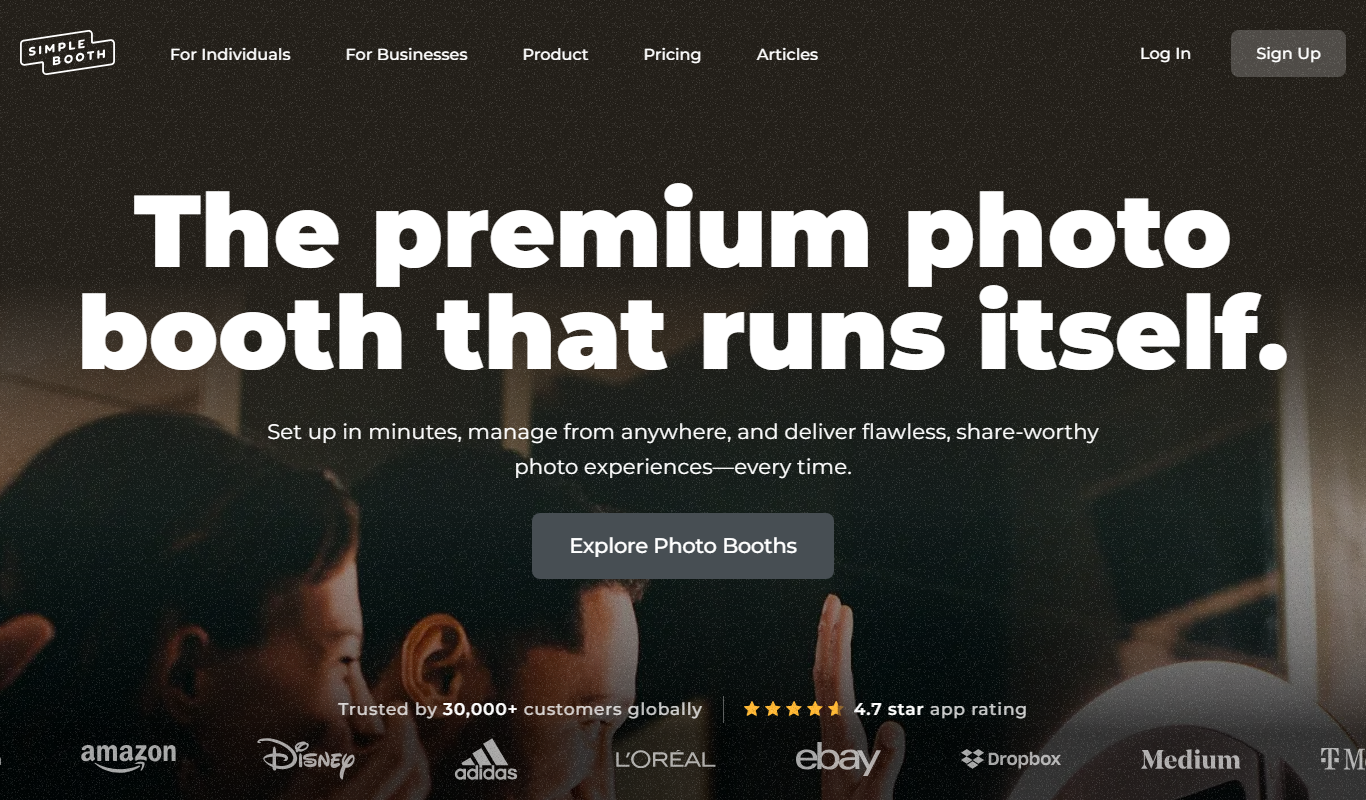
Simple Booth
Simple Booth is a photo booth software platform that enables event organizers to create customizable photo and video experiences for in-person and virtual events, with social media sharing and real-time analytics.
More AI Photography tools
Other tools in the same category, for when this one is not quite the fit.

Free
MakePassportPhoto.com
MakePassportPhoto.com is an online tool that helps users create official passport and ID photos by uploading a photo, automatically removing the background, resizing, and formatting it to meet country-specific requirements.
Free
IDPhoto4You
IDPhoto4You is a free online tool that helps you create passport, visa, and ID photos compliant with official standards by automatically resizing, cropping, and removing backgrounds.

Free
Passport Photo Online
Passport Photo Online is a web tool that helps users create passport, visa, and ID photos compliant with official standards by automating background removal, cropping, and formatting.

Free Trial
PTGui
PTGui is a professional panorama stitching software that creates seamless 360-degree and HDR panoramic images by combining multiple photos with advanced alignment and blending tools.

Free
L’Oreal Virtual Try-On
L’Oreal Virtual Try-On is a free AI-powered augmented reality tool that lets users virtually apply and test makeup products in real-time via web or mobile app, enhancing online beauty shopping.

Custom Pricing
ModiFace
ModiFace is an augmented reality platform that enables realistic virtual makeup try-on and beauty simulations using advanced face tracking and 3D modeling technology.

Pay Per Product
Nations Photo Lab
Nations Photo Lab is an online service offering professional photo prints and custom photo products with a user-friendly web interface and fast shipping.

Pay As You Go
EyeSpy360
EyeSpy360 is a cloud-based platform that enables users to create interactive 360-degree virtual tours for real estate, architecture, and marketing purposes without needing specialized hardware or software.