

Little Author App for Kids: Creative Storytelling and Writing Tool
Little Author is an app from Blue Giraffe Labs that builds children's stories with AI from the 5Ws questions.
- Best for
- Creative Storytelling for Kids
- Key capability
- User-Friendly Interface
Save Little Author, follow its updates and vote on it — everything stays in your account.
Sign in or create a free account
What is Little Author?
Little Author is an app from Blue Giraffe Labs on Google Play that builds children’s stories with AI from the 5Ws questions.
Key features of Little Author
The app generates the story and illustrations with AI after the user enters the 5Ws and How.
User-Friendly Interface
Designed specifically for children with simple navigation and colorful design.
AI Story and Illustrations
The app generates the story and illustrations with AI after the user enters the 5Ws and How.
Voice Recording
Enables narration of stories to improve oral language skills.
Story Gallery
Organizes and stores stories for easy access and review.
Safe Sharing Options
Provides controlled sharing features to protect children's privacy.
Pros and cons of Little Author
Pros
- Encourages creativity and literacy in children
- Simple and engaging interface tailored for kids
- Includes voice narration to support reading skills
Cons
- Limited language support (English only)
- Some features require a paid subscription
Key use cases for Little Author
Creative Storytelling for Kids
Enables children to create and illustrate their own stories, fostering imagination and narrative skills.
Educational Writing Practice
Supports young learners in practicing writing through interactive and engaging story creation.
Digital Literacy Development
Introduces children to digital tools for writing and creativity, enhancing their comfort with technology.
Parental and Teacher Engagement
Allows adults to guide and encourage children's writing progress through shared stories.
How Little Author works
- 1
Download and Install
Get the Little Author app from the App Store or Google Play and install it on your device.
- 2
Create a New Story
Enter the 5Ws and How, and the app generates the story and illustrations with AI.
- 3
Add Voice Narration
Record your voice to narrate the story, enhancing engagement and reading skills.
- 4
Save and Share
Save completed stories in the app’s gallery and share them with family or teachers.
Who is using Little Author
Little Author pricing
Free
$0
Basic story creation features with limited storage and sharing options.
Premium
$4.99/month
Full access to all features including unlimited stories, advanced tools, and enhanced sharing.
Plans and prices are as published by the vendor and can change. Check the official site before you buy. Open the pricing page (opens in a new tab)
Frequently asked questions about Little Author
The app is primarily designed for children aged 5 to 12, but younger or older kids can also enjoy it with guidance.
Yes, stories can be shared via email or social media with parental controls in place.
Basic story creation works offline, but sharing and updates require internet connectivity.
It depends on your specific needs and how you plan to use the tool. The official website and documentation are the best sources for the latest details.
Yes, it can help with that use case depending on how you configure it and what features are available. You’ll get the best results with clear inputs and a defined goal.
Some tools offer a free plan or trial with limited features. Availability can vary, so confirm on the official website.
Conclusion
Answers to the 5Ws and How are the starting input, and from them the app generates the story and its illustrations with AI. It is published on Google Play by Blue Giraffe Labs.
Voice recording enables narration of stories to improve oral language skills. Finished stories are kept in a story gallery for easy access and review. It is designed for parents looking for educational apps, elementary school teachers and after-school program coordinators. Children aged 5 to 12 are the primary age group, although younger or older kids can use it with guidance.
Sources
Sign in to review this tool.
Sign In to ReviewNo reviews yet
Be the first to share how this tool worked for you.
Ask about pricing, limits, or how it compares — or answer someone else.
Sign In to AskNo questions yet
Have a question about using or paying for this tool? Be the first to ask.
Featured on TiorAI



Alternative Tools
Explore similar AI tools that might fit your needs
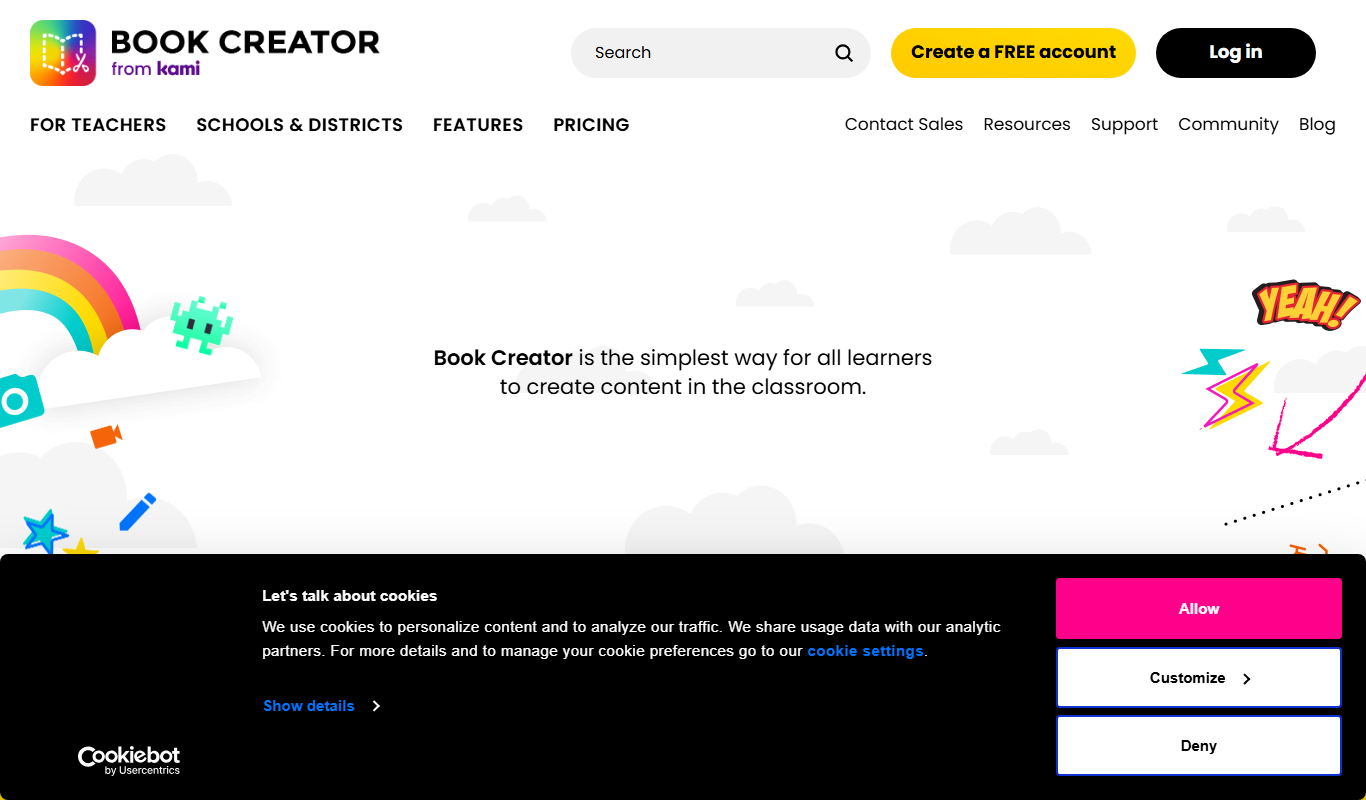
Book Creator
Book Creator is a digital platform for creating interactive ebooks and multimedia books, widely used in education for collaborative and accessible content creation.
Puppet Pals
Puppet Pals is an iOS app that enables users, especially children and educators, to create animated stories and puppet shows by selecting characters, backgrounds, and recording dialogue with a simple drag-and-drop interface.
More AI Background Generator tools
Other tools in the same category, for when this one is not quite the fit.

Patterninja
Patterninja is a free web-based tool for creating seamless, repeatable patterns and backgrounds with an easy drag-and-drop interface and export options in PNG and SVG.

Cool Backgrounds
Cool Backgrounds is a free web tool that uses AI to generate customizable gradients, patterns, and abstract backgrounds for websites and social media.

Favicon Helper
Favicon Helper is a free web tool that allows you to generate and convert favicons in multiple formats like ICO, PNG, GIF, and JPG quickly and without registration.

Wallhaven
Wallhaven is a free online platform offering a vast collection of high-quality HD and 4K wallpapers for desktops and mobile devices, featuring advanced search filters and community uploads.

Get Waves
Get Waves is a free online tool that generates customizable SVG wave backgrounds for web and graphic design, allowing users to adjust wave complexity, colors, and orientation with real-time preview and export options.
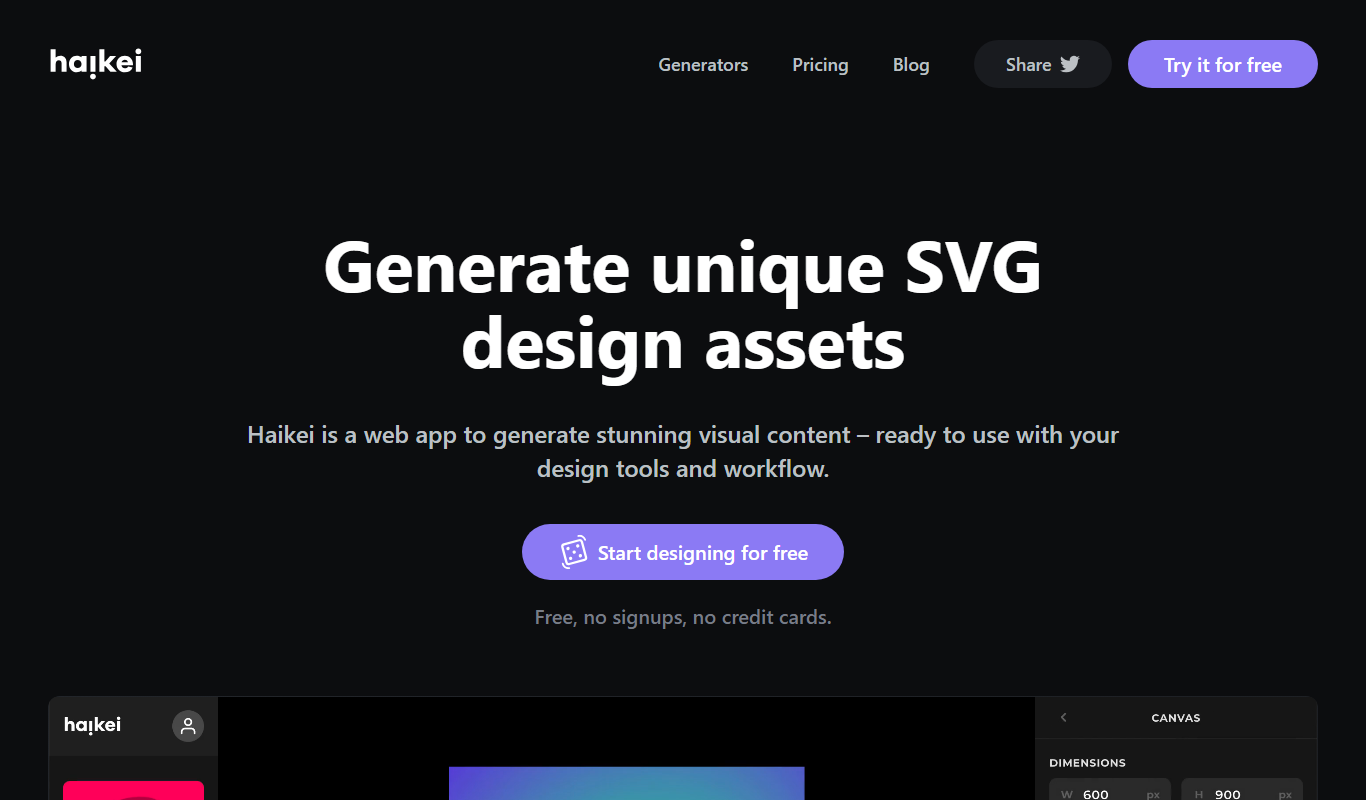
Haikei
Haikei is a free web-based generator of random SVG shapes and backgrounds built from adjustable parameters, with unlimited downloads.
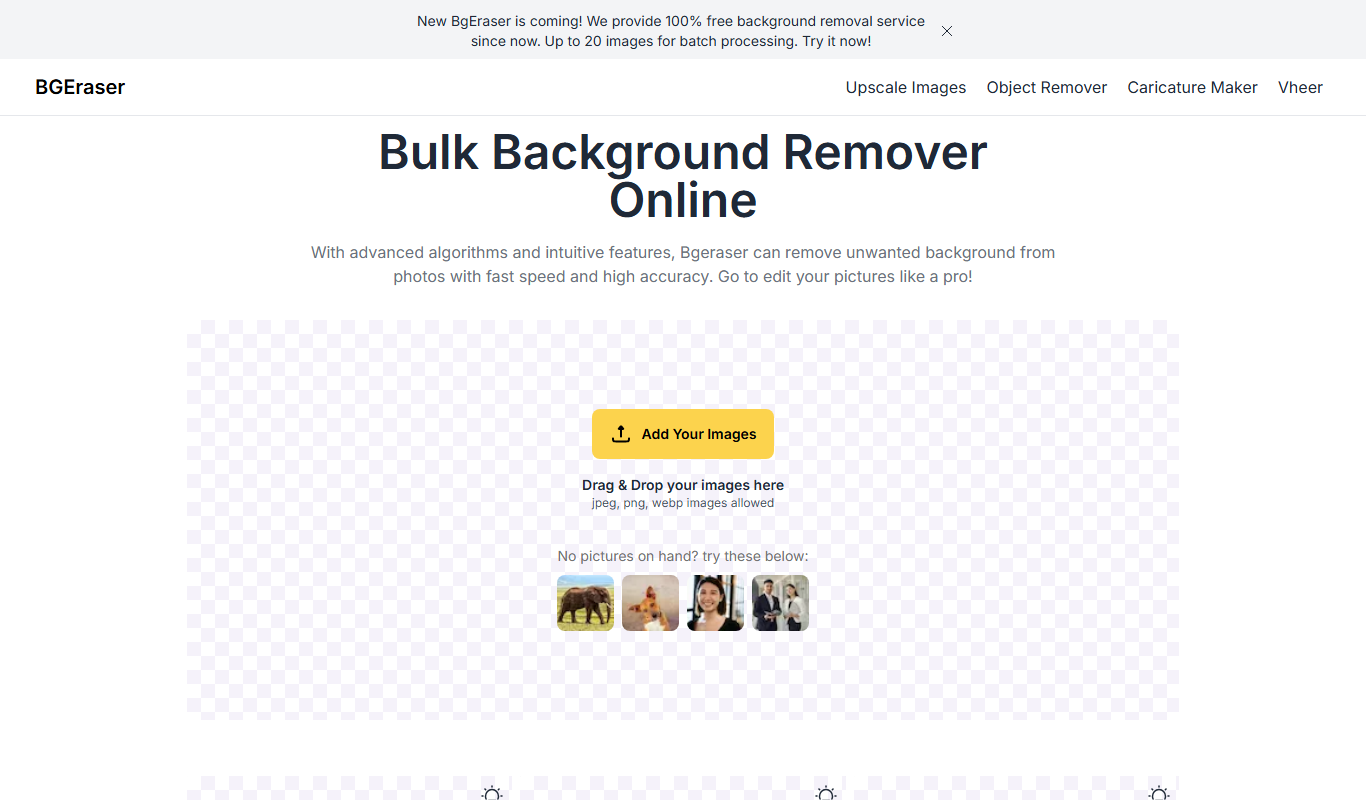
Bg.Eraser
Bg.Eraser is an AI-based online tool that automatically removes backgrounds from images, providing transparent PNG outputs suitable for e-commerce, design, and content creation.
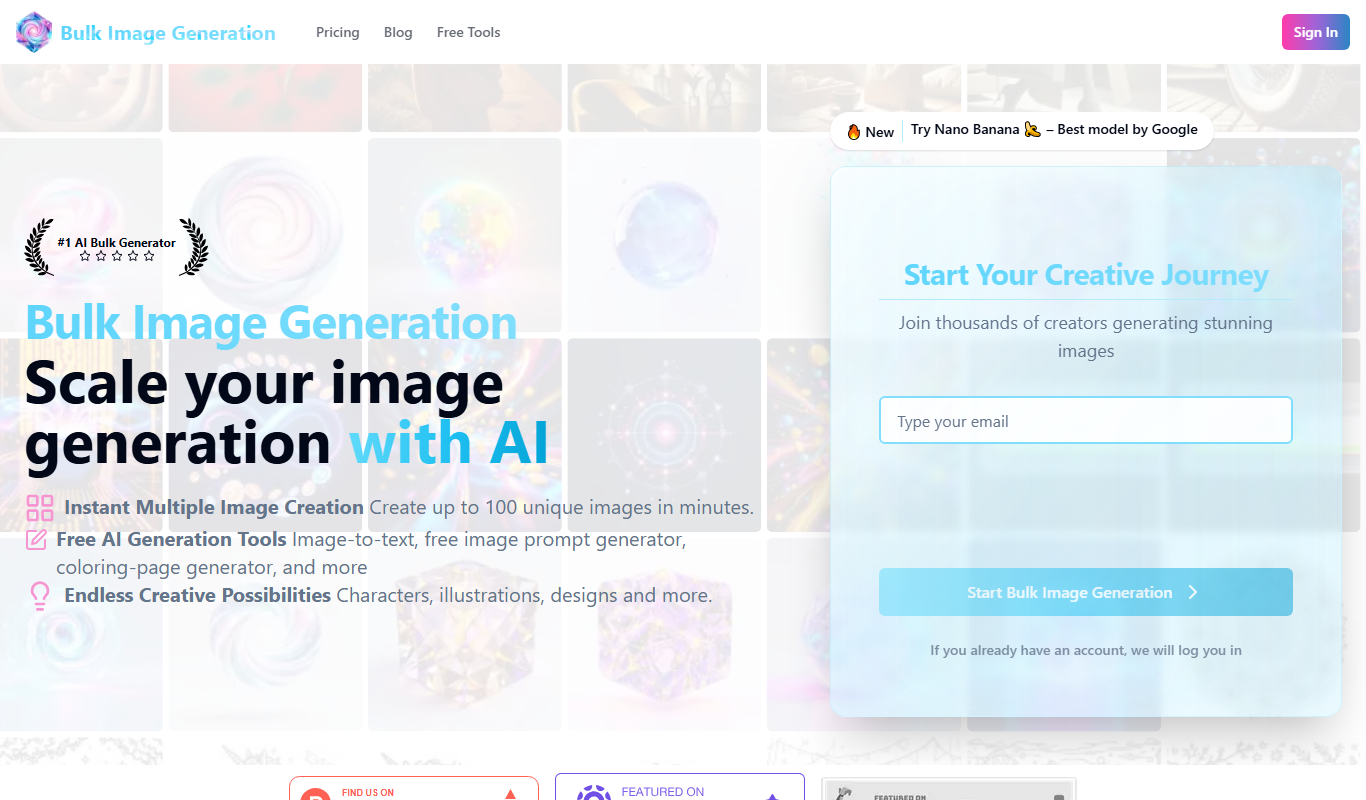
Bulk Image Generation
Bulk Image Generation is an AI tool that allows users to create large batches of images from text prompts quickly, with options for customization and API integration.