

Wallhaven Wallpaper Platform for High-Quality HD and 4K Backgrounds
Wallhaven is a free online platform offering a vast collection of high-quality HD and 4K wallpapers for desktops and mobile devices, featuring advanced search filters and community uploads.
- Best for
- Desktop and Mobile Wallpapers
- Key capability
- High-Resolution Wallpapers
Save Wallhaven, follow its updates and vote on it — everything stays in your account.
Sign in or create a free account
What is Wallhaven?
Wallhaven is a free online platform dedicated to providing a vast collection of high-quality wallpapers and backgrounds. It serves as a community-driven repository where users can browse, search, and download HD and 4K images for personal use on desktops, laptops, and mobile devices. Wallhaven emphasizes quality and diversity, offering wallpapers across various themes and styles.
Key features of Wallhaven
Wallhaven offers powerful search filters, user-uploaded content, high-resolution downloads, and a clean, user-friendly interface. It supports community features such as favorites, collections, and tagging to help users organize and discover wallpapers efficiently.
High-Resolution Wallpapers
Access to a large library of HD and 4K wallpapers suitable for various screen sizes.
Advanced Search Filters
Filter wallpapers by resolution, aspect ratio, color, category, and popularity.
Community Contributions
Users can upload and share their own wallpapers, enriching the collection.
Favorites and Collections
Save and organize wallpapers into personal collections for easy access.
Clean and Intuitive Interface
User-friendly design that makes browsing and downloading wallpapers straightforward.
Pros and cons of Wallhaven
Pros
- Extensive collection of high-quality wallpapers
- Powerful search and filtering options
- Free to use with no hidden costs
- Community-driven content and sharing
- Simple and clean user interface
Cons
- No mobile app available, web-only platform
- Limited information about company or origin
- No direct AI generation features, purely a wallpaper repository
Key use cases for Wallhaven
Desktop and Mobile Wallpapers
Users can find and download high-quality wallpapers for their desktop or mobile devices.
Creative Backgrounds for Design
Designers and artists can use Wallhaven’s extensive wallpaper collection as backgrounds or inspiration for creative projects.
Community Sharing and Curation
Users can upload, share, and curate wallpaper collections, fostering a community around high-quality image sharing.
Image Search and Discovery
Advanced search and filtering options allow users to discover wallpapers by resolution, color, category, and popularity.
How Wallhaven works
- 1
Browse or Search Wallpapers
Users can explore featured wallpapers or use the search bar with filters like resolution, color, and category.
- 2
Select and Download
After finding a wallpaper, users can view details and download the image in their preferred resolution.
- 3
Create an Account (Optional)
Registering allows users to save favorites, create collections, and upload wallpapers.
- 4
Upload and Share
Community members can upload their own wallpapers to share with others.
Who is using Wallhaven
Wallhaven pricing
Free
$0
Full access to browse, download, and upload wallpapers without cost.
Plans and prices are as published by the vendor and can change. Check the official site before you buy. Open the pricing page (opens in a new tab)
Frequently asked questions about Wallhaven
Yes, Wallhaven is completely free to browse, download, and upload wallpapers.
No, you can download wallpapers without an account, but registering allows you to save favorites and upload images.
Yes, registered users can upload wallpapers to share with the community.
Wallhaven curates high-quality images, but users should verify copyright if using wallpapers for commercial purposes.
Yes, it can help with that use case depending on how you configure it and what features are available. You’ll get the best results with clear inputs and a defined goal.
It depends on your specific needs and how you plan to use the tool. The official website and documentation are the best sources for the latest details.
It depends on your specific needs and how you plan to use the tool. The official website and documentation are the best sources for the latest details.
Conclusion
Built around community uploads, Wallhaven lets registered members share wallpapers while anyone can browse, search and download HD and 4K images. Searches can be narrowed by resolution, aspect ratio, color, category and popularity, and each image can be downloaded in the preferred resolution. An account is optional for downloading but needed to save favorites, create collections and upload.
Browsing, downloading and uploading are free, and the site is purely a wallpaper repository without AI generation. The collection serves desktop and mobile users seeking wallpapers as well as graphic designers and digital artists looking for backgrounds or inspiration for creative projects. For commercial purposes, verifying copyright is left to the user.
Sources
Sign in to review this tool.
Sign In to ReviewNo reviews yet
Be the first to share how this tool worked for you.
Ask about pricing, limits, or how it compares — or answer someone else.
Sign In to AskNo questions yet
Have a question about using or paying for this tool? Be the first to ask.
Featured on TiorAI



Alternative Tools
Explore similar AI tools that might fit your needs
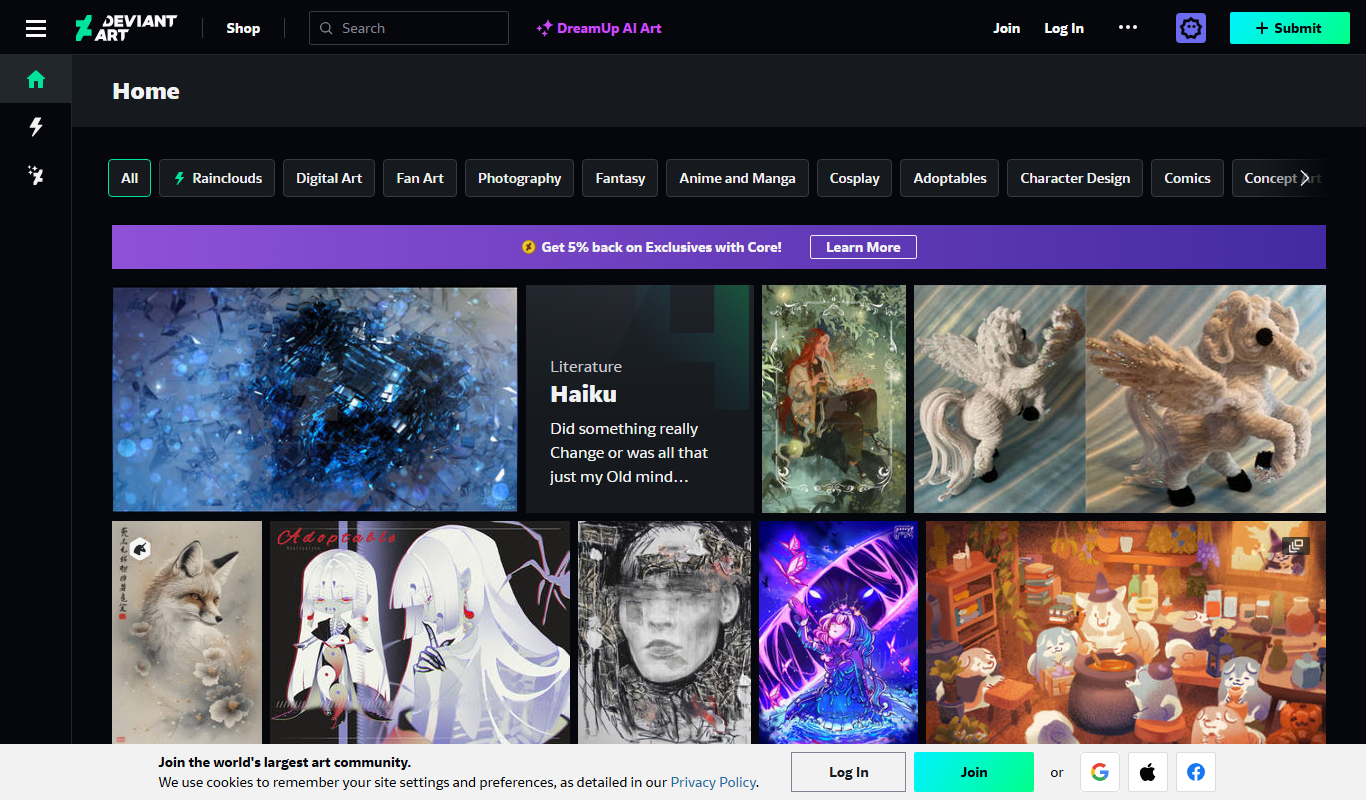
DeviantArt
DeviantArt is an online platform where artists can upload, share, and sell their artwork while connecting with a global creative community.
More AI Background Generator tools
Other tools in the same category, for when this one is not quite the fit.

Patterninja
Patterninja is a free web-based tool for creating seamless, repeatable patterns and backgrounds with an easy drag-and-drop interface and export options in PNG and SVG.

Cool Backgrounds
Cool Backgrounds is a free web tool that uses AI to generate customizable gradients, patterns, and abstract backgrounds for websites and social media.
Little Author
Little Author is an app from Blue Giraffe Labs that builds children's stories with AI from the 5Ws questions.

Favicon Helper
Favicon Helper is a free web tool that allows you to generate and convert favicons in multiple formats like ICO, PNG, GIF, and JPG quickly and without registration.

Get Waves
Get Waves is a free online tool that generates customizable SVG wave backgrounds for web and graphic design, allowing users to adjust wave complexity, colors, and orientation with real-time preview and export options.
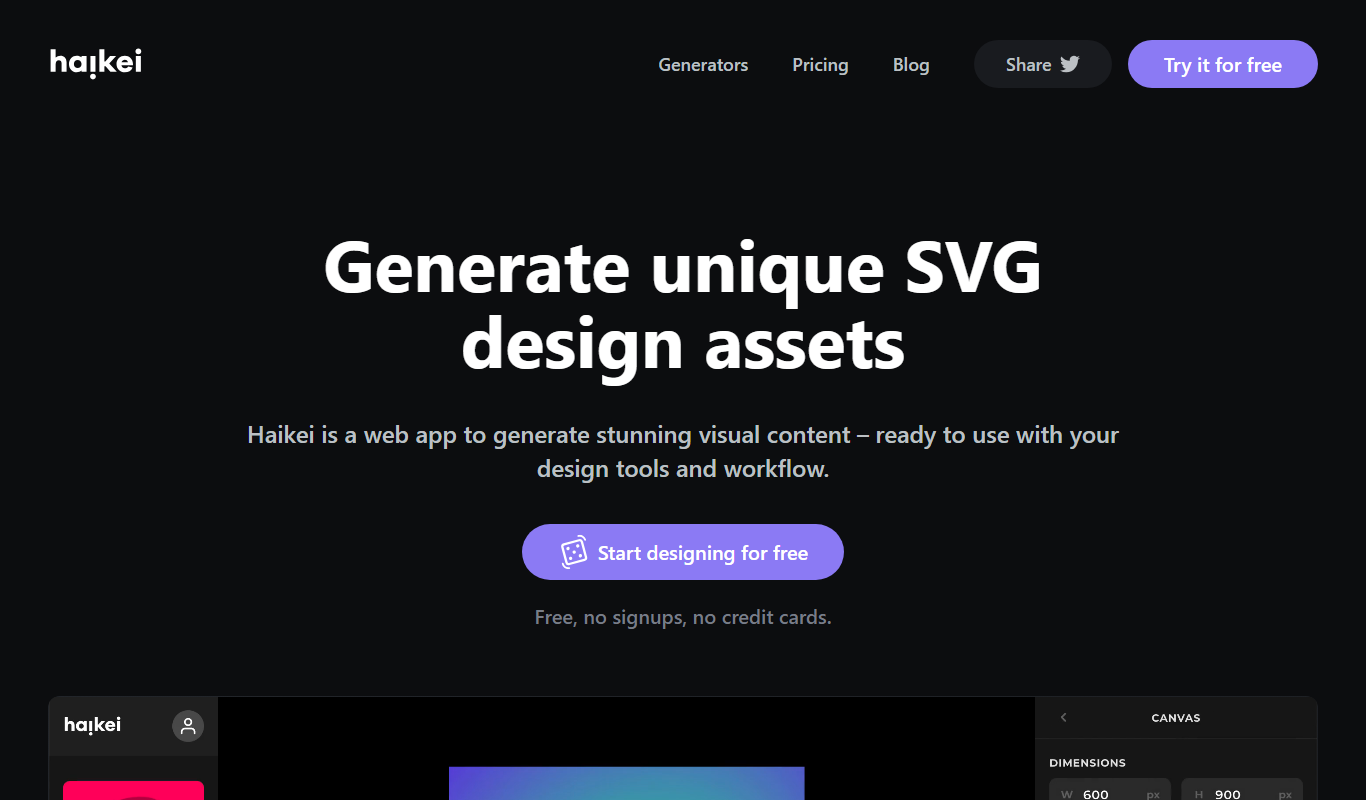
Haikei
Haikei is a free web-based generator of random SVG shapes and backgrounds built from adjustable parameters, with unlimited downloads.
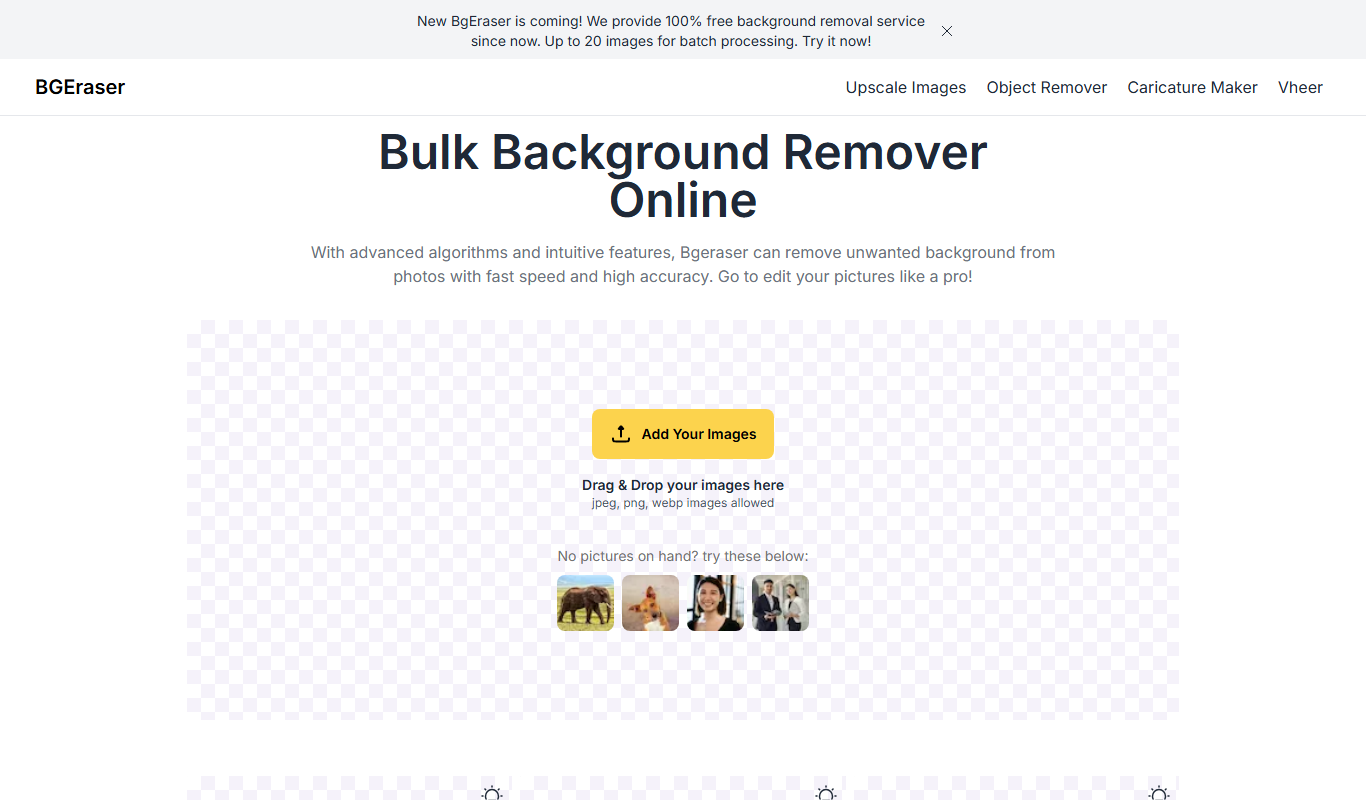
Bg.Eraser
Bg.Eraser is an AI-based online tool that automatically removes backgrounds from images, providing transparent PNG outputs suitable for e-commerce, design, and content creation.

Bulk Image Generation
Bulk Image Generation is an AI tool that allows users to create large batches of images from text prompts quickly, with options for customization and API integration.