

From my experience with Get Waves, I found it excels at providing a straightforward, no-frills way to generate beautiful SVG wave backgrounds quickly. The tool’s simplicity and real-time preview make it ideal for designers and developers who want to add modern wave shapes to their projects without fuss or cost. While it’s limited to wave generation and lacks advanced editing features, it perfectly serves its niche for clean, scalable vector backgrounds. Overall, if you need customizable wave shapes for web or graphic design, Get Waves is a reliable and free resource.
Get Waves - Free SVG Wave Generator for Modern Web Backgrounds
Get Waves is a free online tool that generates customizable SVG wave backgrounds for web and graphic design, allowing users to adjust wave complexity, colors, and orientation with real-time preview and export options.
- Best for
- Web Design Backgrounds
- Key capability
- Customizable Wave Complexity

Do you recommend this tool?
What is Get Waves?
Get Waves is a free, web-based SVG wave generator that allows users to create smooth, customizable wave shapes for use in web design and graphic projects. It provides an intuitive interface to adjust wave complexity, colors, and orientation, enabling designers and developers to generate scalable vector backgrounds without coding.
Key features of Get Waves
The tool offers a simple slider-based interface to customize wave complexity, height, and colors. Users can preview waves in real-time and export the generated SVG code or download the image for immediate use in projects.
Customizable Wave Complexity
Adjust the number of wave peaks and troughs to create simple or intricate shapes.
Color Customization
Select start and end colors for gradient wave fills to match your design palette.
Orientation Options
Flip waves vertically or horizontally to fit different design needs.
Real-Time Preview
Instantly see changes as you tweak parameters for efficient design iteration.
Free SVG Export
Download or copy clean SVG code without watermarks or restrictions.
Pros and cons of Get Waves
Pros
- Easy to use with intuitive sliders and color pickers
- Completely free with no account or payment needed
- Generates clean, scalable SVG code for web and graphic use
- Real-time preview accelerates design workflow
- No software installation required, fully web-based
Cons
- Limited to wave shape generation only
- No advanced editing or layering features
- No offline or mobile app versions
Key use cases for Get Waves
Web Design Backgrounds
Create custom SVG wave backgrounds to enhance website aesthetics with smooth, modern shapes.
Graphic Design Elements
Generate unique wave shapes for use in digital graphics, presentations, or branding materials.
UI/UX Prototyping
Quickly produce wave patterns to prototype user interfaces and test visual concepts.
Marketing Materials
Design eye-catching wave backgrounds for social media posts, banners, and advertisements.
How Get Waves works
- 1
Access the Website
Open the Get Waves web app in your browser at getwaves.io.
- 2
Customize Wave Parameters
Use sliders and color pickers to adjust wave complexity, height, and colors.
- 3
Preview the Wave
View the wave shape update live as you modify settings.
- 4
Export or Download
Copy the SVG code or download the wave as an SVG file for use in your projects.
Who is using Get Waves
Web designers
Graphic designers
Frontend developers
Marketing professionals
Content creators
Get Waves pricing
Free
$0
Full access to all features with unlimited wave generations and exports.
Plans and prices are as published by the vendor and can change. Check the official site before you buy. Open the pricing page (opens in a new tab)
Frequently asked questions about Get Waves
Yes, Get Waves is completely free with no signup required.
Yes, you can pick start and end colors to create gradient wave fills.
You can export your wave designs as SVG files or copy the SVG code directly.
No, the interface is simple and user-friendly, suitable for beginners and professionals.
It depends on your specific needs and how you plan to use the tool. The official website and documentation are the best sources for the latest details.
Some tools offer a free plan or trial with limited features. Availability can vary, so confirm on the official website.
Yes, it can help with that use case depending on how you configure it and what features are available. You’ll get the best results with clear inputs and a defined goal.
Yes, it can help with that use case depending on how you configure it and what features are available. You’ll get the best results with clear inputs and a defined goal.
Sign in to review this tool.
Sign In to ReviewNo reviews yet
Be the first to share how this tool worked for you.
Ask about pricing, limits, or how it compares — or answer someone else.
Sign In to AskNo questions yet
Have a question about using or paying for this tool? Be the first to ask.
Featured on TiorAI



Alternative Tools
Explore similar AI tools that might fit your needs
Free
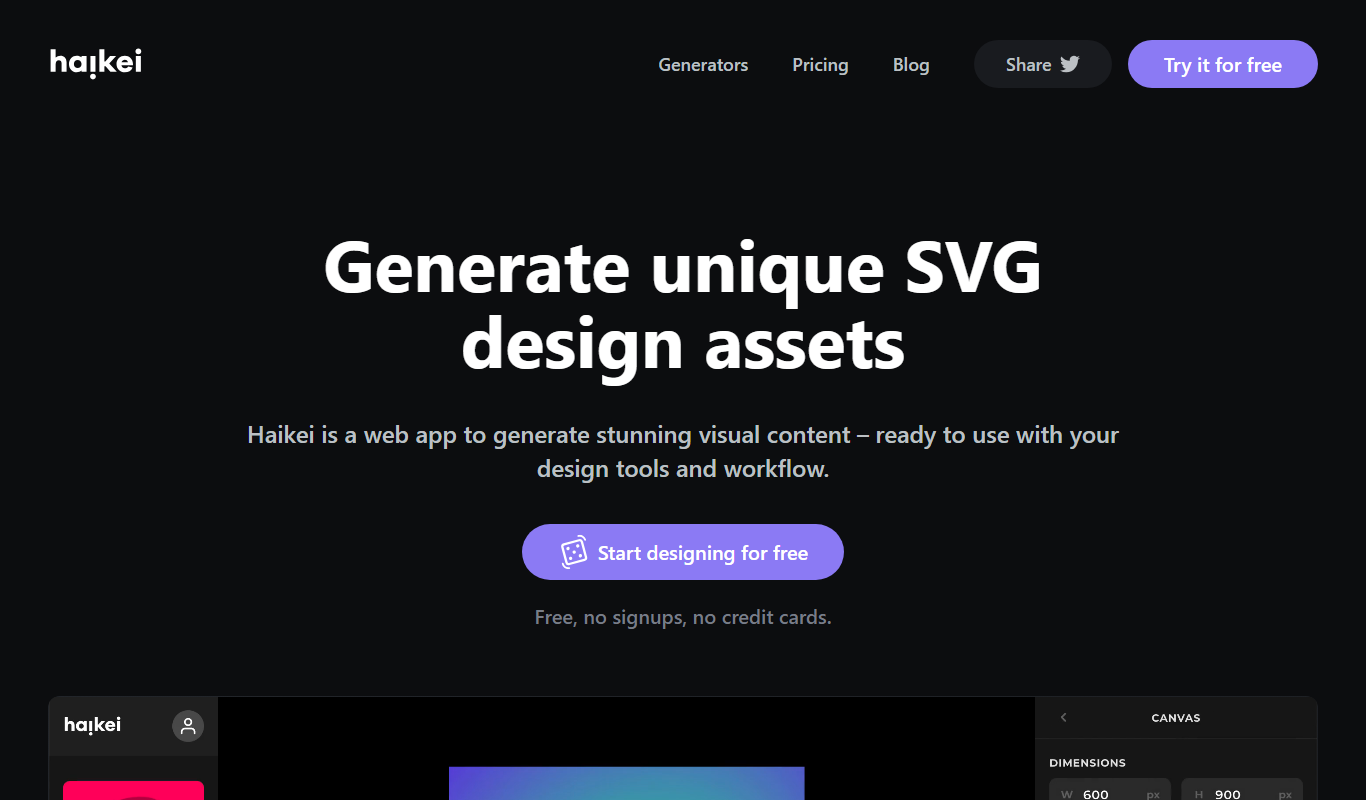
Haikei
Haikei is a web-based AI background generator that creates customizable SVG and abstract backgrounds for design projects, offering various styles and export options.
More AI Background Generator tools
Other tools in the same category, for when this one is not quite the fit.
Free Trial
Autopano
Autopano is a professional panorama stitching software that automatically merges multiple photos into seamless panoramic and 360-degree images, offering features like HDR support and batch processing.

Free
Patterninja
Patterninja is a free web-based tool for creating seamless, repeatable patterns and backgrounds with an easy drag-and-drop interface and export options in PNG and SVG.

Free
Cool Backgrounds
Cool Backgrounds is a free web tool that uses AI to generate customizable gradients, patterns, and abstract backgrounds for websites and social media.

Free
Wallhaven
Wallhaven is a free online platform offering a vast collection of high-quality HD and 4K wallpapers for desktops and mobile devices, featuring advanced search filters and community uploads.

Free
ChromaCam
ChromaCam is AI-driven software that removes or replaces webcam backgrounds in real-time without a green screen, compatible with popular video platforms.
Credit-based
123RF AI Search Engine
123RF AI Search Engine is an AI-powered tool that enables users to find relevant stock photos by keyword or image upload, improving search accuracy and speed.
Free
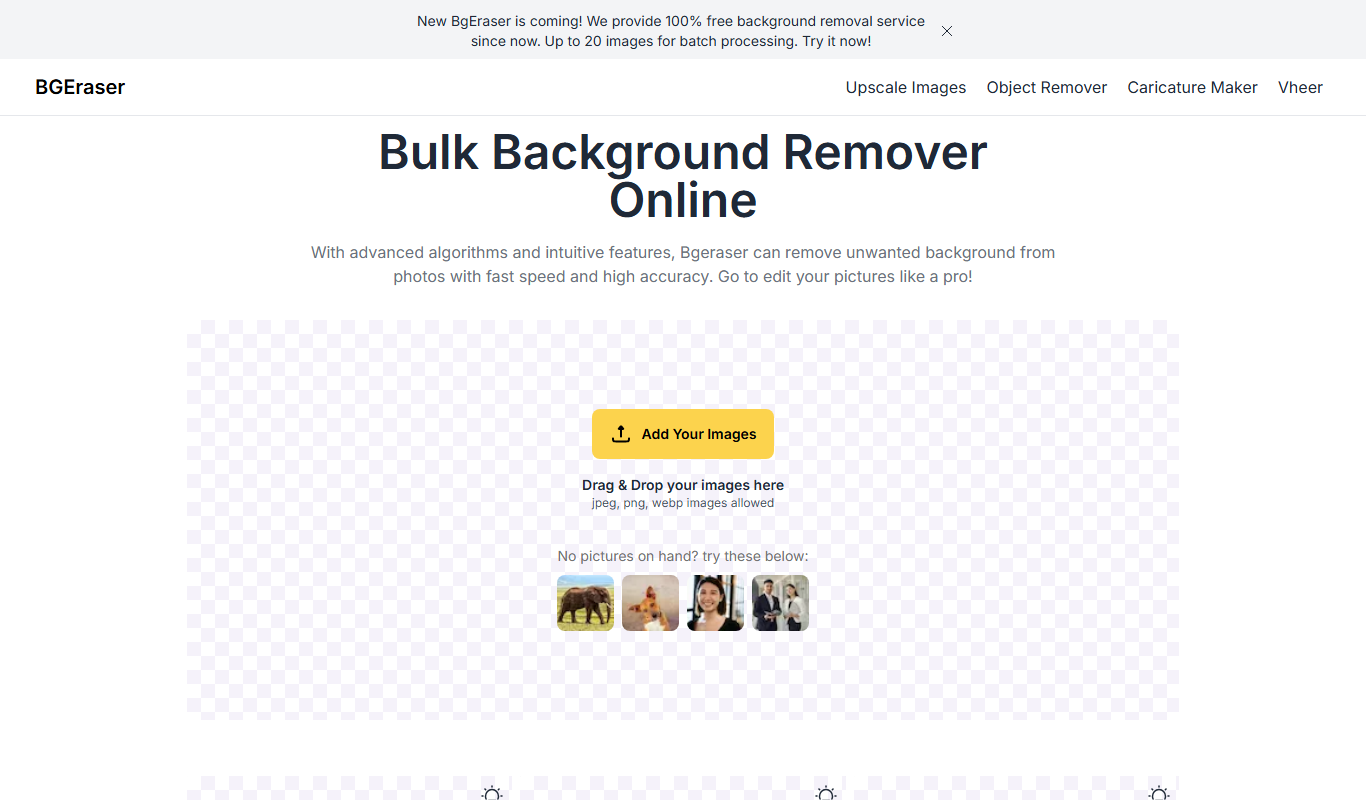
Bg.Eraser
Bg.Eraser is an AI-based online tool that automatically removes backgrounds from images, providing transparent PNG outputs suitable for e-commerce, design, and content creation.

Free
DeepfakeScam
DeepfakeScam is a free AI-powered web tool that detects deepfake videos by analyzing facial and video inconsistencies to help users verify authenticity and prevent scams.