

From my experience with Autopano, I found it excels at automatically stitching multiple photos into seamless panoramic images with minimal user intervention. Its support for HDR panoramas and batch processing makes it a valuable tool for professional photographers and virtual tour creators. However, since Kolor discontinued development after GoPro’s acquisition, the software lacks recent updates and modern cloud integration, which may limit long-term use. Overall, if you need reliable desktop panorama stitching with advanced features, Autopano delivers solid and precise results.
Autopano Panorama Stitching Software for Professional Image Merging
Autopano is a professional panorama stitching software that automatically merges multiple photos into seamless panoramic and 360-degree images, offering features like HDR support and batch processing.
- Best for
- Panorama Creation
- Key capability
- Automatic Image Alignment
Do you recommend this tool?
What is Autopano?
Autopano is a professional panorama stitching software developed by Kolor, designed to automatically merge multiple photographs into seamless panoramic images. It supports a wide range of image formats and offers advanced features such as automatic image alignment, color correction, and exposure blending. Autopano is widely used by photographers and visual artists to create high-quality panoramas and immersive 360-degree images.
Key features of Autopano
Autopano provides automatic photo detection and stitching, advanced color and exposure correction, support for HDR panoramas, batch processing capabilities, and compatibility with various image formats. It also includes tools for manual control to fine-tune stitching results and export options for multiple panorama formats.
Automatic Image Alignment
Detects and aligns overlapping photos automatically for seamless stitching.
Color and Exposure Correction
Adjusts color balance and exposure differences between images for uniform results.
HDR Panorama Support
Combines bracketed exposures to create high dynamic range panoramic images.
Batch Processing
Allows stitching of multiple panorama projects simultaneously to improve productivity.
Manual Control Points Editing
Enables users to manually add or adjust control points for precise stitching.
Pros and cons of Autopano
Pros
- Highly accurate automatic stitching
- Supports HDR and 360-degree panoramas
- Batch processing saves time
- Manual control for fine adjustments
- User-friendly interface
Cons
- No longer actively developed or updated
- Limited to desktop platforms (Windows and MacOS)
- Lacks integration with newer cloud workflows
Key use cases for Autopano
Panorama Creation
Automatically stitch multiple photos into seamless panoramic images for professional photography.
360-Degree Photo Stitching
Generate immersive 360-degree photos by merging images captured from all angles.
Virtual Tours
Create high-quality panoramic images suitable for virtual tours and real estate presentations.
HDR Panorama
Combine bracketed exposures to produce high dynamic range panoramic images with enhanced detail.
Batch Processing
Process multiple panorama projects simultaneously to save time and improve workflow efficiency.
How Autopano works
- 1
Import Photos
Load multiple overlapping photos into the software for stitching.
- 2
Automatic Detection
Autopano automatically detects overlapping areas and aligns images.
- 3
Stitching and Blending
The software merges images, corrects colors and exposure, and blends seams.
- 4
Manual Adjustments
Users can manually adjust control points and settings to refine the panorama.
- 5
Export Panorama
Export the final panoramic image in various formats including equirectangular for 360 photos.
Who is using Autopano
Professional photographers
Real estate agents creating virtual tours
Visual artists and designers
Travel bloggers and content creators
VR content developers
Autopano pricing
Free Trial
$0
Limited-time trial with full features to test the software.
Standard License
Approx. $99 one-time
Full version with all features and no time restrictions.
Plans and prices are as published by the vendor and can change. Check the official site before you buy. Open the pricing page (opens in a new tab)
Frequently asked questions about Autopano
Kolor discontinued Autopano development after GoPro’s acquisition, so no new updates are released, but the software remains functional.
Autopano is available for Windows and MacOS operating systems.
Yes, it supports stitching images into 360-degree panoramic formats suitable for VR and virtual tours.
Yes, it can merge bracketed exposures to create high dynamic range panoramas.
This tool is designed to help users accomplish its core tasks more efficiently. It is typically used by individuals or teams looking to improve productivity and workflow.
Yes, it can help with that use case depending on how you configure it and what features are available. You’ll get the best results with clear inputs and a defined goal.
Yes, it can help with that use case depending on how you configure it and what features are available. You’ll get the best results with clear inputs and a defined goal.
Pricing depends on the plan and included features. For the most accurate and up-to-date details, check the official pricing page.
Sign in to review this tool.
Sign In to ReviewNo reviews yet
Be the first to share how this tool worked for you.
Ask about pricing, limits, or how it compares — or answer someone else.
Sign In to AskNo questions yet
Have a question about using or paying for this tool? Be the first to ask.
Featured on TiorAI



Alternative Tools
Explore similar AI tools that might fit your needs

Free Trial
PTGui
PTGui is a professional panorama stitching software that creates seamless 360-degree and HDR panoramic images by combining multiple photos with advanced alignment and blending tools.
More AI Background Generator tools
Other tools in the same category, for when this one is not quite the fit.

Free
Patterninja
Patterninja is a free web-based tool for creating seamless, repeatable patterns and backgrounds with an easy drag-and-drop interface and export options in PNG and SVG.

Free
Cool Backgrounds
Cool Backgrounds is a free web tool that uses AI to generate customizable gradients, patterns, and abstract backgrounds for websites and social media.

Free
Wallhaven
Wallhaven is a free online platform offering a vast collection of high-quality HD and 4K wallpapers for desktops and mobile devices, featuring advanced search filters and community uploads.

Free
ChromaCam
ChromaCam is AI-driven software that removes or replaces webcam backgrounds in real-time without a green screen, compatible with popular video platforms.

Free
Get Waves
Get Waves is a free online tool that generates customizable SVG wave backgrounds for web and graphic design, allowing users to adjust wave complexity, colors, and orientation with real-time preview and export options.
Free
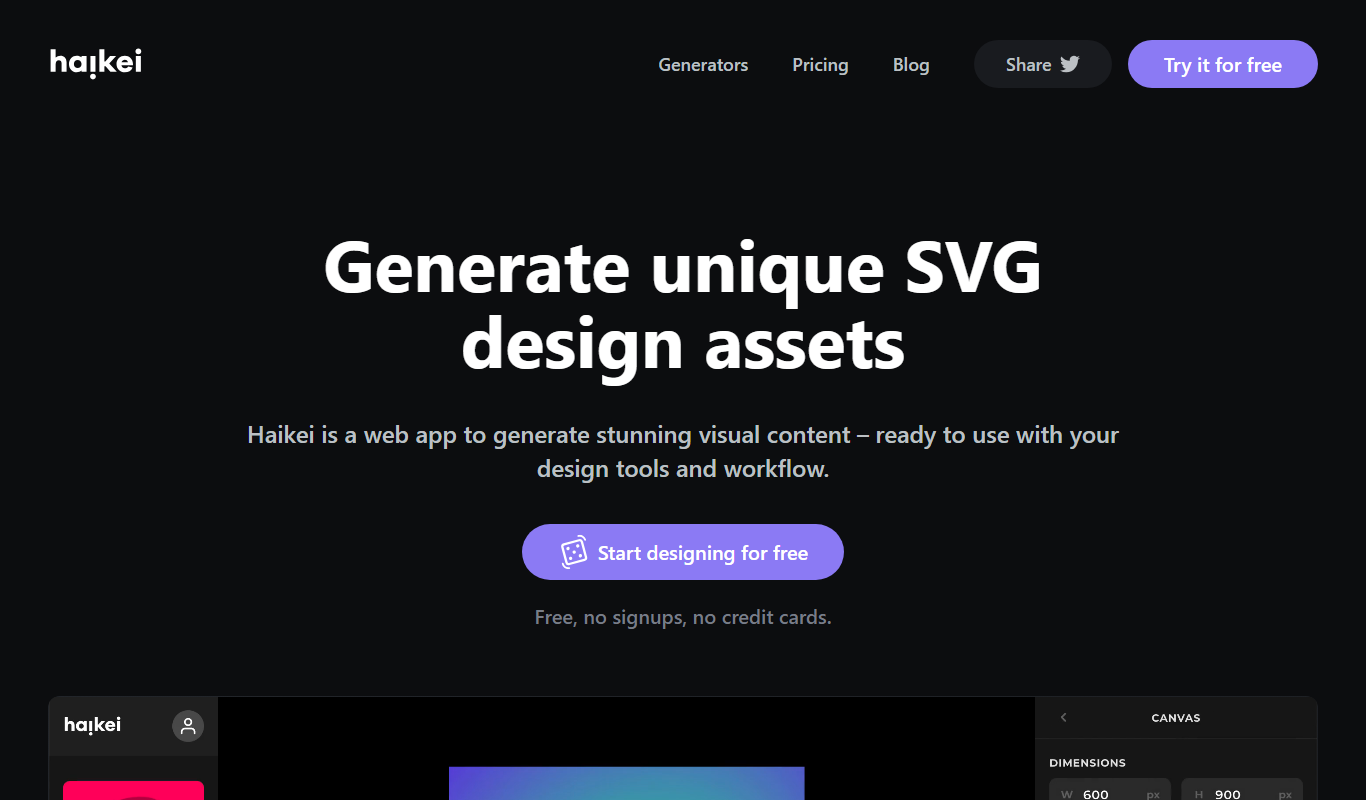
Haikei
Haikei is a web-based AI background generator that creates customizable SVG and abstract backgrounds for design projects, offering various styles and export options.
Credit-based
123RF AI Search Engine
123RF AI Search Engine is an AI-powered tool that enables users to find relevant stock photos by keyword or image upload, improving search accuracy and speed.
Free
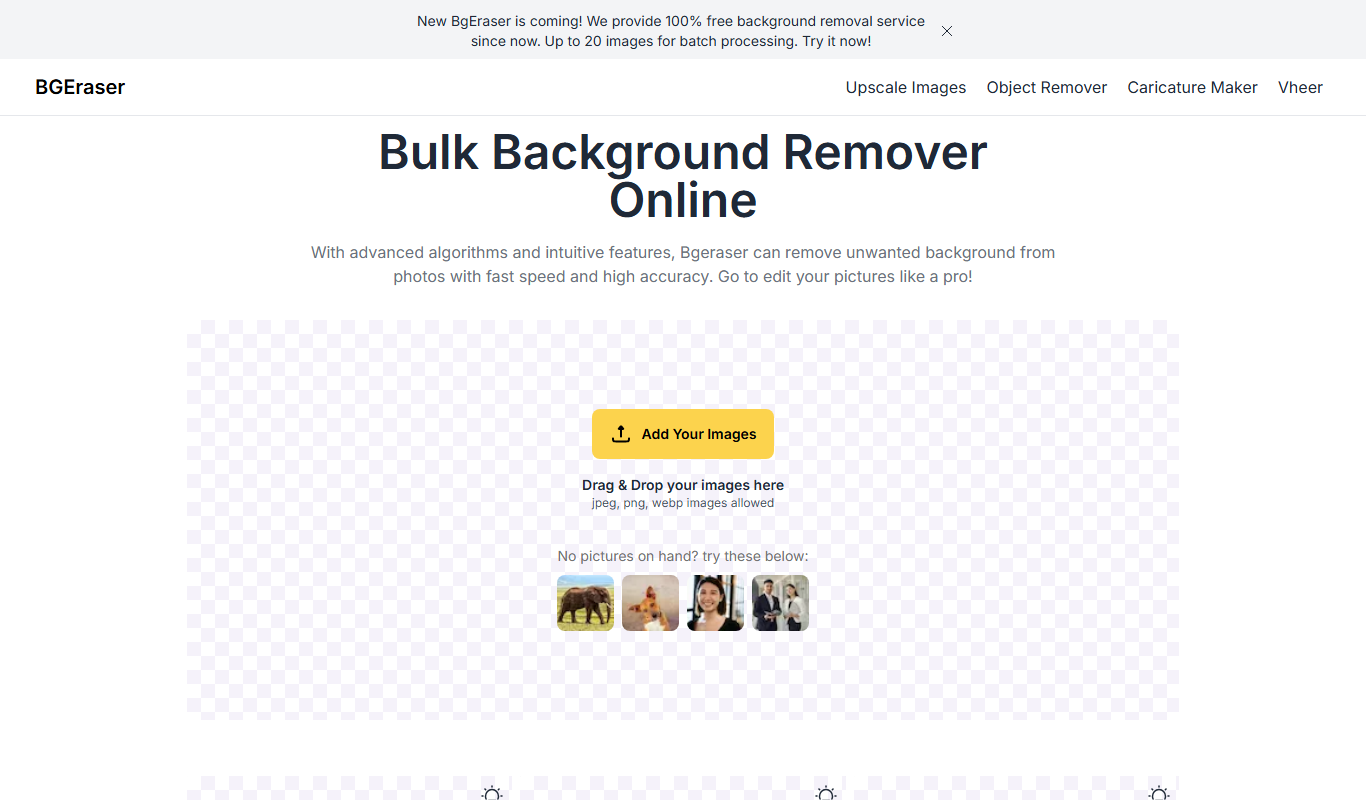
Bg.Eraser
Bg.Eraser is an AI-based online tool that automatically removes backgrounds from images, providing transparent PNG outputs suitable for e-commerce, design, and content creation.