

From my experience with Patterninja, I found it excels at providing a straightforward and accessible way to create seamless patterns without any prior design skills. The drag-and-drop interface combined with real-time preview makes pattern creation intuitive and efficient. It’s particularly well-suited for graphic designers, web designers, and content creators who need quick custom backgrounds or textures. However, the tool lacks advanced editing features found in professional software and is limited to web use only. Overall, if you want a free, easy-to-use pattern maker for digital projects, Patterninja delivers solid results.
Patterninja Pattern Maker Tool for Custom Seamless Backgrounds and Textures
Patterninja is a free web-based tool for creating seamless, repeatable patterns and backgrounds with an easy drag-and-drop interface and export options in PNG and SVG.
- Best for
- Graphic Design
- Key capability
- Drag-and-Drop Interface
Your actions
Save Patterninja, follow its updates and vote on it — everything stays in your account.
Sign in or create a free account
What is Patterninja?
Patterninja is a free, web-based pattern maker tool that allows users to create seamless, repeatable patterns and backgrounds easily. It provides an intuitive drag-and-drop interface where users can combine various shapes, icons, and colors to design unique patterns without any graphic design experience.
Key features of Patterninja
Patterninja offers a user-friendly workspace with a library of shapes and icons, color customization, layering, and real-time preview of seamless patterns. Users can export their creations in high-resolution formats for use in various design projects.
Drag-and-Drop Interface
Easily add and arrange pattern elements with intuitive controls.
Seamless Pattern Preview
Instantly see how your pattern repeats to ensure smooth tiling.
Customizable Colors and Sizes
Adjust colors and scale of individual elements to match your design needs.
Shape and Icon Library
Access a variety of pre-made shapes and icons to build your pattern.
Export Options
Download patterns in high-resolution PNG or scalable SVG formats.
Pros and cons of Patterninja
Pros
- Easy-to-use drag-and-drop interface
- No cost or sign-up required
- Real-time seamless pattern preview
- Supports custom uploads
- Exports high-quality PNG and SVG files
Cons
- Limited advanced editing features compared to professional design software
- No offline or mobile app versions available
Key use cases for Patterninja
Graphic Design
Create seamless patterns and textures for use in graphic design projects such as posters, flyers, and branding materials.
Web Design
Generate custom background patterns to enhance website aesthetics and user experience.
Textile and Surface Design
Design unique repeat patterns suitable for textiles, wallpapers, and other surface decoration applications.
Social Media Content
Produce eye-catching patterned backgrounds for social media posts and stories.
Digital Art
Incorporate custom patterns into digital artworks and illustrations.
How Patterninja works
- 1
Access the Website
Open Patterninja.com in a web browser to start creating patterns without any installation.
- 2
Choose or Upload Elements
Select from the built-in library of shapes or upload your own graphics to use in the pattern.
- 3
Arrange and Customize
Drag and drop elements onto the canvas, adjust colors, sizes, and layering to create your desired pattern.
- 4
Preview Seamless Pattern
View the repeating pattern in real-time to ensure seamlessness and visual appeal.
- 5
Export Your Design
Download the pattern in PNG or SVG format for use in your projects.
Who is using Patterninja
Graphic designers
Web designers
Textile and surface pattern designers
Social media content creators
Digital artists
Patterninja pricing
Free
$0
Full access to pattern creation tools with free downloads.
Plans and prices are as published by the vendor and can change. Check the official site before you buy. Open the pricing page (opens in a new tab)
Frequently asked questions about Patterninja
Yes, Patterninja is completely free to use with no subscription required.
Yes, you can upload your own graphics to incorporate into your patterns.
You can export your patterns as PNG or SVG files.
No account is necessary; you can start designing patterns immediately on the website.
It depends on your specific needs and how you plan to use the tool. The official website and documentation are the best sources for the latest details.
Yes, it can help with that use case depending on how you configure it and what features are available. You’ll get the best results with clear inputs and a defined goal.
Yes, it can help with that use case depending on how you configure it and what features are available. You’ll get the best results with clear inputs and a defined goal.
Sign in to review this tool.
Sign In to ReviewNo reviews yet
Be the first to share how this tool worked for you.
Ask about pricing, limits, or how it compares — or answer someone else.
Sign In to AskNo questions yet
Have a question about using or paying for this tool? Be the first to ask.
Featured on TiorAI



Alternative Tools
Explore similar AI tools that might fit your needs

Free
Repper
Repper is a web tool that generates seamless, repeatable patterns from images, enabling designers to create unique patterns for various creative projects.
More AI Background Generator tools
Other tools in the same category, for when this one is not quite the fit.

Free
Cool Backgrounds
Cool Backgrounds is a free web tool that uses AI to generate customizable gradients, patterns, and abstract backgrounds for websites and social media.
Free
Little Author
Little Author is an app from Blue Giraffe Labs that builds children's stories with AI from the 5Ws questions.

Free
Favicon Helper
Favicon Helper is a free web tool that allows you to generate and convert favicons in multiple formats like ICO, PNG, GIF, and JPG quickly and without registration.

Free
Wallhaven
Wallhaven is a free online platform offering a vast collection of high-quality HD and 4K wallpapers for desktops and mobile devices, featuring advanced search filters and community uploads.

Free
Get Waves
Get Waves is a free online tool that generates customizable SVG wave backgrounds for web and graphic design, allowing users to adjust wave complexity, colors, and orientation with real-time preview and export options.
Free
Haikei
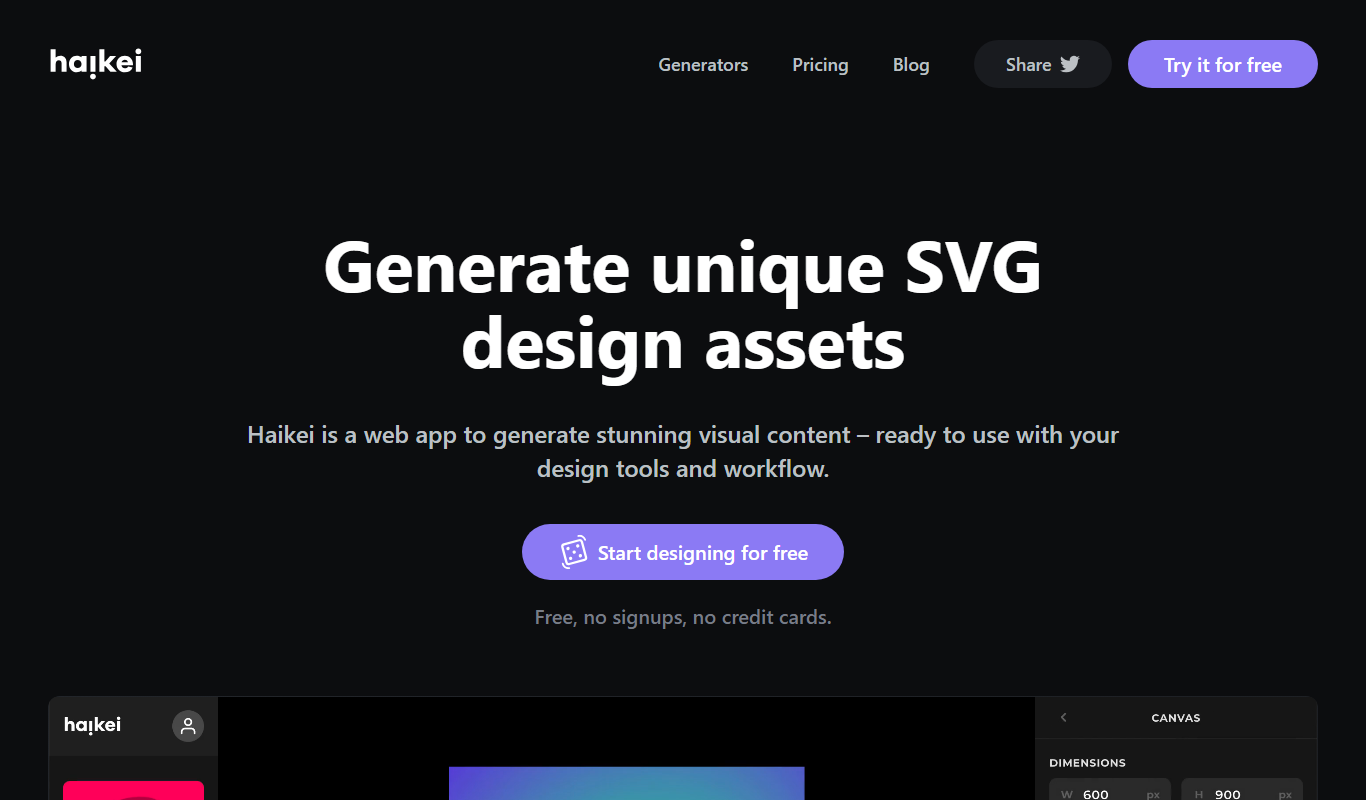
Haikei is a free web-based generator of random SVG shapes and backgrounds built from adjustable parameters, with unlimited downloads.
Free
Bg.Eraser
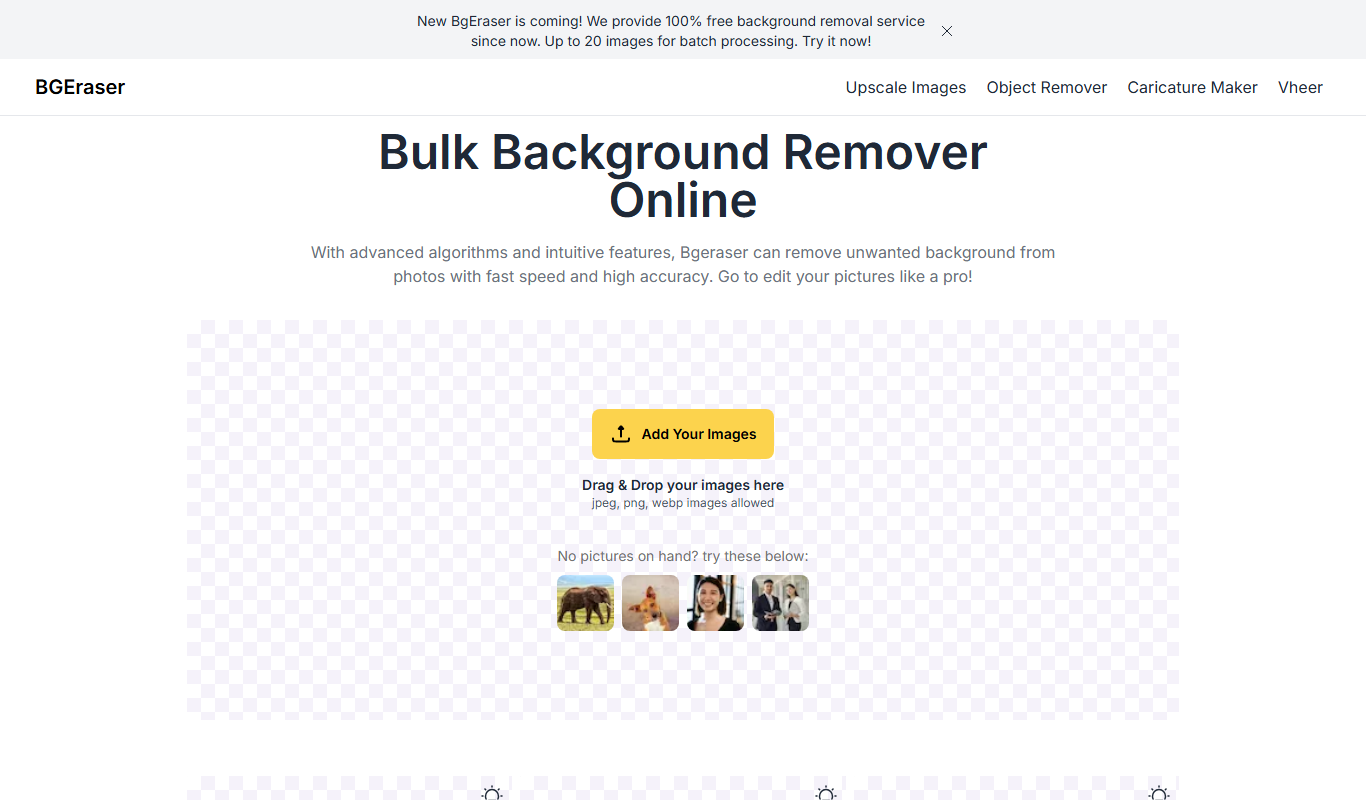
Bg.Eraser is an AI-based online tool that automatically removes backgrounds from images, providing transparent PNG outputs suitable for e-commerce, design, and content creation.
Free Trial
Bulk Image Generation
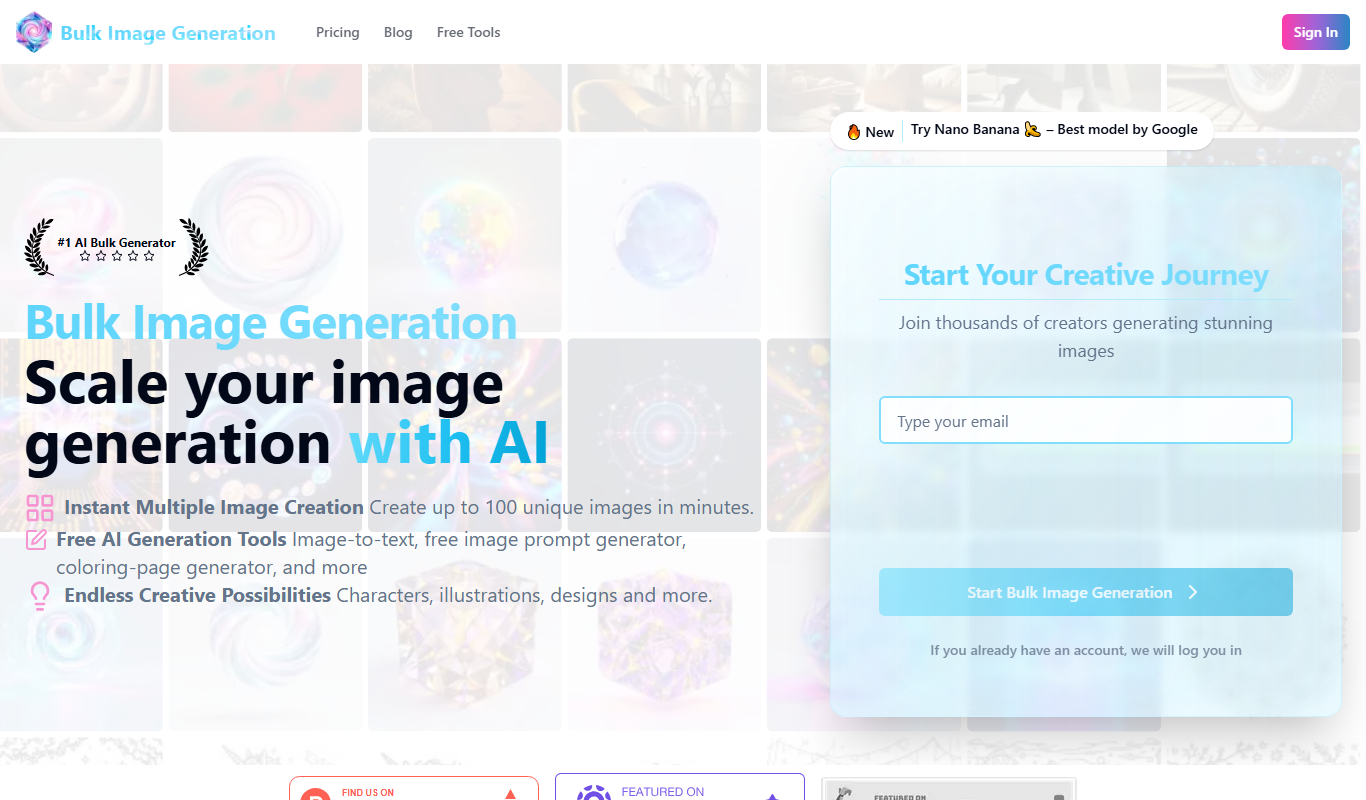
Bulk Image Generation is an AI tool that allows users to create large batches of images from text prompts quickly, with options for customization and API integration.